
Cantara Song is a song presentation software which can be used for presenting songs in churches, small groups or karaoke parties. It supports various input formats and can create beautiful presentation slides or export the presentation to various output formats (pictures, pptx, WhatsApp messages and a lot more) so that it can be used for a variety of purposes.
Cantara has the following advantages:
- Super-fast and lightweight: Cantara is less then 10 MB of size and uses the components available on the local operation system as far as possible. It contains no bloatware. It can be run on an old computer, a raspberry-pi and many more.
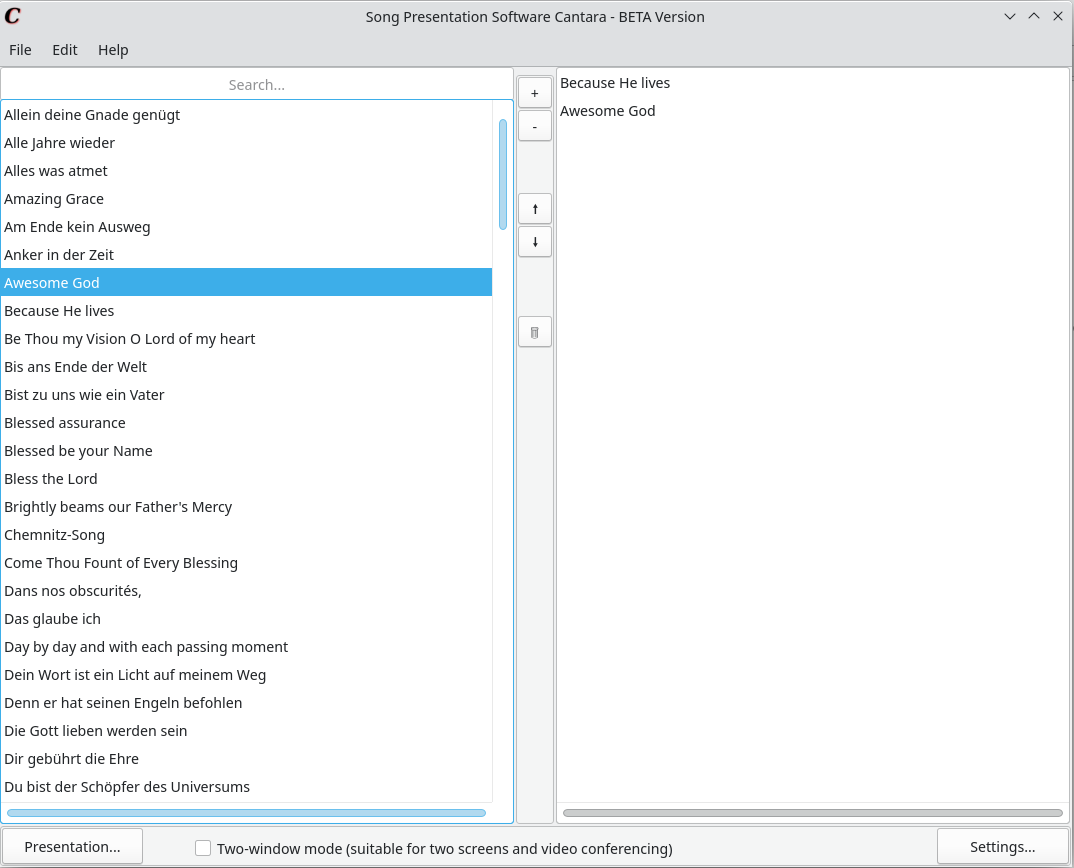
- Very easy to use: Accepts the most common input format (CCLI songselect lyrics file) and creats the presentation slides for an event in only a few seconds. The usage is very intuitive and user-friendly.
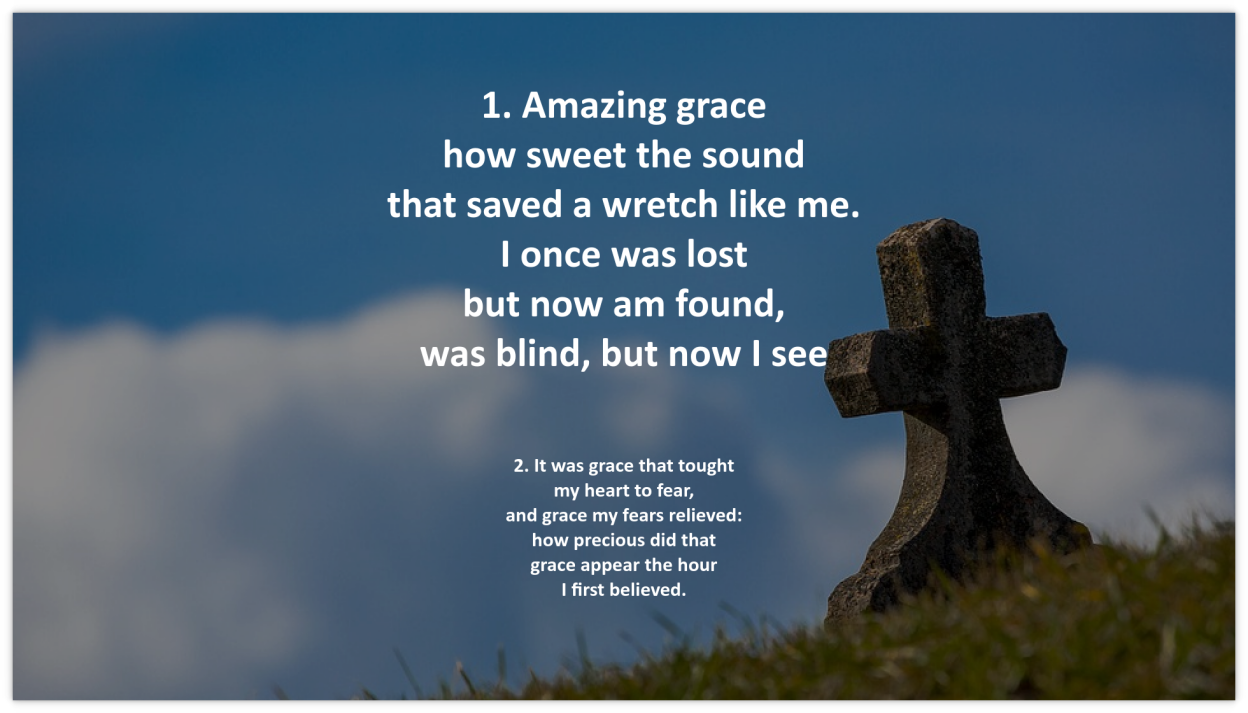
- Good integration with other presentation software: Cantara can export presentations to the PPTX format and therefore integrates easily with other presentation software like LibreOffice Impress or MS Powerpoint. It can be included in a complex workflow like a church service or even an online streaming event via OBS. In addition, you can export the lyrics to text formats and share them in messenger groups, as a HTML page etc.
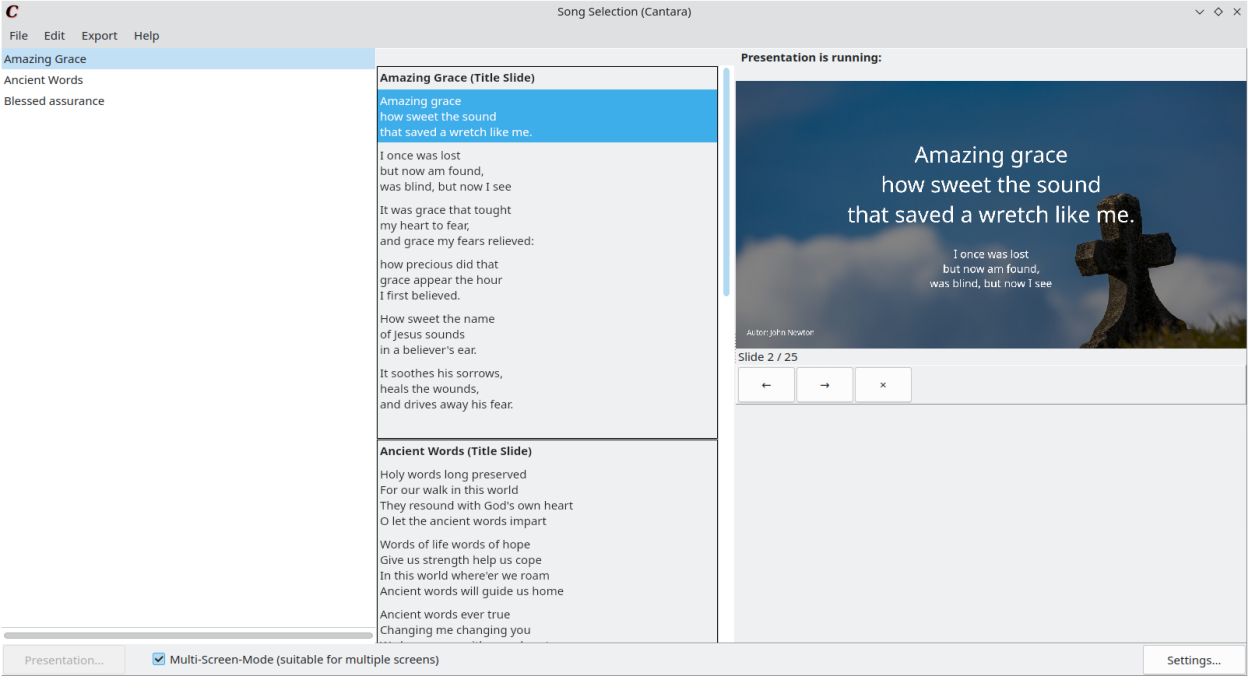
- Multi-Screen-Support: Multi Screen is supported out of the box.
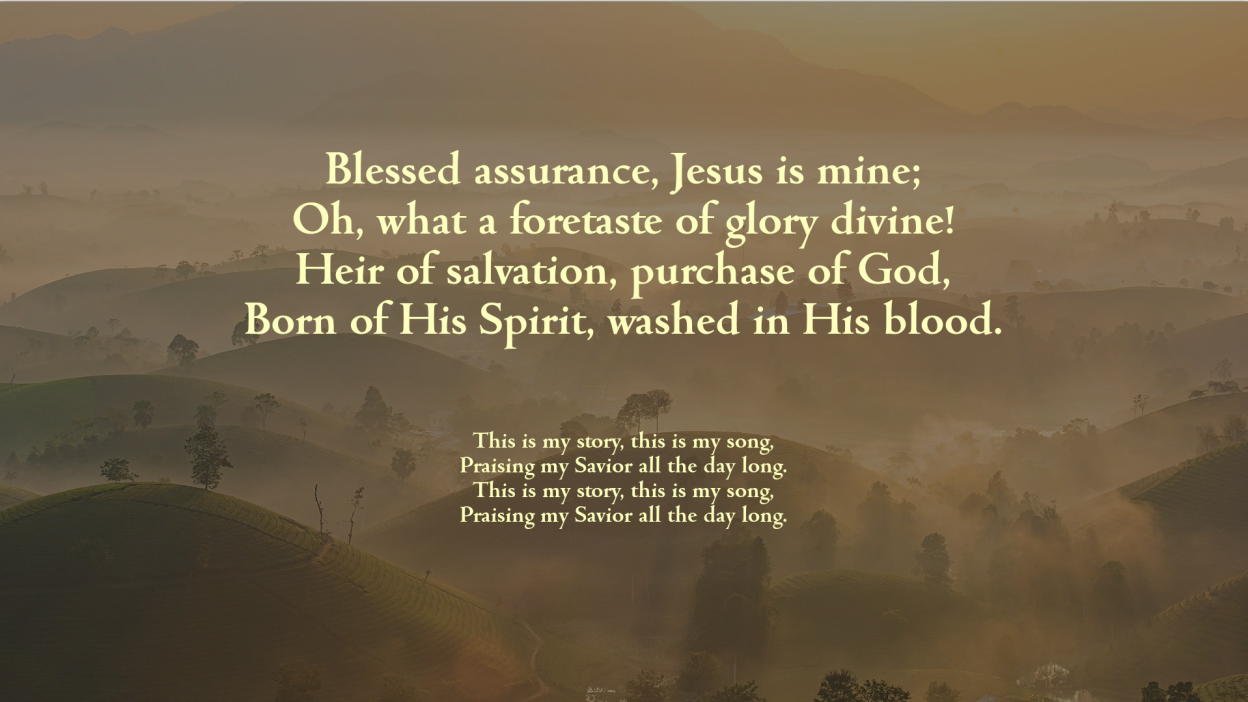
- Customizable Design and good outlook: The colors and fonts can be configured in the settings. In addition, you can set up a background picture and adjust it’s brightness/transparency. The presentations look beautiful and are easy to read.
- Multi language support: Cantara can present and export song presentations in two different languges at the same time.
- Free and Open Source: No license fees, no dependence on certain companies–Cantara is licensed under the GPL-3 and can be used everywhere and as you want.
- Used all over the world and continuously developed: Although Cantara is still a quite young project, people from many countries are using it. It has been translated to several langauges. In the future, more functions are going to be implemented.
Screenshots
Observed history
| App | Change | Version | When ↑ |
|---|
No observed changes yet.
The initial import establishes a baseline. Future version changes will appear here.
Browse the app catalogue →Upstream releases
Release notes supplied by the developer. These dates are not Flathub package publication times.
2.7.127 Feb 2026
New Features
- New button to toggle the screen to black during a presentation; the keyboard shortcut B has the same effect.
Bug Fixes
- Fixed memory leaks: Fonts (TFont) were never freed due to an unimplemented DestroyPresentationStyleSettings.
- Fixed a SIGSEGV crash when closing Cantara while a presentation was active.
- Fixed null pointer crashes during teardown by using safe FreeAndNil in all destructors.
- Fixed a font leak in the settings preview thread (TLoadImageThread).
- Fixed a canvas leak in the settings form.
2.7.021 Feb 2026
New Features
- Per-song style overrides: each song can now have its own background image, background colour, text colour, font, transparency and horizontal alignment, independent of the global settings.
- Per-song PPTX masters: when exporting to PowerPoint, each song can use its own custom master slide.
- Fade transition between slides with configurable duration (default: 150 ms).
- New setting: show a pure black screen when an empty slide is displayed.
- JSON song selection export/import: song selections can be saved as .json files that bundle song content, per-song styles and background images into one portable file.
- Dark mode support on Windows.
- Windows installer (Inno Setup).
- Third-party libraries dialog listing all dependencies and their licences.
Improvements
- Improved Flatpak permissions handling with XDG portal support.
- Improved text rendering with a custom word-wrap function.
- Updated and extended translations.
Bug Fixes
- Fixed a crash when starting a presentation after songs were added via "Select All", drag-and-drop, or the search filter.
- Fixed the song editor not opening the correct song from the context menu.
- Fixed background colour and transparency changes not being reflected in the style preview and in the presentation.
- Fixed metadata parsing truncating field values containing a colon.
- Fixed a layout overlap in the song style dialog.
- Fixed an exception when closing the application.
- Fixed .txt files not being recognised as valid song files.
2.6.031 May 2024
- Migrate to bgrabitmap for better handling and displaying of the presentation slides. In the future, further text effects like shadows etc. can be easily implemented.
- Redesign the multi screen presentation controller: In addition to the songs, every slide with content is listed and can be selected directly.
- Context menu of presentation window: Fullscreen and ending of presentation is now also selectable with that menu.
- Minor improvements of the song editor and full text search.
- Add "Select all Songs" under File menu in song selection.
- Bugfix: Wrong display of presentation when no specific font has been selected #24
- Bugfix: Drag and Drop exception in song selection window
- Bugfix: Wrong escaping of special characters in pptx-export
2.5.124 Oct 2023
- Improvement of Italian translation
- Improvement of presentation control window
- Fix opening/saving songtex file bug