
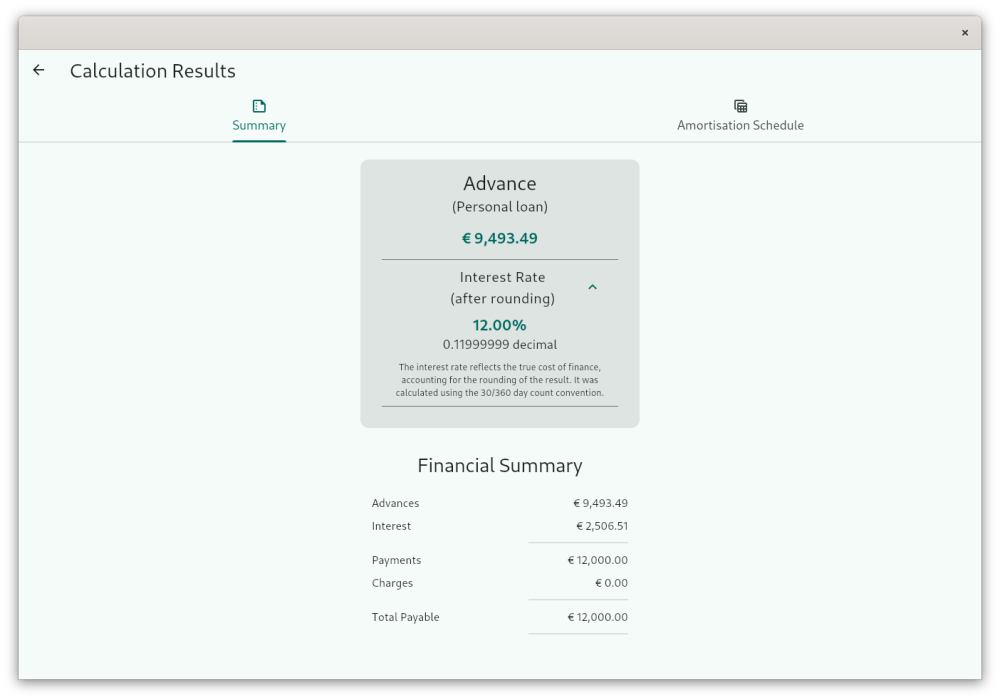
Curo Calculator is the ultimate tool for anyone needing to calculate loan, lease, and hire purchase repayments and interest rates. Perfect for both personal users and finance professionals, this app simplifies complex financial calculations.
Key Features Include:
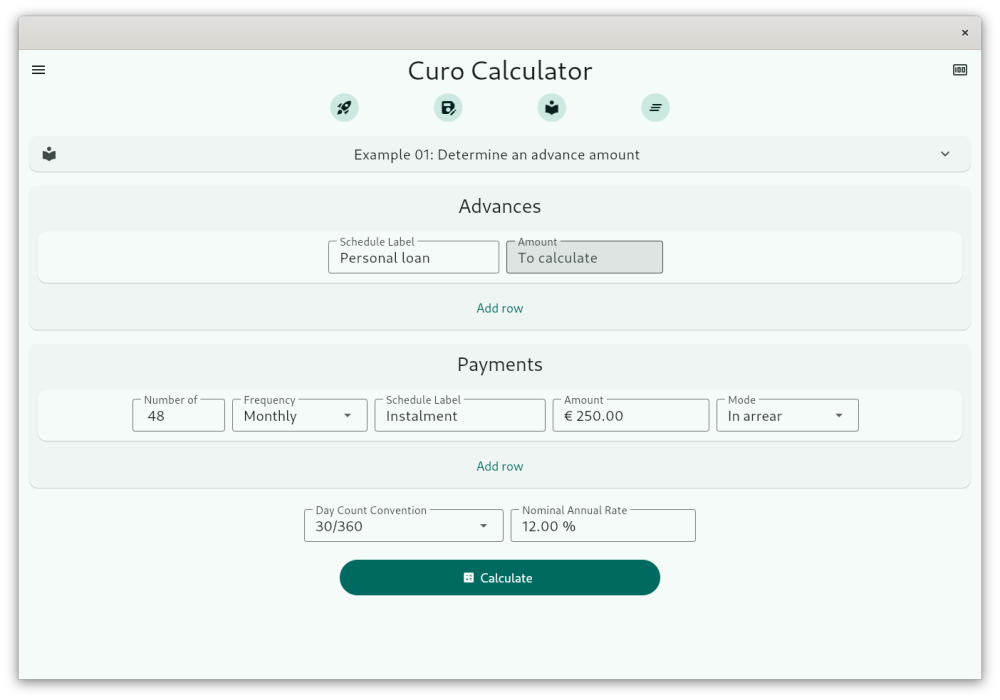
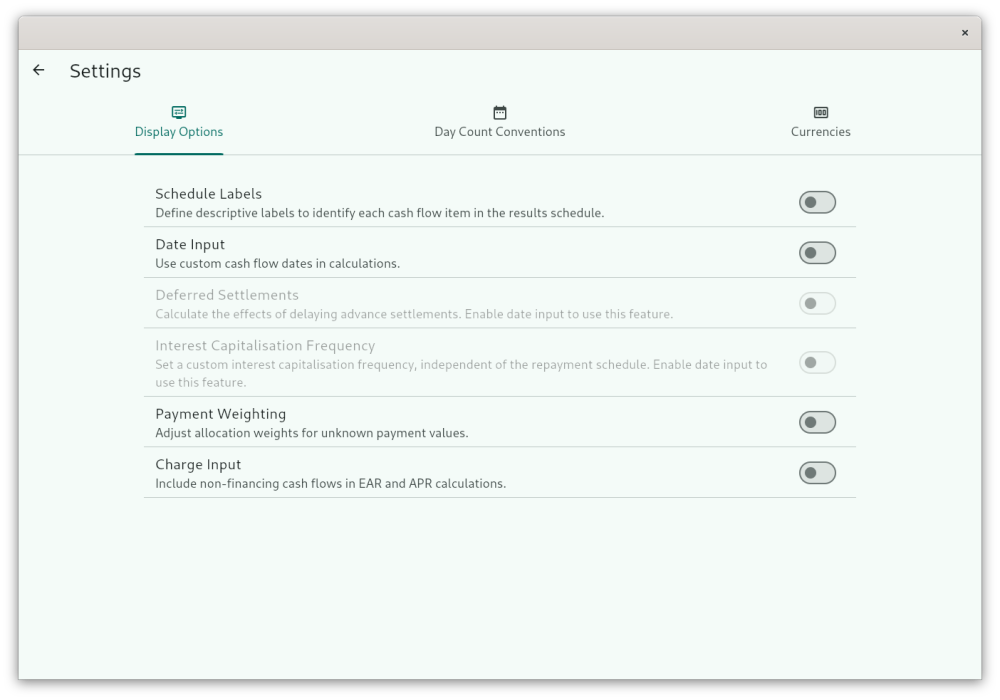
- Customizable Interface: Tailor the calculator's layout to suit your needs, whether for straightforward daily calculations or advanced financial scenarios.
- Guided Examples: Dive into usage with examples illustrating both basic and advanced features like payment weighting, deferred settlements, and 0% interest calculations. With just 3 clicks or taps, navigate from simple to complex calculations effortlessly.
- User-Defined Templates: Save time on repetitive tasks with templates tailored to your frequent calculations.
- Day Count Conventions: Supports multiple conventions like 30/360, Actual/365, Actual/Actual, and the EU's APR for consumer credit, ensuring accuracy across various financial contexts.
- Day Count Conventions: Supports a wide range of international standards including 30/360, Actual/365, Actual/Actual, and the EU APR, US Appendix J APR, and Brazil CET APR for consumer credit, ensuring accurate calculations across different regulatory environments and markets.
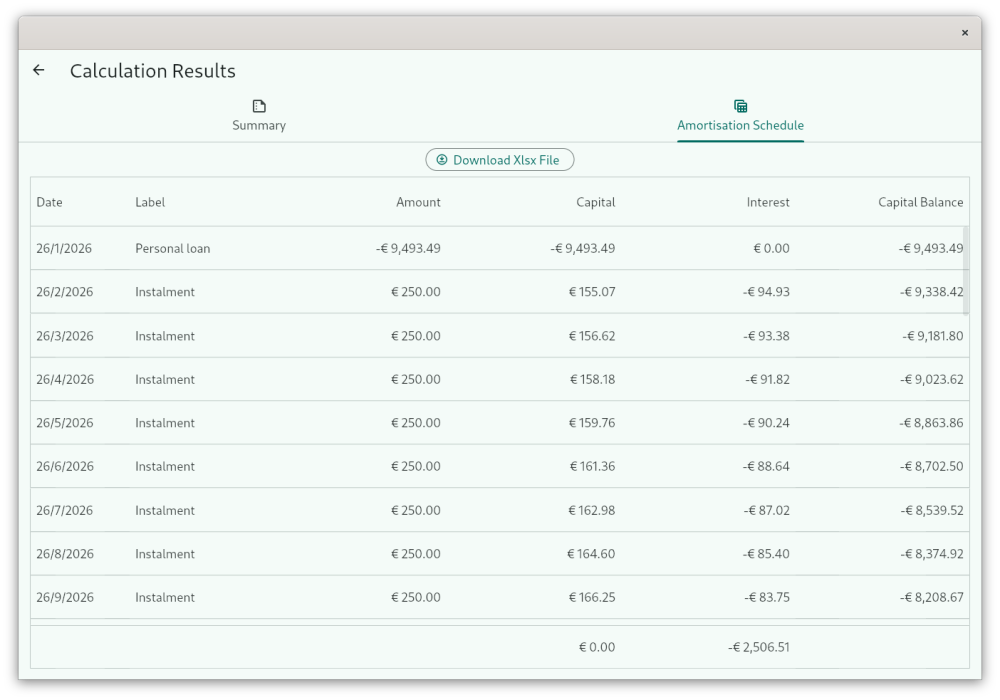
- Amortization and APR Proof Schedules: View results in clear, downloadable formats for further analysis or record-keeping.
- Comprehensive Online Support: Access an extensive help website that explains all features, provides examples, and more.
Curo Calculator is a proprietary Flutter-based app for advanced financial calculations, including loan, lease, and hire purchase payments and rates. It is built on the open-source Curo library available on GitHub.
Built on Debian GNU/Linux 12 (bookworm) with Flutter 3.38.9, distributed as a prebuilt binary.
Screenshots
Observed history
| App | Change | Version | When ↑ |
|---|
No observed changes yet.
The initial import establishes a baseline. Future version changes will appear here.
Browse the app catalogue →Upstream releases
Release notes supplied by the developer. These dates are not Flathub package publication times.
2.6.21 Apr 2026
Added support for the Brazilian **Custo Efetivo Total (CET)** day count convention.
This implements the official Brazilian equivalent of APR for closed-end consumer credit and financial leasing, as defined in **Resolução CMN nº 4.881/2020**.
2.6.12 Feb 2026
hotfix: Correct decimal separator handling for locales that use comma (`,`) instead of dot (`.`). Amounts now display properly on blur and initial load in affected regions. No changes to calculations or input flow.
2.6.01 Feb 2026
This release brings a major improvement to the input experience within the app.
- Replaced the previous numeric input control with a custom, modern formatter
- Cursor now stays exactly where expected during typing, editing in the middle, backspacing, and deleting — even across thousand separators and decimal points
- Supports pasting, locale-specific separators/symbols, and natural deletion behaviour
- Eliminates the biggest reported frustration when entering amounts, weights and percentages
No changes to calculations, templates or stored data — just a much smoother daily experience.
2.5.029 Jan 2026
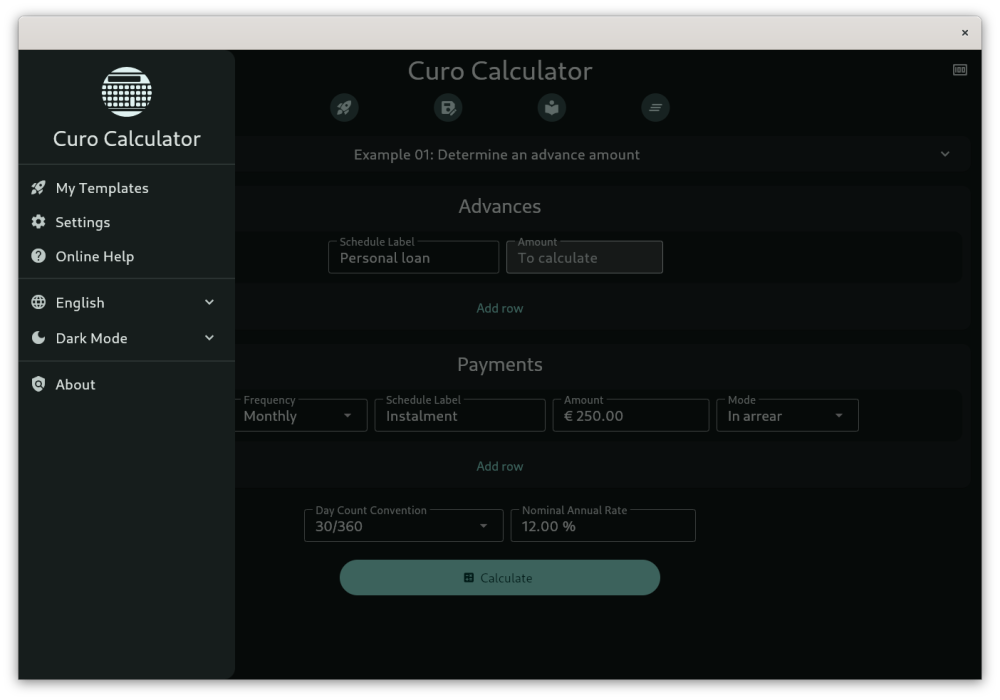
This version introduces greater user control with a new language switcher and theme selector, allowing you to customize the app's language and appearance (Light, Dark, or Automatic mode) directly within the app. These preferences are saved for future sessions.
Additionally, a custom splash screen has been added for Linux, providing a smoother and more branded startup experience.
All existing financial calculation features remain fully intact, with no changes to templates or functionality.