

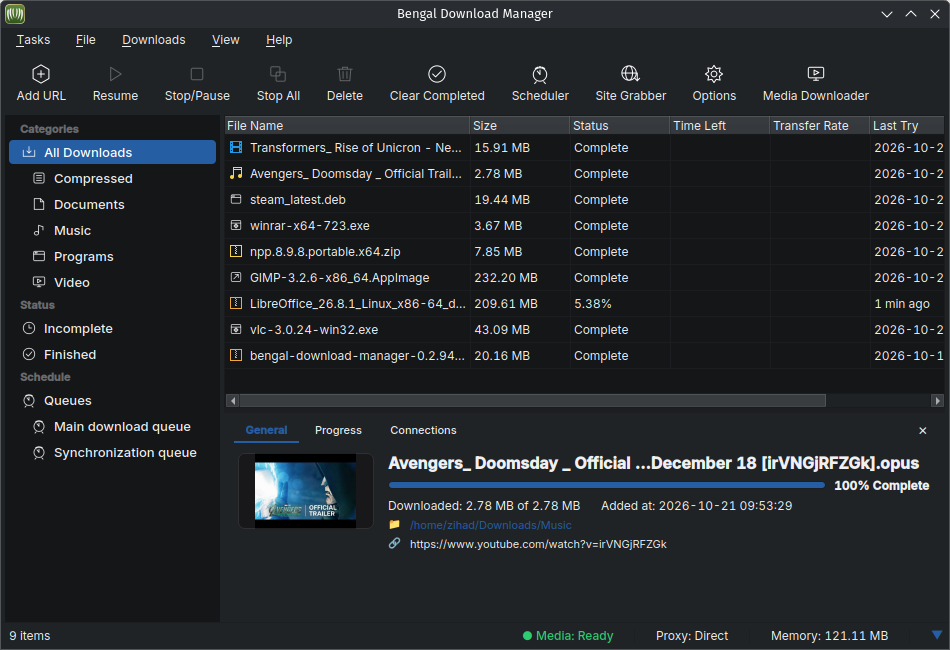
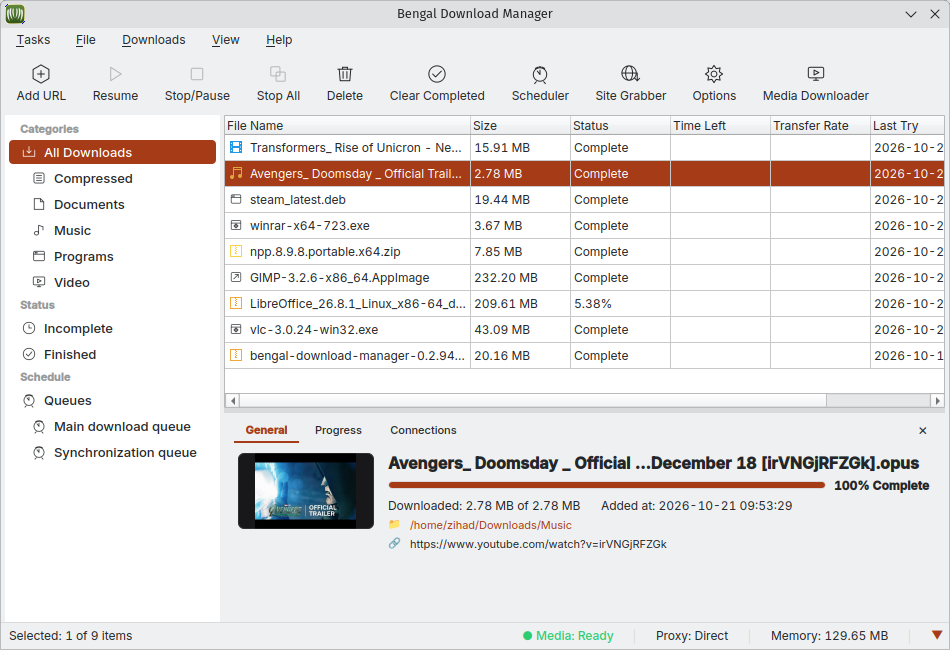
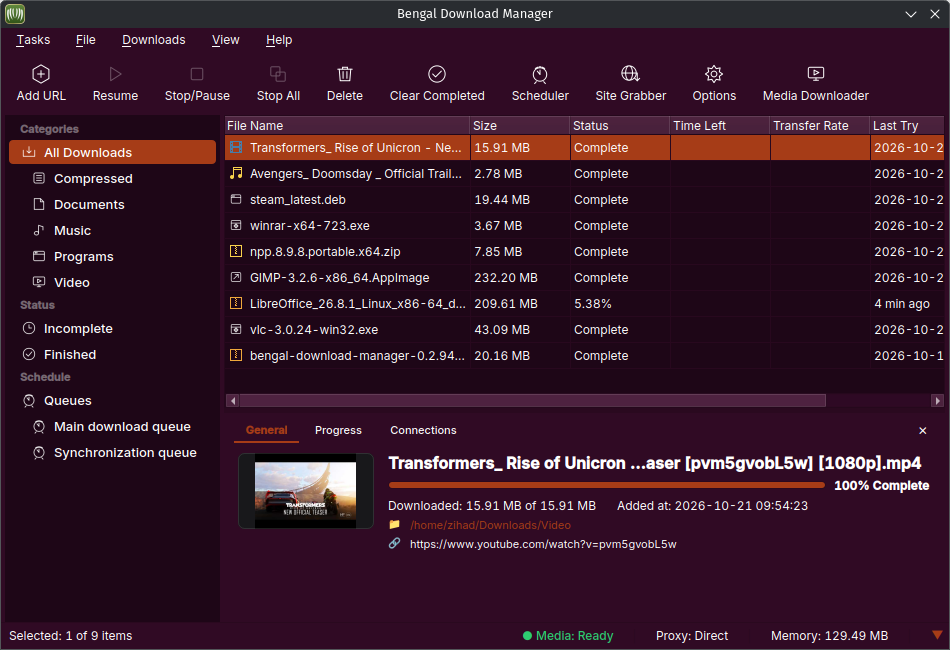
A friendly download helper for your Linux computer. It speeds up large files, catches links straight from your browser, and keeps everything neatly sorted in one place.
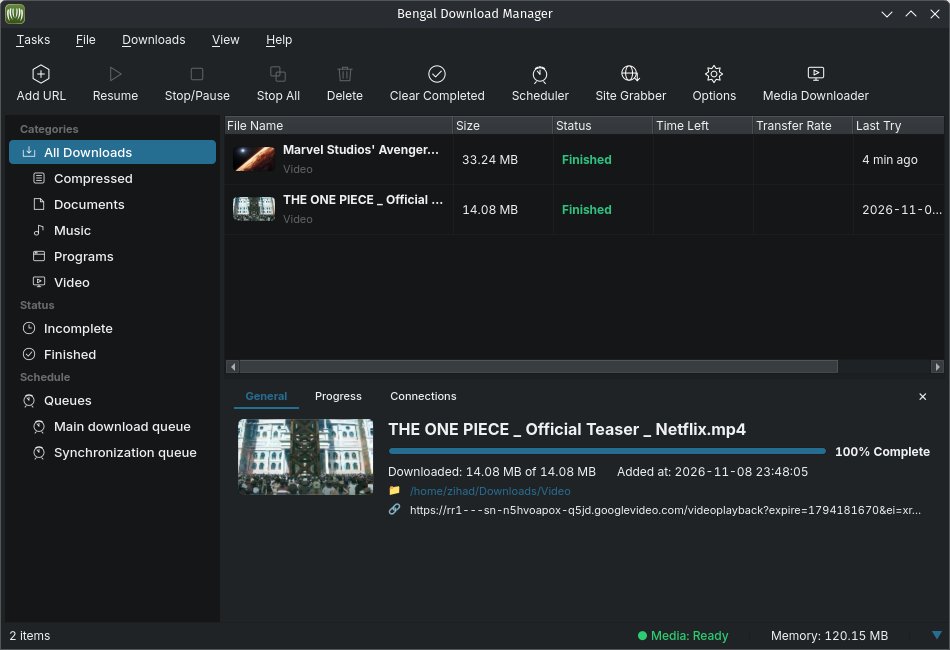
- Speeds up big downloads by grabbing several parts at once
- Saves files from your browser with a single click
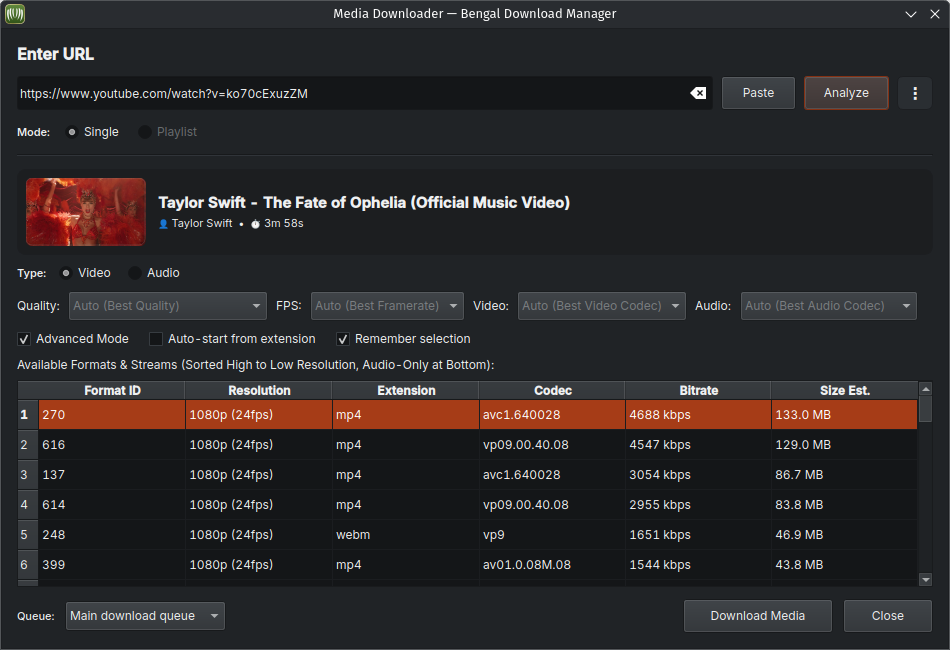
- Downloads video and music from popular websites
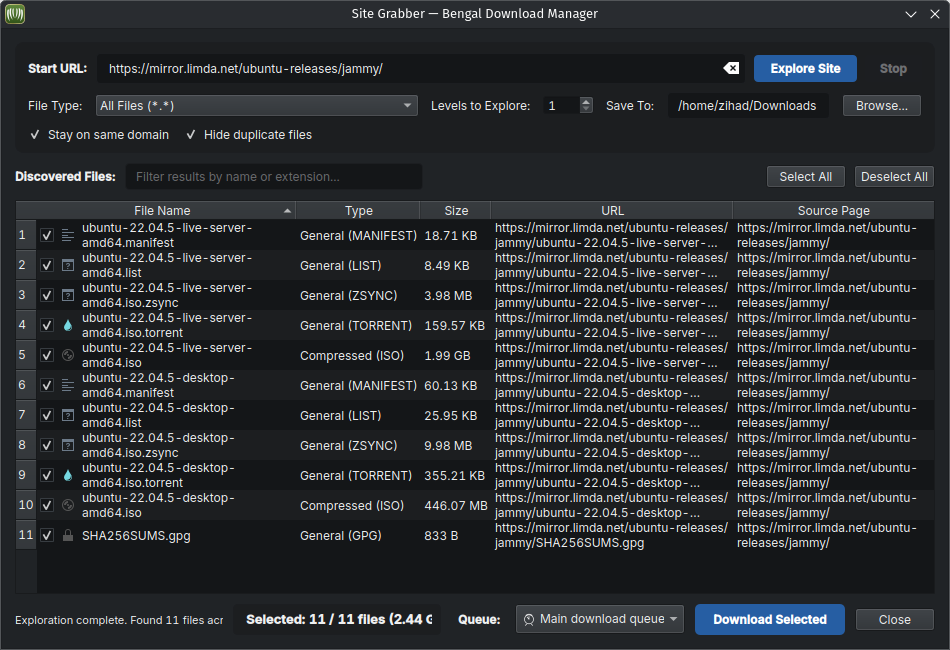
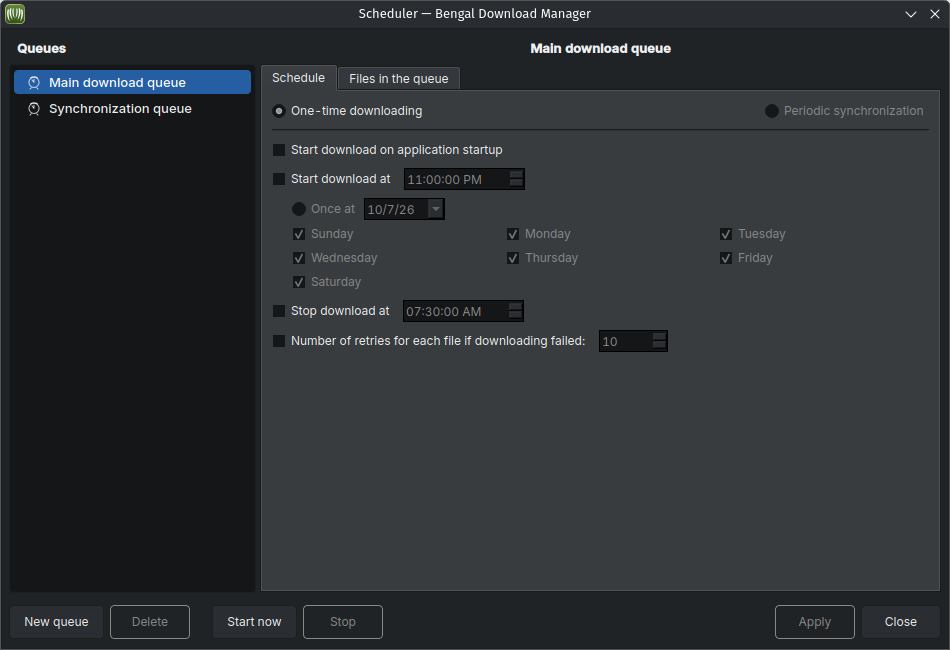
- Grabs whole websites at once and can run on a schedule
- Lets you cap speeds and files sort themselves into folders
Screenshots
Observed history
| App | Change | Version | When ↓ |
|---|---|---|---|
| updated | 0.3.22 → 0.3.23 | 23 Nov 2026 | |
| updated | 0.3.20 → 0.3.22 | 18 Nov 2026 | |
| updated | 0.3.13 → 0.3.20 | 12 Nov 2026 | |
| updated | 0.3.12 → 0.3.13 | 3 Nov 2026 | |
| updated | 0.3.11 → 0.3.12 | 28 Oct 2026 | |
| updated | 0.3.0 → 0.3.11 | 25 Oct 2026 | |
| new | 0.3.0 | 22 Oct 2026 |
Upstream releases
Release notes supplied by the developer. These dates are not Flathub package publication times.
0.3.2321 Nov 2026
Bengal Download Manager 0.3.23 changes:
- All Linux packages now use a faster folder-based app layout
- Startup is quicker and uses less temporary storage
- AppImage, Flatpak, Snap, DEB, RPM, and tarball downloads now behave consistently
0.3.2217 Nov 2026
Bengal Download Manager 0.3.22 changes:
- The Media Options button now opens the Media page right away, instead of leaving you on the previous section
- Proxy status messages now clearly say whether downloads use a direct connection or a proxy, and never show your password
- Release notes shown in app stores are easier to follow
0.3.2111 Nov 2026
Bengal Download Manager 0.3.21 changes:
- Installing from the website's Flatpak link works again, without stopping with a security check error.
- Flatpak downloads and updates from the official source are reliable again.
- Download links on the website no longer go missing after a website update.
0.3.2010 Nov 2026
Bengal Download Manager 0.3.20 changes:
- General maintenance, bug fixes, and performance improvements.