
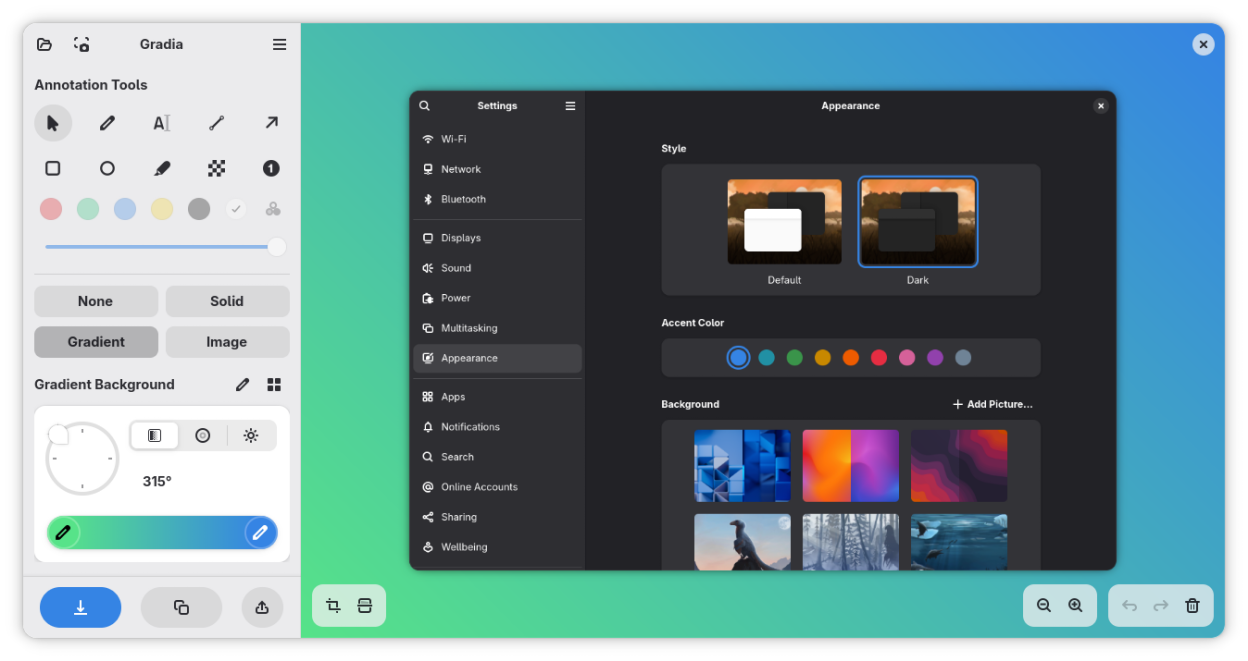
Gradia helps you get your screenshots ready for sharing, whether quickly with friends or colleagues, or professionally with the entire world.
Key features:
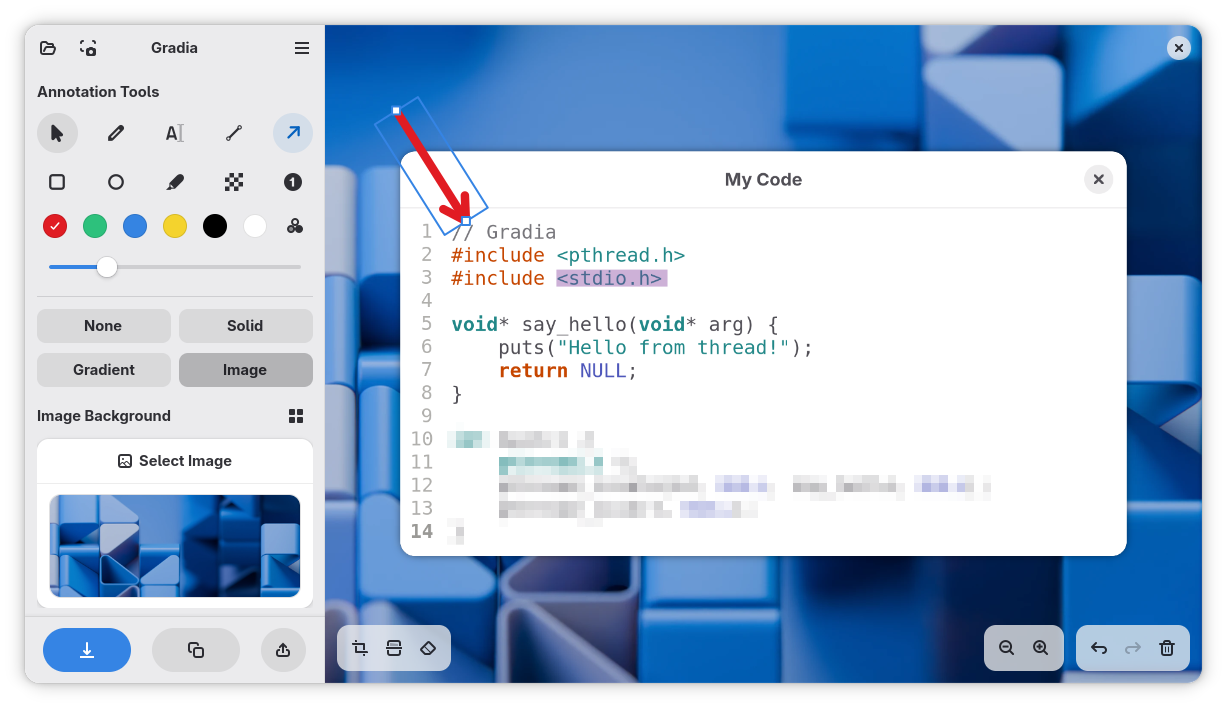
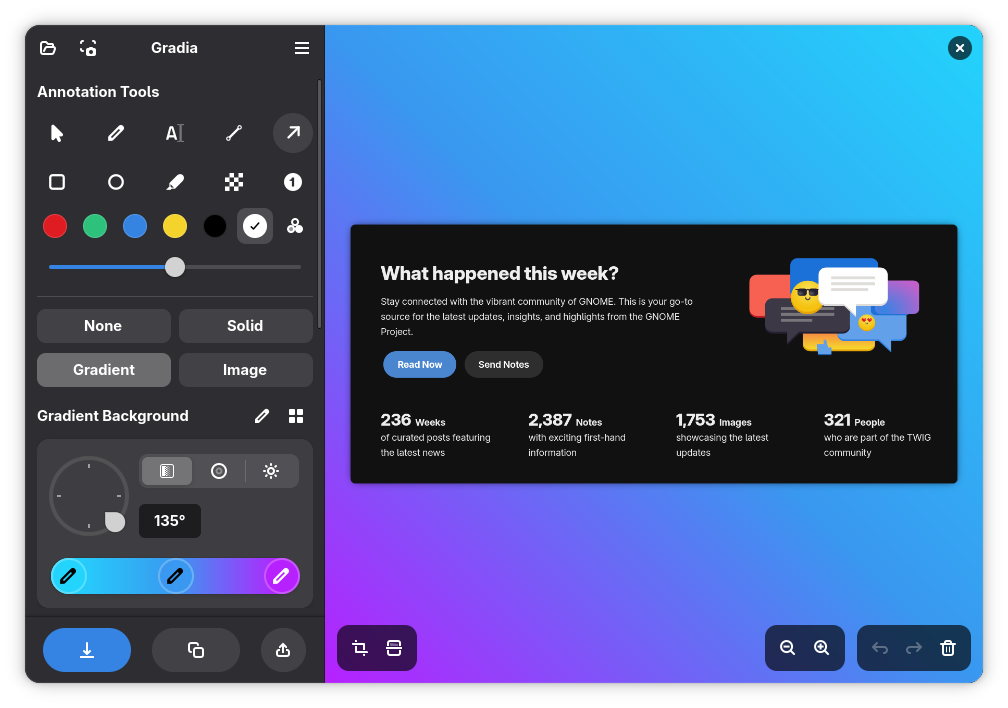
- Ten annotation modes, including text, arrow, and censor
- Optional image and gradient backgrounds
- Image settings like shadow, padding, and auto-balance
- Quick upload flow to easily share images via services like Imgur
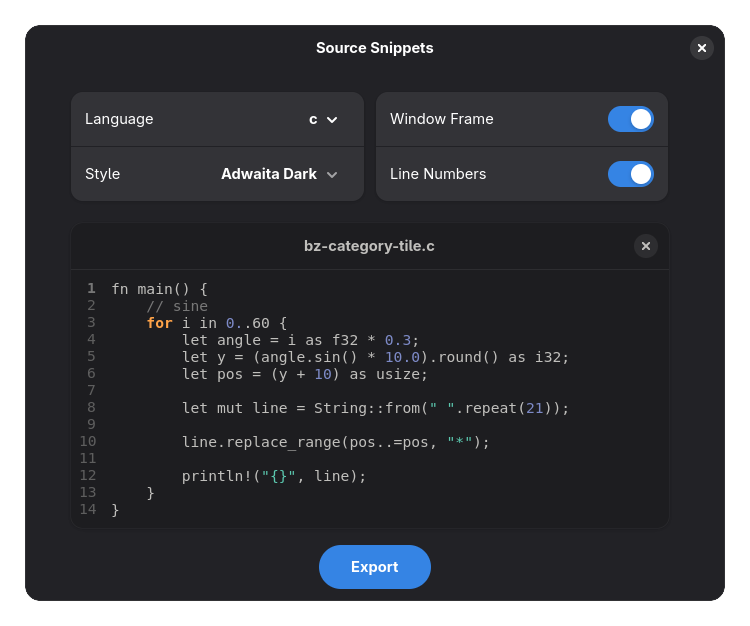
- Convert code snippets into clean high-resolution images
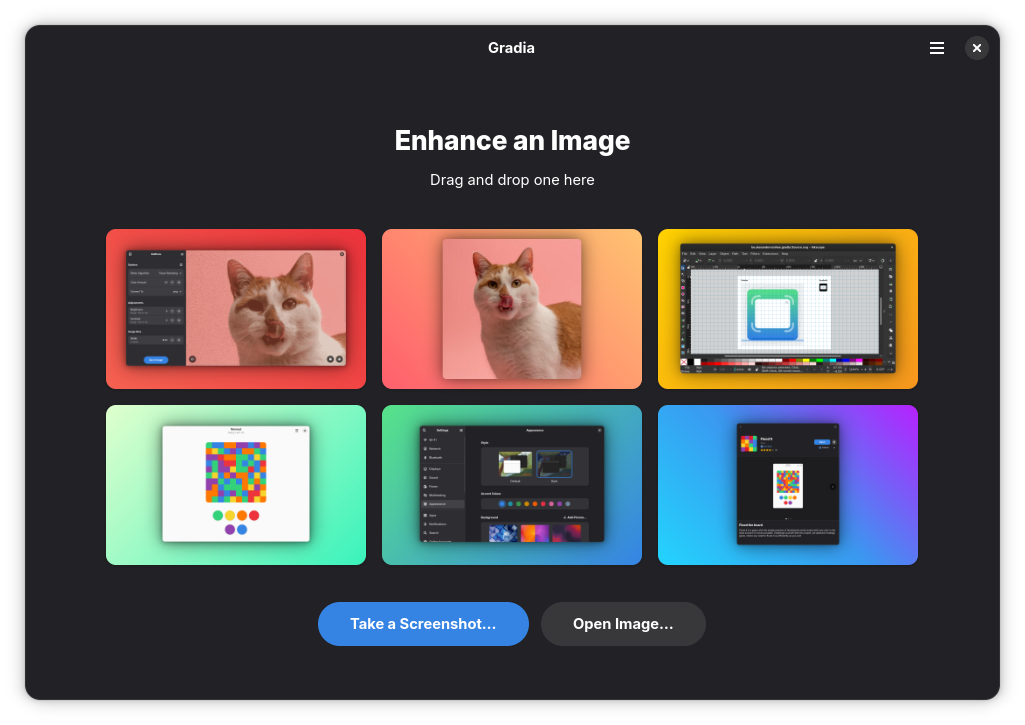
Screenshots
Observed history
| App | Change | Version | When ↑ |
|---|---|---|---|
| updated | 1.14.0 | 30 Sept 2026 |
Upstream releases
Release notes supplied by the developer. These dates are not Flathub package publication times.
1.14.030 Sept 2026
Update to the GNOME 51 runtime.
1.13.022 Apr 2026
This update adds many more language options for OCR.
1.12.126 Feb 2026
This update makes it so the rotation resets when changing images in the same session.
1.12.019 Feb 2026
**Design**
- Make text recognition and upload provider buttons always visible
- Add a back button for crop mode
- Redesigned the background switcher to provide more space for translations
- Added mnemonics to menus
**Bug Fixes**
- Fixed transparent JPG exports
- Fixed the censor action stretching when going out of bounds