
Boxy SVG project goal is to create the best tool for editing SVG files. For beginners as well as for professional designers and developers. On any device and operating system.
=== Core features: ===
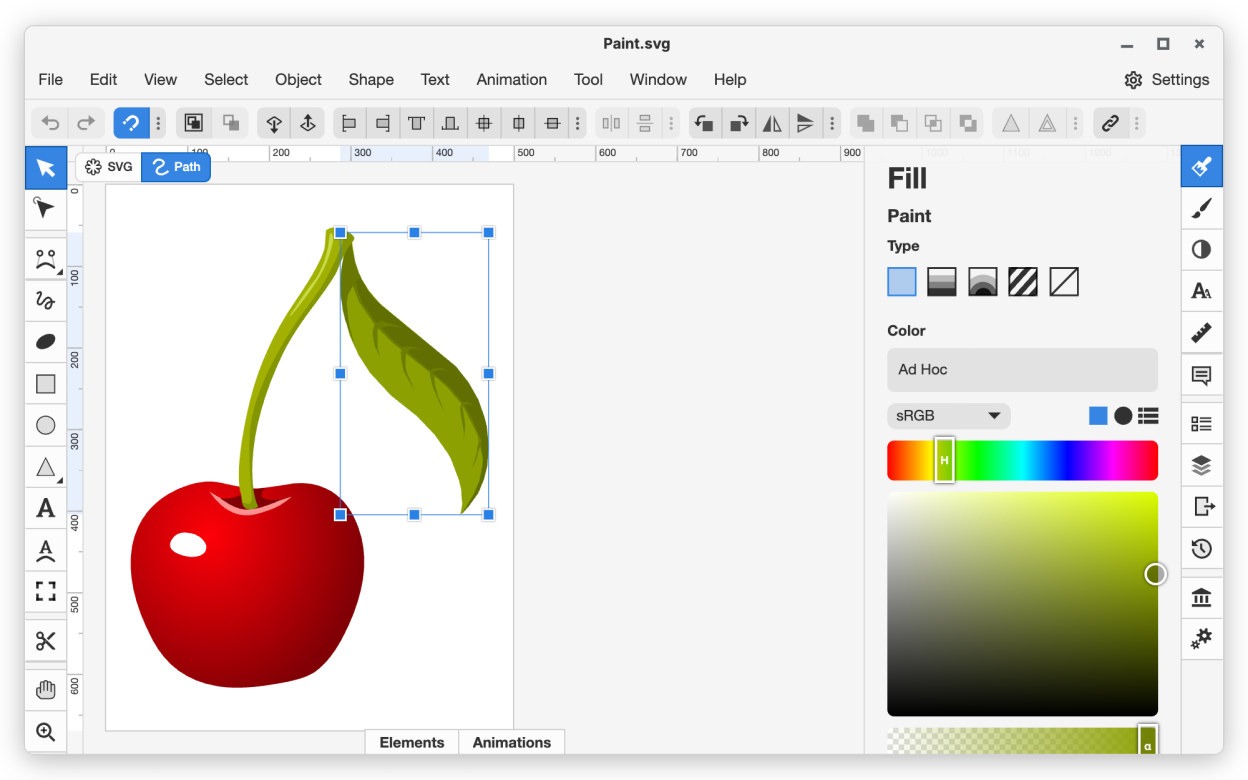
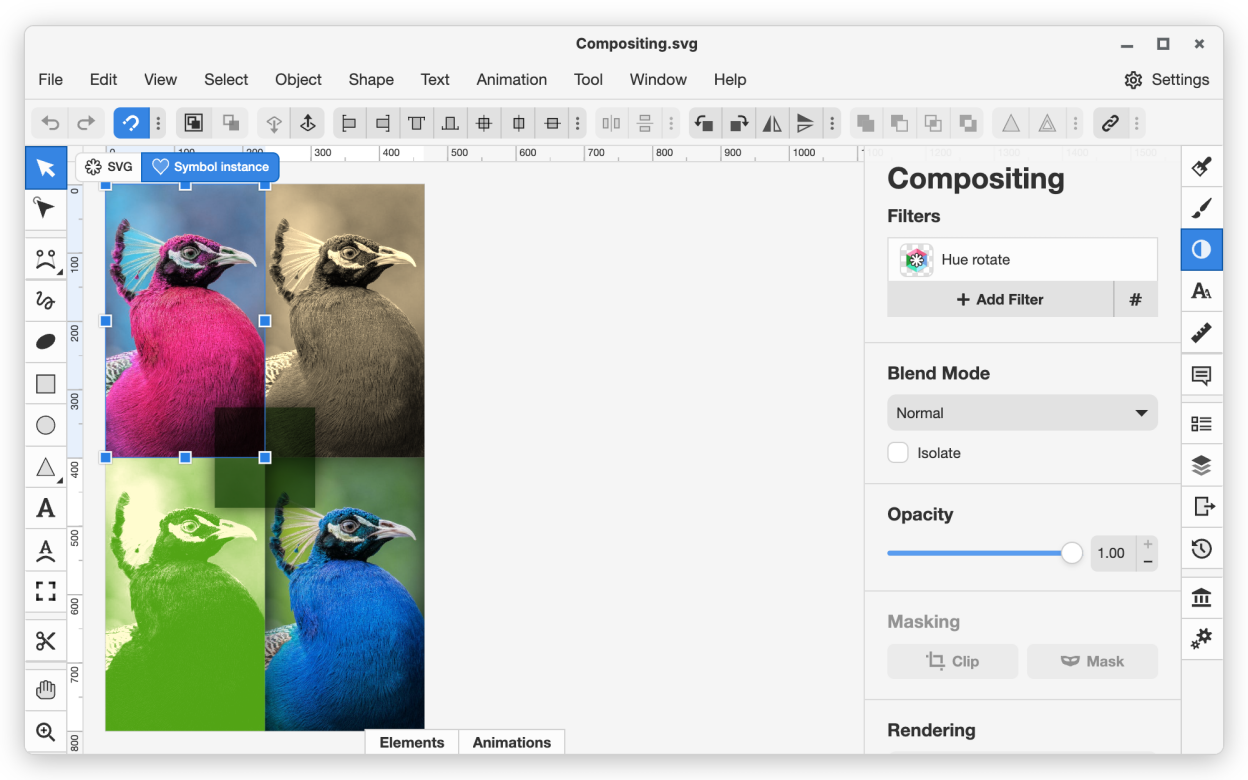
- Clean and intuitive UI heavily inspired by Inkscape, Sketch and Adobe Illustrator
- Extensive support for on-canvas editing of object geometry, transform, paint and other properties
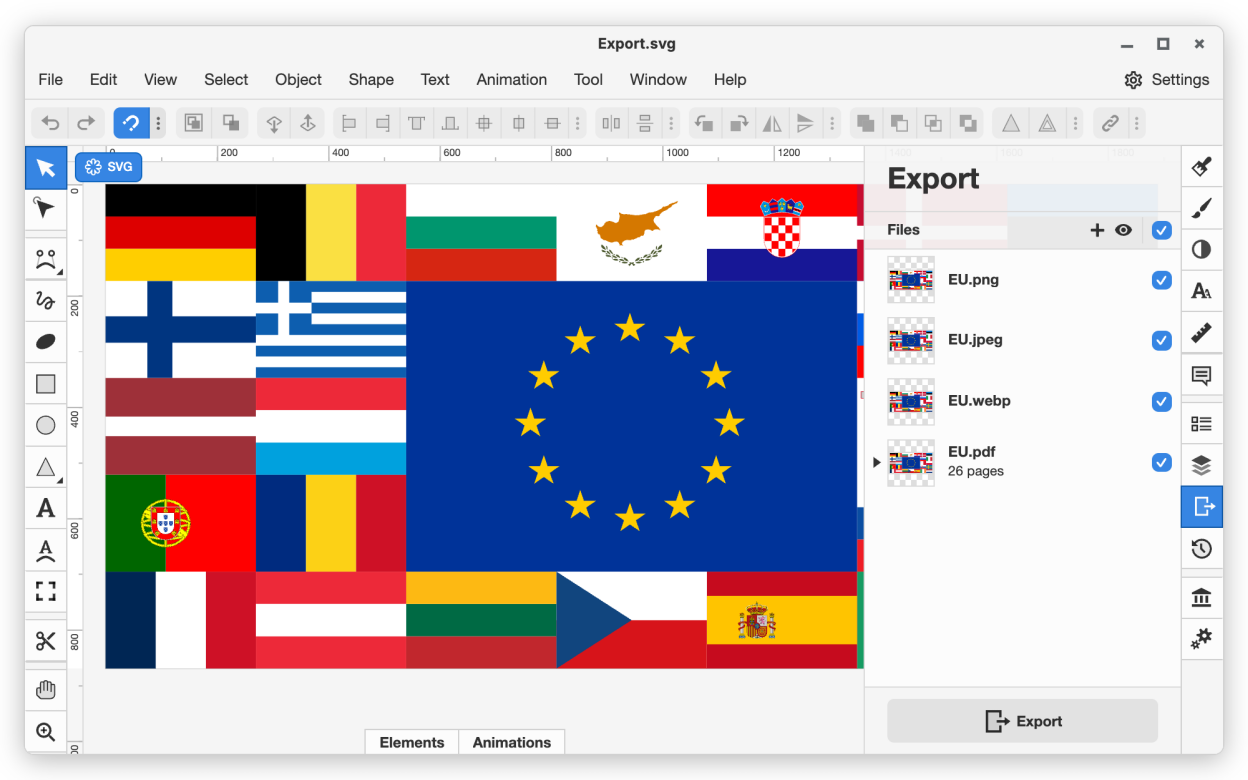
- Save to SVG and SVGZ formats, export to PNG, JPG, WebP, PDF and HTML5
- Integration with Pixabay and other libraries with millions of free stock photos and vector assets
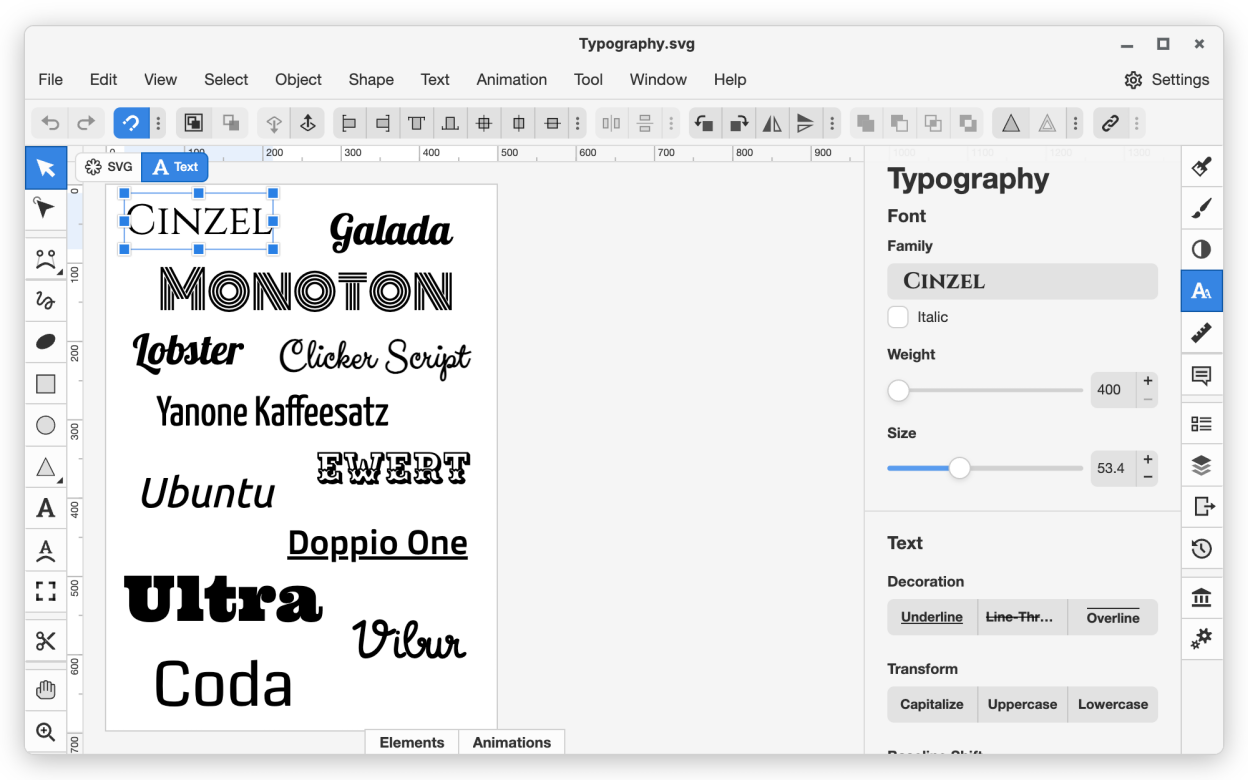
- Google Fonts integration with hundreds of free fonts
- Configurable keyboard shortcuts for over 100 commands
- Manual guides, smart guides and grid
- Path operations (unite, intersect, subtract, exclude, close, reverse, etc.)
- Arrangement operations (align to, rotate, flip, order, group, etc.)
=== For web developers: ===
- Chromium-based rendering engine
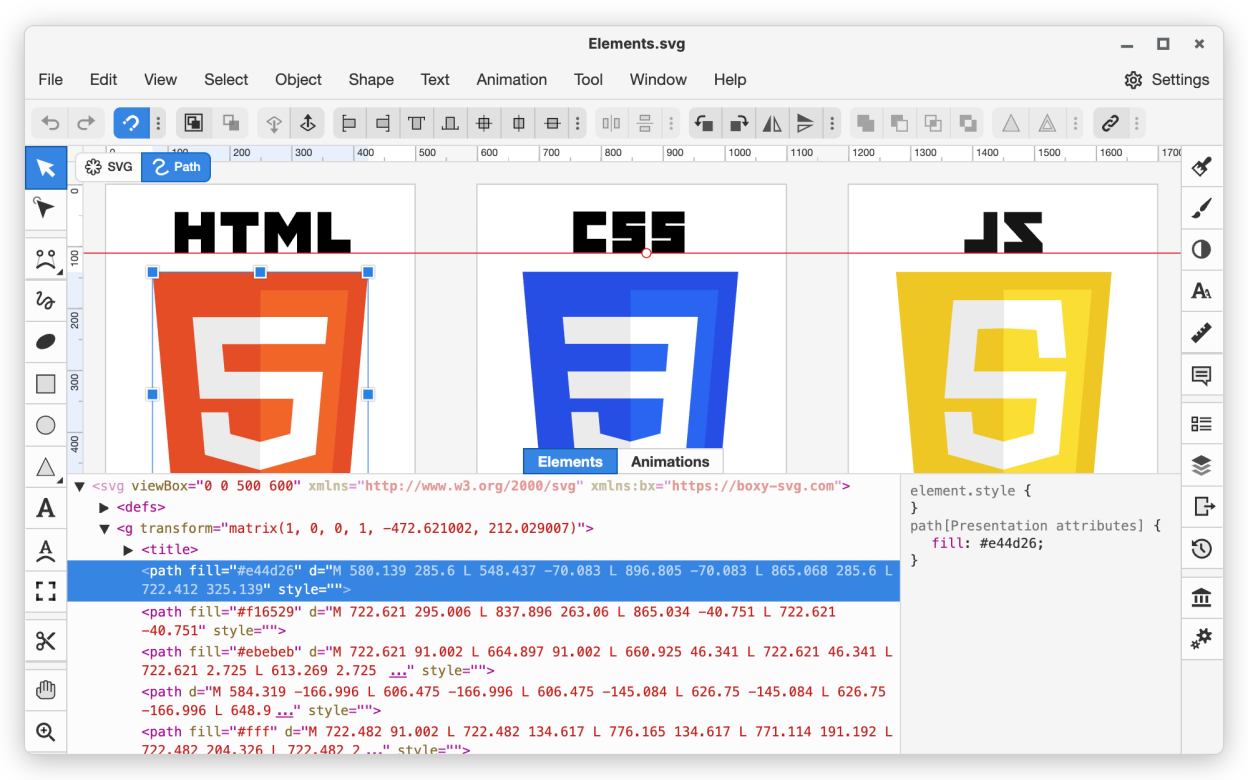
- SVG and CSS code inspector similar to Chrome Dev Tools
- Clean SVG output that preserves IDs, classes, titles and other metadata
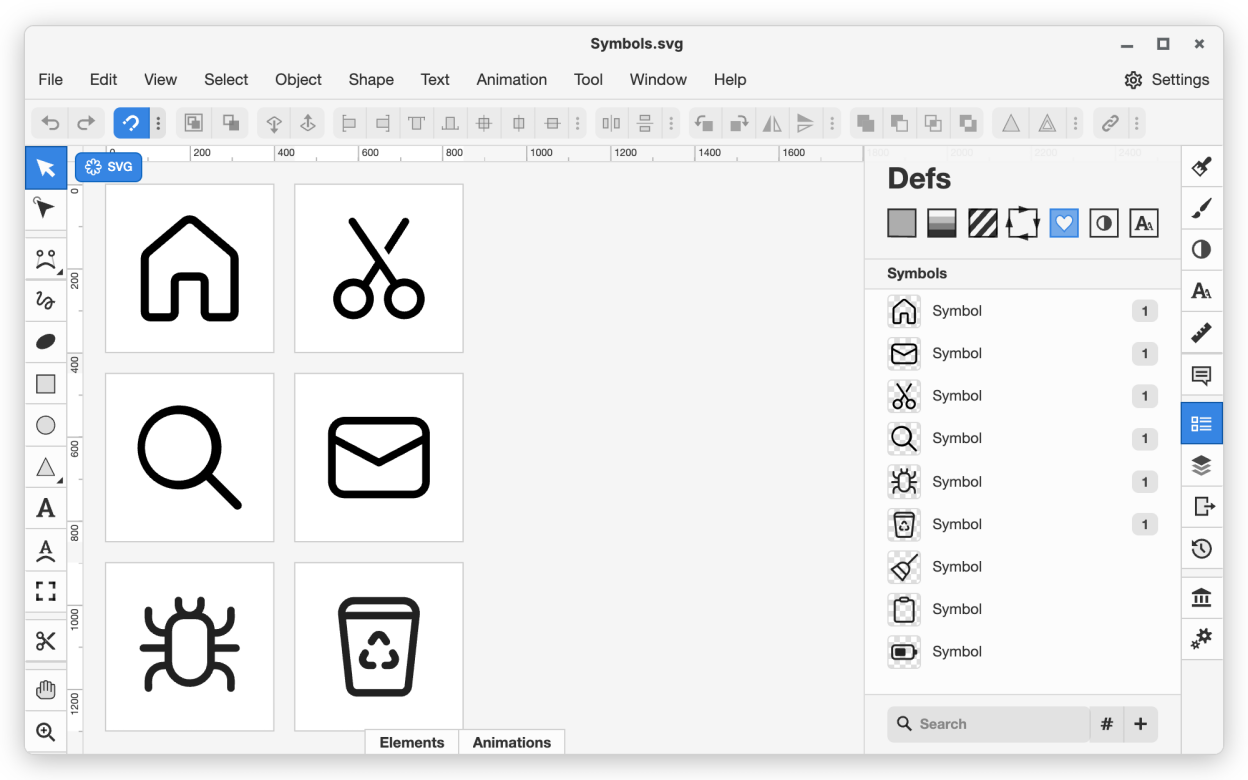
- SVG sprites editing support
This is official package that is published, maintained and supported by Boxy SVG developer.
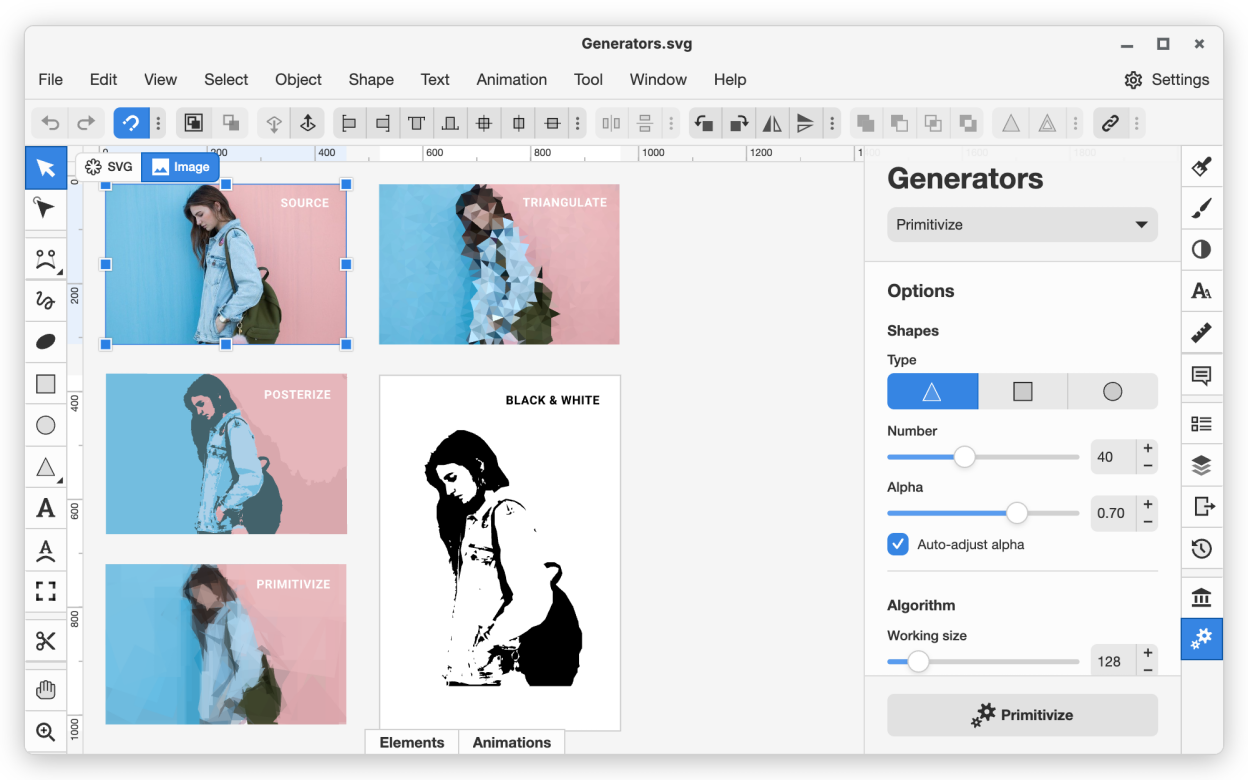
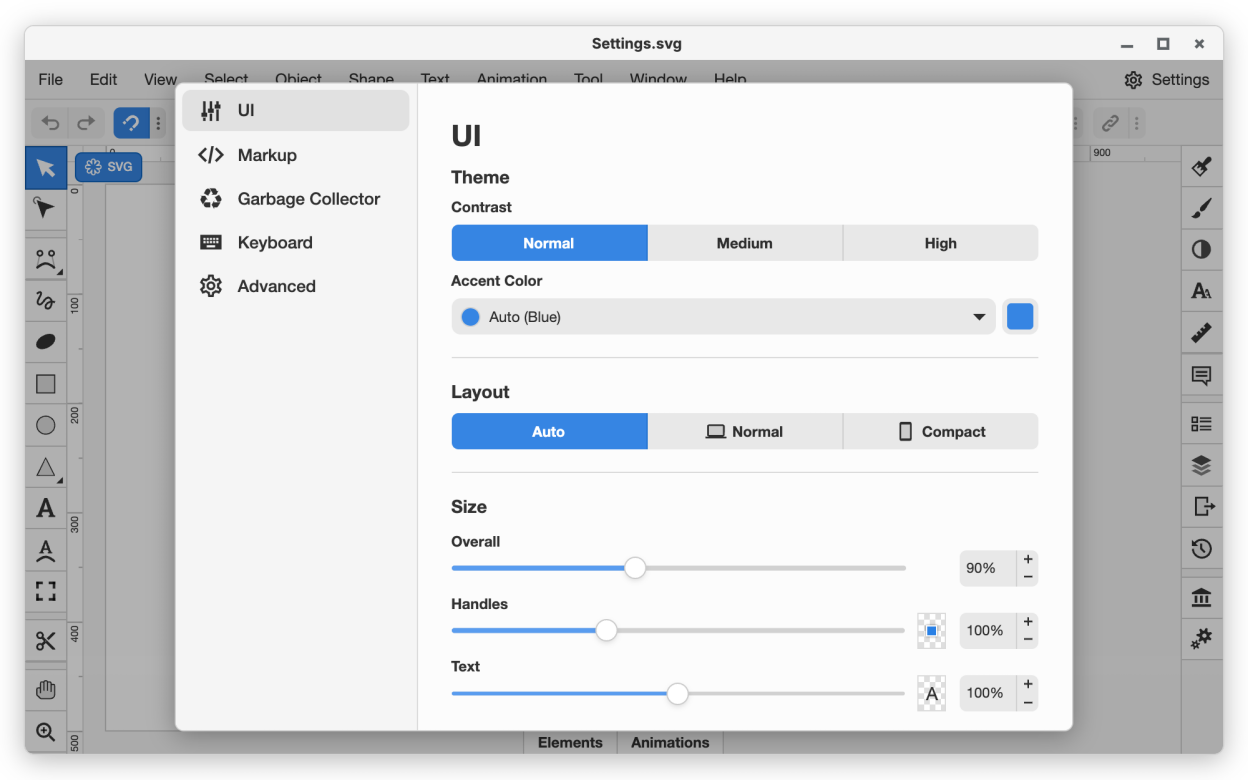
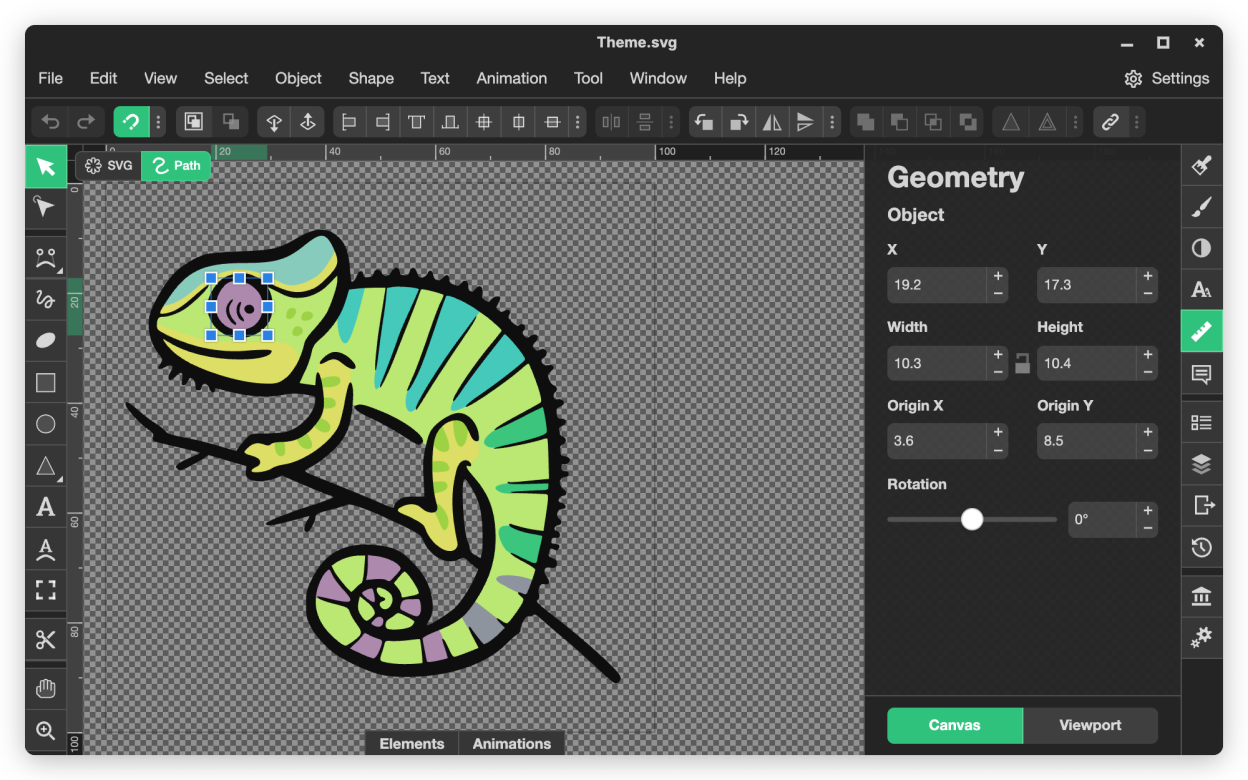
Screenshots
Observed history
| App | Change | Version | When ↑ |
|---|---|---|---|
| updated | 4.115.1 | 9 Oct 2026 |
Upstream releases
Release notes supplied by the developer. These dates are not Flathub package publication times.
4.115.19 Oct 2026
- [Fixed] "Geometry Panel -> Object -> Width / Height" inputs do not properly resolve the reference bounding box point
4.115.09 Oct 2026
- [Added] "Geometry Panel -> Object -> Reference bounding box point" widget
- [Added] "Duplicate" and "Delete" context menu items in the "Objects" panel
- [Fixed] "Full HD" file preset has wrong size
- [Fixed] Wrong origin point used by "Geometry Panel -> Object -> Width / Height" controls
- [Fixed] Wrong cursor image shown by "Objects" panel when dragging items
4.114.124 Sept 2026
- [Improved] Show sticky headers when scrolling animation picker widget
- [Fixed] Animation picker widget should not show two vertical scrollbars
- [Fixed] Exporting to PDF fails if the SVG file does not have viewport defined
- [Fixed] Exported PDF files have wrong size
- [Fixed] "File -> New from preset" sets wrong change counter in Electron-based apps
- [Fixed] "File -> New from clipboard" command fails in Electron-based apps
- [Fixed] Some "File" menu items are missing in Linux app
4.114.023 Sept 2026
- [Added] Preview in "File -> New from preset" dialog
- [Improved] Resizable sidebar in "File -> New from preset" dialog
- [Improved] Show ellipsis when "File -> New from preset" dialog tabs overflow the sidebar
- [Improved] Viewport size input intervals in "File -> New from preset" dialog should depend on the units used
- [Fixed] "Elements" panel fails to update on some devices