
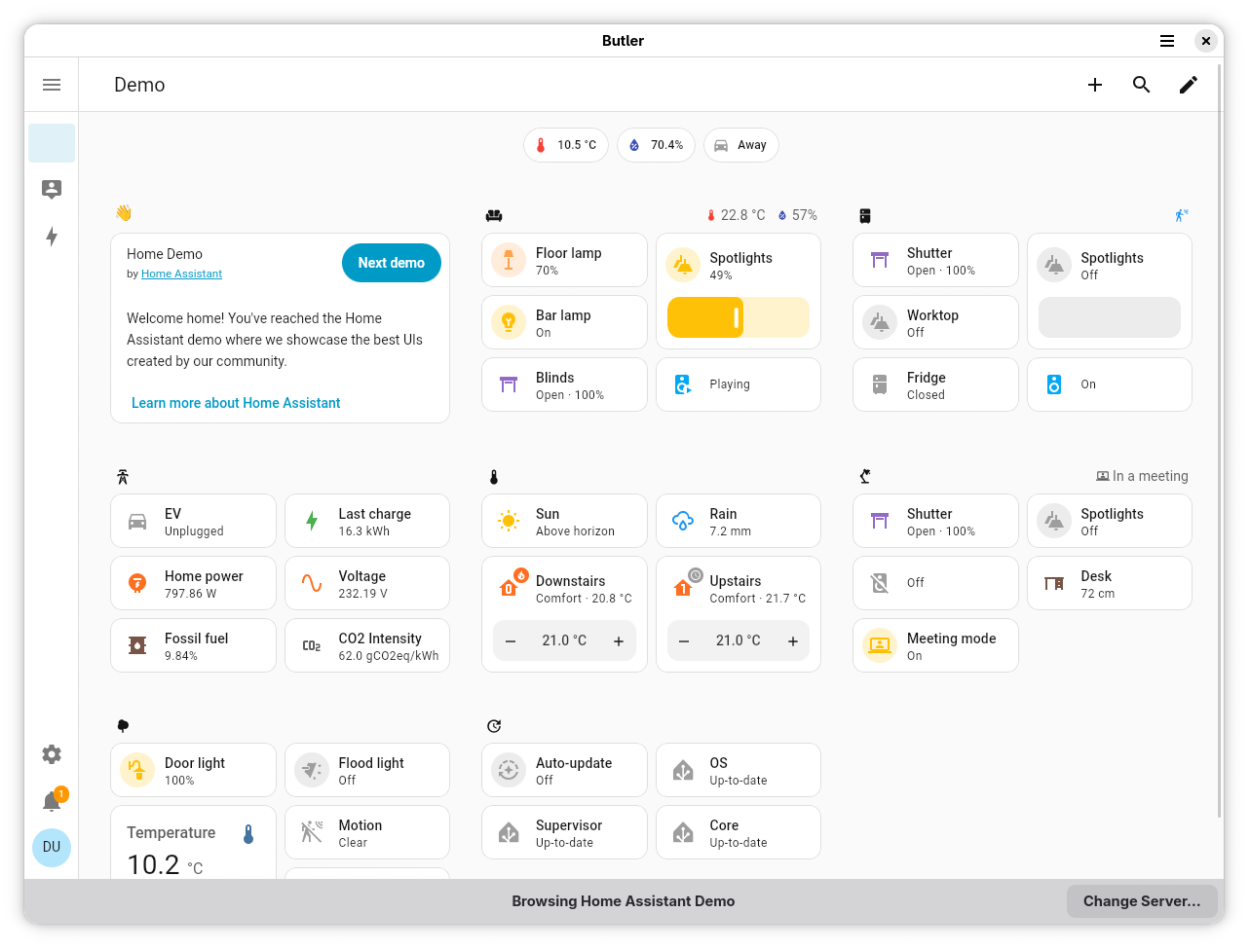
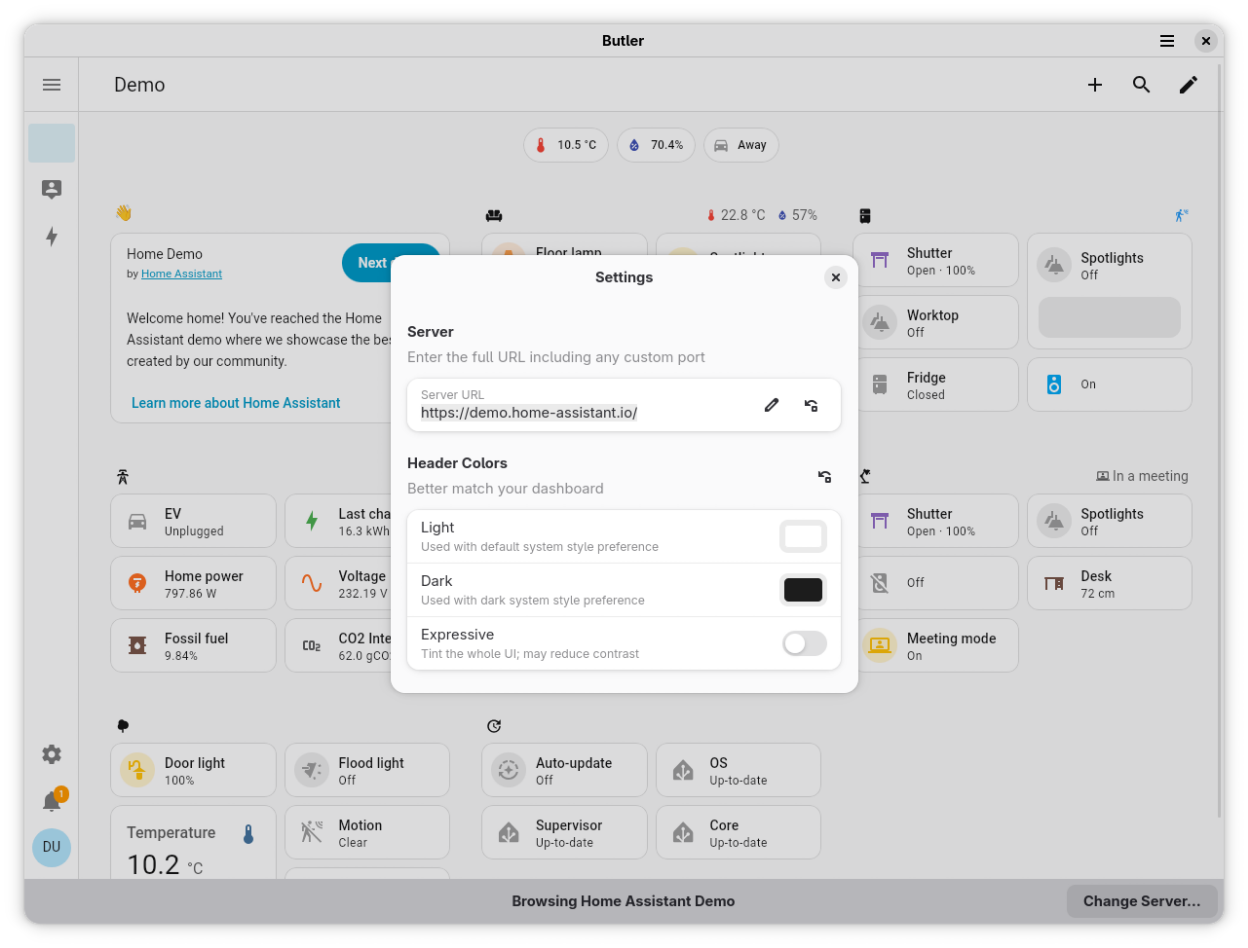
Access your Home Assistant dashboard from a native companion UI, integrating better with your OS. Native features include:
- Icon in your App Grid, Applications Menu, Dash, Dock, etc.
- Native header bar
- Save and restore current view and size when closed and re-opened
- Two-finger swipe and mouse button support to go back/forward between views
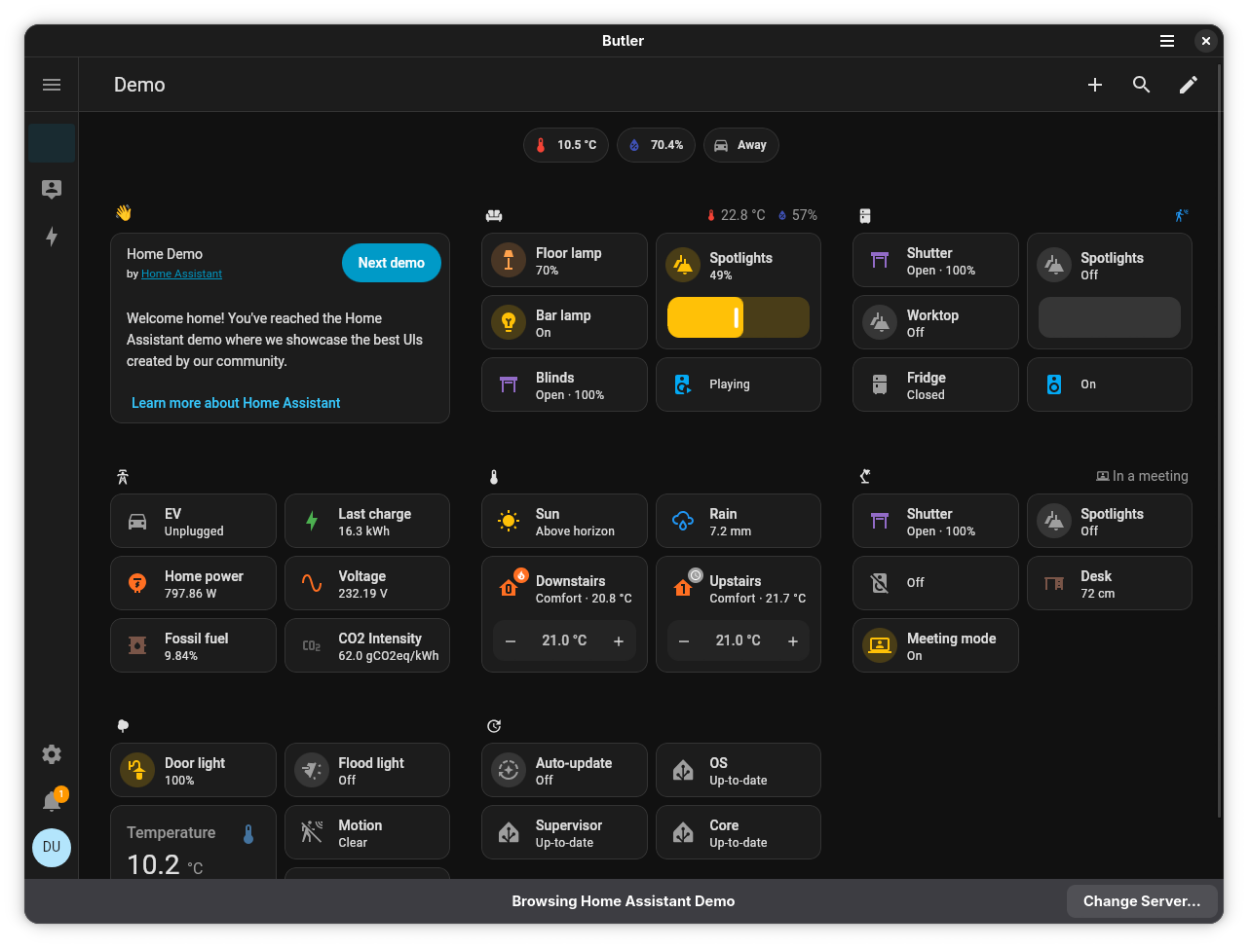
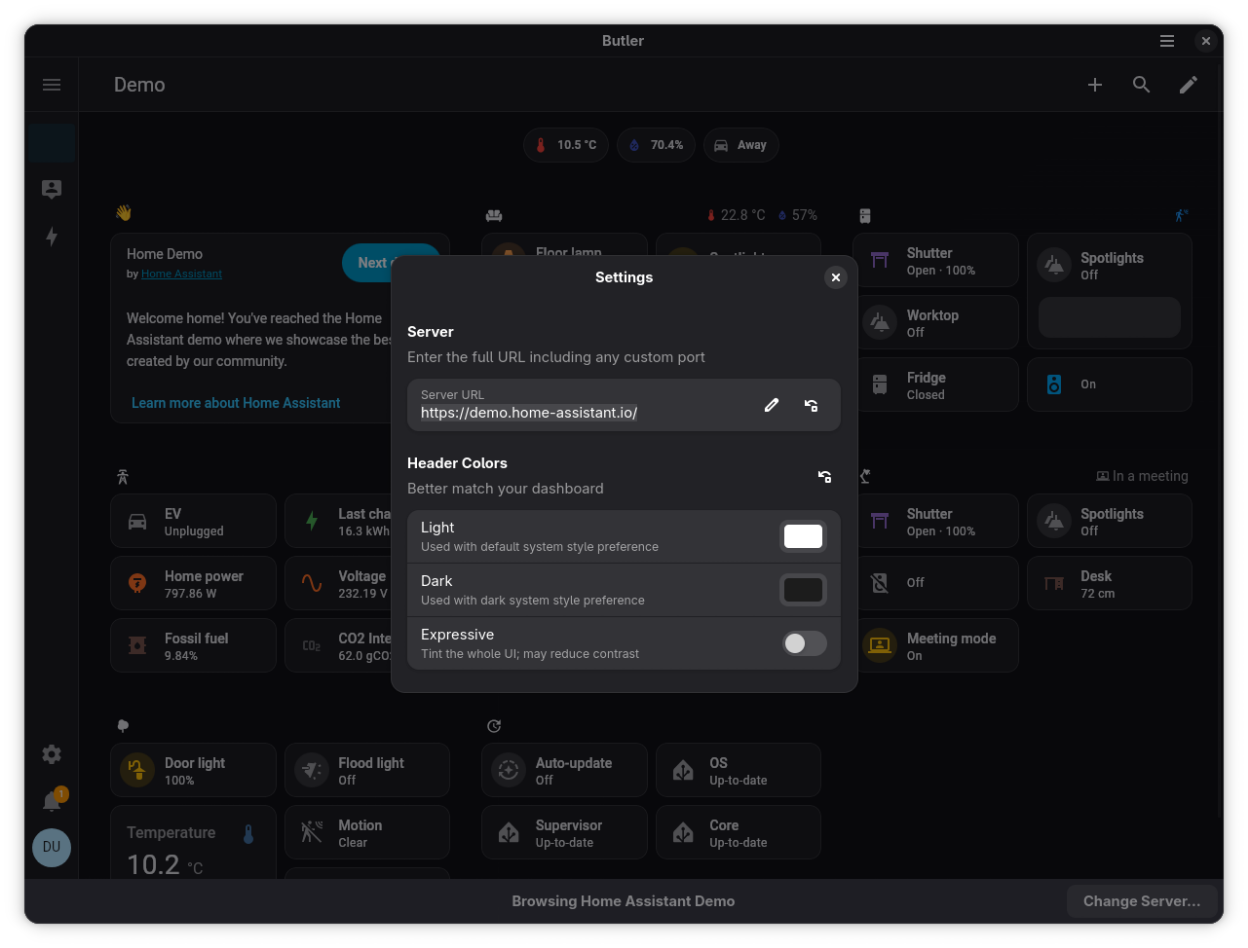
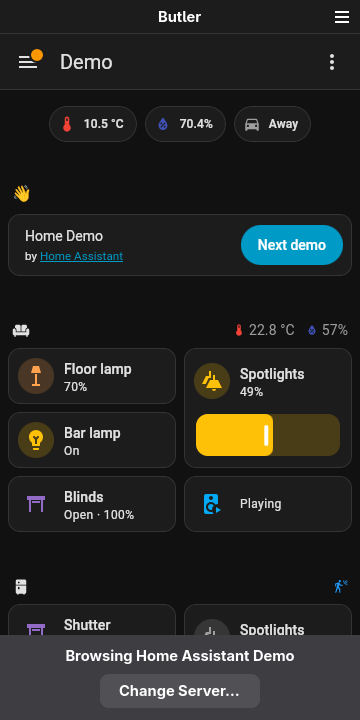
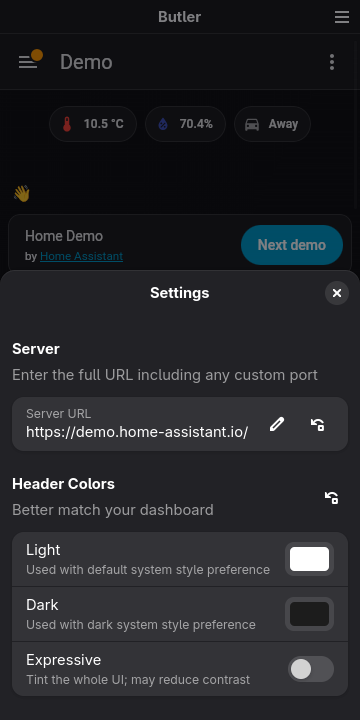
- Cross-desktop light/dark style support (if supported by your Lovelace theme)
Butler is designed to make getting at your Home Assistant dashboard easier for kiosks, your laptop/desktop, or your Linux phone. It does not currently support companion app features from Android and iOS like location services, notifications, or exposing device sensors—if you’d like to add those features, please check out the website to contribute!
Other features include:
- Pinch-to-zoom
- Set the scaling with Ctrl+Plus/Minus or Ctrl+0 to reset
- Fullscreen from the menu, a keyboard shortcut, or a GSetting to better support kiosk use cases
Note WebRTC camera streams (i.e. used by some newer Nest cameras) are not currently supported.
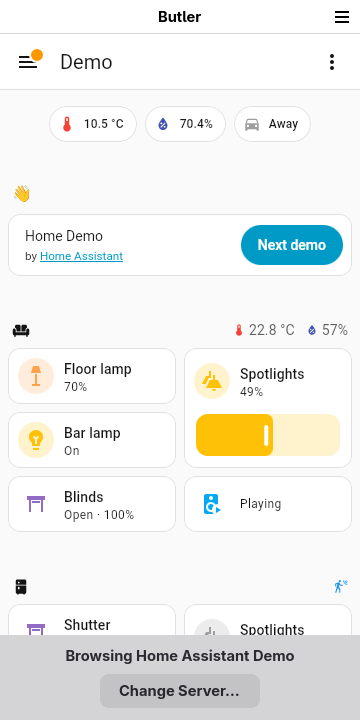
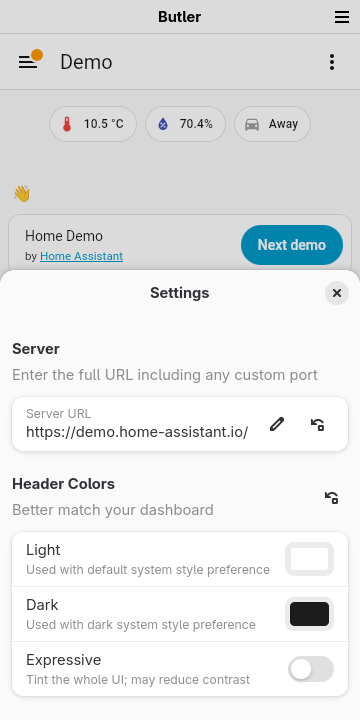
Screenshots
Observed history
| App | Change | Version | When ↑ |
|---|---|---|---|
| updated | 1.8.3 | 10 Oct 2026 |
Upstream releases
Release notes supplied by the developer. These dates are not Flathub package publication times.
1.8.310 Oct 2026
Work around WebKit regression with light/dark style switching
1.8.28 Oct 2026
Updated with the latest GNOME 51 platform
1.8.131 Aug 2026
New option to disable hardware acceleration which can help performance on some hardware
1.8.020 Aug 2026
New option to disable hardware acceleration which can help performance on some hardware