
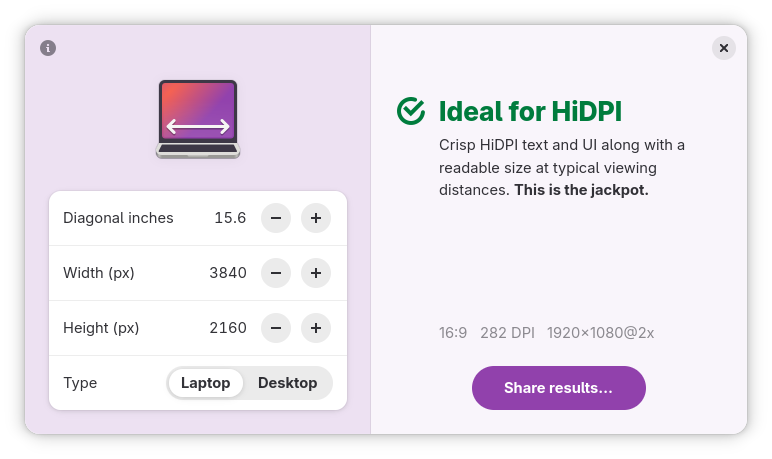
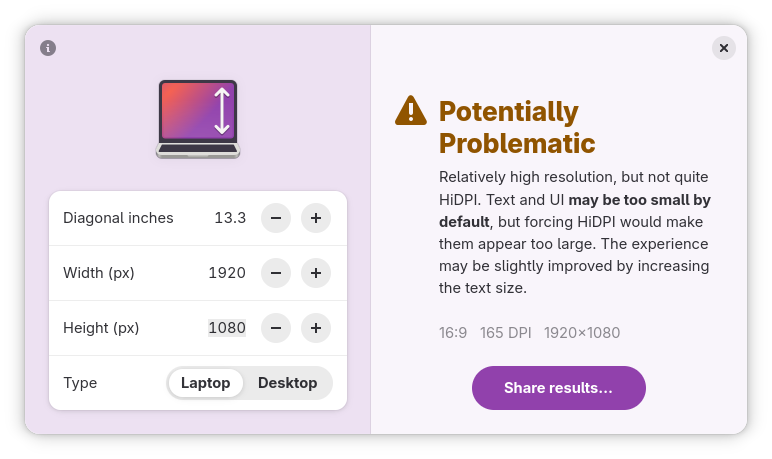
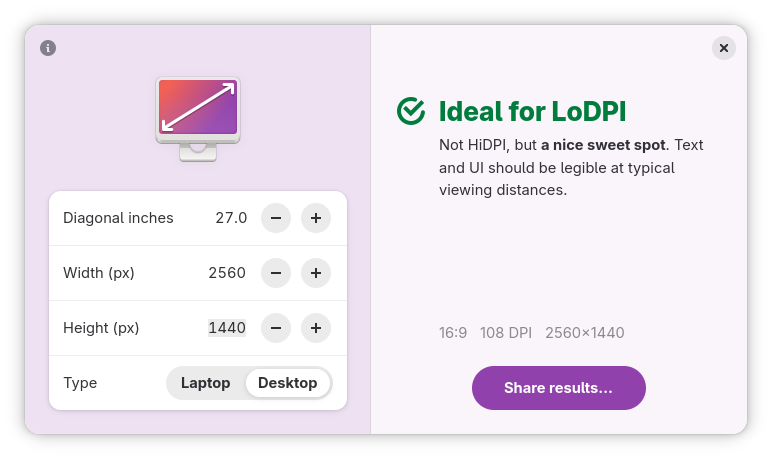
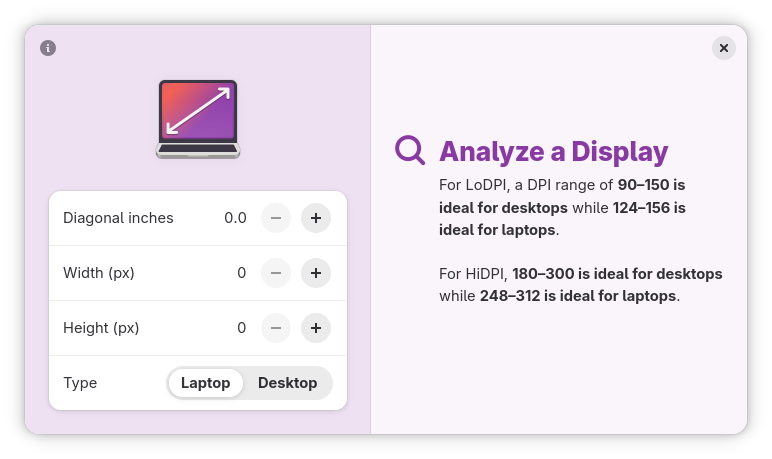
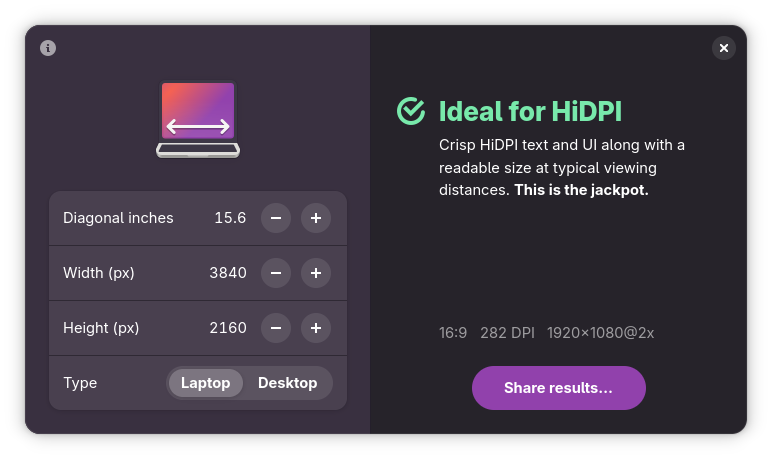
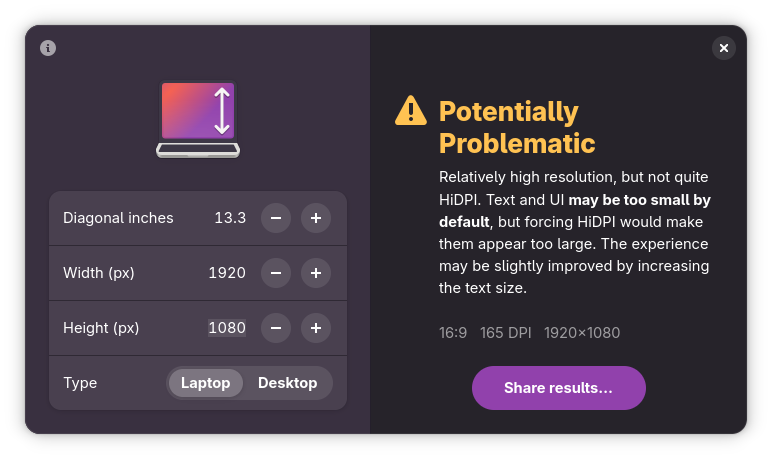
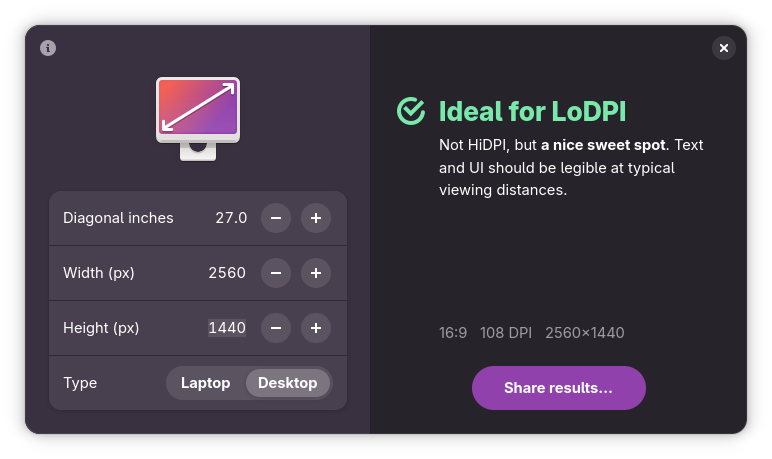
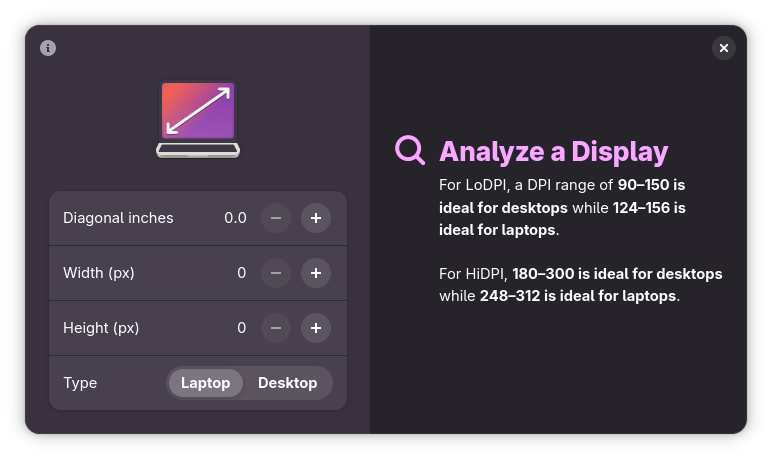
Analyze any display. Input a few simple details and figure out the aspect ratio, DPI, and other details of a particular display. Great for deciding which laptop or external monitor to purchase, and if it would be considered HiDPI.
Lots of handy features:
- Find out if a display is a good choice based on its size and resolution
- Get advice about different densities
- Learn the logical resolution
- Differentiate between laptops and desktop displays
- Stupid simple: all in a cute li'l window
Based my expertise and experience shipping HiDPI hardware and software at System76 and elementary.
Tells you if a display’s density is:
- Very Low DPI,
- Fairly Low DPI,
- Ideal for LoDPI,
- Potentially Problematic,
- Ideal for HiDPI,
- Fairly High for HiDPI, or
- Too High DPI
Special thanks to Micah Ilbery for the shiny icons.
Screenshots
Observed history
| App | Change | Version | When ↓ |
|---|---|---|---|
| updated | 5.0.4 | 12 Oct 2026 |
Upstream releases
Release notes supplied by the developer. These dates are not Flathub package publication times.
5.0.411 Oct 2026
Updated translations
- Updated Croatian translations thanks to Milo Ivir
- Updated Italian translations thanks to Albano Battistella
5.0.39 Oct 2026
GNOME 51 and translations
- Updated with the latest GNOME 51 platform
- Georgian translations thanks to Ekaterine Papava
- Updated Spanish translations thanks to Félix Fischer
- Updated Croatian translations thanks to Milo Ivir
- Fixed an issue with translations not showing up for launcher and Flathub
- Fixed the app itself not showing translations
- Long results no longer get cut off at smaller window sizes
5.0.020 Feb 2026
Hello Adwaita (finally)!
- Redesigned with a modern GNOME-style split view and inputs
- Adapts to smaller and larger window sizes—including on phones
- Croatian translations thanks to Milo Ivir
4.2.04 Nov 2025
Under the hood changes (migrated app ID)