
Collabora Office
The Collabora Office productivity suite
Collabora Productivity Limited ✓ Verified
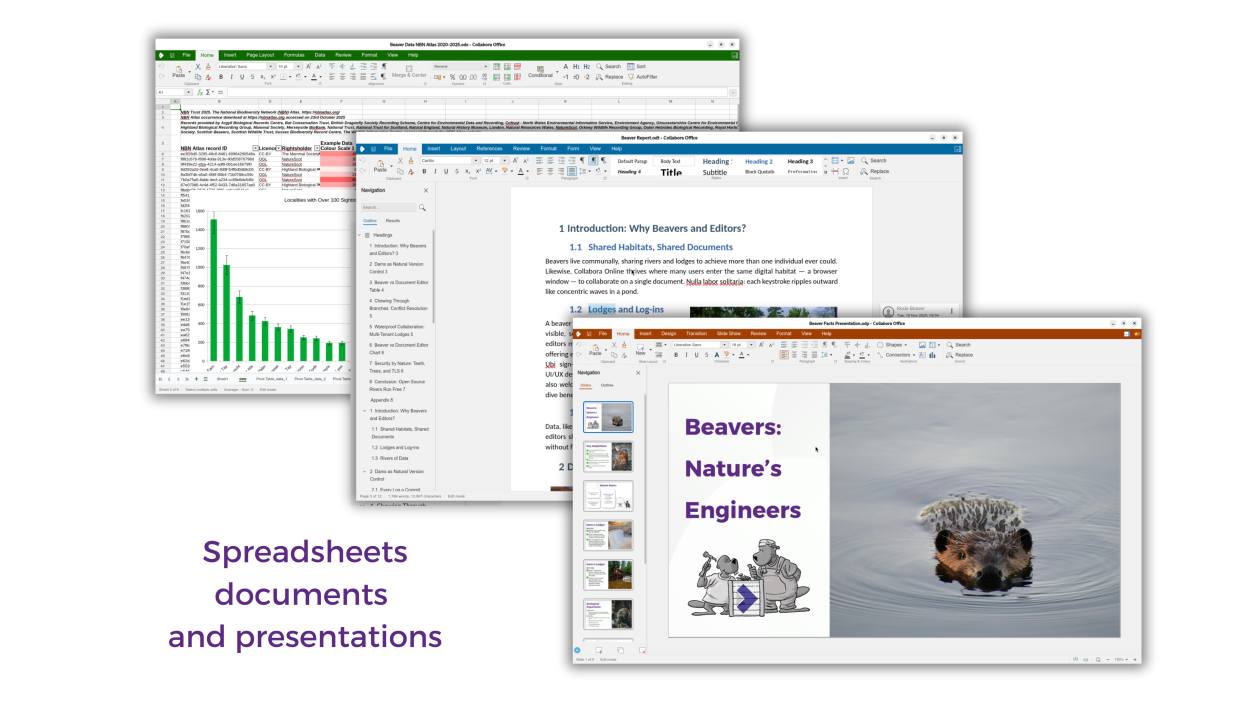
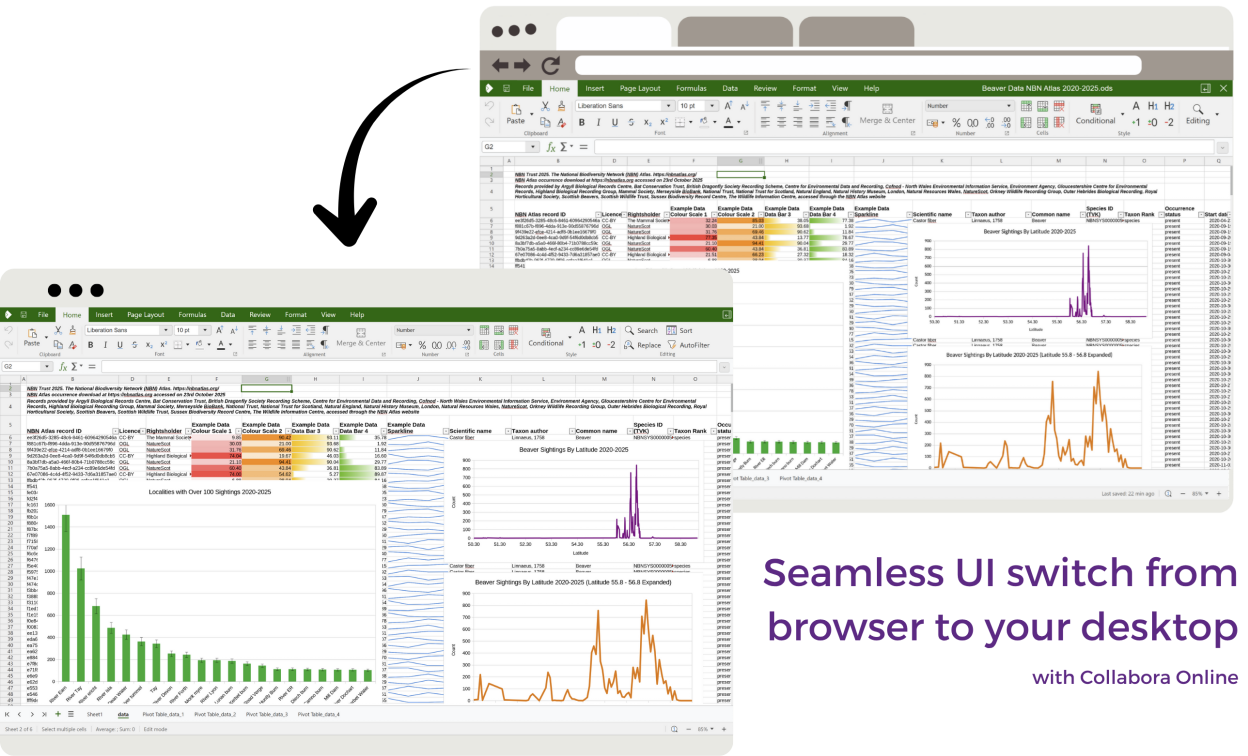
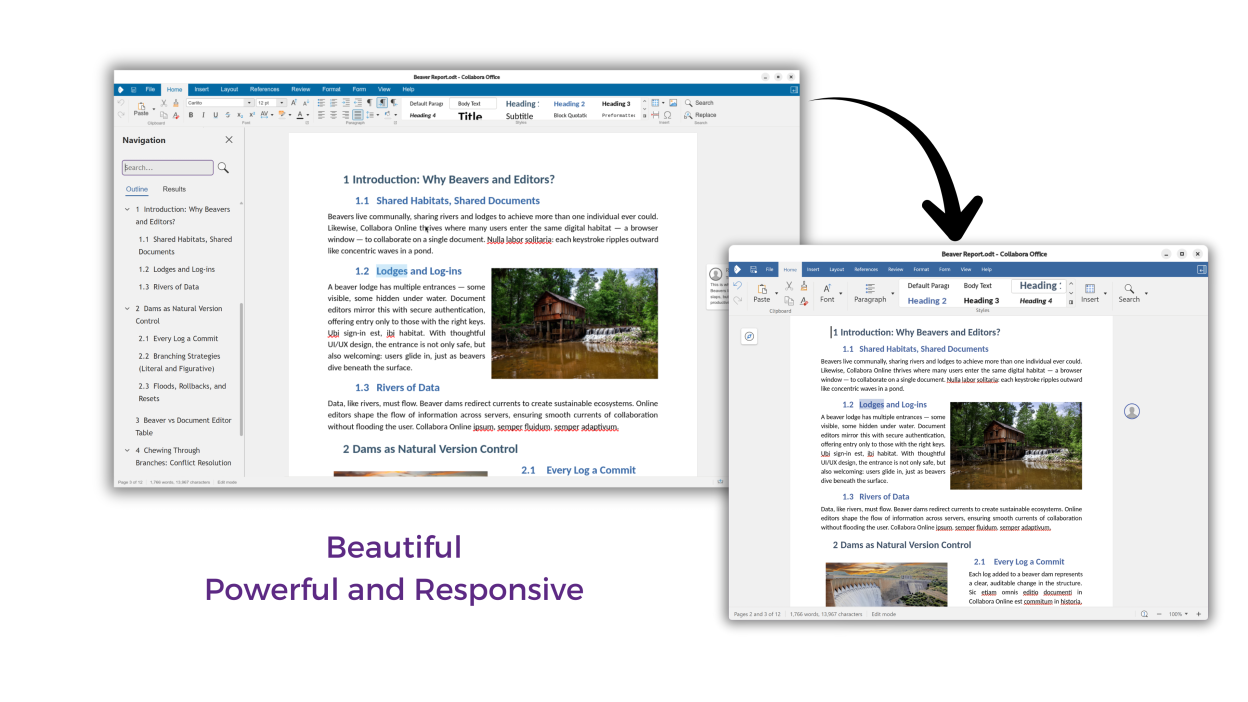
com.collaboraoffice.OfficeCollabora Office brings the familiar Collabora Online experience to your computer - so you can create, edit, and present with a beautiful, modern UI. It delivers excellent interoperability with ODF and Microsoft Office formats (DOCX/XLSX/PPTX), and exports to PDF with ease. Your documents stay on your device unless you choose to share them - privacy by design.
Screenshots
Observed history
| App | Change | Version | When ↑ |
|---|---|---|---|
| updated | 26.04.4.3-1 | 13 Oct 2026 |
Upstream releases
Release notes supplied by the developer. These dates are not Flathub package publication times.
26.04.4.3-18 Oct 2026
New features and fixes in this release:
- Tabbed windows: open several documents in one window, switch between them, drag tabs around, and manage them from a tab context menu; quit with Ctrl+Q
- Better desktop integration: windows open at a sensible size, GNOME integration fixes, native file pickers through the desktop portal, and dragging and dropping or pasting images
- Table styles in Calc: create your own styles, set a default, rename and resize tables, add a totals row, remove duplicates, and summarize a table with a pivot table
- Funnel charts, and a new Statistical chart group with histogram bin settings
- Impress: a slide notes panel below the slide, a Table Design tab, and pausing an automatic slideshow with P
- Track Changes in the Calc menu and notebookbar, and comments shown in your own time zone
- All fixes and improvements from the shared codebase with Collabora Online 26.04.4, including many document compatibility fixes for Microsoft Word, Excel and PowerPoint files
26.04.3.3-110 Sept 2026
New features and fixes in this release:
- Open documents from Nextcloud and OpenCloud servers straight from the start screen, and save them back - switching to real-time collaboration when someone else joins
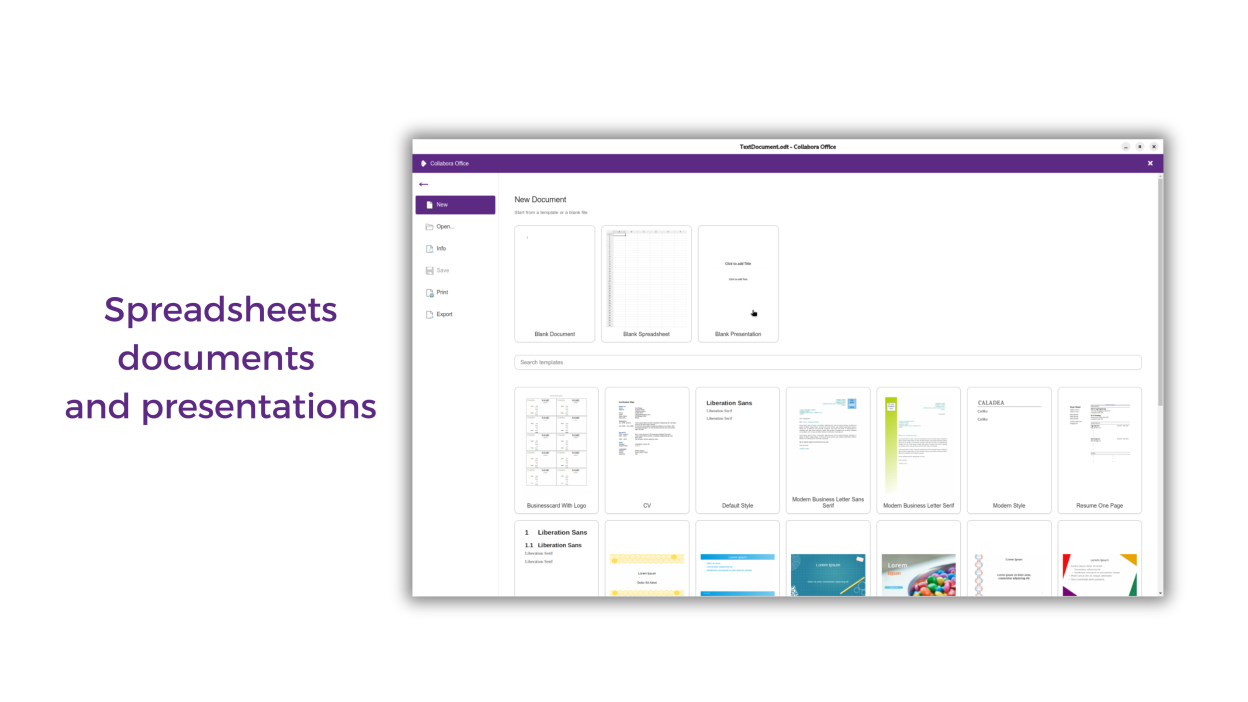
- A refreshed start screen with introductory documents, better templates handling, and Recent files that keep up with Save As
- Multi-monitor presenting fixes, videos that start with their slide, and animated GIFs in Impress and Draw
- New in Calc: Principal Component Analysis, the ARRAYTOTEXT and MSVD functions, spilled-range references, and Text to Column
- Copy and paste as Markdown in Writer, Calc and Impress
- The AI assistant now builds whole presentations - it proposes an outline you can edit, then lays it out on a design template of your choice
- Maximize the Impress slide panel into a grid of large thumbnails, reorder slides by dragging, and rename sections in place
- Settings that persist, sharper cursors on HiDPI screens, and automatic dark mode following your desktop
- A broad set of accessibility improvements: keyboard navigation, screen-reader labels, and focus and contrast fixes throughout
- All fixes and improvements from the shared codebase with Collabora Online 26.04.3.3, including many document compatibility fixes for Microsoft Word, Excel and PowerPoint files
26.04.2.4-21 Aug 2026
New features and fixes in this release:
- All fixes and improvements that come from the shared codebase with Collabora Online 26.04.2.4
- Various small bugfixes related to the desktop application
26.04.1.4-12 Jul 2026
New features and fixes in this release:
- Built-in AI assistant across Writer, Calc and Impress – draft and refine text, fix formulas, fact check slides, without leaving your work
- Smarter editing – document comparison and multi-page view in Writer, calculated pivot fields and per-user views in Calc
- Ever improving document compatibility – improved handling of Microsoft Word, Excel and PowerPoint formats
- More accessible – a broad set of accessibility improvements throughout
- More reliable clipboard – copy and paste in and out of Collabora Office