
QPrompt
Personal teleprompter software for all video creators
Javier O. Cordero Pérez ✓ Verified
com.cuperino.qpromptOpen source personal teleprompter software for all video creators. Built with ease of use, control accuracy, fast performance, and cross-platform support in mind. QPrompt's convergent user interface can run on Linux, Windows, macOS, and Android.
Screenshots
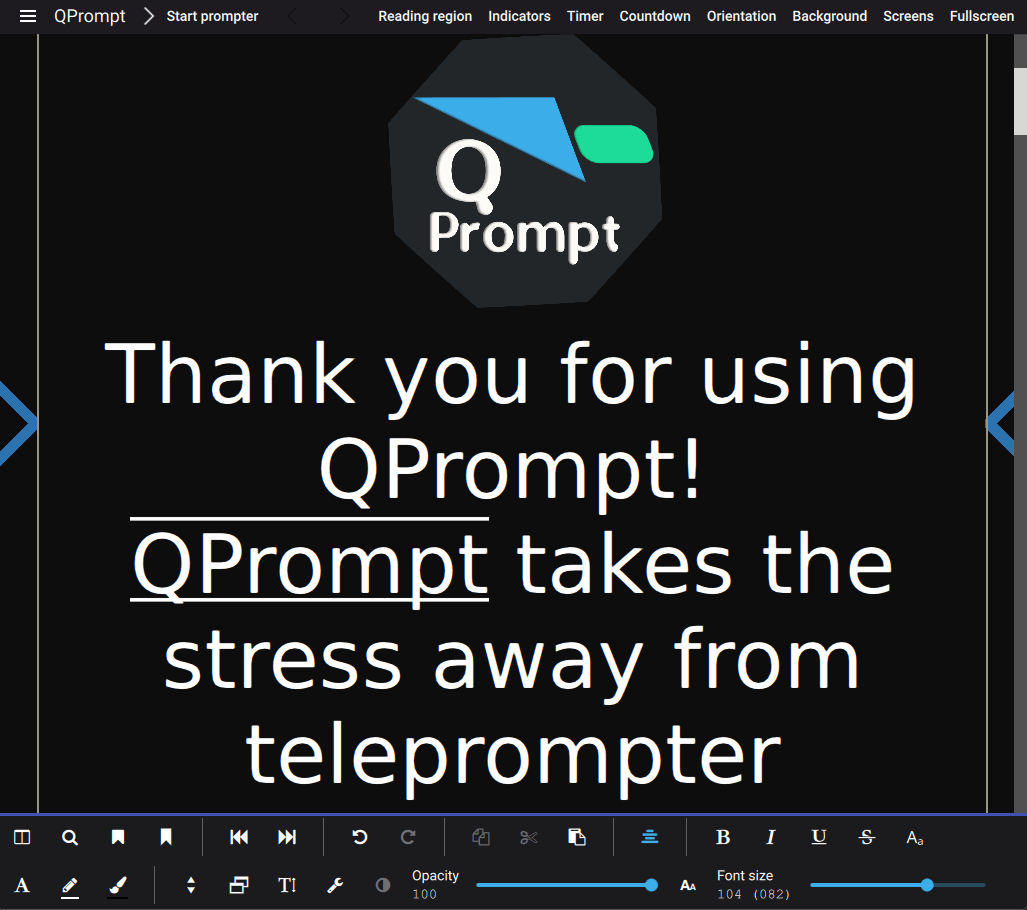
Observed history
| App | Change | Version | When ↓ |
|---|
No observed changes yet.
The initial import establishes a baseline. Future version changes will appear here.
Browse the app catalogue →Upstream releases
Release notes supplied by the developer. These dates are not Flathub package publication times.
2.0.24 Jun 2026
QPrompt 2.0.2 is a bug fix release.
The following issues were fixedd in this release:
- Fix restoration of active focus to the teleprompter
- Fixed opacity slider's text input field not accepting inputs correctly
- Fixed the tool separator for the undo-redo row not being visible at all the times when it should be visible, including upon first startup
- Fixed text being incorrectly selected after clicking on a marker from the list of markers (this was a regression present only in QPrompt 2.0.1)
- Fixed un-setting of named markers not working
- Fixed anchor names disappearing after loading anchors from a saved document
- Removed a non-working context-menu button to show the font dialog appearing in platforms where system font selection isn't possible
- Prevented automatic but invisible auto-selection of markers when clicking on them
- Fixed regression in `no-screens` patch that caused focus not to be given to the prompter when starting the prompter via the mouse.
- Fixed play button state inconsistencies
2.0.128 Mar 2026
QPrompt 2.0.1 is a bug fix release.
The following issues were fixed in this release:
- Improved Chinese translation
- Fixed font selector popup showing up behind Pointer Settings
- Removed unused icons
- Improved compatibility with current versions of KDE's Kirigami framework and ExtraCMakeModules
- Fixed contextual page actions not showing on context drawer on mobile Linux distros
- Fixed Appdata metadata
- Fixed errors with markers list that would lead to undefined behavior and assertions on debug builds
- Fixed error with handle bars that would lead to an assertion on debug build for iOS
2.0.01 Jan 2026
QPrompt 2.0.0 is a major release. It brings about many features and bug fixes and completes our transition to using version 6 of the Qt and KDE framework.
New features:
- Support for many office formats by importing through LibreOffice
- Configure and add your own custom pointers
- Input text in superscript and subscript
- Input exact number settings via the keyboard
- Reset factory settings
- Fix a preferred language
- Fix the UI layout direction to RTL or LTR
- The settings that improve performance can now all be accessed from a single location
- Button to make window stay on top of other windows
- Find and replace
- Search text using expressions
- Ability to open remote documents
- Toggable auto-refresh for local documents
- Toggable auto-refresh for remote documents
- Introduced support for Apple Silicon
- Experimental WebAssembly build allows running from the web browser
Improvements:
- Expanded usable prompter area
- Improved application stability, confirmed bugs reduced to single digit numbers
- Improved dark mode integration on Windows
- Improved usability in small screens
- Improved UI contrast for reduced beam-split mirror glare
- Improved and expanded translations to many languages
- Improved touch controls
- Improved keyboard input customization experience
- Improved prompter smoothness (except while using screen projections)
- Improved UI layout and organization
- Improved Wayland support
- Expanded Unicode support
- Modernized application build and distribution process
1.2.030 Sept 2024
Initially a beta released for testing, 1.2.0 fixes several bugs in v1.1.6 while introducing features that would later become finalized in QPrompt 2.0. This is the last build made using Qt 5 and KDE frameworks 5.