
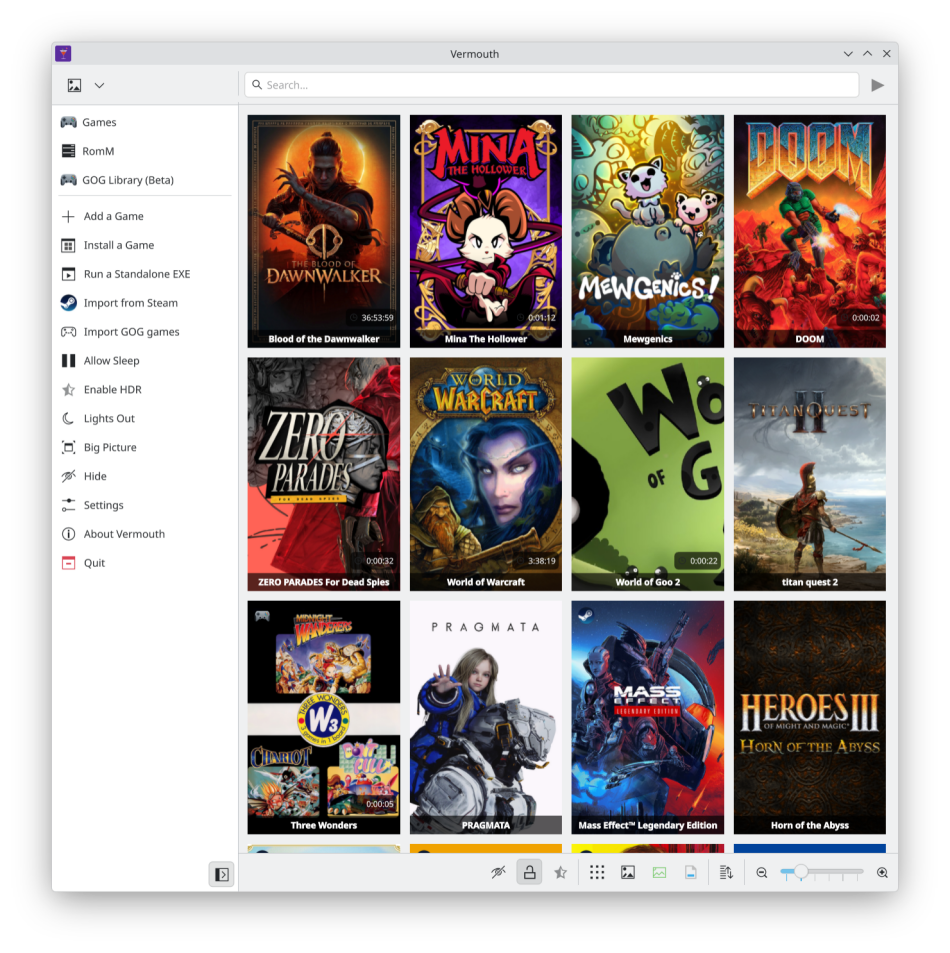
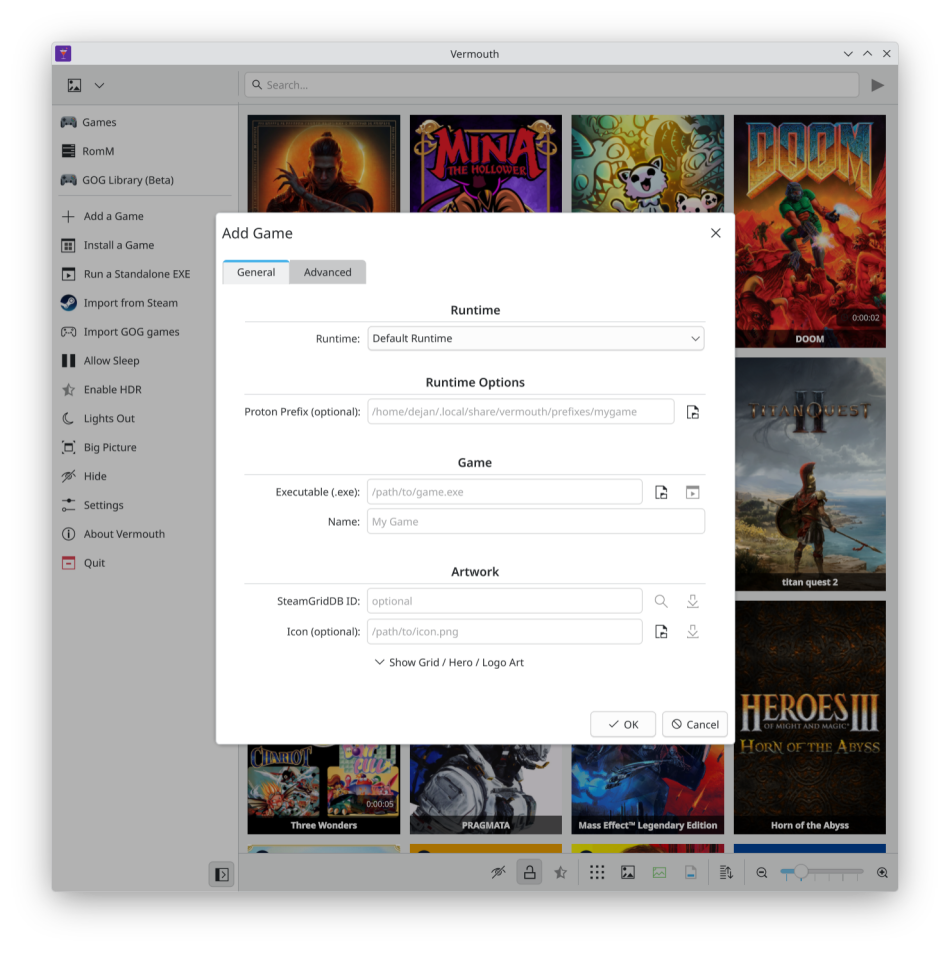
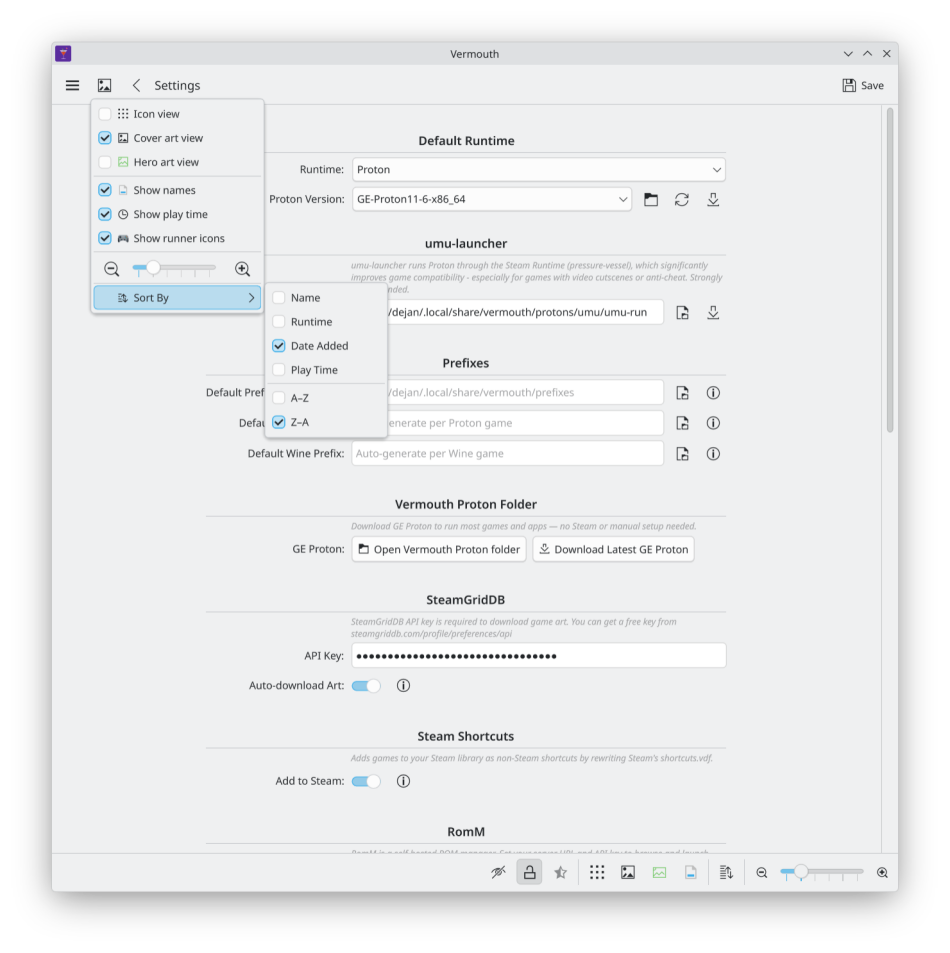
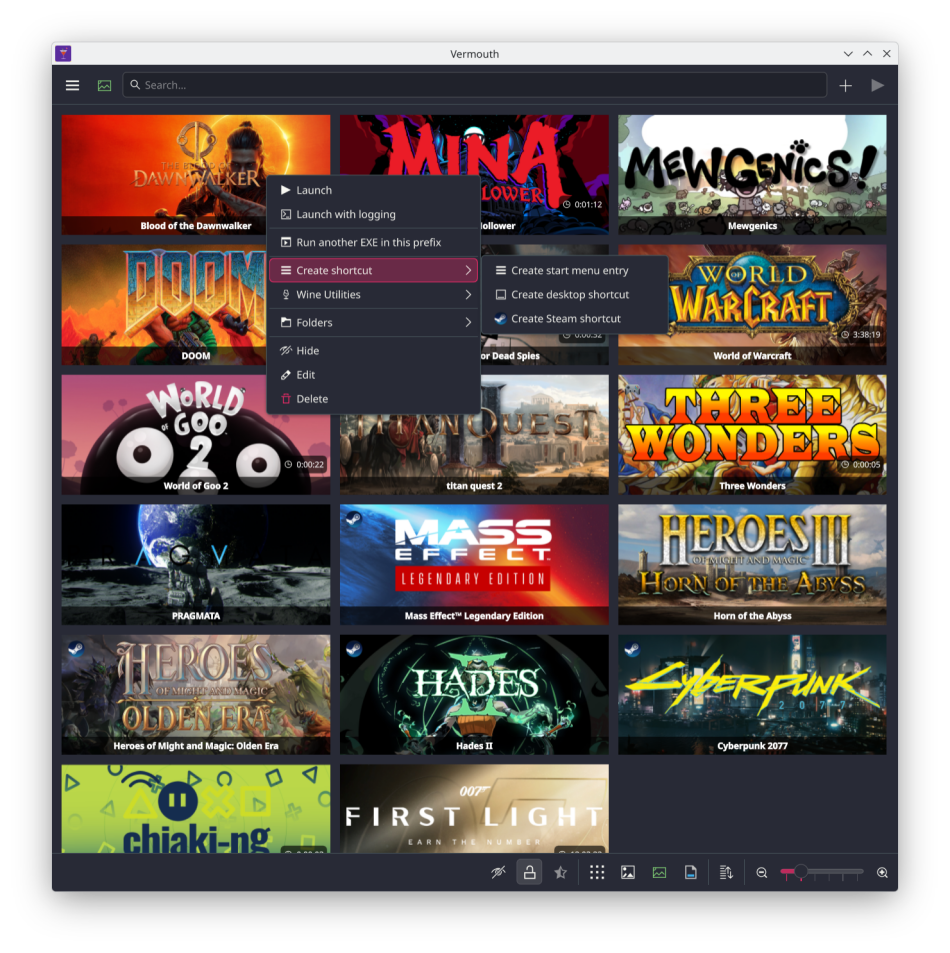
Vermouth is a KDE-first game and application launcher. Run native Linux apps and games, Windows titles through Proton or Wine, and retro games via your RomM library with RetroArch - all from one place.
Screenshots
Observed history
| App | Change | Version | When ↓ |
|---|---|---|---|
| updated | 2.6.1 | 14 Oct 2026 |
Upstream releases
Release notes supplied by the developer. These dates are not Flathub package publication times.
2.6.114 Oct 2026
This release fixes the GPU selector failing to load in the AppImage.
2.6.013 Oct 2026
This release adds a DOSBox Staging runtime for DOS games. It launches game folders, programs, .conf files and ISO, CUE and IMG disc images, can mount extra CDs and floppies next to a game, and can download DOSBox Staging for you. It also adds a GPU selector in Settings and per game on systems with more than one GPU, and a runtime filter next to the search field in the game grid.
2.5.07 Oct 2026
This release adds global launch options for each runtime (Proton, Wine, native, UZDOOM and Steam) that every game can override, shows the global options in the game editor, and makes Proton launches about five seconds faster by turning off umu's wait for an existing container. Games that need to share a container with a running program, such as trainers, get a per-game option to turn it back on. It also refreshes the GOG icon and the import menu labels.
2.4.04 Oct 2026
This release adds a Stop button on running game cards, launch options and environment variables for Steam games, and Steam games that stay on their card until they exit. Steam launches with prefix commands or environment variables now ask before running without them when Steam is open.