

Epic Games Launcher
Download, install, and play games from the Epic Games Store
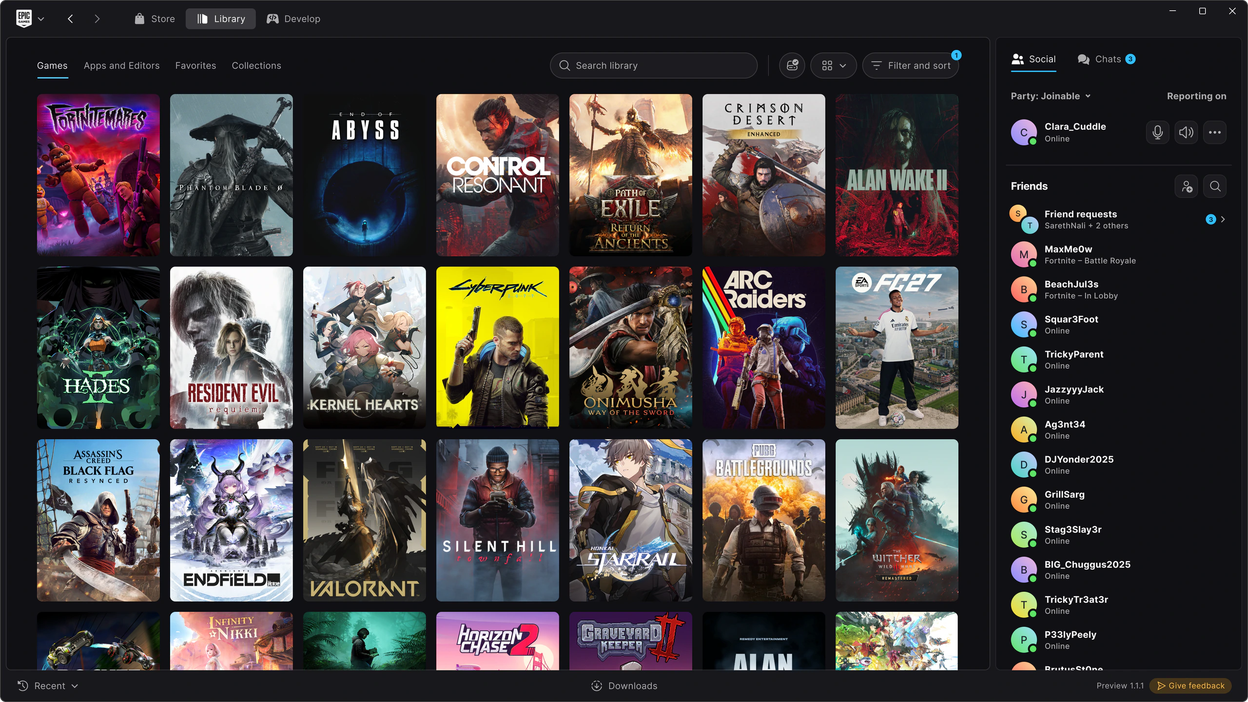
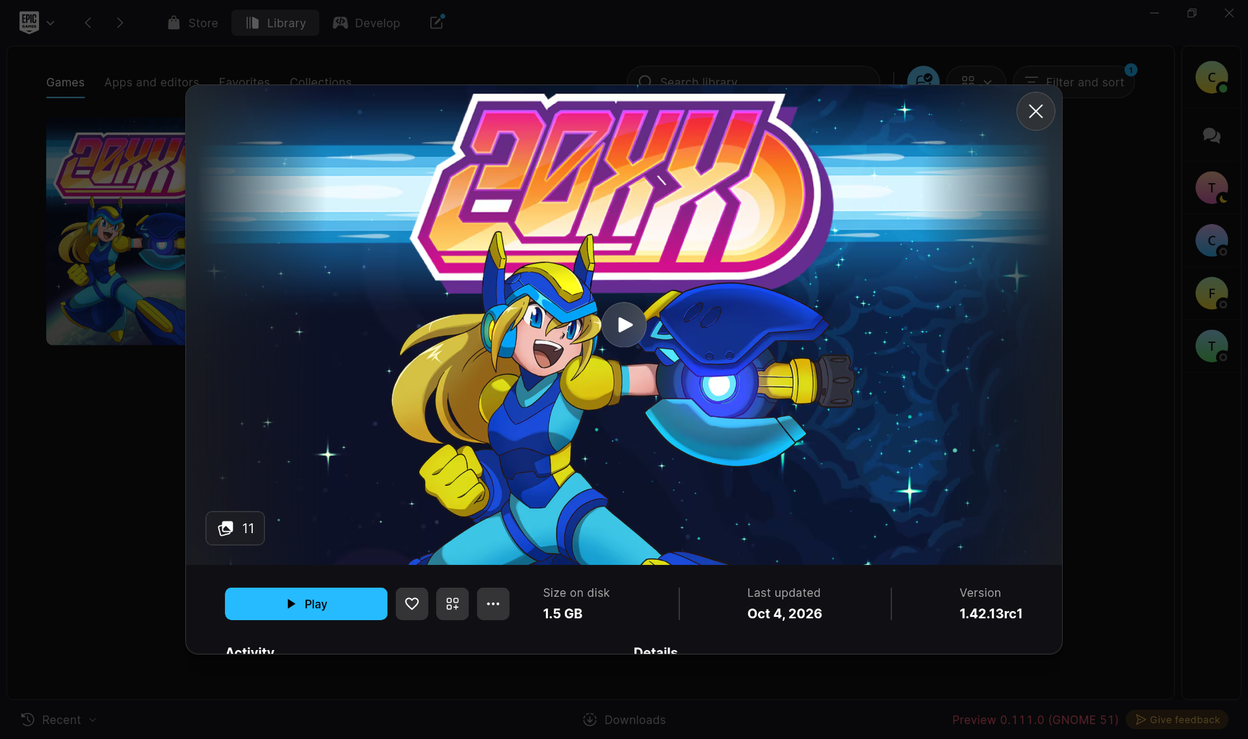
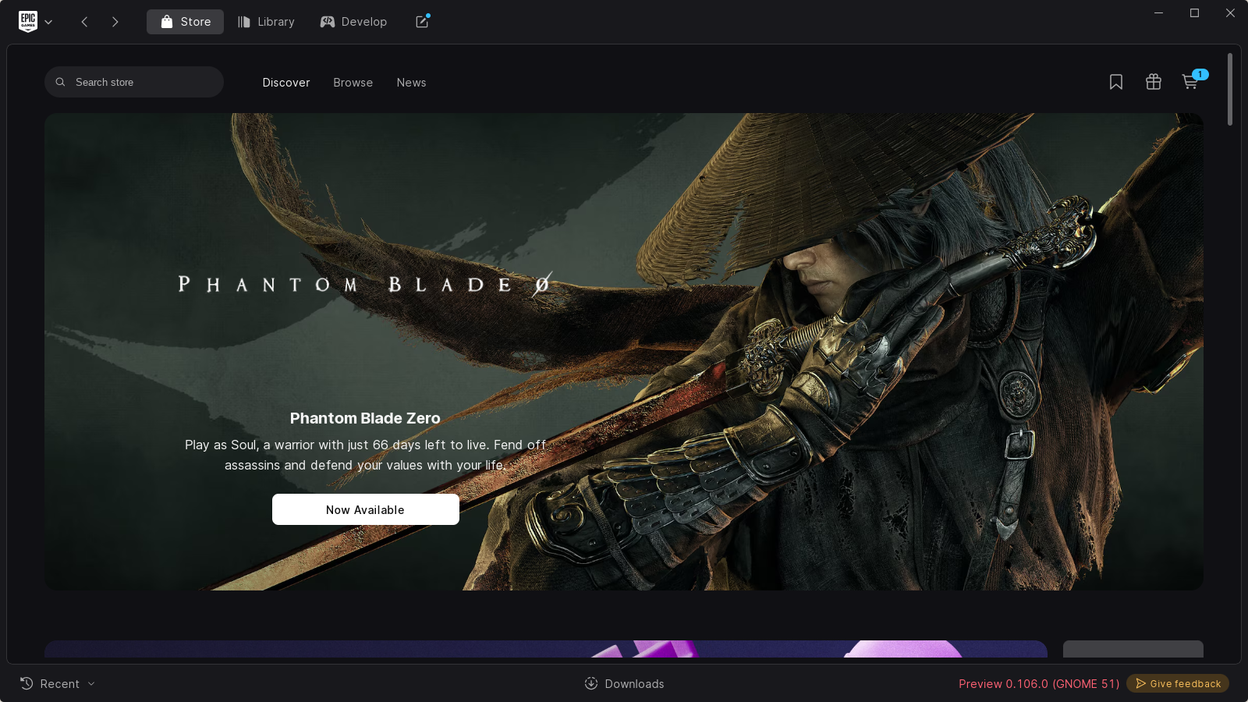
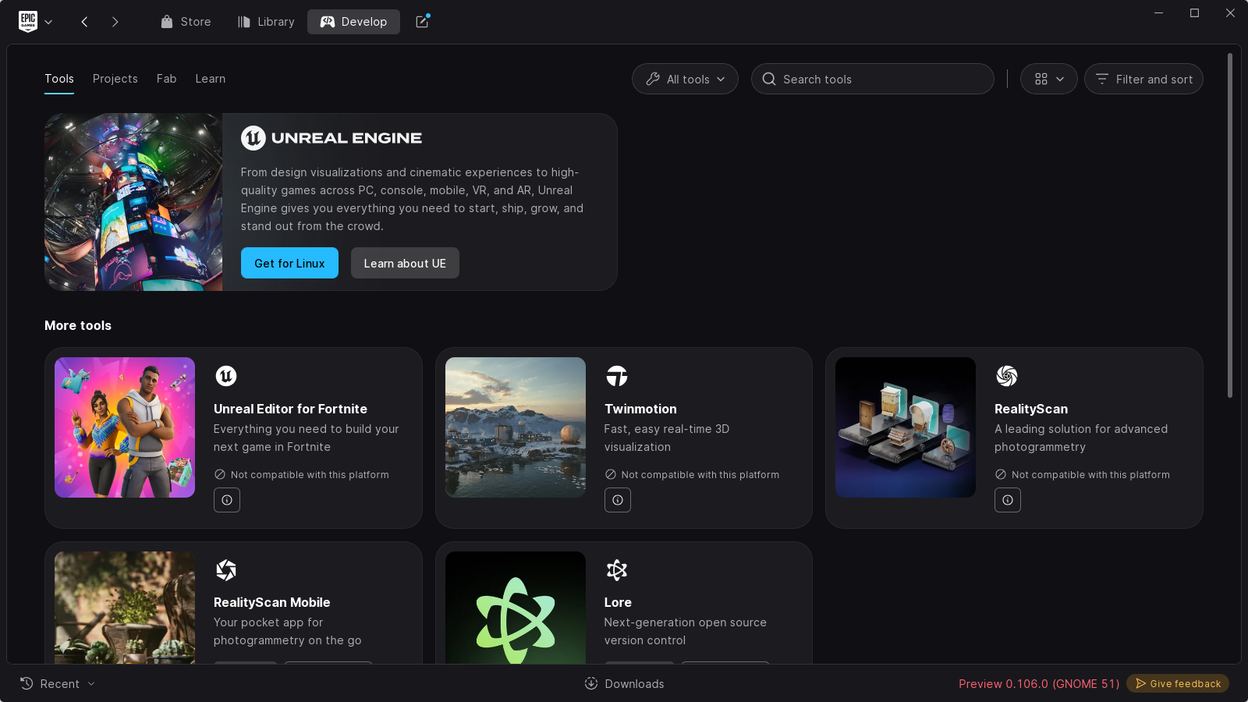
com.epicgames.launcherThe Epic Games Launcher is the gateway to all content on the Epic Games store. Install games from your Epic Games account, browse the store, or manage Unreal Engine installations.
Screenshots
Observed history
| App | Change | Version | When ↑ |
|---|---|---|---|
| new | 0.113.0 | 13 Nov 2026 | |
| updated | 0.113.0 → 0.115.0 | 14 Nov 2026 | |
| updated | 0.115.0 → 0.116.2 | 17 Nov 2026 | |
| updated | 0.116.2 → 0.117.0 | 18 Nov 2026 | |
| updated | 0.117.0 → 0.120.0 | 21 Nov 2026 |
Upstream releases
Release notes supplied by the developer. These dates are not Flathub package publication times.
0.120.020 Nov 2026
A downloaded launcher update will now install when your computer is idle.
An Uninstall option is now available in the menu for completed items in Downloads.
When uninstalling the launcher, you can now choose what gets deleted, with file sizes and progress shown.
You can now change the folder directory where a game's files are located.
A game could have stayed in a failed state in Downloads after a repair did not complete.
Downloads sometimes gave no indication of progress while the launcher was checking files before starting.
0.118.018 Nov 2026
A default install location for tools is now available in Settings.
A sign-in link is now offered when your browser does not open during sign-in.
Hidden or deprecated add-ons will now be hidden in the Library, and new installs of them will be blocked.
Store and rewards items in the app menu will now be grouped under a Rewards and balance submenu.
A DLC could have stayed on an older version than its main game after the game was updated.
Fab downloads were not restored after restarting the launcher and could not be resumed.
0.117.017 Nov 2026
An option to remove launcher data is now available in the Settings menu on every platform.
Linux: The system tray icon will now work in every build of the launcher.
When repairs keep failing, the launcher will now tell you that your PC may be damaging files.
Downloads could tell you to reconnect a drive when the real issue was a protected install folder.
You could appear signed out if you finished browser sign-in after the timeout, or after hitting the 'Back' button in the launcher.
0.116.216 Nov 2026
A percentage will now be shown while a game is being verified after it finishes downloading.
The launcher will now tell you when a drive is full during a download, and you can then resume it by hand.
Cloud save downloads cut off partway through could have discarded data they had already downloaded.
Keyboard focus in Settings could have been lost when a drill-in section opened or closed.
The Library catalog was sometimes missing entries after the first launch.
Fab downloads of Unreal Engine content sometimes failed when one download link did not work.