Make working on different projects easy again!
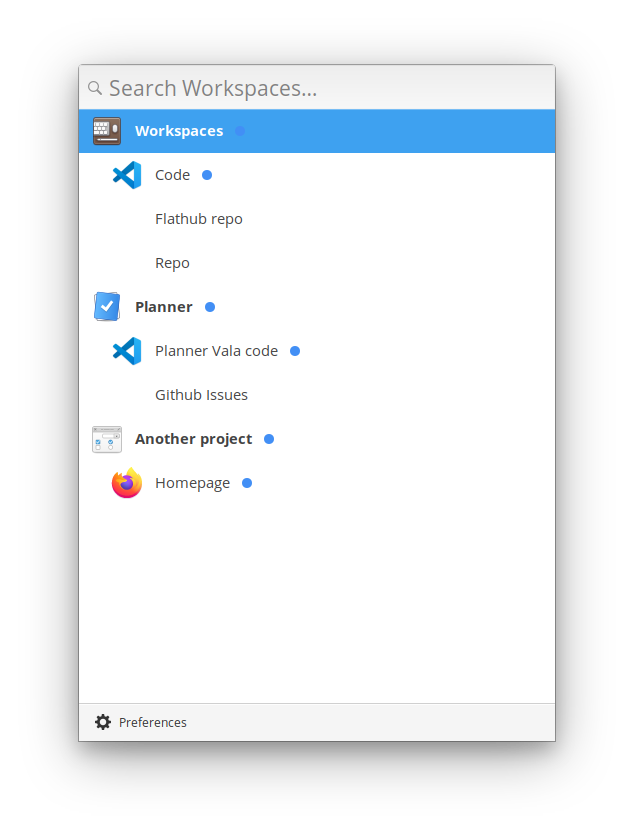
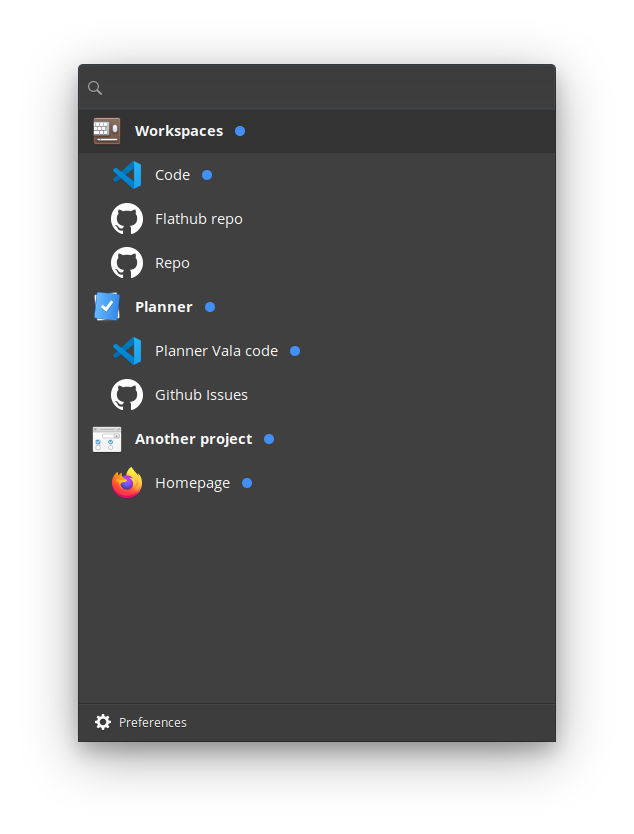
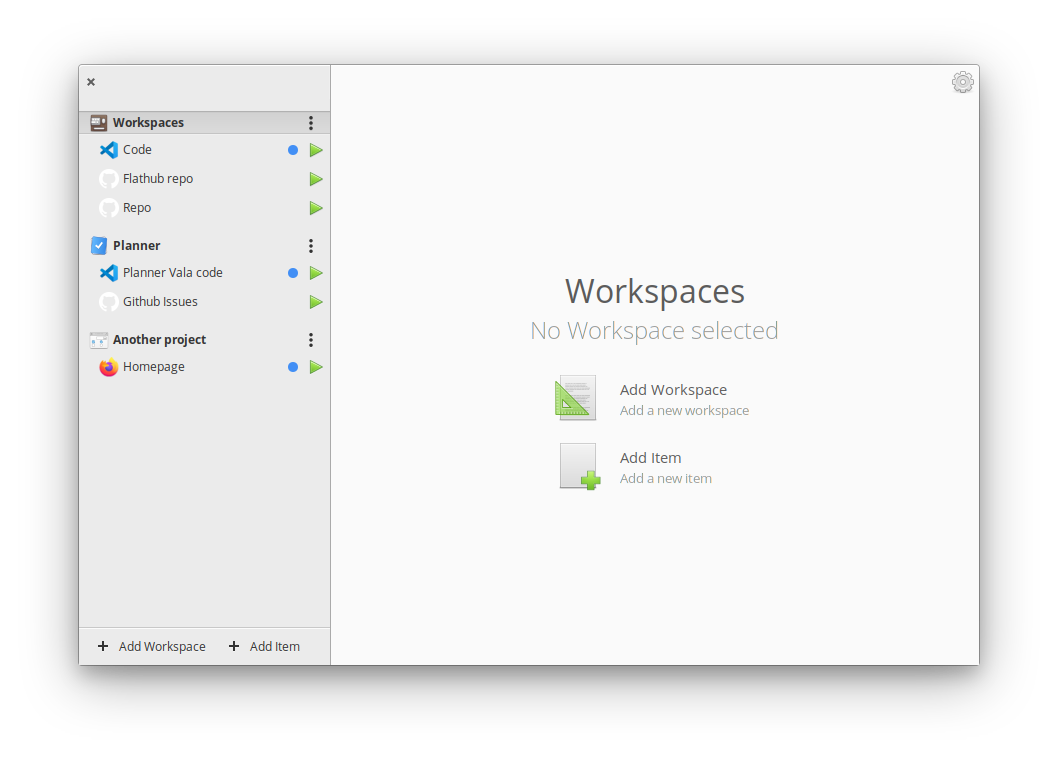
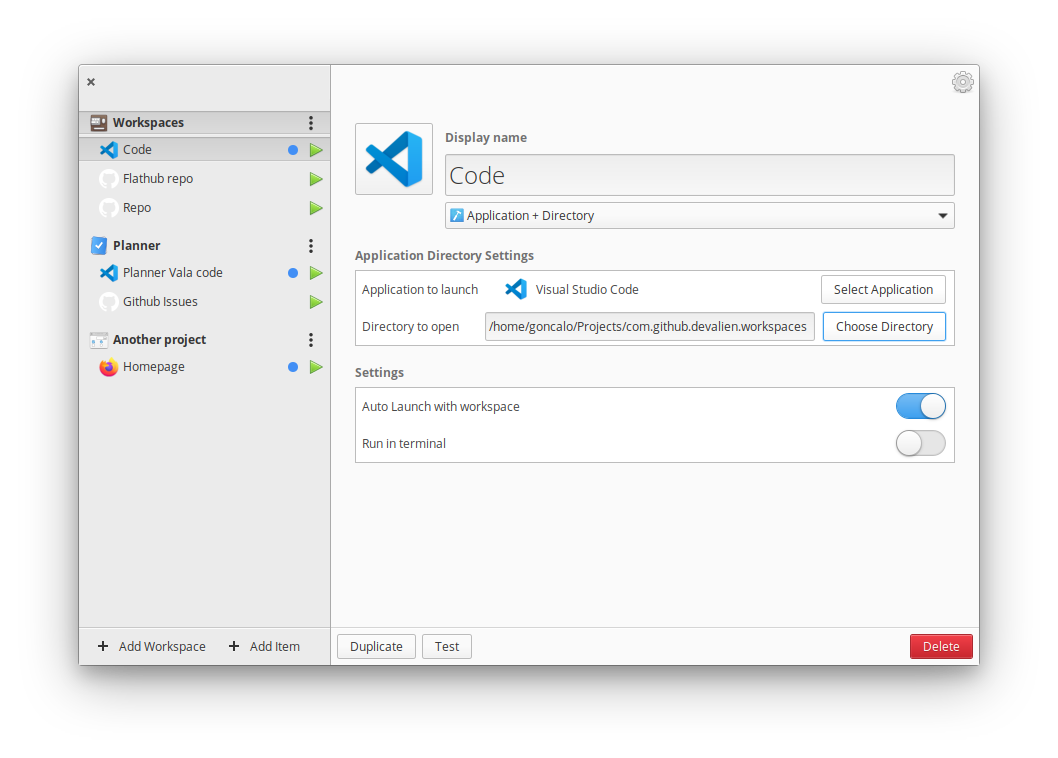
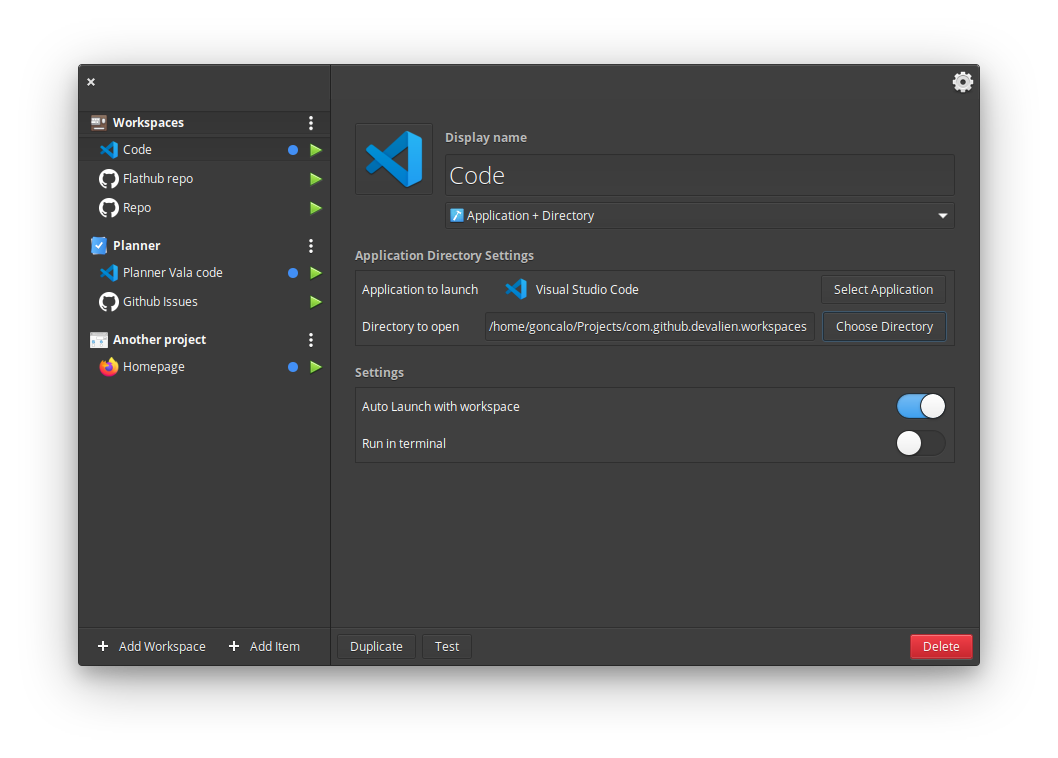
Workspaces lets you configure and quickly launch all you need to work on a project. It can open in a second different instances of code, a specific website and a directory
Screenshots
Observed history
| App | Change | Version | When ↓ |
|---|
No observed changes yet.
The initial import establishes a baseline. Future version changes will appear here.
Browse the app catalogue →Upstream releases
Release notes supplied by the developer. These dates are not Flathub package publication times.
3.1.014 Sept 2020
Fixes
- Fix run in terminal
- Fix Open quick launcher via the knob menu
- Fix crash when clicking on link on about dialog by max246
- Close quick launcher when selecting an item, unless you press CTRL by Philip-Scott
- Fixes visual issues on Switches, they were squashed
Improvements
- Save or don't save latest position by max246
- Make the workspaces in the left list sortables with drag and drop
- Make the items in the left list sortables with drag and drop
- Items can be moved in another workspace just with drag and drop
- Workspaces are editable
- Workspaces are deletable (should display a warning message)
- Workspaces will display an image in the list, if they have one
- Items now have a blue dot indicating that they are part of the auto-run
Translations
- German translation by meisenzahl
- Dutch Translation by Vistaus
3.0.01 Sept 2020
Release 3.0 for AppCenter
1.3.123 Aug 2020
Fixes
- Fixed typo
1.3.023 Aug 2020
New Features
- Run commands in terminal
Improvements
- App selection is now a popover
- Icon selection is now a popover
- Quick launcher now has a better keyboard handling
Fixes
- Fixed theme for other gtk themes
- Fixed icon critical message