
Projectpad
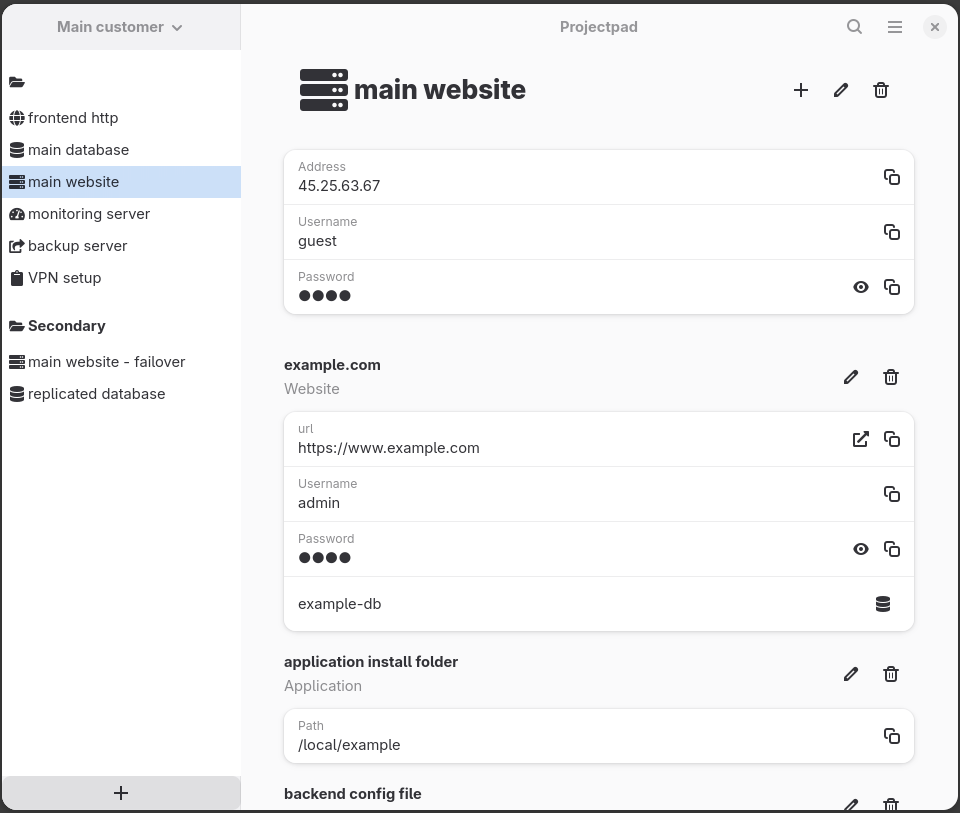
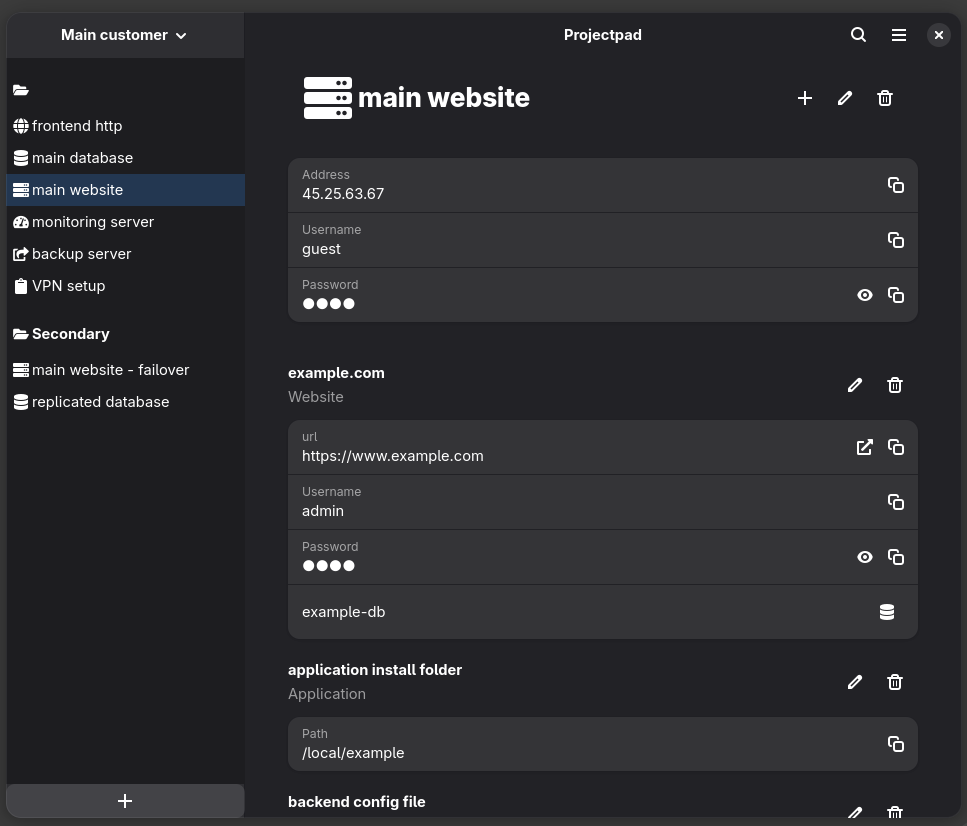
Projectpad allows to manage secret credentials and server information that you need to handle as a software developer or sysadmin.
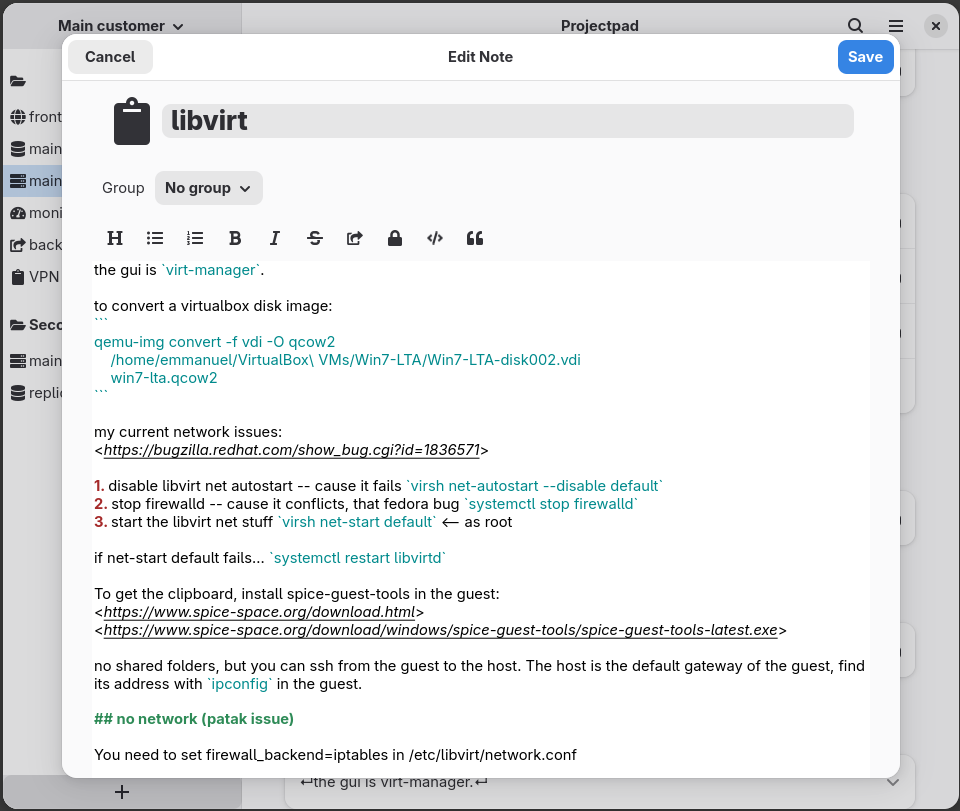
com.github.emmanueltouzery.projectpadProjectpad allows to manage secret credentials and server information that you need to handle as a software developer or sysadmin. List of servers, list of point of interests on those servers (applications, log files, databases, servers). It will securely store passwords and keys. It will also allow you to run commands (locally or on SSH servers), open terminals on remote SSH servers, and so on. The data is securely stored on-disk using SQLcipher, which uses 256-bit AES. The database is password-protected, but you can store the password in your OS keyring. Since the database is encrypted, you can put it in your dropbox (or similar account), to share it between computers.
Projectpad's target audience are people who today have to use several tools to do their work effectively: a keepass-like application, a series of text files with notes, and a few shell scripts. Instead of that, projectpad offers a streamlined, integrated solution.
Projectpad consists of two applications:
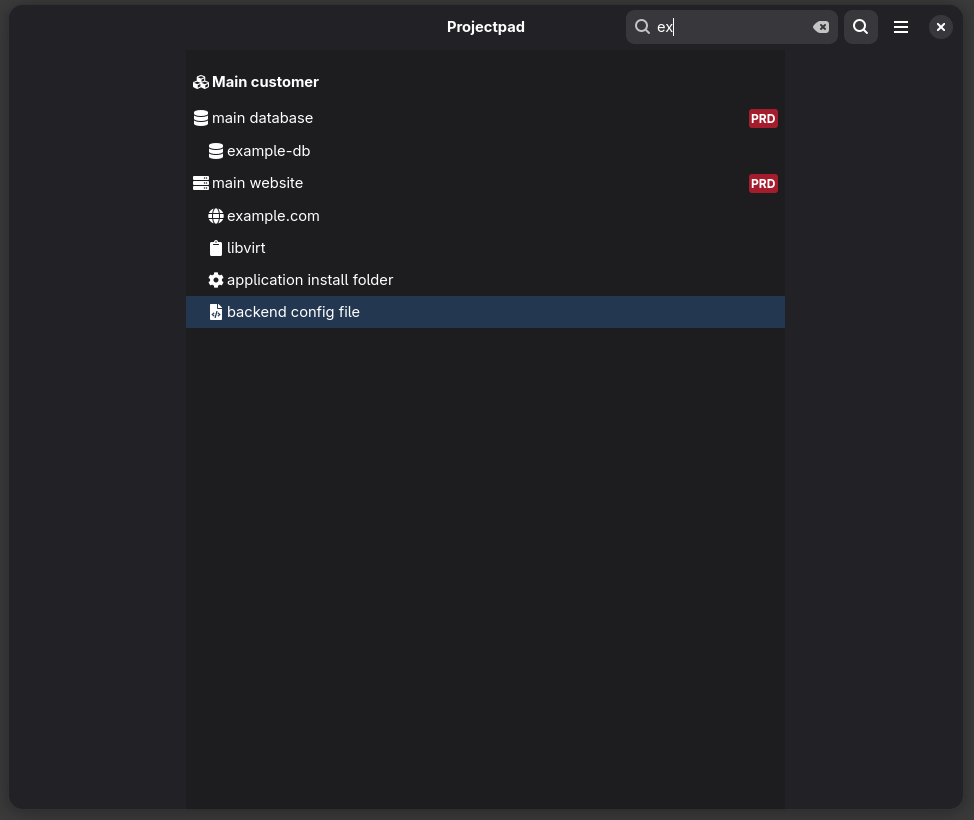
- the GUI projectpad application, which allows you to enter/edit data, search it, open websites and so on (included in this flatpak);
- the command-line ppcli application, which allows you to run commands, connect to servers, open files of interest and so on (must be installed separately, see https://github.com/emmanueltouzery/projectpad2).
Screenshots
Observed history
| App | Change | Version | When ↓ |
|---|
No observed changes yet.
The initial import establishes a baseline. Future version changes will appear here.
Browse the app catalogue →Upstream releases
Release notes supplied by the developer. These dates are not Flathub package publication times.
3.0.227 Jun 2026
- Fix crash with gtk 4.20
3.0.15 Jul 2025
- Smarter sorting for search results
- Control-E shortcut to edit the current item
- Control-Y shortcut to copy any visible password
- Focus the closest widget when opening search results
- Shortcuts dialog
3.0.04 Jun 2025
- Complete rewrite of the GUI to gtk4 and libadwaita
2.3.128 Dec 2021
- fix styling of the search bar -- buttons and entry are now properly linked
- Nicer GUI to add server and project items: buttons with description instead of radio buttons
- Notes: hide the 'Copy code block' button when switching notes