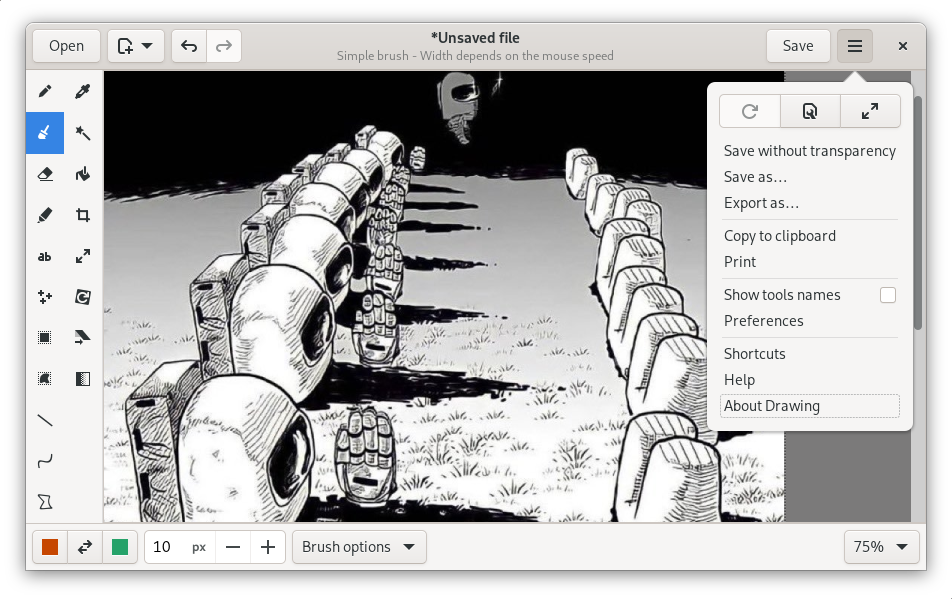
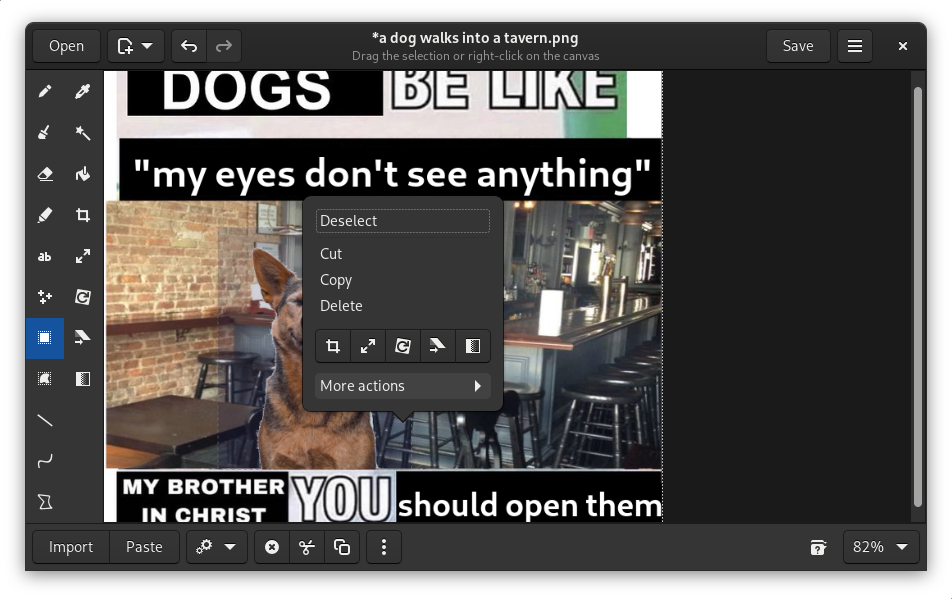
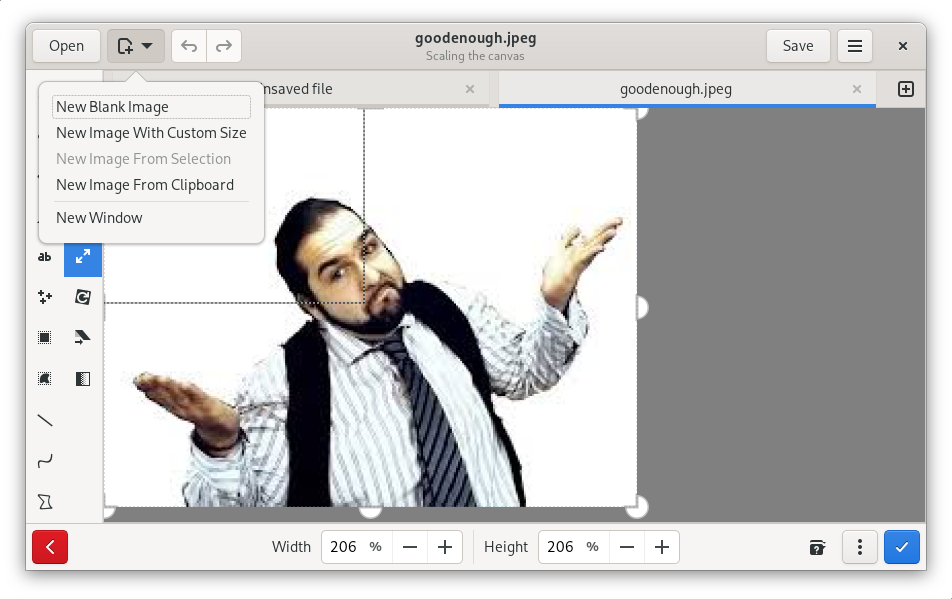
This basic image editor can resize, crop, or rotate an image, apply simple filters, insert or censor text, and manipulate a selected portion of the picture (cut/copy/paste/drag/…)
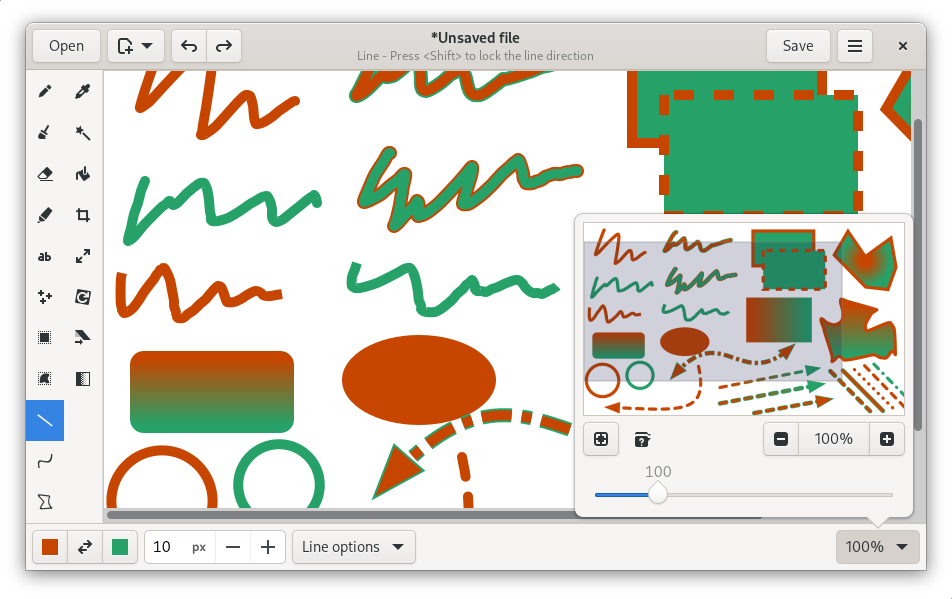
And of course, you can draw! Using tools such as the pencil, the straight line, the curve tool, many shapes, several brushes, and their various colors and options.
Supported file types include PNG, JPEG and BMP.
Screenshots
Observed history
| App | Change | Version | When ↑ |
|---|
No observed changes yet.
The initial import establishes a baseline. Future version changes will appear here.
Browse the app catalogue →Upstream releases
Release notes supplied by the developer. These dates are not Flathub package publication times.
1.0.225 Feb 2023
Version 1.0.2 features several minor bug fixes, and various new translations.
Saving the image should be more reliable, especially when replacing the transparent pixels with a solid color. Pictures are now automatically reloaded from the disk after being saved.
The user interface of the "select" tool changed, as well as the keyboard shortcuts to change tab.
A small rendering issue when previewing a blur filter has also been fixed.
1.0.19 Apr 2022
Version 1.0.1 features several minor bug fixes, and various new translations.
By popular demand, the "highlighter" tool is now enabled by default, and the message dialog to warn you about the release notes is less intrusive.
The main improvement in this update is the zoom workflow: since the version 1.0.0 it's possible to zoom in very deep, but the process was very slow, and the view didn't stay well centered around the mouse pointer; and once at 2000%%, scrolling up or down, or left or right, was quite violent. These problems should all have disappeared in this new version!
Incorrect command line parsing when using the app outside of a flatpak sandbox has also been fixed.
For users on elementary OS, a small issue concerning window resizing has been mended too.
1.0.026 Mar 2022
Version 1.0.0 improves rendering performance, which is visible when editing large images with a poor CPU.
You can now use the new "skew" tool, to tilt an image from a rectangle to a parallelogram. Such a deformation can be applied horizontally or vertically.
You can select tools with keyboard accelerators (Alt+letter). This may not work yet with languages using a non-latin alphabet.
Zooming very deep is now possible, and the rendering will be very crisp, even at 2000%%.
Pressing "ctrl" will display the cursor coordinates in a tooltip. If you do it while using a tool, it may display additional data, for example the dimensions of the shape you're drawing!
Pressing "shift", or "alt" when using a tool enables specific options, such as locking the direction for the "line" tool, or changing the filling style of a shape.
Using the "scale" tool, you may optionally set the new size as a relative percentage rather than an absolute value in pixels.