
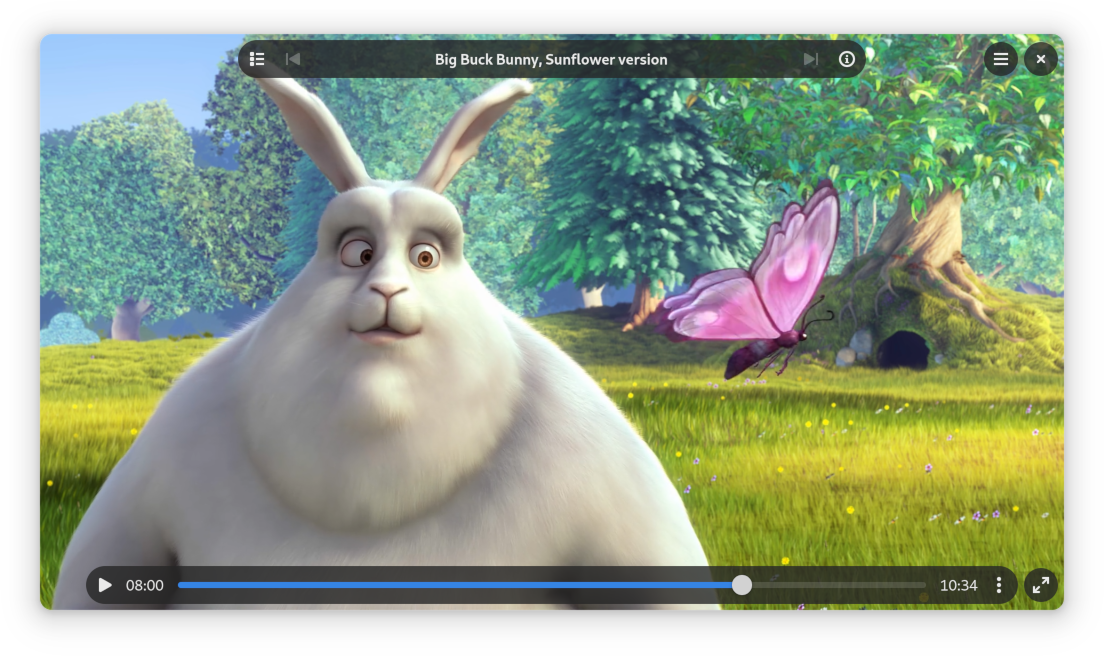
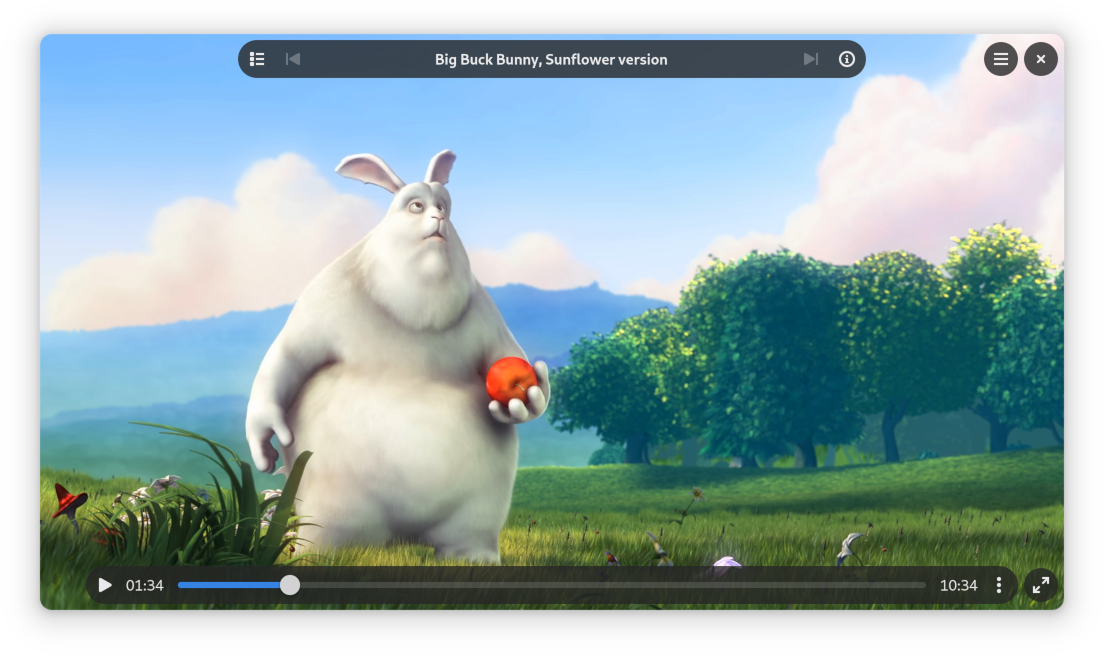
Clapper is a modern media player designed for simplicity and ease of use. Powered by GStreamer and built for the GNOME desktop environment using GTK4 toolkit, it has a clean and stylish interface that lets you focus on enjoying your favorite videos.
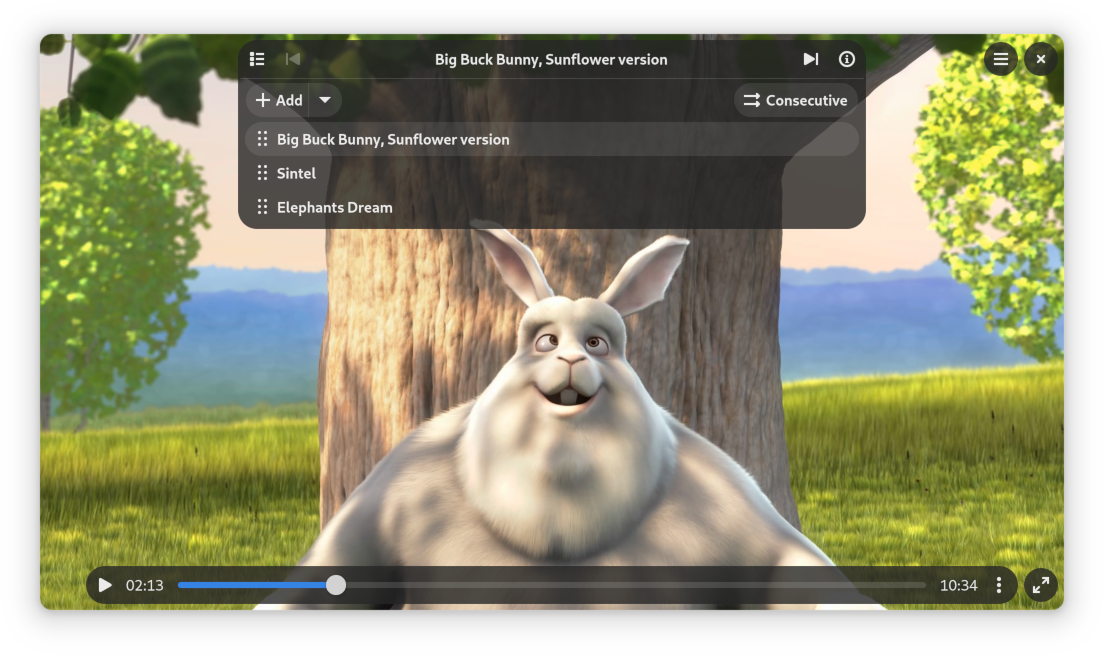
Clapper uses a playback queue where you can add multiple media files. Think of it like a playlist that you can build. You can easily reorder items or remove them from the queue with a simple drag and drop operation.
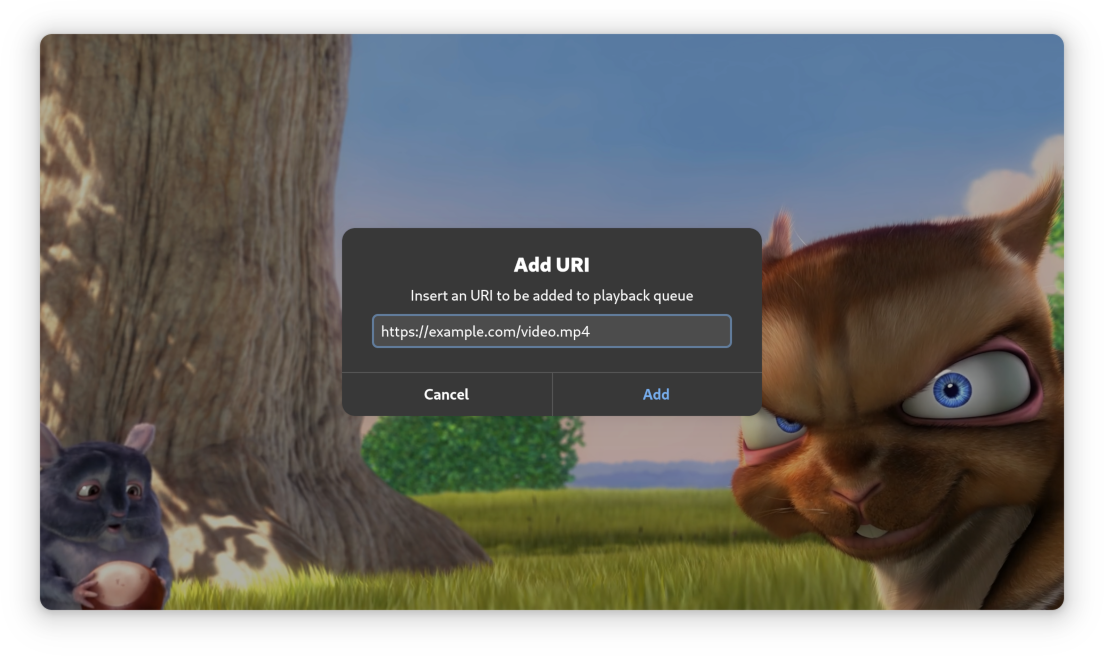
Screenshots

Observed history
| App | Change | Version | When ↓ |
|---|
No observed changes yet.
The initial import establishes a baseline. Future version changes will appear here.
Browse the app catalogue →Upstream releases
Release notes supplied by the developer. These dates are not Flathub package publication times.
0.10.022 Dec 2025
This release includes new Enhancer plugins that are enabled by default. Some of them have options that can be changed. Check application Tweaks tab in preferences window to browse and configure them.
- Ability to load and parse various playlists
- Added option in info dialog to preview GStreamer pipeline and a keyboard shortcut for it
- Added advance frame (frame step) with E keyboard shortcut
- Slightly wider URI dialog text entry
- Evolvement of enhancers plugin system with added new plugins
- Removed some keywords to lower app priority as a music player
- Fixed crash with auto resize for some video resolutions
- Fixed crash on drag and drop into empty queue
- Support for drag and drop of items between lists in different windows
- Bundled custom speed icons
- Other various improvements and bug fixes
0.8.020 Jan 2025
Changes:
- Now uses playbin3 by default
- Added more command line options - including ability to set custom GStreamer filter and sink elements
- Support for creating multiple application windows
- Added menu option to clear playback queue
- Auto resize window to match aspect ratio with middle click or keyboard shortcut
- Added unfullscreen with Escape key
- Brand new libpeas based plugin system
- Remember and restore optimal bitrate (video quality) when starting adaptive streaming
- Other various improvements and bug fixes
0.6.11 Jul 2024
Bug fixes and translation updates
0.6.022 Apr 2024
In this release Clapper code was rewritten from scratch. Now split into two libraries and an application built on top of them, with:
- Brand new, simplified and consistent UI
- Player now operates on playback queue model
- Multiple queue progression modes to choose from (consecutive, repeat item, carousel, shuffle)
- New media info window (shows media information and GStreamer elements used to play it)
- More dialogs and windows use libadwaita
- Multiple new status/info overlays showing what is going and other messages
- Added video buffering animation
- Clapper will now inform users about missing GStreamer plugins needed for playback
- Video chapters now appear throughout the seek bar on hover and while dragging slider
- Vastly expanded MPRIS implementation
- Integrated media discovery (see titles of queued items instead of URIs)
- Expanded WebSocket server functionality (for remote playback control)
- Increased maximum volume amplification level to 200%
- Added some new keyboard shortcuts
- In addition to volume, now also speed and queue progression mode are restored on launch
- Fixed keyboard shortcuts not being reversed (e.g. seek) in RTL languages
- Toggle play moved to left mouse button, right one now opens context menu (which was previously hard to access)
- Many bug fixes and QoL improvements