
Comic Sticks
Read xkcd: a webcomic of romance, sarcasm, math, and language
Ryan Koesters ✓ Verified
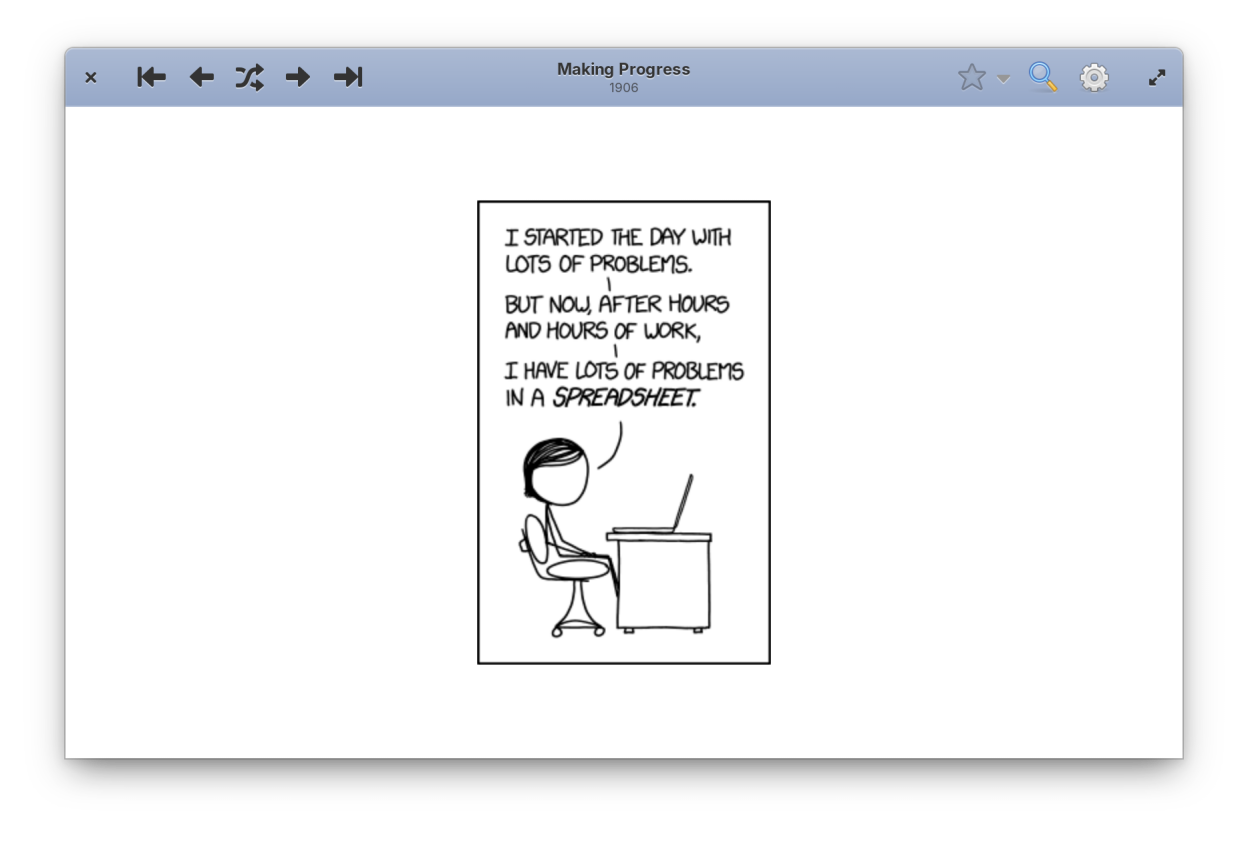
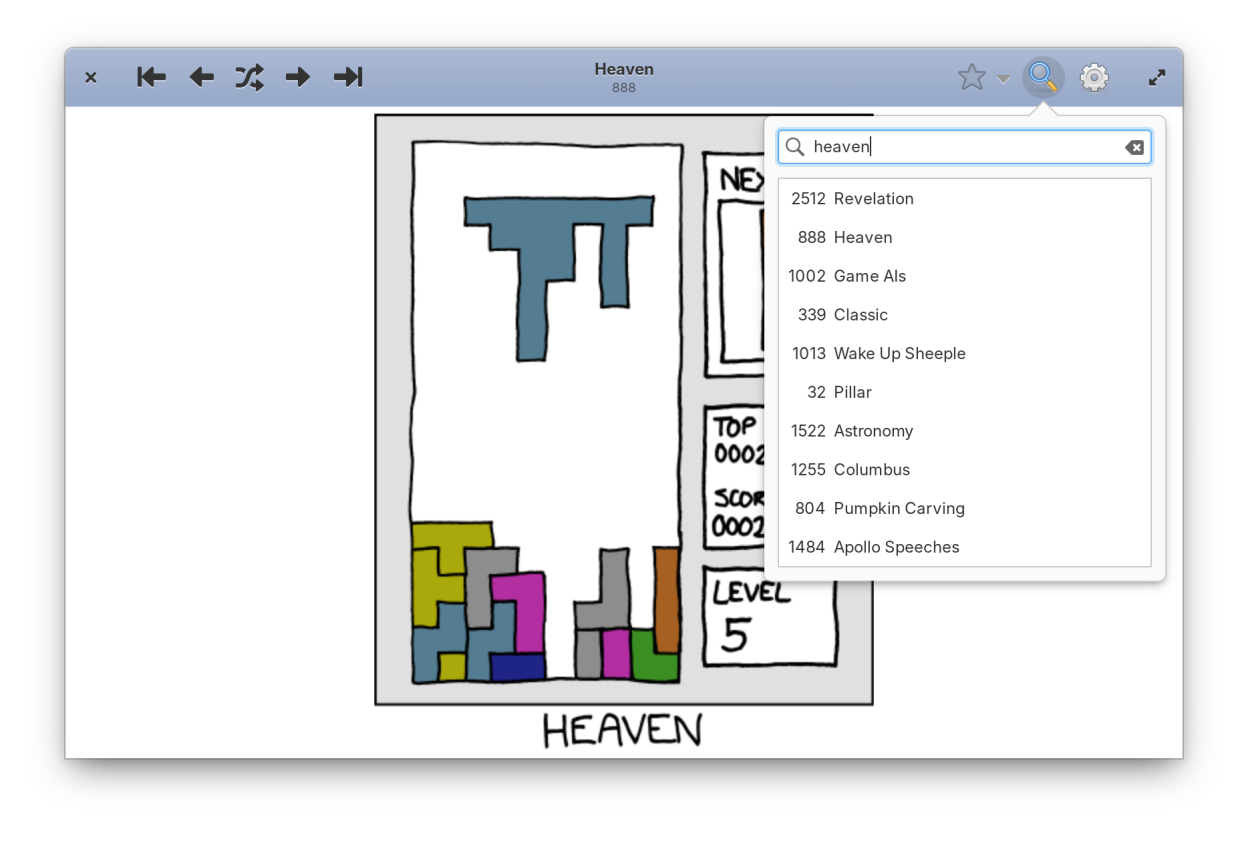
com.github.rkoesters.xkcd-gtkComic Sticks brings xkcd comics to your desktop with quick comic searching, offline browsing, and intuitive keyboard shortcuts.
Features:
- Search for comics
- Keep track of comics with bookmarks
- Cache comics for later offline viewing
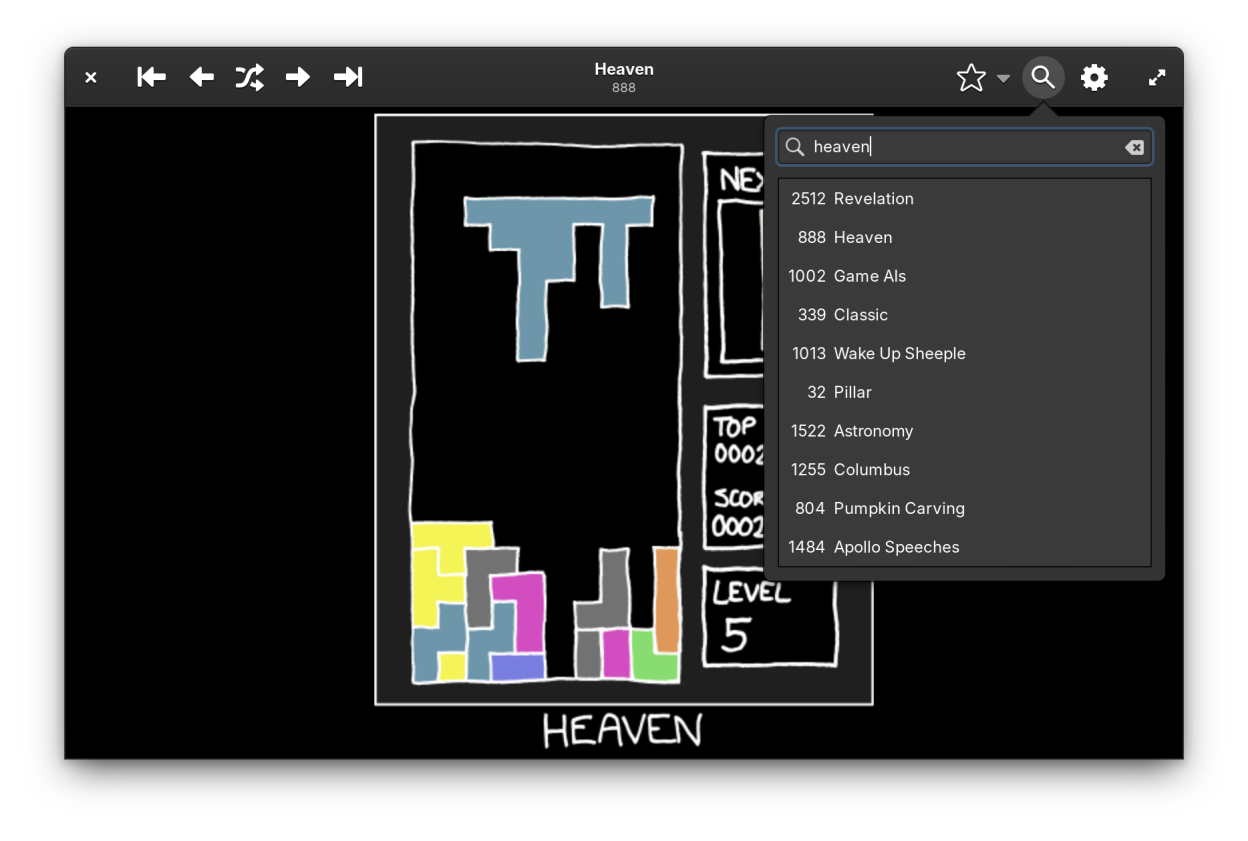
- Dark mode for late night reading
- View comic metadata
- Quickly access comic explainations via explainxkcd.com
Screenshots
Observed history
| App | Change | Version | When ↓ |
|---|
No observed changes yet.
The initial import establishes a baseline. Future version changes will appear here.
Browse the app catalogue →Upstream releases
Release notes supplied by the developer. These dates are not Flathub package publication times.
1.7.321 Sept 2025
Improve the comic image inversion in dark mode so that the resulting colors are closer to what they would look like in the original image (thanks to Flachz).
Dependency updates.
1.7.28 Oct 2023
Update Dutch translations (thanks to Vistaus).
Minor improvements:
- The explain comic action now scrolls directly to the explanation.
- Add icons to app actions in application metadata.
- ChromeOS theming fixes.
- Minor packaging fixes.
- Dependency updates.
1.7.119 Mar 2023
Minor packaging fixes.
1.7.019 Mar 2023
Add the cache management window, allowing you to download all comic images in preparation for being offline.
Add or remove bookmarks with one button click.
Keyboard shortcut changes:
- New: Add or remove a bookmark with ctrl+d
- New: Show bookmarks list with ctrl+alt+d
- Changed: toggle the light/dark theme with ctrl+t