Scrivano for Handwritten Notes
A note-taking application for those who prefer handwriting over typing
Daljit Singh ✓ Verified
com.github.scrivanolabs.scrivanoScrivano is a note-taking application aimed at those who prefer handwriting over typing. It offers a simple and easy to use interface to write down your thoughts and ideas. The app gives you an infinite vertical canvas (but limited horizontal space) without sacrificing the ability to easily export your notes in traditional printing formats (e.g. A2, A3, A4, etc...).
Here is a summary of the most important features:
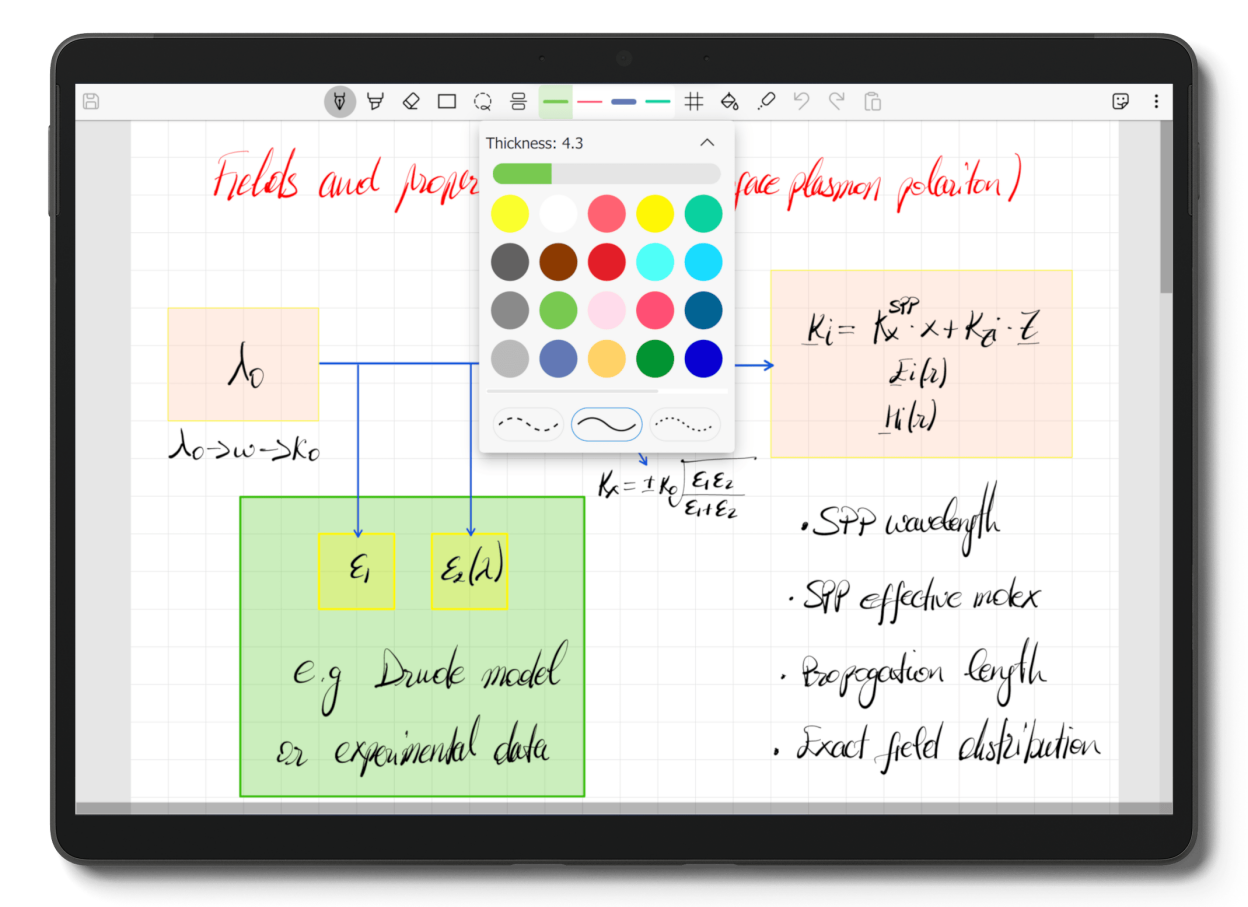
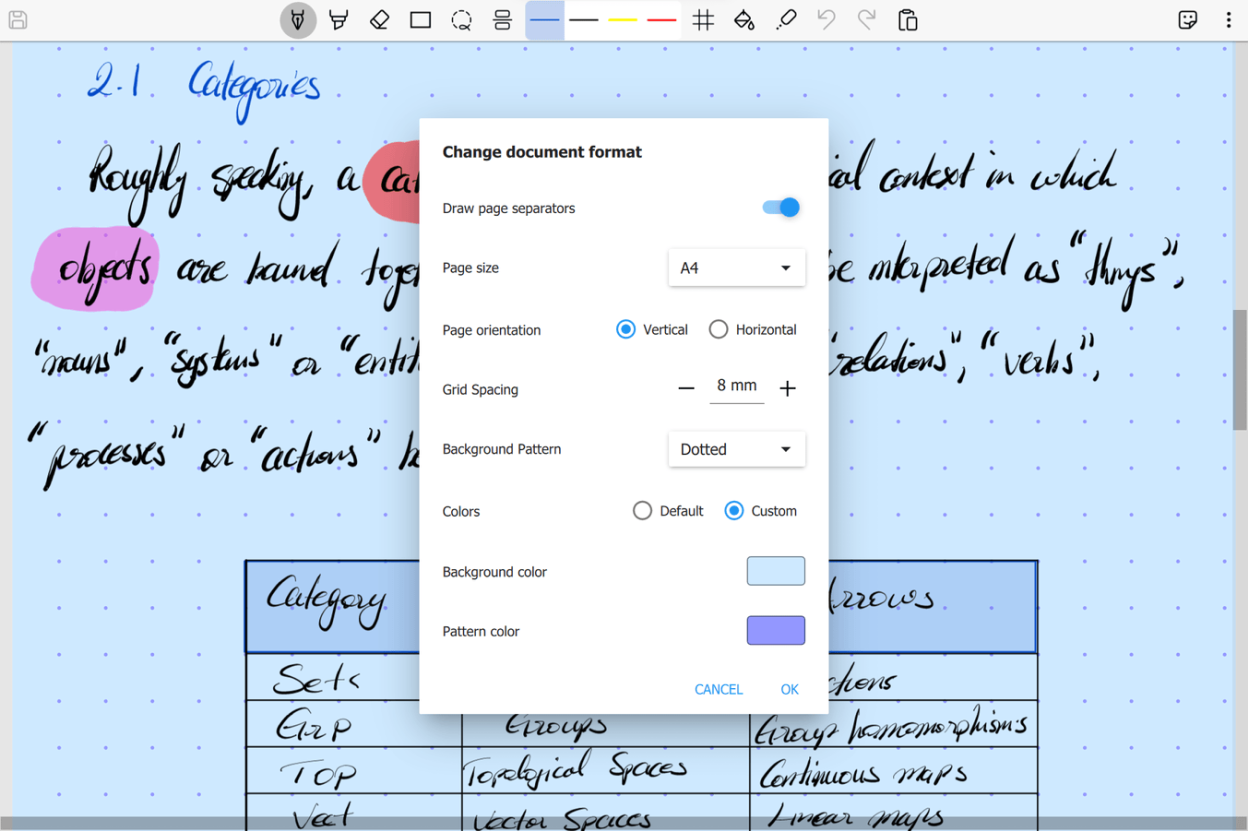
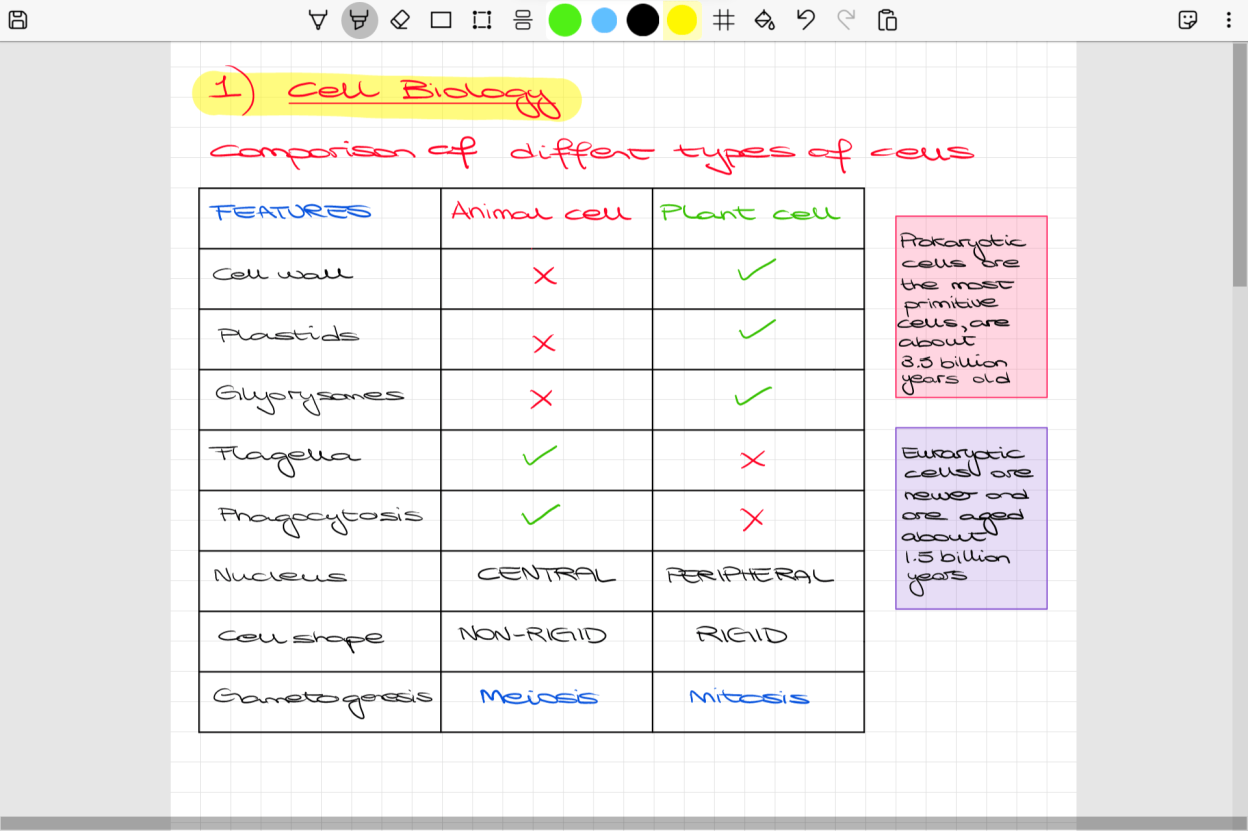
- 4 different paper backgrounds to choose from: Plain, Lined, Grid or Dotted with customisable spacing and backgrounds.
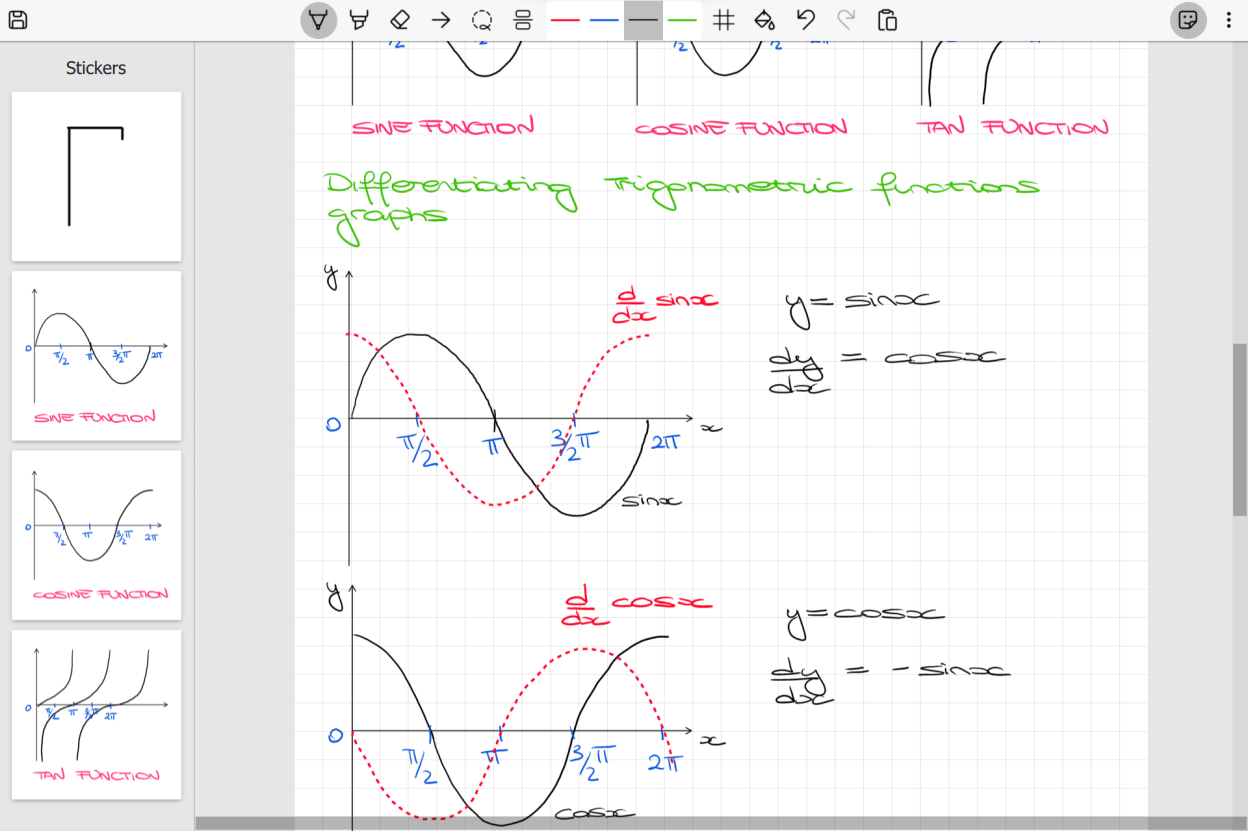
- Grid Snapping: in Scrivano you can toggle the grid snapping feature so that your drawings will automatically snap to grid lines in the background. This is very useful to easily draw tables, diagrams and lines.
- Automatic filling of strokes: toggle the paint bucket in the toolbar to fill your drawing shapes and strokes.
- Stickers: save your frequently used symbols and diagrams, so you can easily drag and drop whenever you need them.
- Insert images: paste or drag and drop any image on the canvas to unleash your creativity!
- Offline saving: save your notes anywhere on your main drive, so you can manage them however you please.
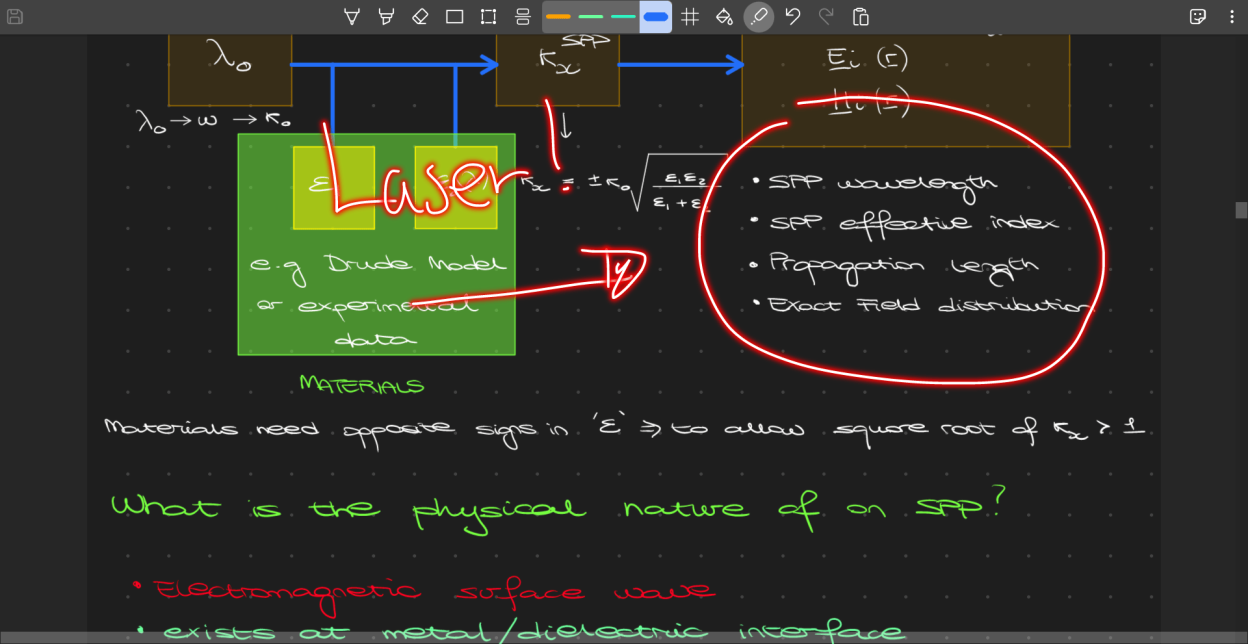
- Laser: Scrivano offers a special laser tool to quickly draw over your notes. Incredibly useful when sharing your screen or presenting something!
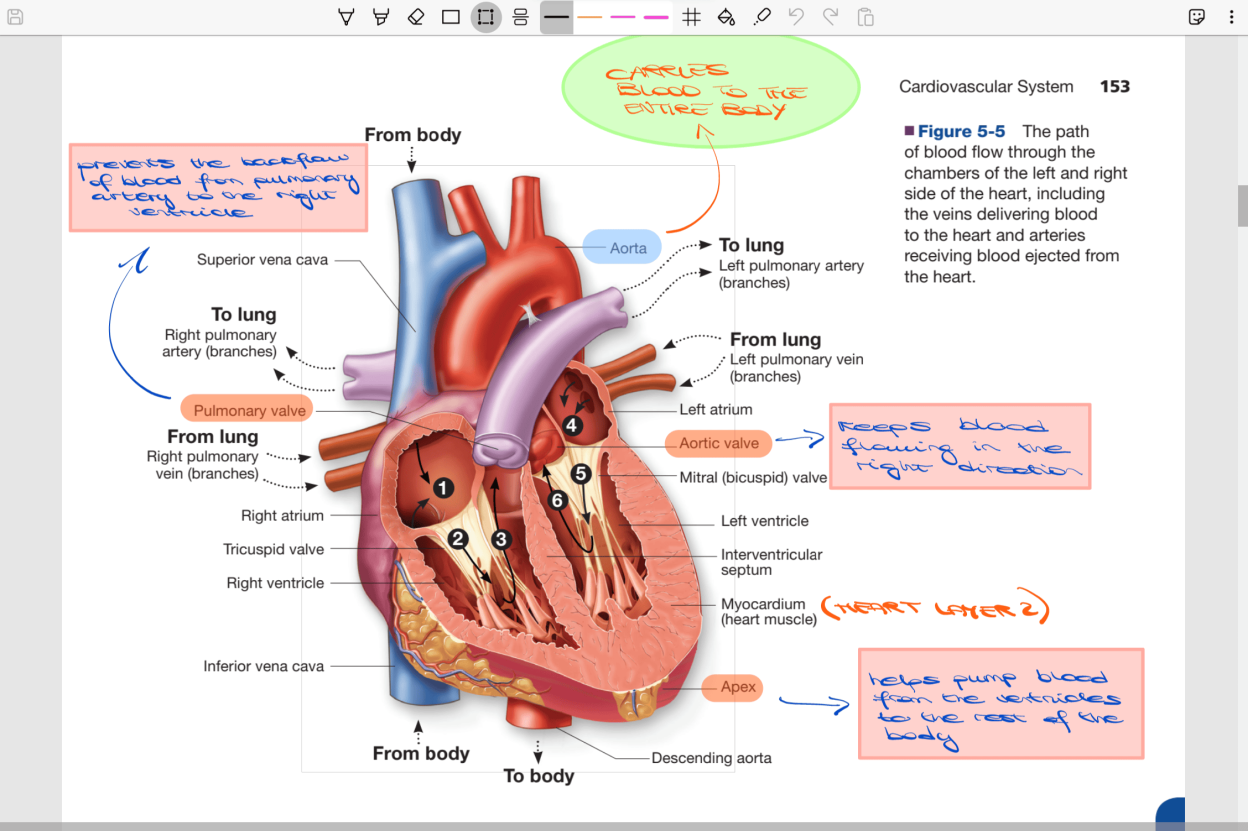
- Annotate PDF files: You can import your PDF books, lecture slides, articles and documents to annotate them using Scrivano's built-in inking tools.
NOTE: The flatpak version of the app runs in a sandbox environment and it can only read/write files from these folders: xdg-desktop, xdg-documents, xdg-download and xdg-pictures. If you want to circumvent this for more freedom, you can use Flatseal to override these restrictions.
Screenshots
Observed history
| App | Change | Version | When ↑ |
|---|
No observed changes yet.
The initial import establishes a baseline. Future version changes will appear here.
Browse the app catalogue →Upstream releases
Release notes supplied by the developer. These dates are not Flathub package publication times.
0.23.326 Jan 2026
- NEW: support for opening documents in multiple windows.
- NEW: change rendering backend to DirectX (Windows only).
- NEW: new inertia based logic for better scrolling of the canvas.
- NEW: support for automatic theme switching based on system settings.
- FIX: Ctrl-drag duplicate selection.
- Many improvements to rendering performance.
- Added a shorcut to switch between dark and light mode.
- Improved startup time and performance.
- Reduced RAM consumption.
- Decreased minimum app window width.
- Improved PDF rendering of single-point ink strokes.
- Increased resolution of PDF rendered pages.
- Sidebar tabs are now remembered between sessions.
0.22.726 Jan 2026
- NEW: automatic shape recognition for builtin shapes.
- NEW: polygon shape tool to create custom polygons.
- NEW: adjustable number of pens in toolbar.
- NEW: drag to reorder tabs.
- NEW: support for isometric backgrounds.
- FIX: Copying a selection with Ctrl+drag now works reliably.
- FIX: opening files while Scrivano is already running.
- FIX: bug that cause the app to hang if a lot of documents were opened quickly.
- FIX: title bar remained light/dark when toggle dark mode.
- FIX: small rendering glitches when viewing PDF files.
- New partial eraser algorithm for better precision.
- Page Up and Page Down now jump to the start of the previous/next page.
- Shift + scrolling now does horizontal scrolling.
- Arrow shapes inherit the same snapping behavior as lines.
- Sticker now have the same background as the current page.
- Improve input processing for smoother ink strokes.
- Improved animations and visuals for tabs reordering.
- Improved resiliency of file saving.
0.21.525 Jun 2025
- NEW: Scribble in zigzag fashion to erase strokes.
- NEW: Shortcut dialog to customise keyboard shorcuts.
- NEW: Ctrl+Alt+Plus/Minus to scale selection.
- NEW: Ctrl+Plus/Minus to zoom on canvas.
- NEW: Alt+Up/Down to control pen thickness.
- NEW: drag to zoom in/out by holding Ctrl.
- NEW: Option to choose enable/disable default cursor while writing.
- FIX: Close default empty document when opening a file from explorer.
- FIX: Imprecision of partial eraser in some cases.
- Rendering improvements for Windows ARM64.
- Minor performance improvements.
- Minor fixes for UI.
0.20.89 Feb 2025
- NEW: Ctrl+click to open documents in background in sidebar.
- FIX: flickering of ink on some devices.
- FIX: rendering issues with multiple PDFs.
- FIX: restore shift modifier for selection with stylus.
- FIX: smoothness of highlighter on Windows.
- Disable tablet input compression on Windows.