
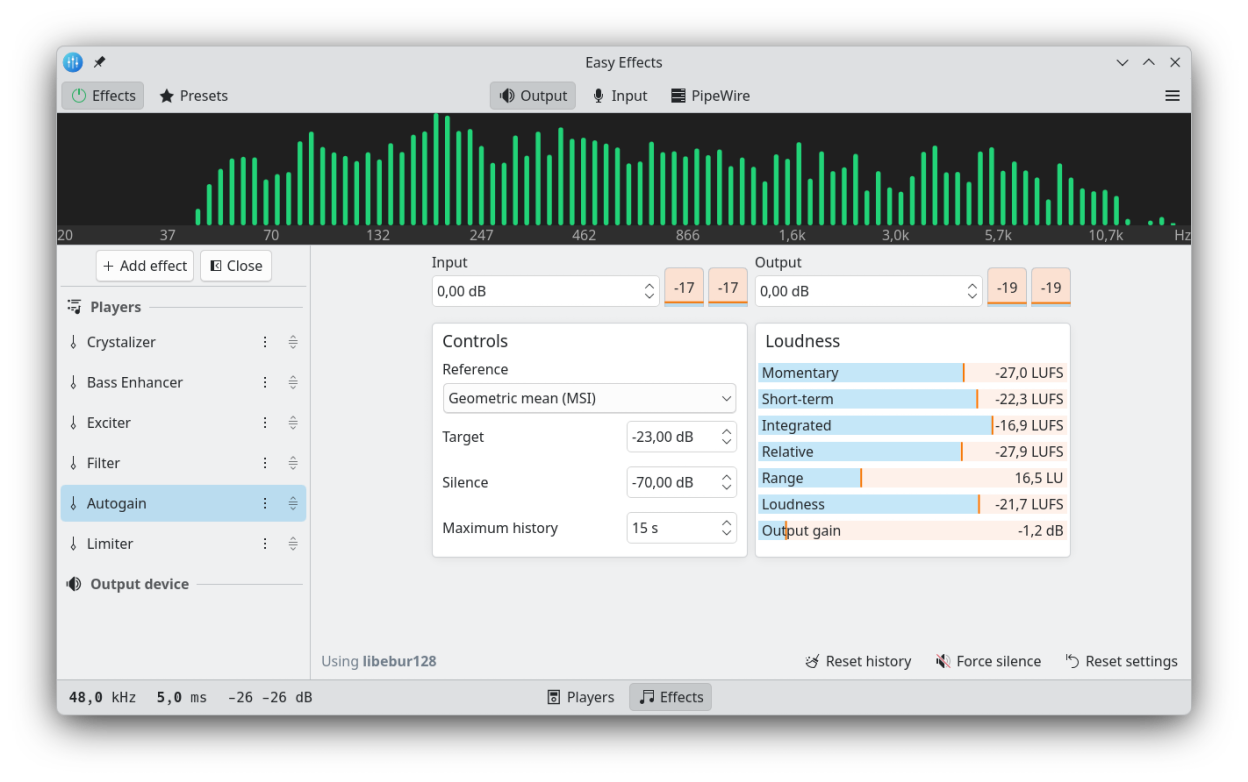
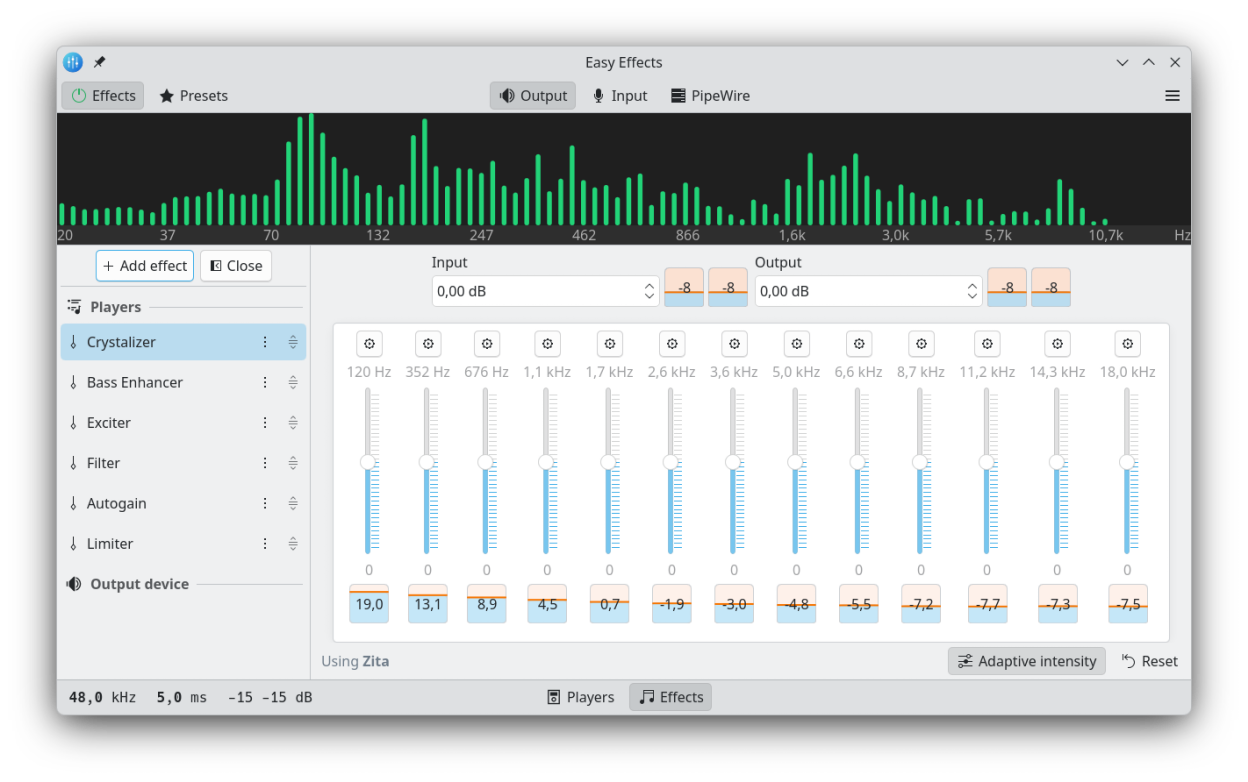
Easy Effects is an advanced audio manipulation tool. It includes an equalizer, limiter, compressor and a reverberation tool, just to mention a few. To complement this there is also a built in spectrum analyzer.
Easy Effects is the successor to PulseEffects. Easy Effects only supports PipeWire's audio server. PulseAudio users should instead use PulseEffects.
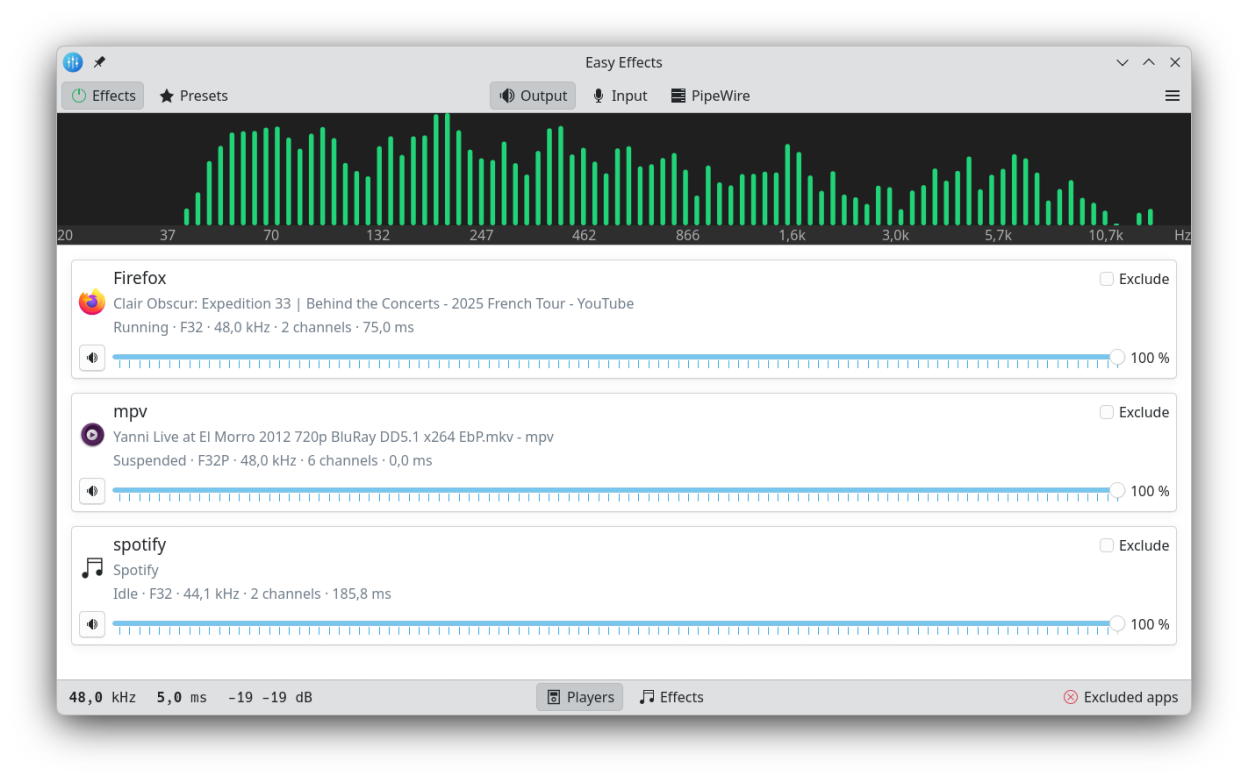
Because Easy Effects uses the default PipeWire sound server it will work with most, if not all, applications you use. All supported applications are presented in the main window, where each can be enabled individually.
Besides manipulating sound output, Easy Effects is able to apply effects to an input device, such as a microphone. This is, for example, useful in audio recording, but it also works well during voice conversations.
When Easy Effects is launched it will conveniently remember the configuration used in the last session. It is also possible to save all the current settings as profiles.
Screenshots
Observed history
| App | Change | Version | When ↑ |
|---|---|---|---|
| updated | 8.3.0 | 29 Sept 2026 |
Upstream releases
Release notes supplied by the developer. These dates are not Flathub package publication times.
8.3.029 Sept 2026
- Features:
- Now Community Presets using SOFA impulse resposes can be correctly imported to local presets.
- Using the share audio and microphone monitoring features together should be better now.
- More command line options.
- The microphone monitoring volume can be controlled by the user.
- Stepsize for controls in the Pitch effect have been improved.
- Bug fixes:
- Fixed the import feature of the community presets that prevented to save Convolver impulse response and RNNoise models into the local folder.
- The Community Presets list has been improved to show the preset names and the package names in a different style, which fixed a bug that was hiding the package names in certain cases.
- Other notes:
8.2.931 Aug 2026
- Features:
- Duplex devices can now be selected as input/output devices.
- Added a new configuration option that allows the automatic global bypass reset on device change to be disabled.
- A new Mid-Side Equalizer effect based on the LSP Parametric Equalizer x32 MidSide plugin has been added.
- PW_KEY_NODE_LINK_GROUP is now set to the same as PW_KEY_NODE_GROUP. It helps to fix issue 4878
- Bug fixes:
- Some ui buttons "enabled" state was incorrectly bound to the showNativePluginUi key
- Other notes:
8.2.821 Jul 2026
- Features:
- A new configuration option that allows Easy Effects virtual devices volume and mute state to be controlled has been added
- A new global shortcut that allows audio sharing to be toggled has been added.
- Our local server has been improved and it is now possible to fully control equalizer parameters through external tools.
- Bug fixes:
- Other notes:
8.2.729 Jun 2026
- Features:
- Bug fixes:
- Fixed more inconsistencies in how our desktop file name is reported to desktop environments.
- Other notes: