
indiDatabase
Build your own database — no programming required
Indomitus Group ✓ Verified
com.indomitusgroup.indidatabaseindiDatabase is a desktop database for people who are not programmers, in the tradition of FileMaker Pro and Lotus Approach. Design tables, draw forms, save finds, and print reports — everything lives in one file on your own computer, and the whole office can work in it together over your own network with no server product and no cloud.
Features include:
- Tables designed point-and-click, with nine field types including exact decimal amounts for money
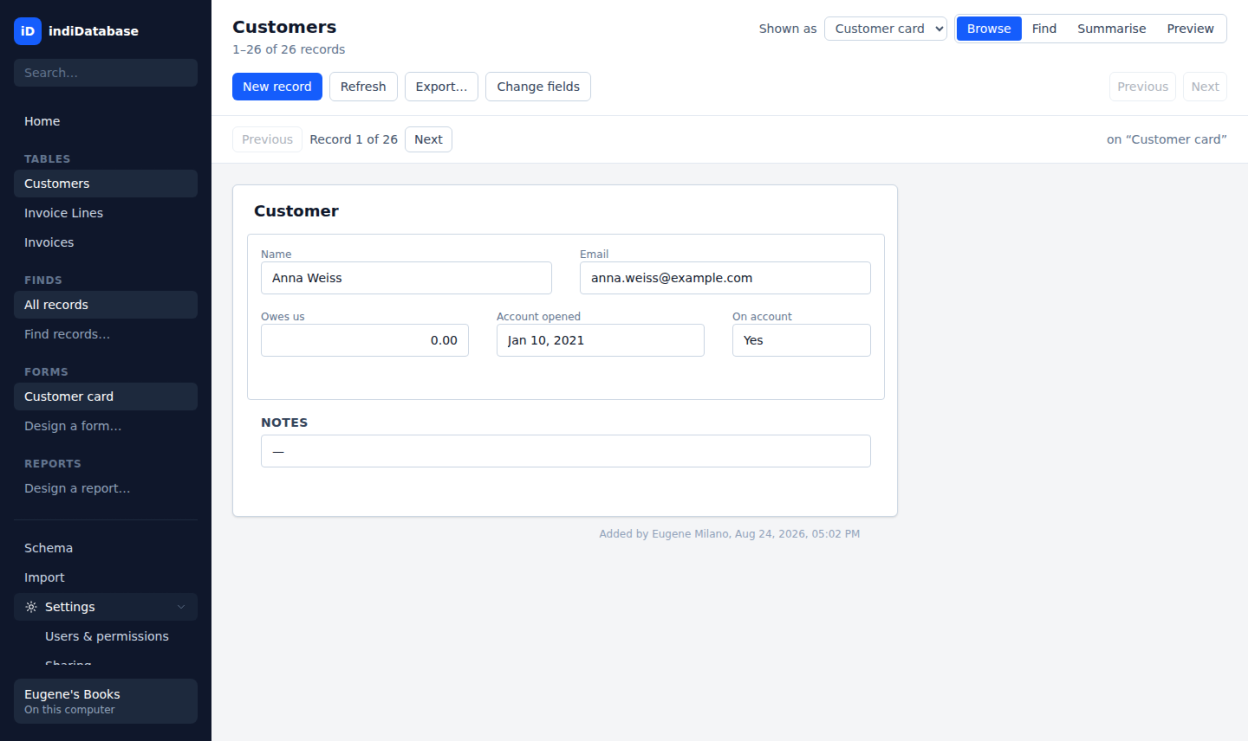
- Forms drawn for each table, with find-by-filling-in-the-form, related-record panels, and buttons that run the day's routine
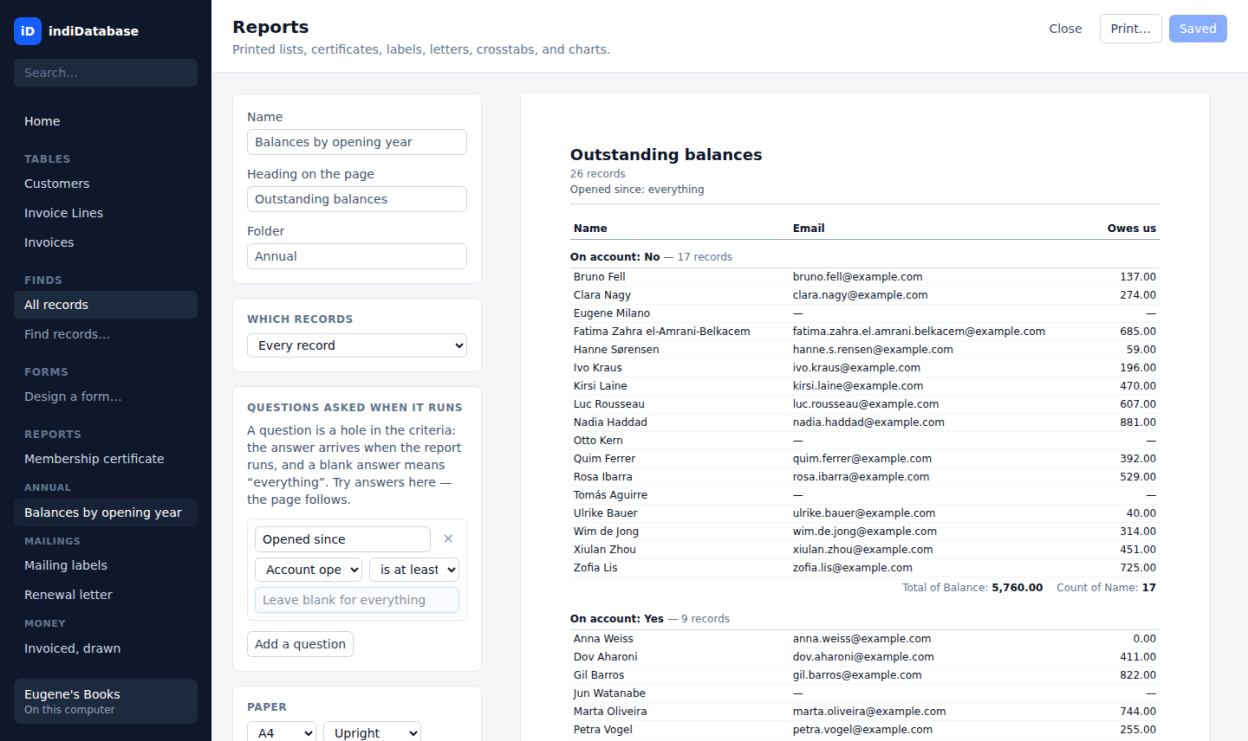
- Six kinds of reports: grouped lists, certificates, Avery label sheets, form letters, crosstabs, and charts — with questions asked when a report runs
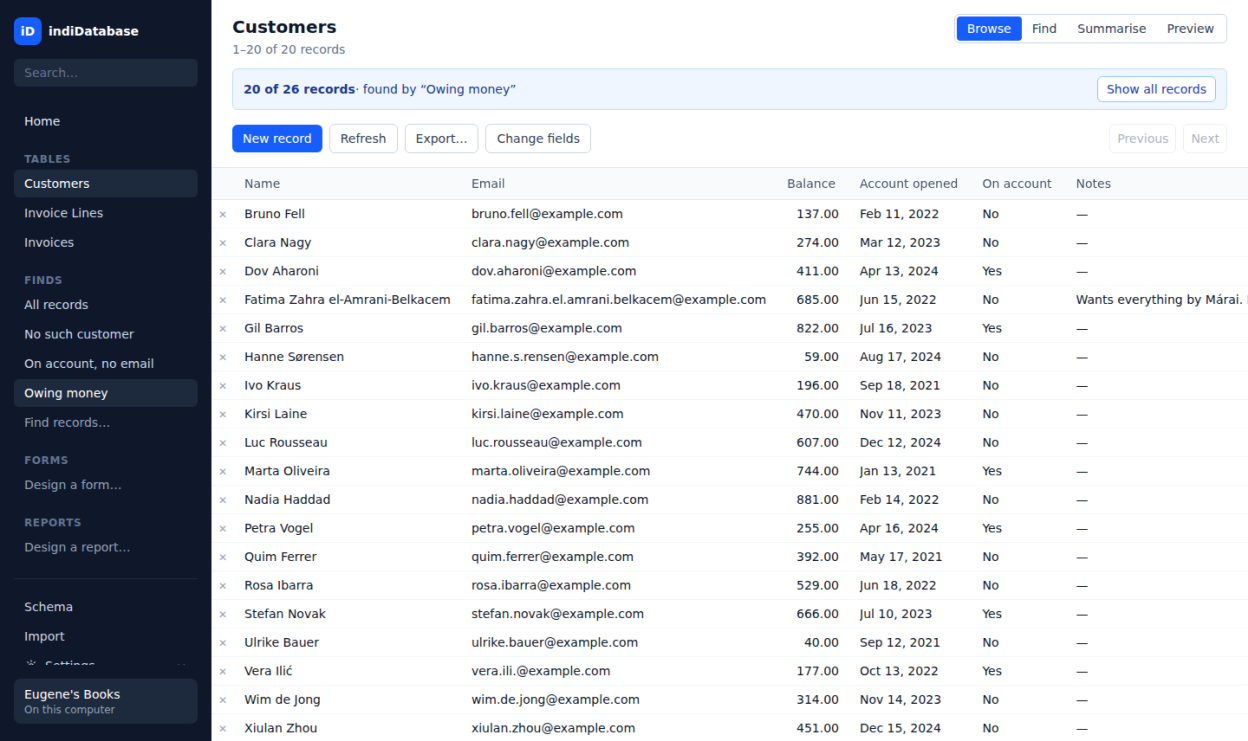
- Saved finds with found-set counts, and a Summarise mode that groups and totals without a formula
- Calculated fields, summary fields over related records, validation rules, starting values, and relationships on one field pair or several
- Conditional formatting and named styles, stored in the file so every desk draws the same warnings
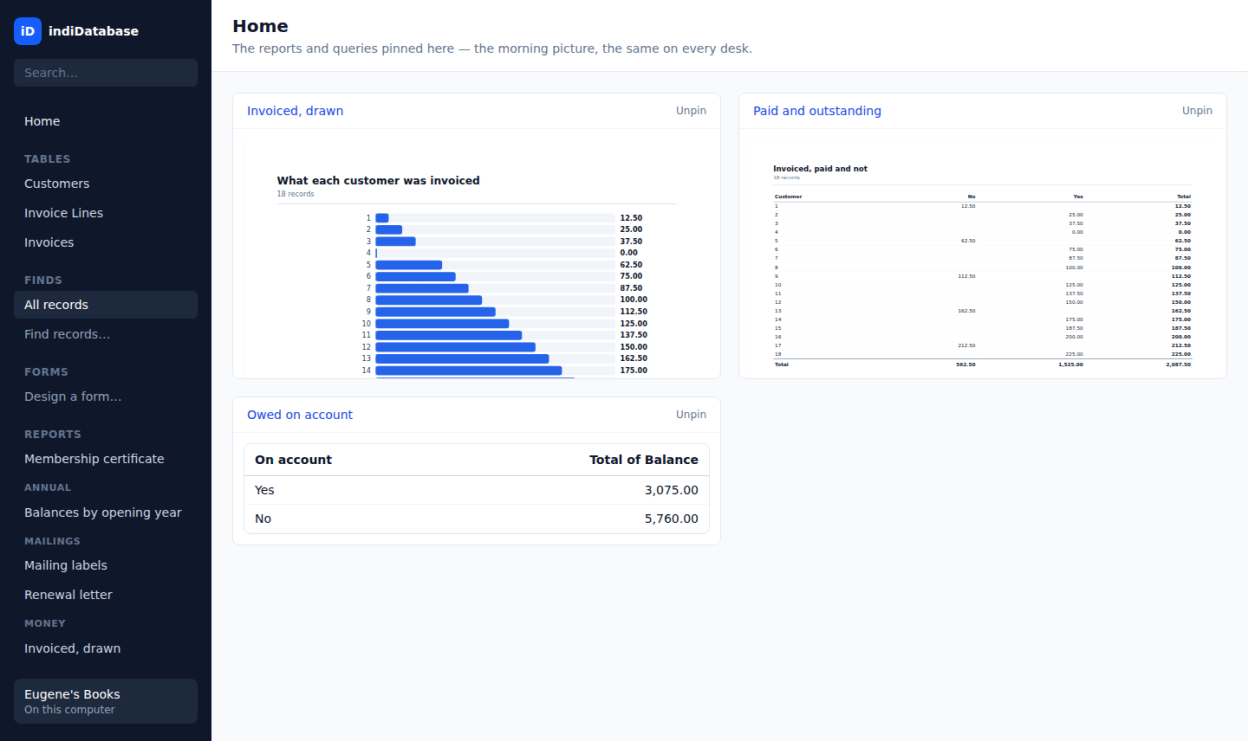
- A Home dashboard of pinned reports and worksheets, the same on every desk
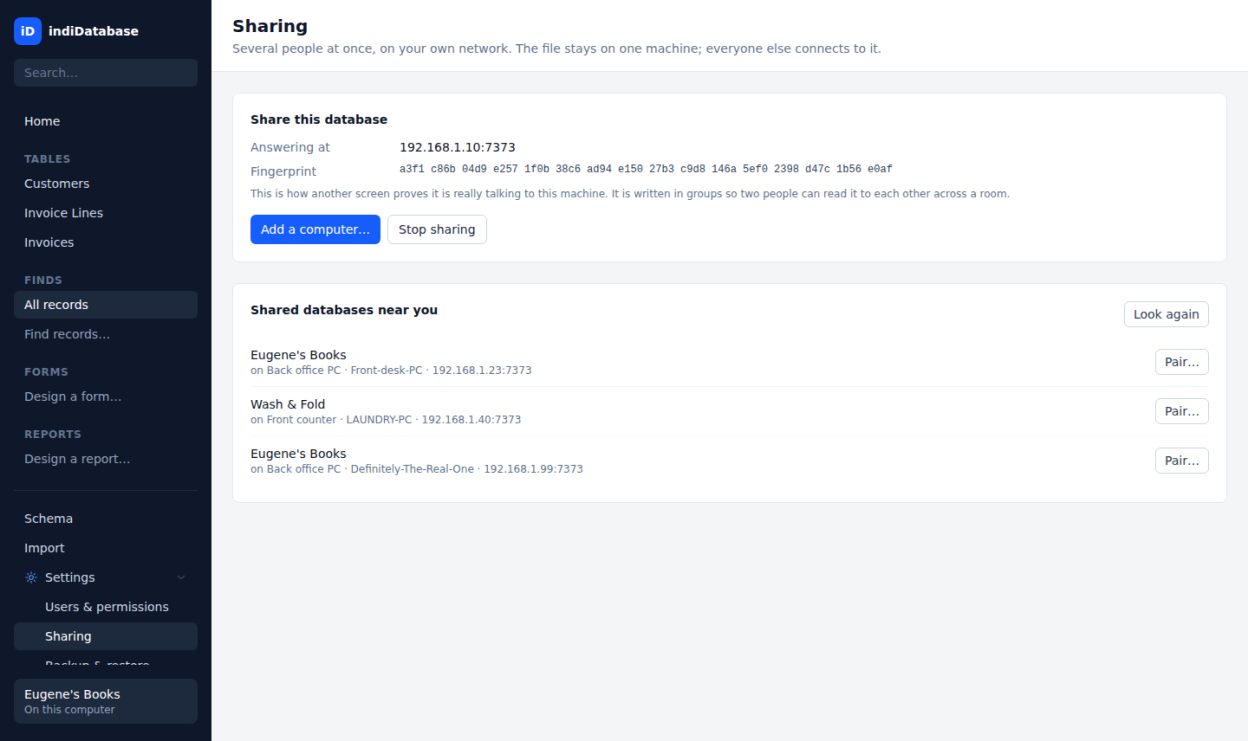
- Multi-user sharing on your own network: pairing codes, TLS with pinned fingerprints, live updates, record locking by name, and a field-by-field merge when two people collide
- Users, roles, record-level and field-level security, and an audit trail stamped by the engine
- Import from CSV and legacy dBase files (including FoxPro-era memo files); export the found set to CSV
- Automatic backups with restore points, taken safely while the file is in use
indiDatabase respects your privacy and works entirely offline. Your database is a single SQLite-backed file on your own computer and never leaves your machine.
Screenshots
Observed history
| App | Change | Version | When ↓ |
|---|---|---|---|
| updated | 1.1.0 | 10 Oct 2026 | |
| new | 1.1.0 | 5 Oct 2026 |
Upstream releases
Release notes supplied by the developer. These dates are not Flathub package publication times.
1.1.09 Oct 2026
Your old files open here, every refusal reads in your language, and the database remembers who changed what:
- Import Excel workbooks (.xlsx, .xls, .ods) and Microsoft Access databases (.mdb, .accdb) through the same wizard as CSV and dBase, one sheet or table at a time; amounts stay exact, dates are read as dates, and a file that cannot be read in full is refused in words rather than imported in part
- Every refusal from the database engine now reads in Spanish, Italian, Greek, Polish, Brazilian Portuguese, German, Japanese and French as well as English
- An audit trail: History on any record shows who changed which field from what to what, and when, including records since deleted; the People screen lists every sign-in and every refused attempt
- Report a problem, on Settings: save or copy a diagnostics file that says which version you have, what it runs on, the shape of your database and what the window did, never your records or your licence key
1.0.58 Oct 2026
Three things people asked for on day two:
- Import adds records to a table you already have: pick the table, aim each column of the file at one of its fields or leave it out, and the records go in all together or not at all; the table's forms, reports and pins are untouched
- Rename the database from Settings; every connected desk sees the new name at once, and the file keeps its name on disk
- Whole numbers past nine quadrillion show exactly as the file holds them instead of rounded
- The Linux .deb, .rpm and AppImage are now built on Ubuntu 22.04, so they open on Linux Mint 22, Ubuntu 24.04 and anything from 2022 on
1.0.47 Oct 2026
A month in: everything you rename, delete, or change your mind about now follows through, and a shared office is told what changed.
- Renaming a field is followed into every calculation, summary, rule, highlight, record filter, button, and certificate that used its name, including summaries on other tables
- Deleting a field says what depends on it first, then takes those with it; a record filter that tested the field narrows to no records rather than opening to all of them
- Deleting a relationship that a summary, report, or form still uses is refused with the list, and offers to delete them together
- Saving a form, report, find, worksheet, or style keeps the one you opened: renaming it carries every pin, button, and report along, and a new design cannot silently replace one with the same name
- Saved finds and worksheets can be renamed; forgetting a find names the reports and forms that depend on it; opening a design asks before replacing an unsaved draft
- Every save is carried into the .idb file itself, so a copy taken while it is open is complete; a file already open in another window says so
- Imports count an amount with too many decimal places or text that is too long as a problem to show you, instead of quietly cutting it
- Reports, related panels, and summaries across a join show only what the role may see of the far table; reports and pins on tables a desk may not read are left off its lists
- Suspending someone, revoking a device, or changing a role cuts off their open session on its next click, and every desk is told when permissions change
- Each person changes their own password from Settings on their desk; logins are one account whatever the capitals
- Restoring a backup keeps the licence; a Single-User key refuses changes from a second desk in words; the pairing code replaces an old pairing for the same computer
- A new field with a starting value fills it in on the records that already exist
1.0.36 Oct 2026
Managing the people who use your database:
- Move a user to another role, which changes what they may see and do, right from their row in Users and permissions
- Delete a user's account when someone leaves; the records they added or changed keep their name
- Suspending, deleting, or changing someone's role now takes effect on their very next click, even if they are already connected
- The open and new-database dialogs start in your Documents folder