
FormatFactory
Fast batch video, audio and image converter
Keshav Bhatt ✓ Verified
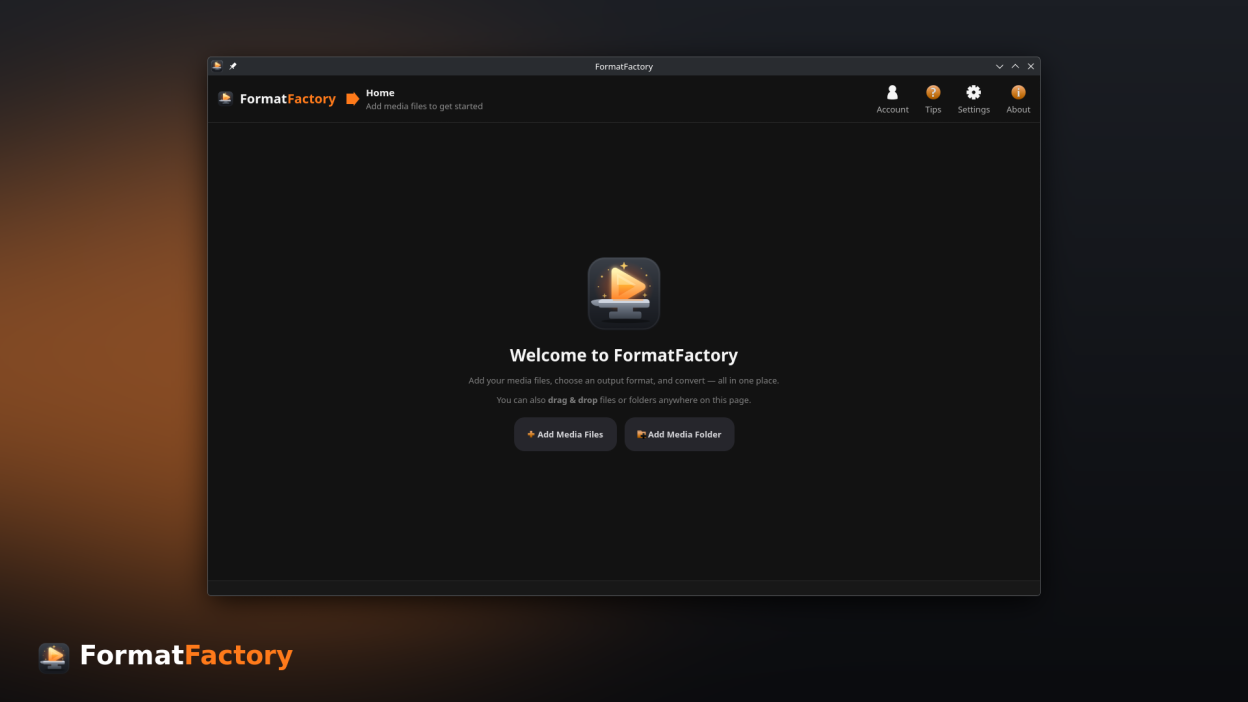
com.ktechpit.formatfactoryFormatFactory is a fast and powerful media converter for Linux. Convert video, audio and image files individually or in large batches using an intuitive desktop interface.
Supported formats:
- Video: MP4, MKV, WebM, MOV, AVI and more
- Audio: MP3, FLAC, AAC, WAV, OGG and more
- Images: PNG, JPEG, WebP and more
Features:
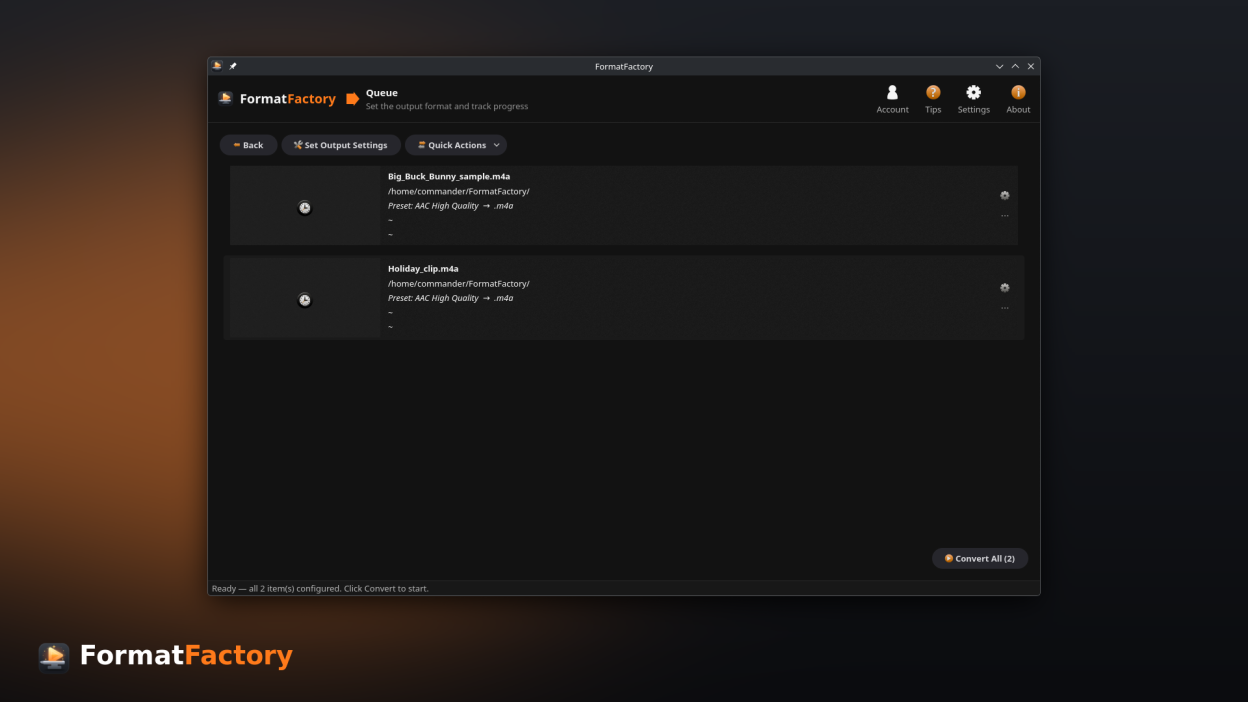
- Batch conversion queue with live progress, ETA and estimated output size
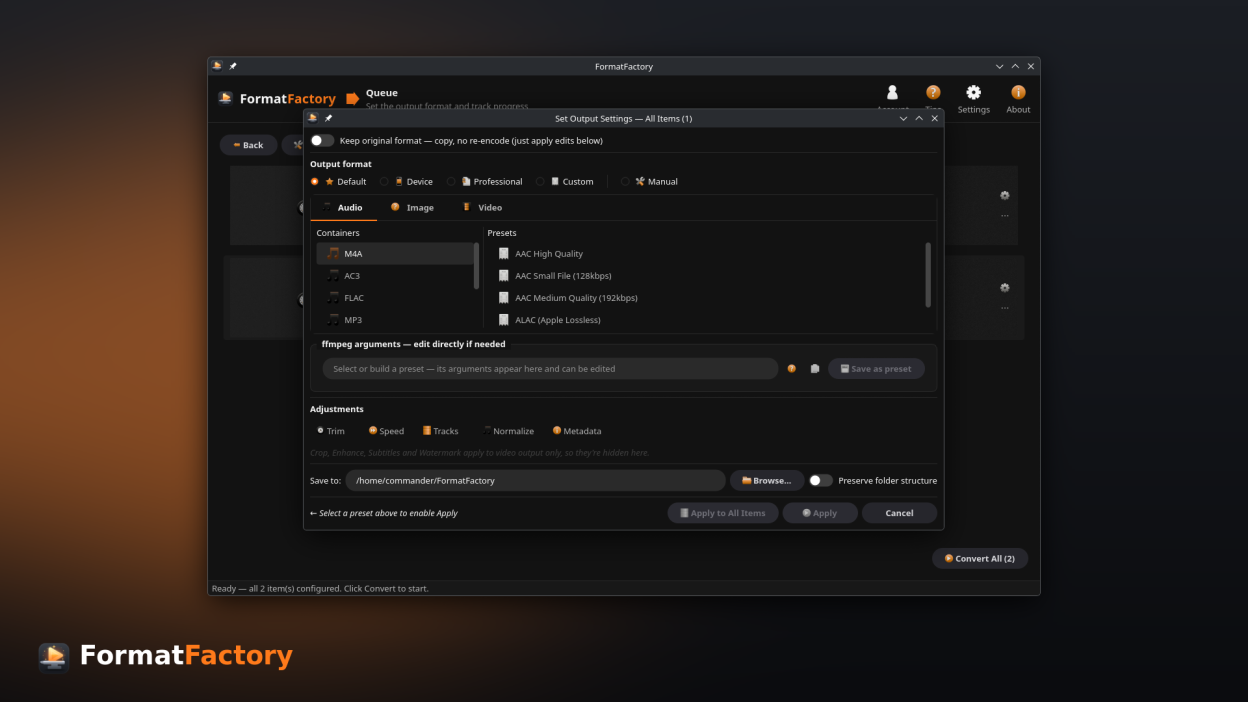
- Ready-to-use presets for common devices, sites and workflows, plus a custom conversion profile builder
- Convert hundreds of files in a single operation
- Per-file editing: trim with preview, crop, rotate, flip, change speed (slow-mo / timelapse) and track selection
- Enhance video: deinterlace, denoise, sharpen and adjust brightness, contrast, saturation and gamma with a live before/after preview
- Burn subtitles into videos or add them as soft subtitle tracks
- Add or replace audio using external tracks, with language tags
- Audio loudness normalization for consistent playback volume
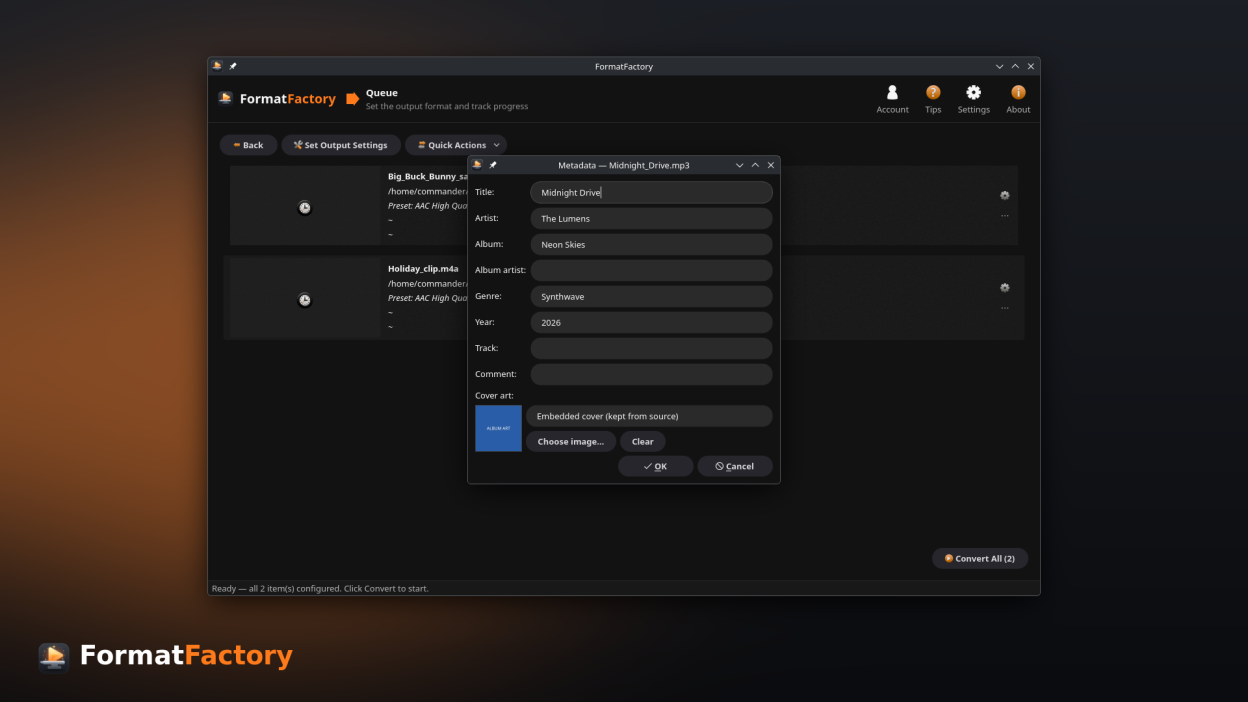
- Edit metadata, tags and cover art while preserving embedded artwork
- Add watermarks and logos with adjustable position, size and opacity
- One-click quick actions: extract audio, extract subtitles, extract a track, extract frames, grab a poster frame, create GIFs or animated WebP, remove audio, change container, adjust volume and strip metadata
- Split long recordings into timed segments, or package video as HLS (.m3u8 + .ts) for streaming
- Remove silence from audio for tighter podcasts and voice recordings
- Compare encoded quality against the original with VMAF, PSNR and SSIM
- Compress media to a target file size
- Hardware-accelerated encoding for faster conversions
- Flexible output directories and filename templates
- Available in English, German, French, Brazilian Portuguese and Italian
- Modern interface with light and dark themes that follow your system
Whether you need to convert a single file or process an entire media library, FormatFactory provides the tools to get the job done quickly and efficiently.
Screenshots
Observed history
| App | Change | Version | When ↓ |
|---|
No observed changes yet.
The initial import establishes a baseline. Future version changes will appear here.
Browse the app catalogue →Upstream releases
Release notes supplied by the developer. These dates are not Flathub package publication times.
1.31 Jul 2026
A polish release that refines the look and everyday interactions:
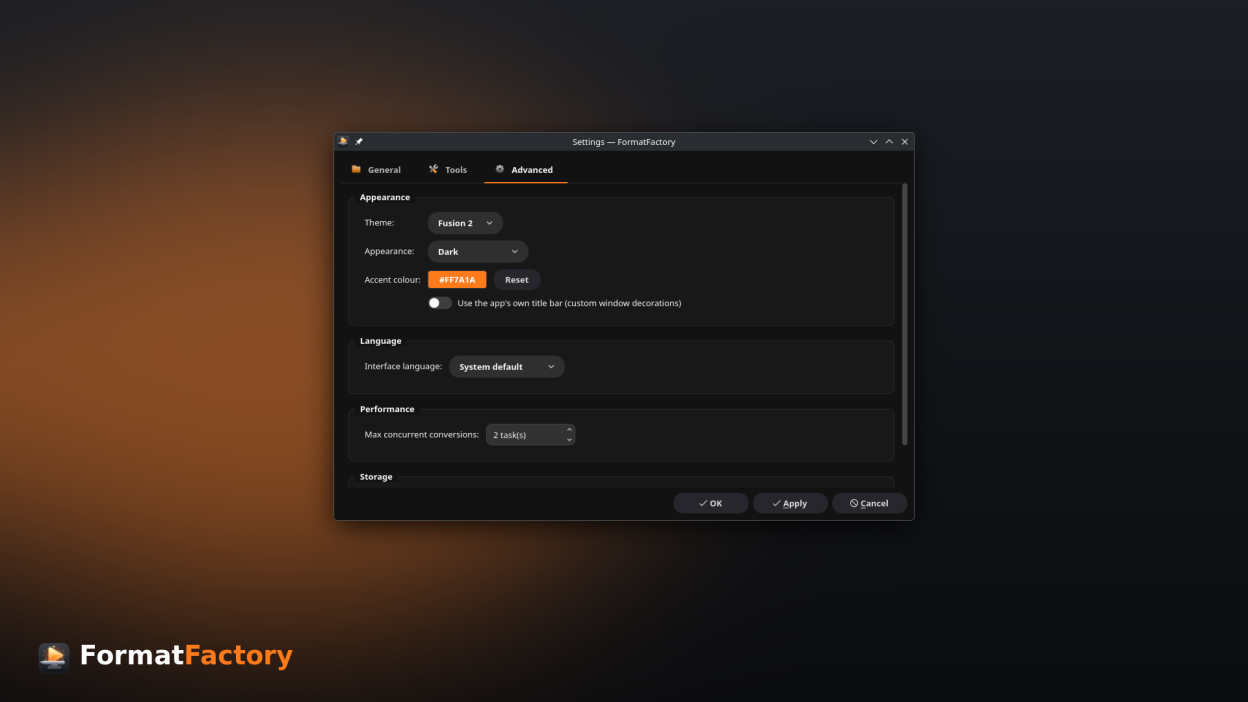
- The branded "Fusion 2" theme is now the default look.
- On GNOME/Wayland the app's own title bar is enabled by default for a consistent window frame (you can still turn it off in Settings).
- The quality (CRF) slider now shows what each end means — higher quality versus smaller file.
- Output Settings are clearer: preset modes are labelled (Default Presets, Device Presets, … Manual Mode) and the format tabs are ordered Video, Audio, Image with a new image icon.
- Settings that need a restart now offer to restart the app right away.
- Visual fixes: more visible radio buttons in the light theme, a clearer window edge, and corrected panel borders.
1.229 Jun 2026
New tools for streaming, podcasts and quality tuning:
- Split long recordings into timed segments — a new file every N minutes (fast, lossless).
- Package video as HLS (.m3u8 + .ts segments) for adaptive streaming.
- Remove silence from audio — tighten podcasts and voice recordings.
- Quality analysis: compare an encode against the original with VMAF, PSNR and SSIM.
- Watch a running conversion's FFmpeg log live.
- A subtle themed edge now outlines windows when using the app's own title bar.
- Fixes: remuxing or stripping metadata from audio with embedded cover art (e.g. FLAC) no longer fails, and dialogs now reopen at the size you left them.
1.128 Jun 2026
A major look-and-feel update, new languages and more formats:
- New self-contained theme with a consistent light/dark look that follows your system, a branded "Fusion 2" style, and a customisable accent colour.
- Optional client-side window decorations (the app's own title bar) for a consistent frame on GNOME/Wayland.
- Branded header with a per-step hint that guides you through adding media, reviewing and converting.
- Now available in German, French, Brazilian Portuguese and Italian, with an in-app language selector in Settings.
- More output formats — audio: AC3, MP2, DTS, TTA, WavPack and M4R (iPhone ringtones); video: MPEG, VOB, M2TS and MTS.
- Album/cover art is now kept automatically when converting audio (for example FLAC to MP3).
- Settings reorganised into clear sections (Appearance, Language, Performance, Storage).
- Clearer guidance: the Output Settings screen now explains when an adjustment does not apply — video-only edits for audio files, or per-file edits in a batch.
- Refined interface throughout: rounded dropdowns and menus, cleaner icon buttons, a tidier Media Information dialog, and more readable built-in FFmpeg options.
1.06 Jun 2026
Initial release.