

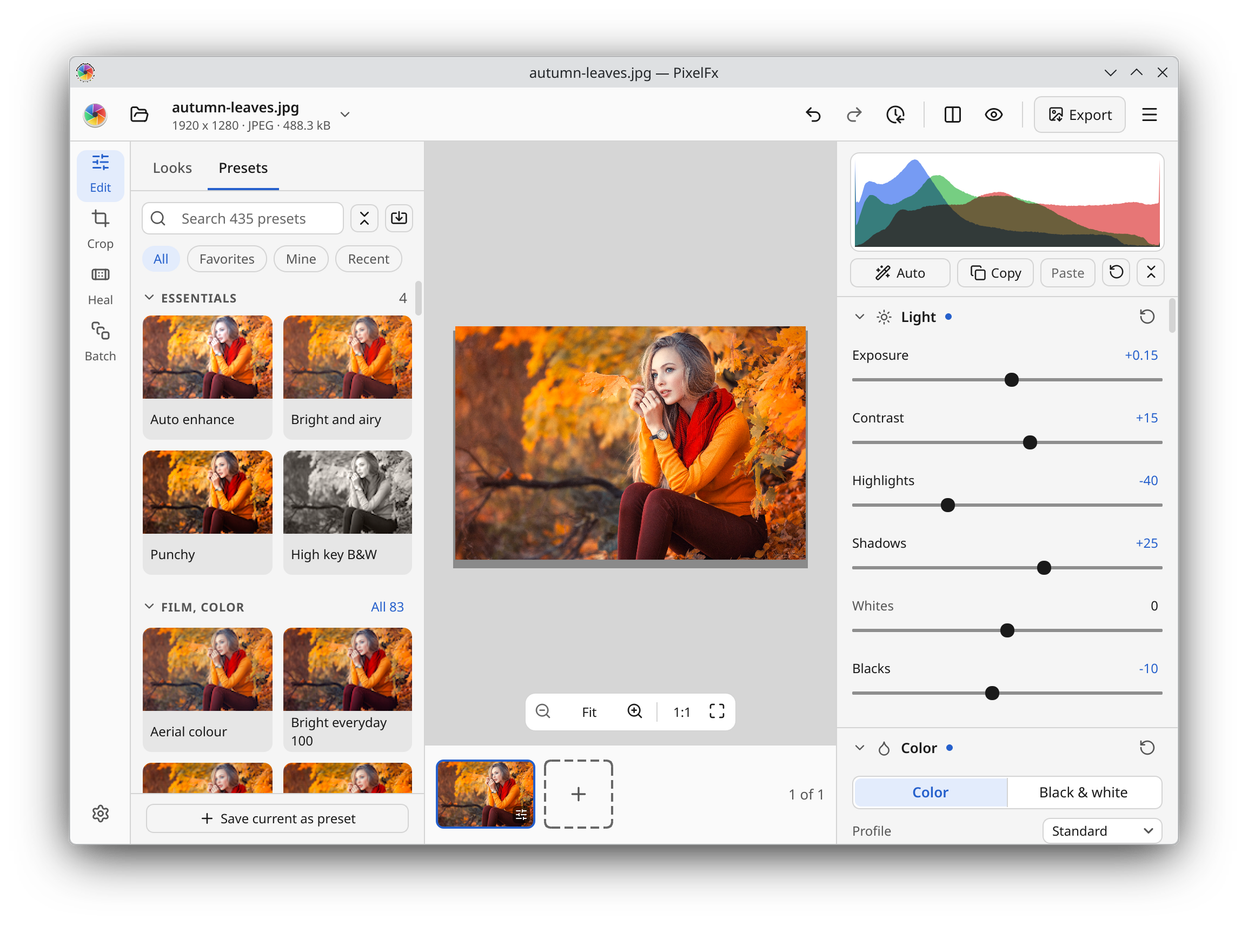
PixelFx is a quick photo editor for the Linux desktop. Make a photo better while you watch it: one-click looks shown on your own photo, presets, every light and colour control you expect, and batch editing of many photos at once.
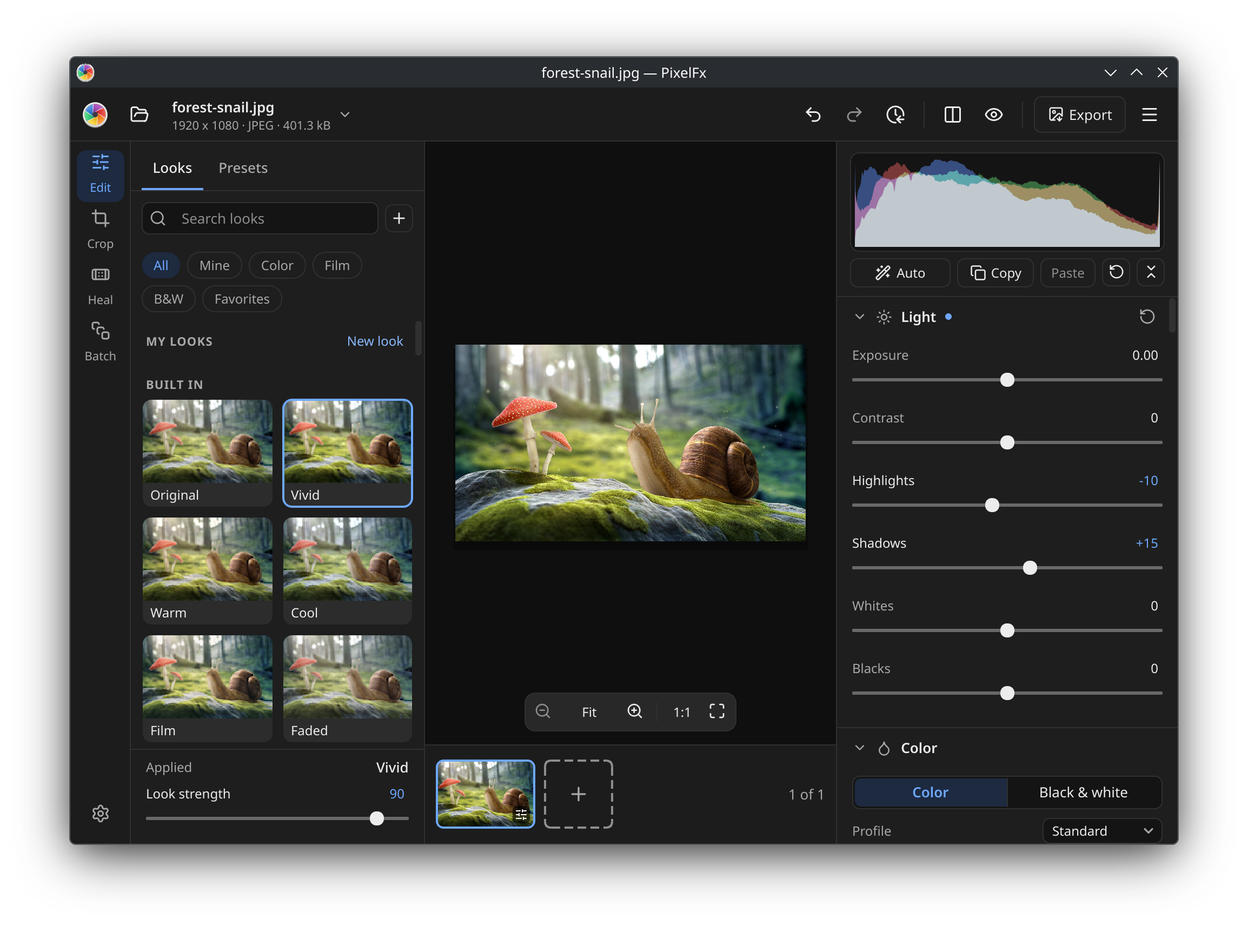
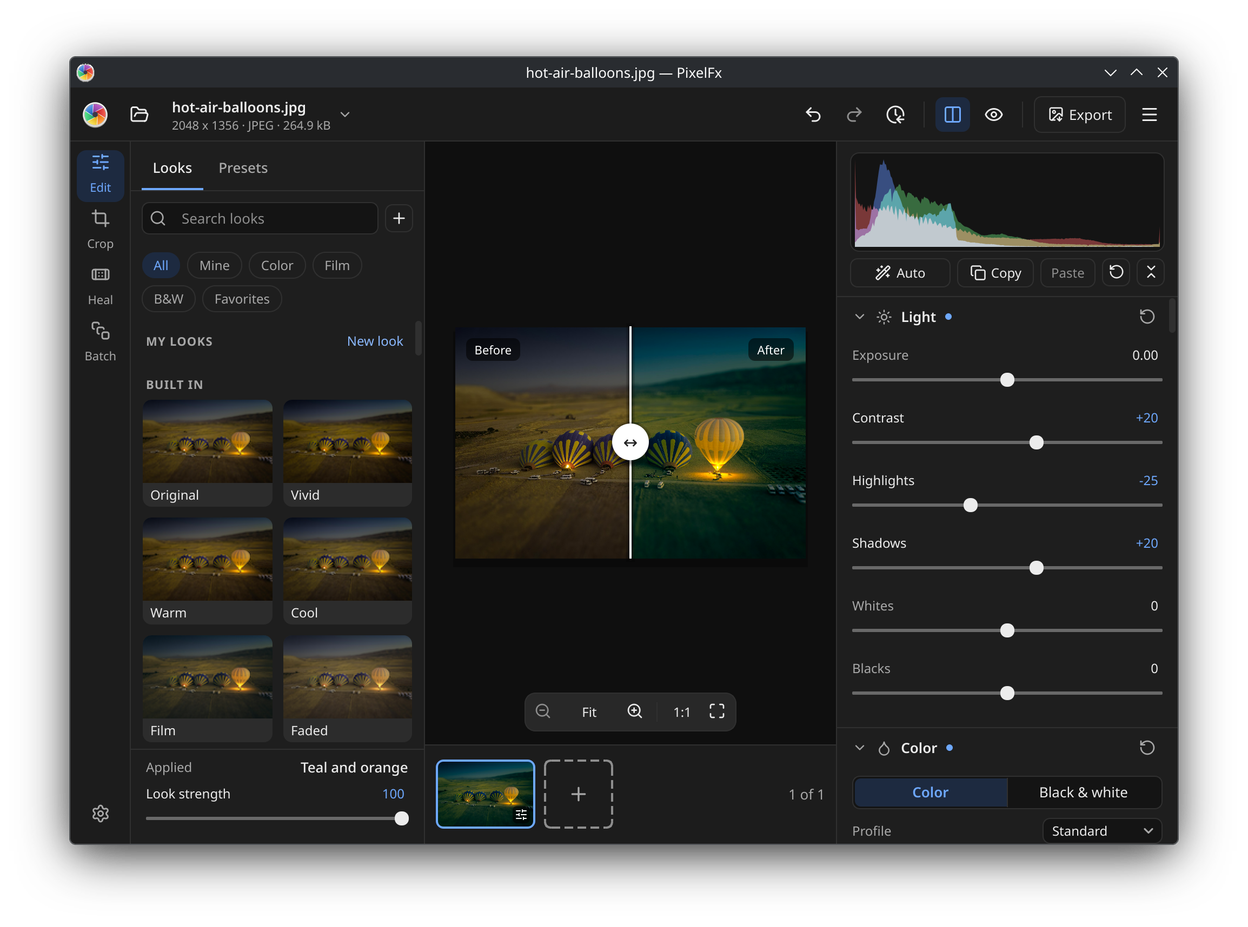
- 31 looks in colour, film and black and white, such as Vivid, Warm, Film, Golden hour, Teal and orange and Noir, each tile showing your own photo, with a strength slider. Bring your own .cube LUTs, or make your own look from steps.
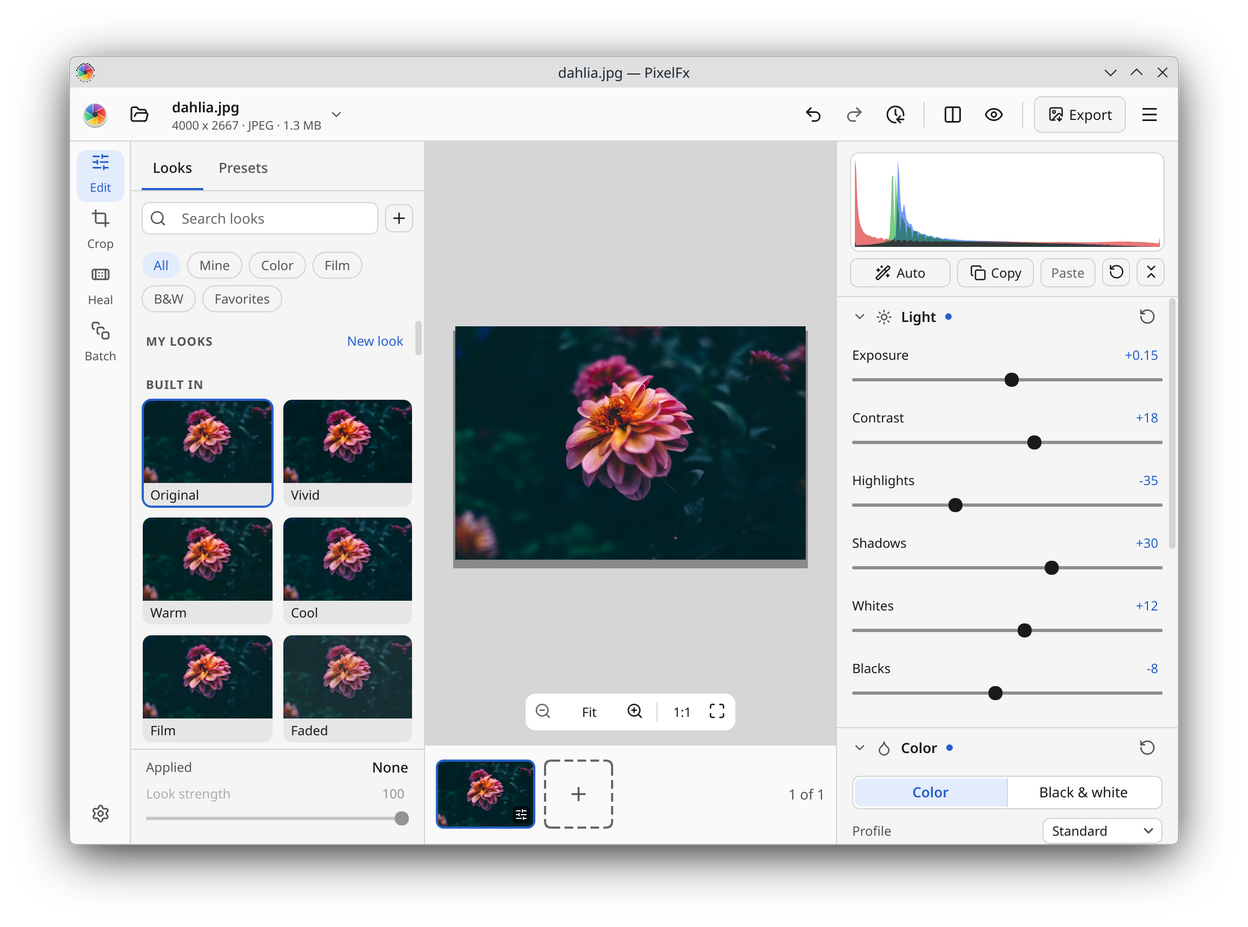
- Light, colour, curves, colour mixer, colour grading, detail, effects and optics, with a histogram and clipping warnings.
- Presets: save the whole edit or only parts of it, apply them with one click, and bring your Lightroom and Camera Raw presets (.xmp).
- Crop and rotate, straighten with a dial or a drawn line, fix leaning buildings, and square a page or a wall from its four corners.
- Heal blemishes, dust and small objects with a spot or a brush.
- Camera RAW, HEIC, AVIF and JPEG XL photos, with lens corrections from the Lensfun database.
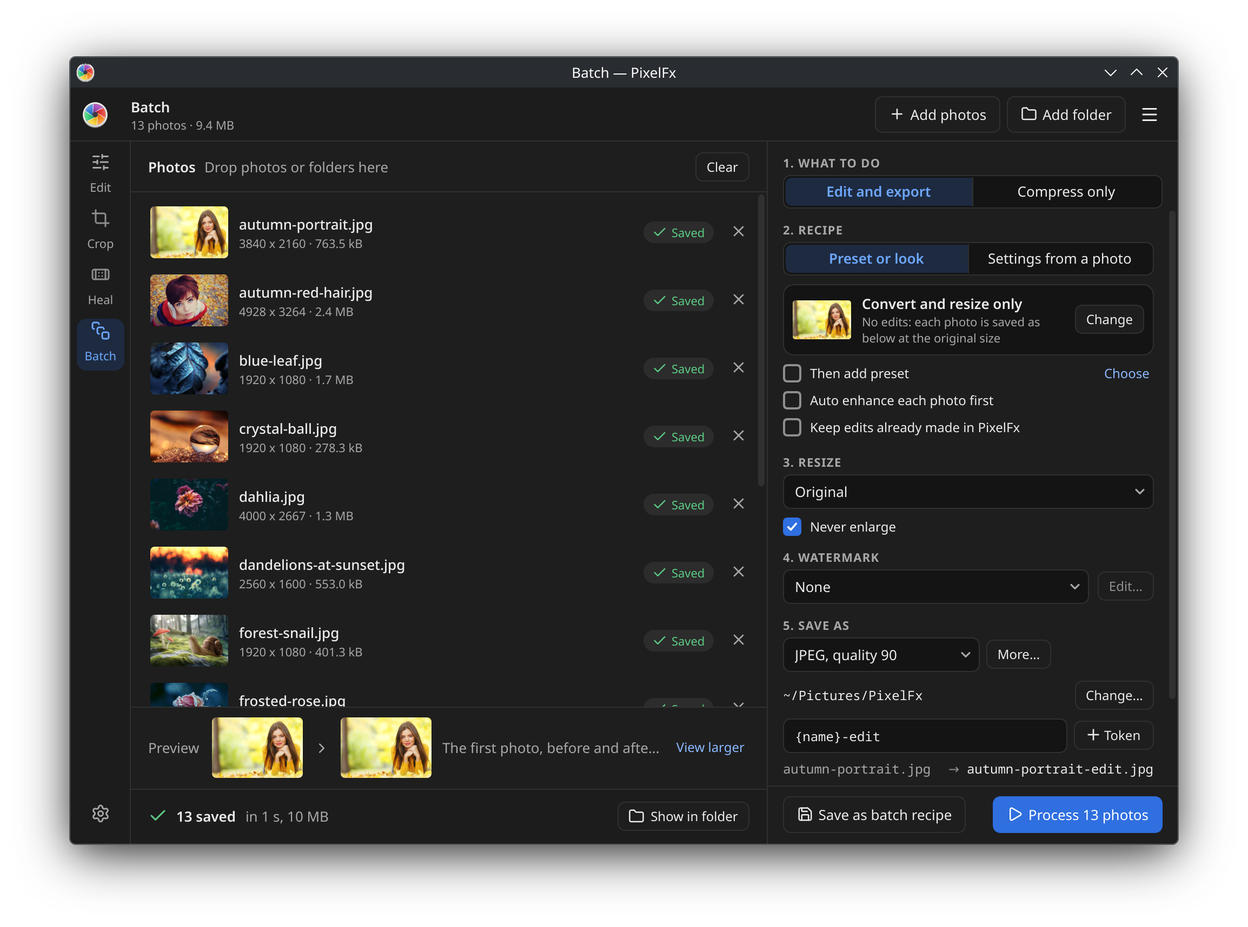
- Batch: process whole folders with a preset, a size, a watermark and a format, in the background.
- Export to JPEG, PNG, TIFF, WebP and more, with sizes for the web and for print, and an optional watermark.
- Your edits are kept for every photo, and the original file is never changed.
Screenshots
Observed history
| App | Change | Version | When ↓ |
|---|---|---|---|
| updated | 2.0.2 → 2.0.4 | 18 Nov 2026 | |
| new | 2.0.2 | 14 Nov 2026 |
Upstream releases
Release notes supplied by the developer. These dates are not Flathub package publication times.
2.0.417 Nov 2026
Export can save next to the photo again: Save to lists Next to the photo, Pictures › PixelFx, the last folder you chose, and Choose a folder.
2.0.317 Nov 2026
Eighteen new looks, 31 in all, listed by kind: colour, film, then black and white. Settings has a page for each part of PixelFx, and the photo keeps up with the sliders while you edit.
2.0.210 Nov 2026
Discover more apps by the developer of PixelFx from About and the main menu. What's new opens at a useful size and can be resized.
2.0.110 Nov 2026
Links inside windows, such as the full list of changes in What's new, work again.