
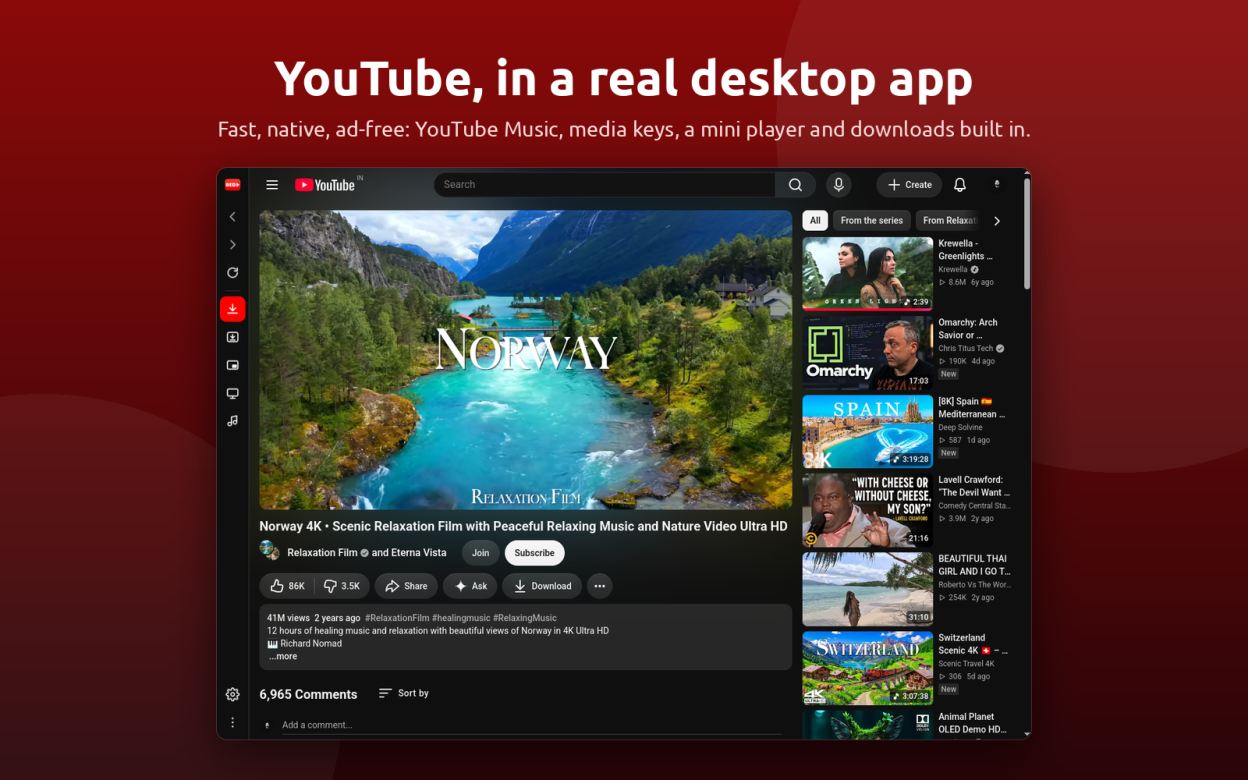
Red is a YouTube client for the Linux desktop: a native app to watch YouTube without ads, with a smart TV mode, a YouTube Music mode, SponsorBlock, media keys, a mini player and a built-in YouTube downloader. Sign in with your Google account and your subscriptions, history and recommendations work as on the website, in a lightweight window instead of a browser tab.
Three ways to watch, one window:
- Desktop mode: the full YouTube website, signed in, in light, dark or system theme, with picture-in-picture style mini player
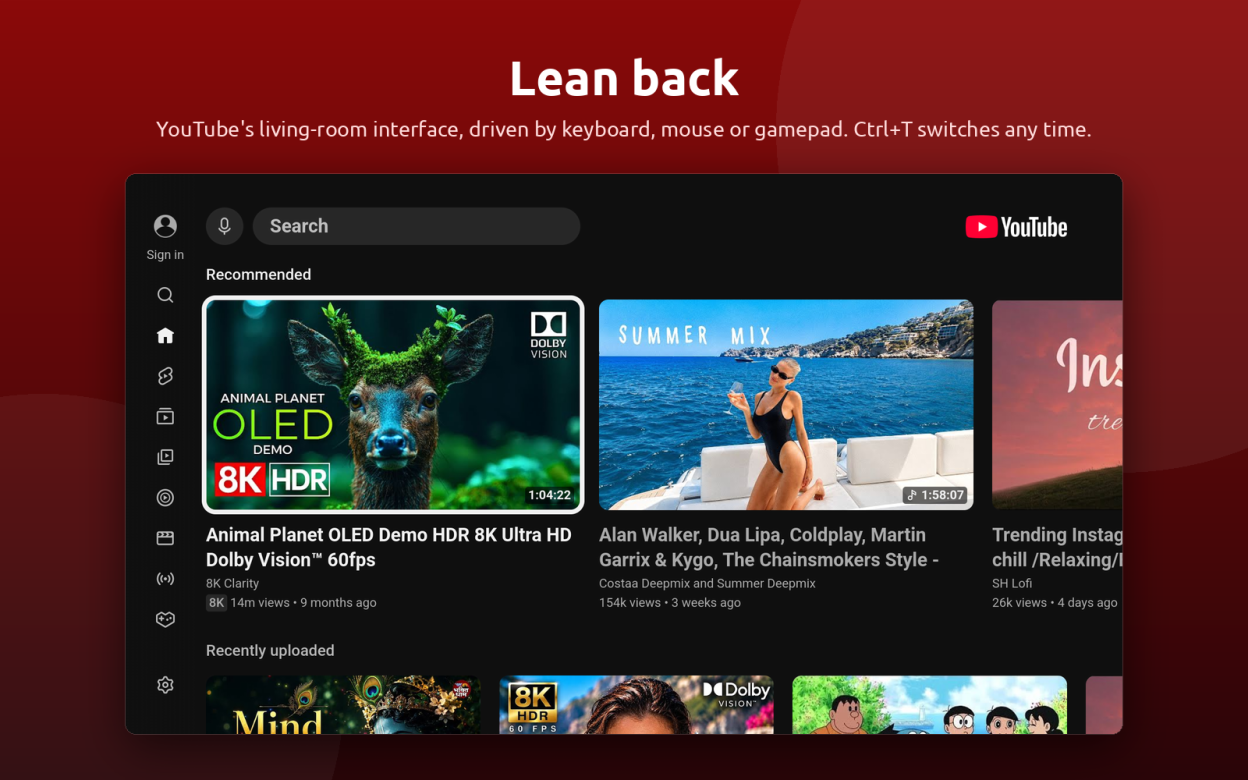
- TV mode: the YouTube Leanback interface from smart TVs and consoles, full screen, driven by keyboard, mouse or gamepad controller, ideal for a media center, living room PC or handheld
- Music mode: YouTube Music in the same window, a music player with media keys, tray and MPRIS controls, background play, and audio downloads one click away
Watch without interruptions:
- Ad blocker built in: video ads, banners and sponsored feed items are removed before the page renders, and playback is never touched
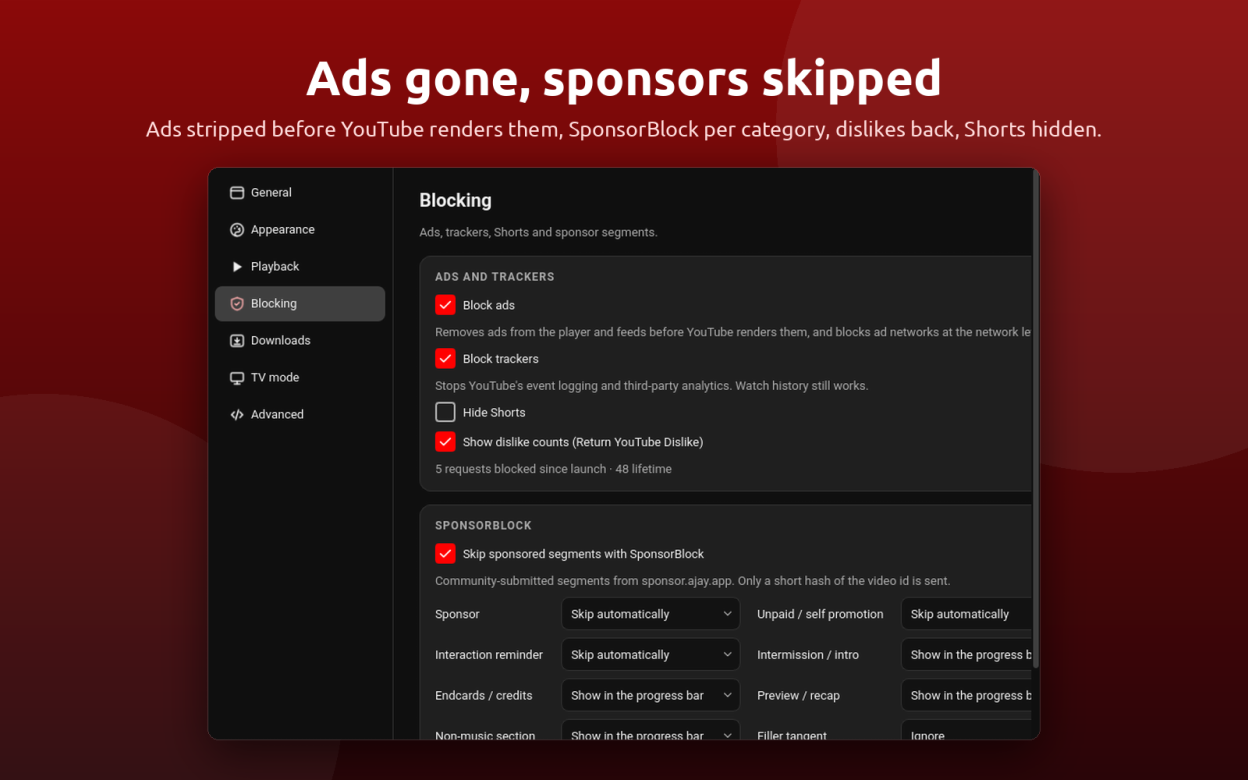
- Tracker blocking, SponsorBlock to skip sponsor segments, intros and reminders, Return YouTube Dislike counts, and a switch to hide Shorts
Download what you watch:
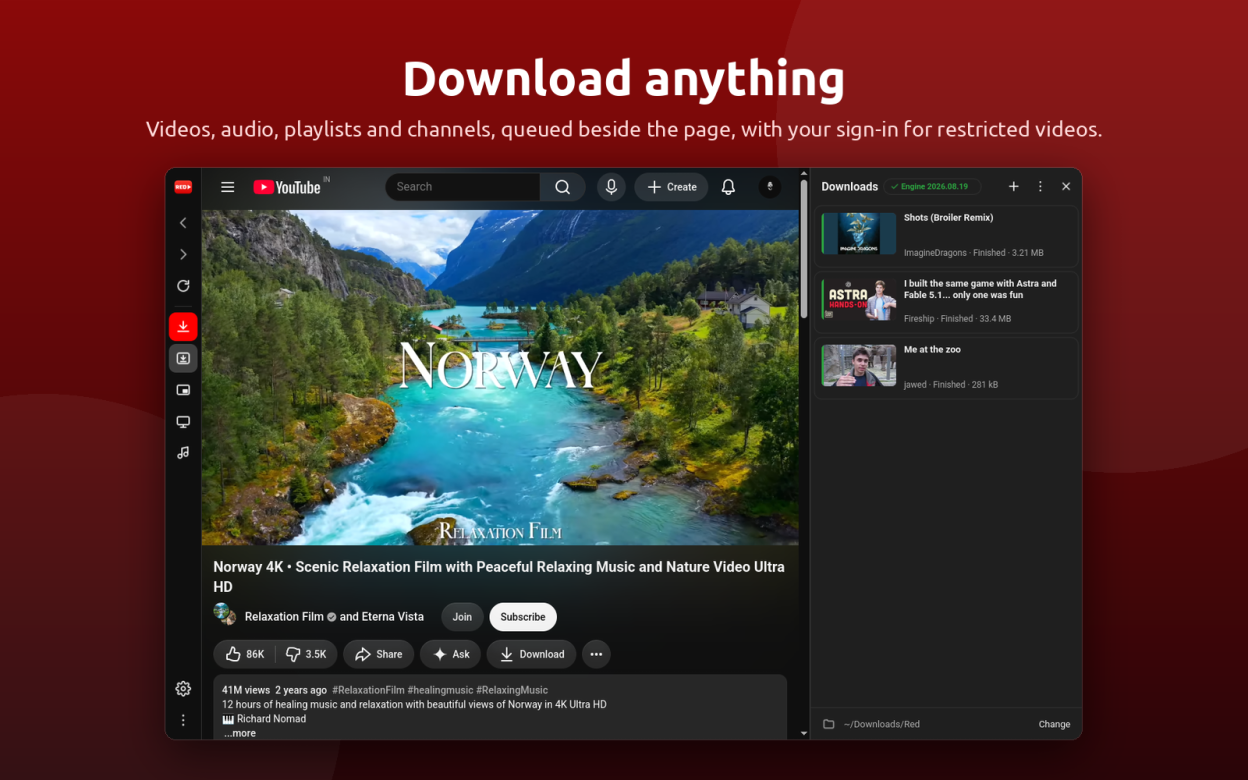
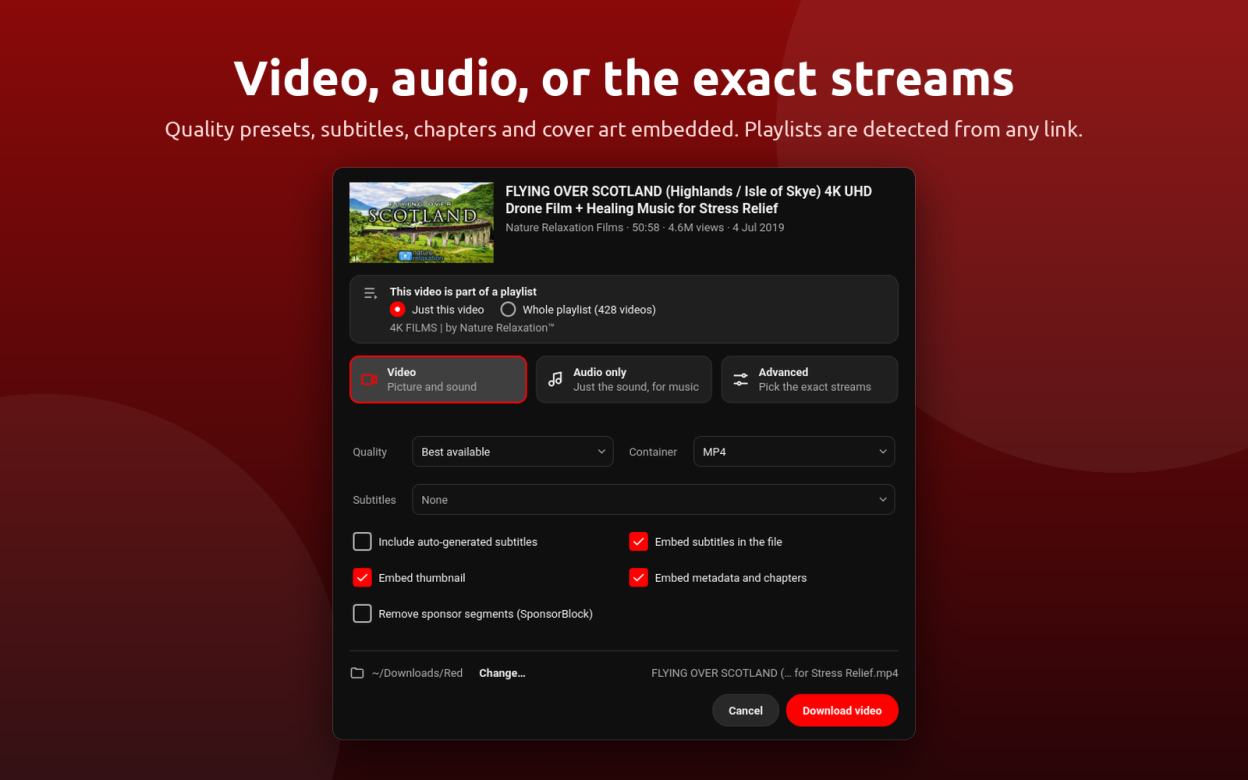
- YouTube video downloader for any video, playlist or channel, as MP4, MKV or WebM up to 4K
- YouTube to MP3: save audio only as MP3, M4A, Opus, FLAC or WAV for music
- Subtitles, thumbnail, metadata and chapters embedded; sponsor segments cut out on request
- Playlists detected from any link, entries picked one by one, a queue with pause, resume and retry
- Your YouTube sign-in is reused, so age-restricted videos and anything your account can watch download too
Made for the desktop:
- Media keys and MPRIS media controls, a tray icon with play, pause and skip, the screen kept awake while a video plays
- Hardware video decoding, native Wayland and X11, notifications when a download finishes, single instance that opens YouTube links from the command line
Red is a lightweight alternative to the browser tab, to Electron YouTube apps and to a separate downloader. Everything works on any Linux distribution.
Screenshots
Observed history
| App | Change | Version | When ↑ |
|---|---|---|---|
| new | 10.2.0 | 23 Sept 2026 |
Upstream releases
Release notes supplied by the developer. These dates are not Flathub package publication times.
10.2.015 Sept 2026
Organised downloads and YouTube Music's Download entry.
- Downloads sorted into Videos, Music, Playlists and Channels folders, with a switch to keep one flat folder
- The Download entry in YouTube Music's menus downloads through Red
- Fixed: the icon of the context menu's audio download entry
10.1.014 Sept 2026
Music mode, an online guide and a bug report sheet, and fixes for the packaged builds.
- Music mode: YouTube Music in the same window (Ctrl+M), remembered across launches, playing on while you browse, with media keys, tray and desktop media controls and audio downloads one click away
- What's new sheet on the first start of a new version
- Online guide and a Report a bug sheet that opens a pre-filled issue or an email with the diagnostics attached
- Optional playback progress bar behind the taskbar entry
- Upsell pop-ups removed with the ads
- Fixed: F11 in the snap and Flatpak builds, pop-up window dialogs, the YouTube Music "No internet connection" banner, long drop-down lists, long titles in the tray menu
10.0.07 Sept 2026
Red 10 is a redesigned Red on Qt 6 and Qt WebEngine.
- Desktop and TV modes in one window, switchable at any time
- Ad and tracker blocking that never touches playback; SponsorBlock; Return YouTube Dislike; Hide Shorts
- Downloads: video, audio only or exact streams, playlists and channels, subtitles, thumbnails and chapters embedded, sign-in reused for restricted videos
- Media keys, MPRIS, tray controls, mini player, screen kept awake while playing
- A new design that follows YouTube's light and dark themes