
Whatsie
Feature-rich WhatsApp Web client for the Linux desktop
Keshav Bhatt ✓ Verified
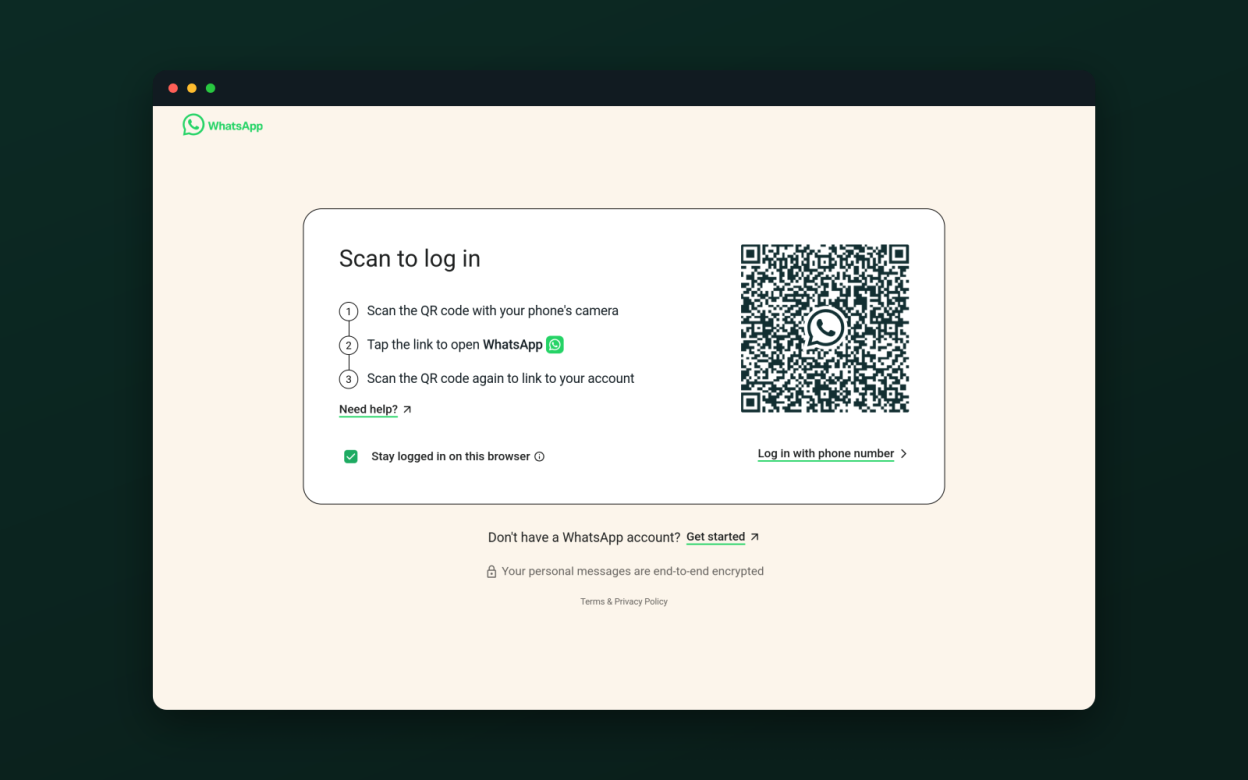
com.ktechpit.whatsieWhatsie is a native Linux desktop client for WhatsApp Web, built on Qt 6 and QtWebEngine. It brings WhatsApp out of the browser tab and into a proper desktop application — lightweight and fast, with system integration, privacy controls, and customization options a plain browser cannot offer.
Core features:
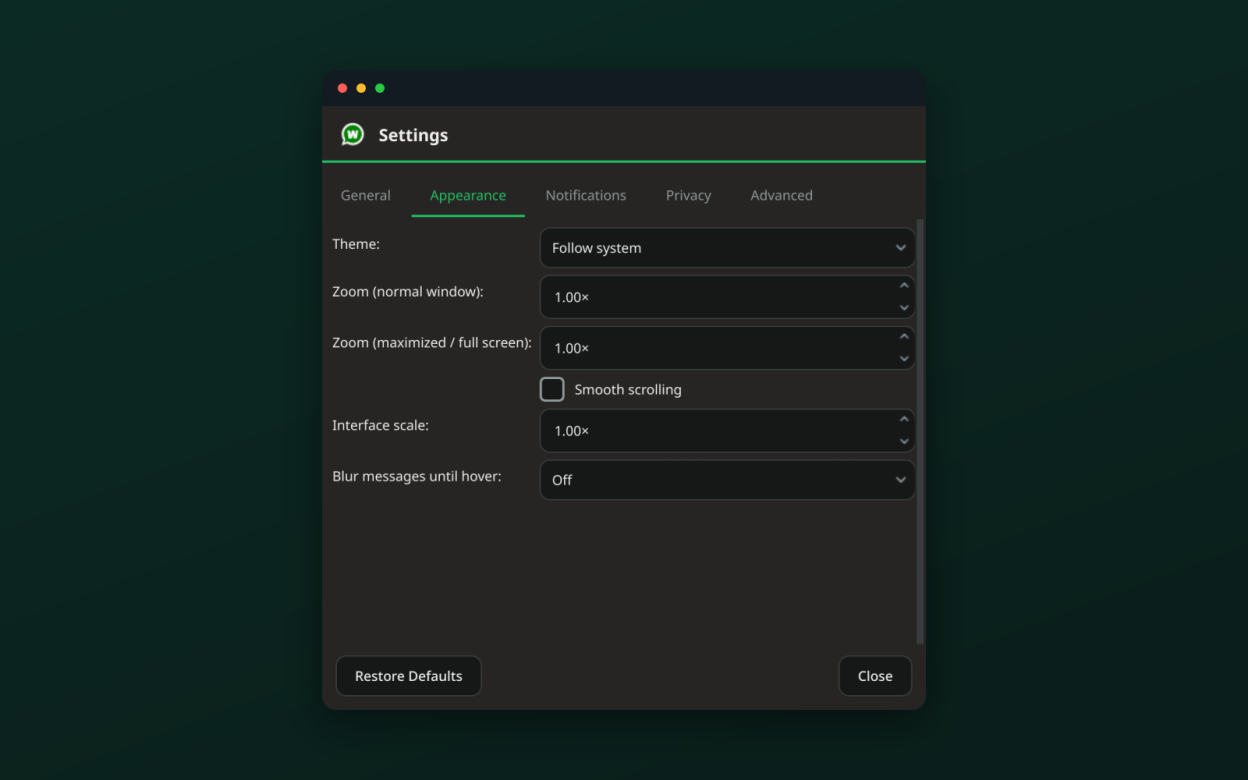
- Light, dark and follow-system themes, kept in step with WhatsApp Web
- Native desktop notifications with contact avatars
- System-tray icon with an unread badge, mute and do-not-disturb
- Voice, video and screen-share calls (Wayland via the desktop portal)
- Built-in download manager with history; drag-and-drop and paste of attachments
- Spell check for your system language
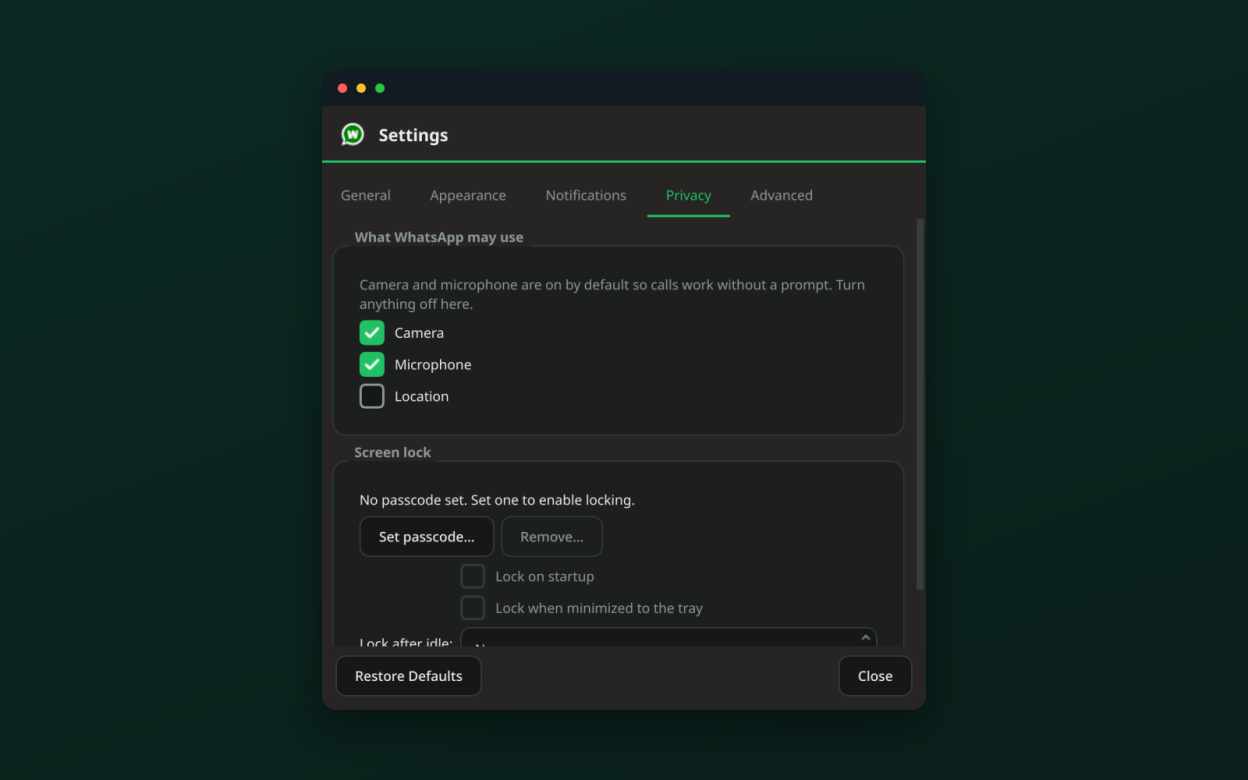
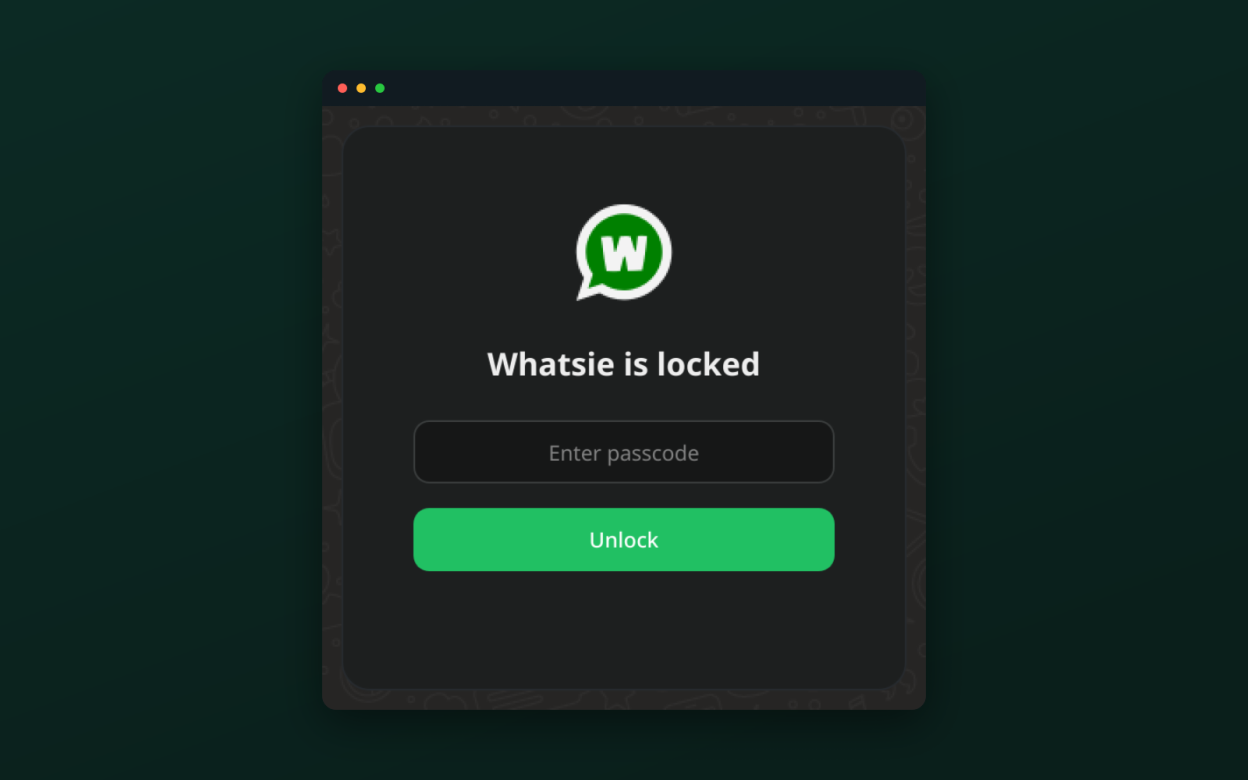
- App lock with a passcode and configurable lock on start, on hide, or after idle
- Privacy blur to hide message text and media until you hover
More controls:
- Per-site camera, microphone and location permissions
- HTTP / SOCKS5 network proxy with authentication
- Autostart at login and start minimized to the tray
- Single instance with multiple-account profiles
- Zoom and interface scaling, plus a keyboard-shortcuts sheet
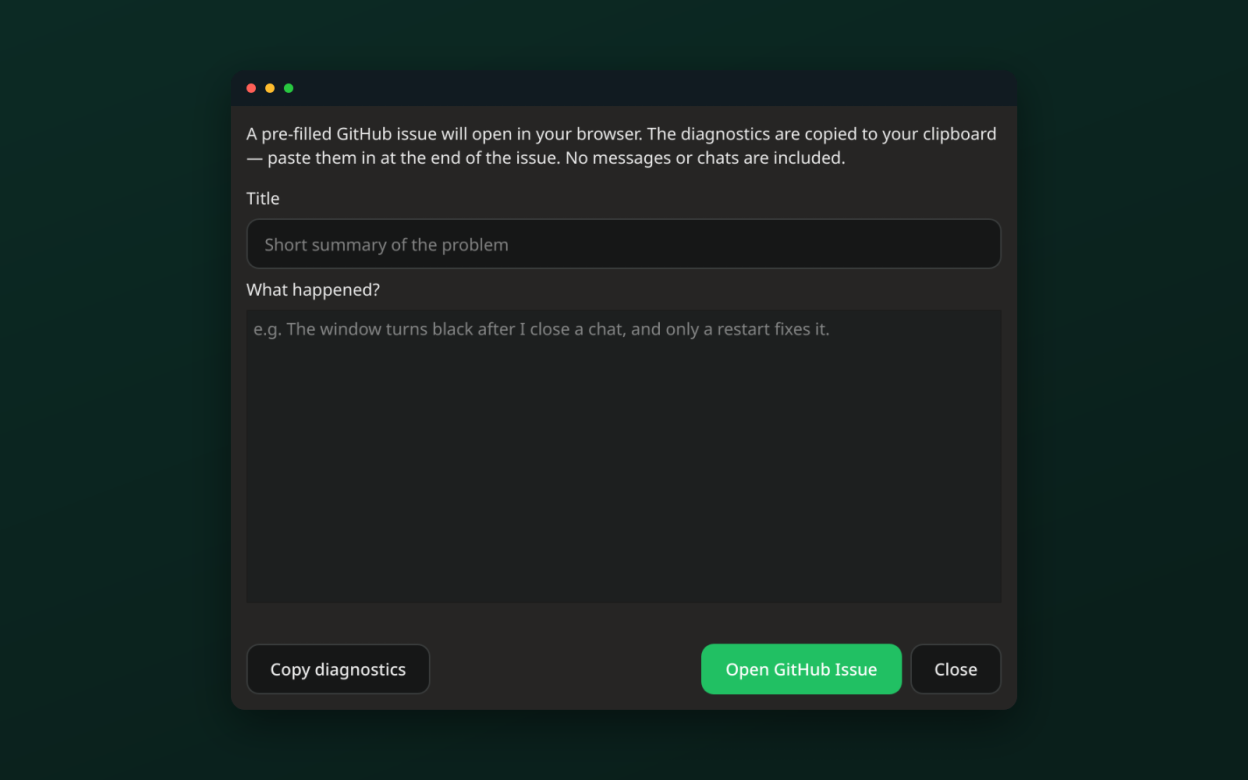
- One-click bug reporting with diagnostics, no messages included
Screenshots
Observed history
| App | Change | Version | When ↑ |
|---|---|---|---|
| updated | 6.1.1 | 22 Sept 2026 |
Upstream releases
Release notes supplied by the developer. These dates are not Flathub package publication times.
6.1.121 Sept 2026
Fixes and small improvements:
- The interface now follows the desktop's light/dark preference reliably on Linux, including after resuming from sleep, instead of sometimes starting or reverting to light
- After resuming from sleep with the connection briefly down, Whatsie keeps retrying and reconnects on its own instead of getting stuck on the "You appear to be offline" page
- The spell-check language list now shows every bundled dictionary, not just the first few
- WhatsApp channel links now open the channel preview in the app, and "share text" links without a phone number are handled
6.1.09 Sept 2026
New features:
- Whatsie's interface can now be translated — German, Spanish, French, Italian, Portuguese (Brazil) and Russian are included; pick one in Settings → General, or leave it on Automatic to follow your system
- The unread message count now appears as a badge on the taskbar or dock launcher
- Spell check can use several languages at the same time (Settings → Advanced)
- New option to render at your display's refresh rate instead of the 60 FPS cap (Settings → Advanced)
Fixes:
- The monochrome system-tray icon is now centred and sized correctly
- On Wayland the app uses the correct desktop id, so it groups properly in the dock and task switcher
6.0.47 Sept 2026
Fixes:
- Spell check no longer silently fails to load its dictionaries, and you can now add languages yourself from Settings → Advanced → Spell check
- On NVIDIA graphics under Wayland, Whatsie falls back to software rendering automatically instead of showing a black screen
6.0.35 Sept 2026
Fixes and small improvements:
- Drag-and-drop now shows a "Drop files to send" hint and, when a file can't be attached, explains why instead of doing nothing
- The system-tray tooltip now reads "Whatsie"
- Bug-report diagnostics include the CPU architecture