
WonderWall
Browse, download, and set high quality wallpapers
Keshav Bhatt ✓ Verified
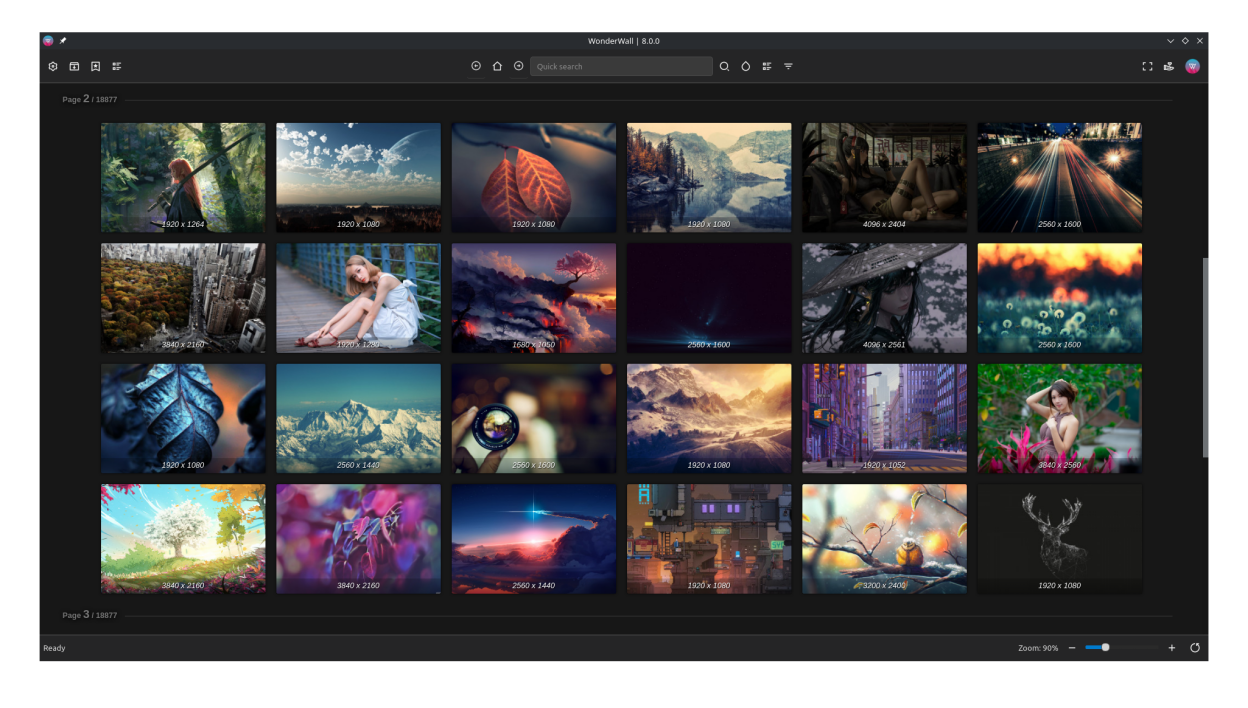
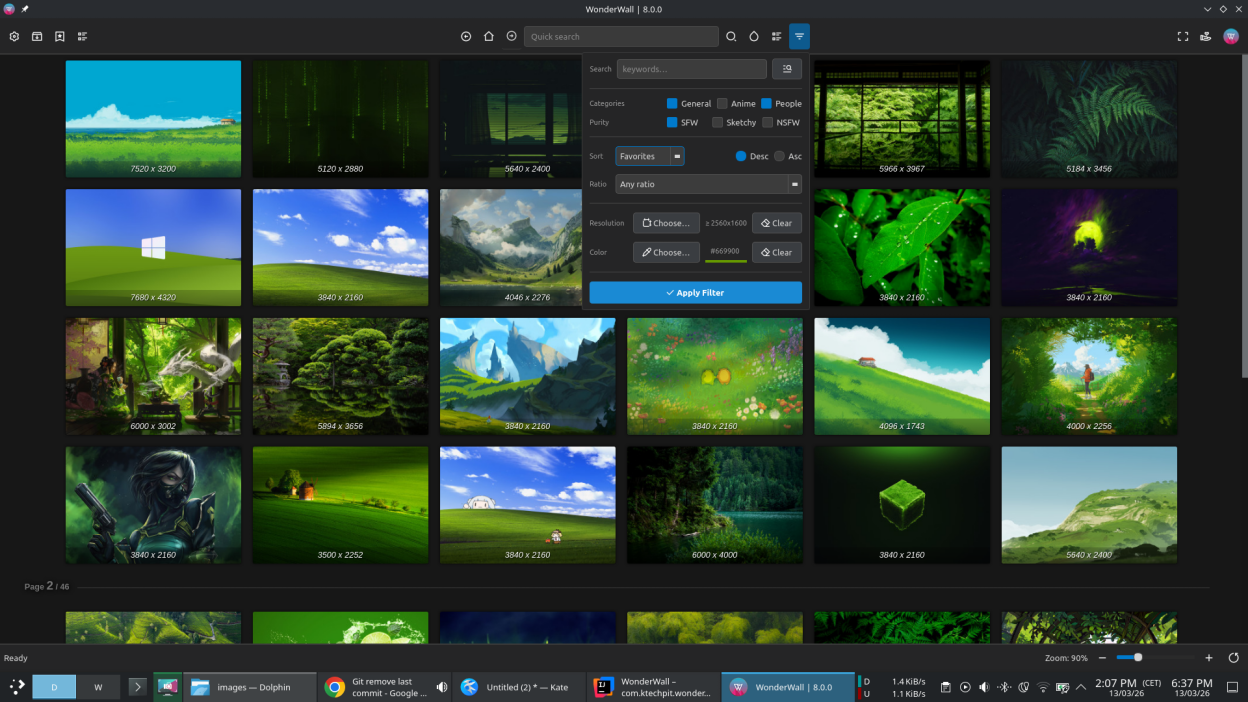
com.ktechpit.wonderwallWonderWall helps you discover wallpapers, save favorites, and manage your wallpaper library from one desktop application.
It is designed for fast browsing with practical controls for search, filtering, preview, download, and wallpaper application, while keeping your own library organized and easy to navigate.
- Browse and search wallpapers
- Filter by categories, colors, resolutions, and purity
- Bookmark any browse result page to revisit it later with one click
- Open wallpaper preview pages with quick actions for related and tag-based discovery
- Show inline tags in browse results and use them to refine search quickly
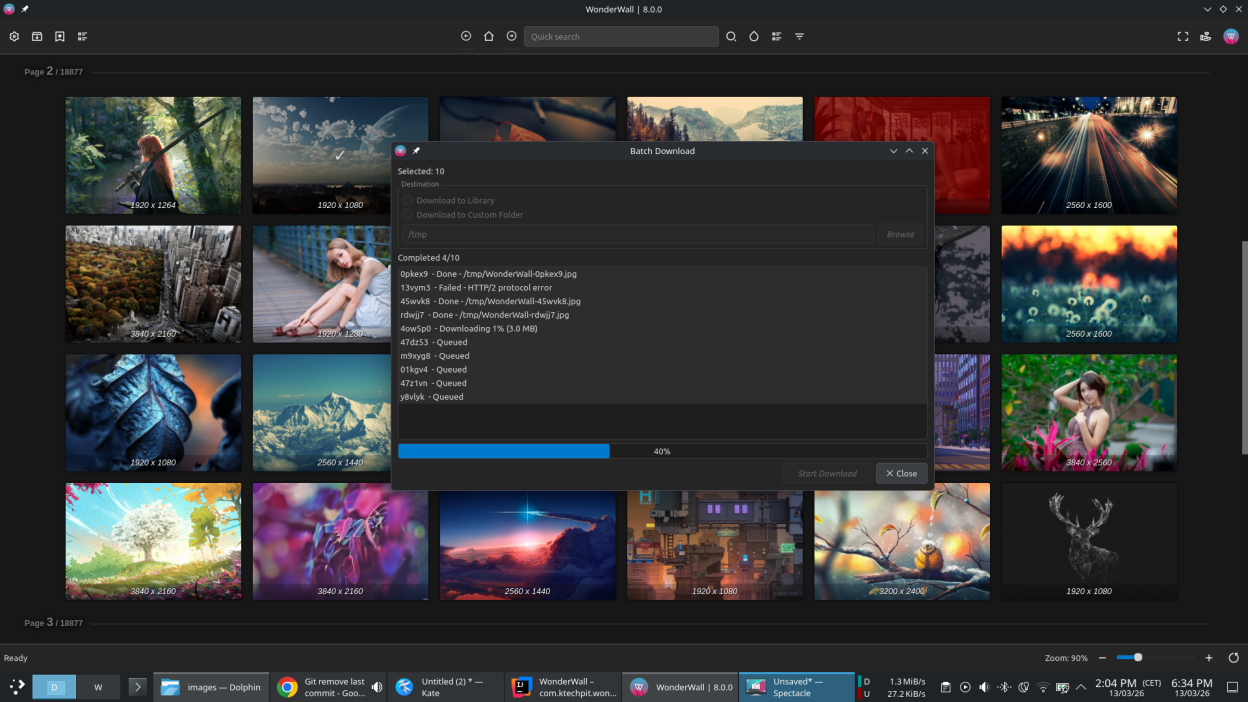
- Download wallpapers to your library or to custom folders with single and batch workflows
- Track active downloads with progress feedback and queue controls
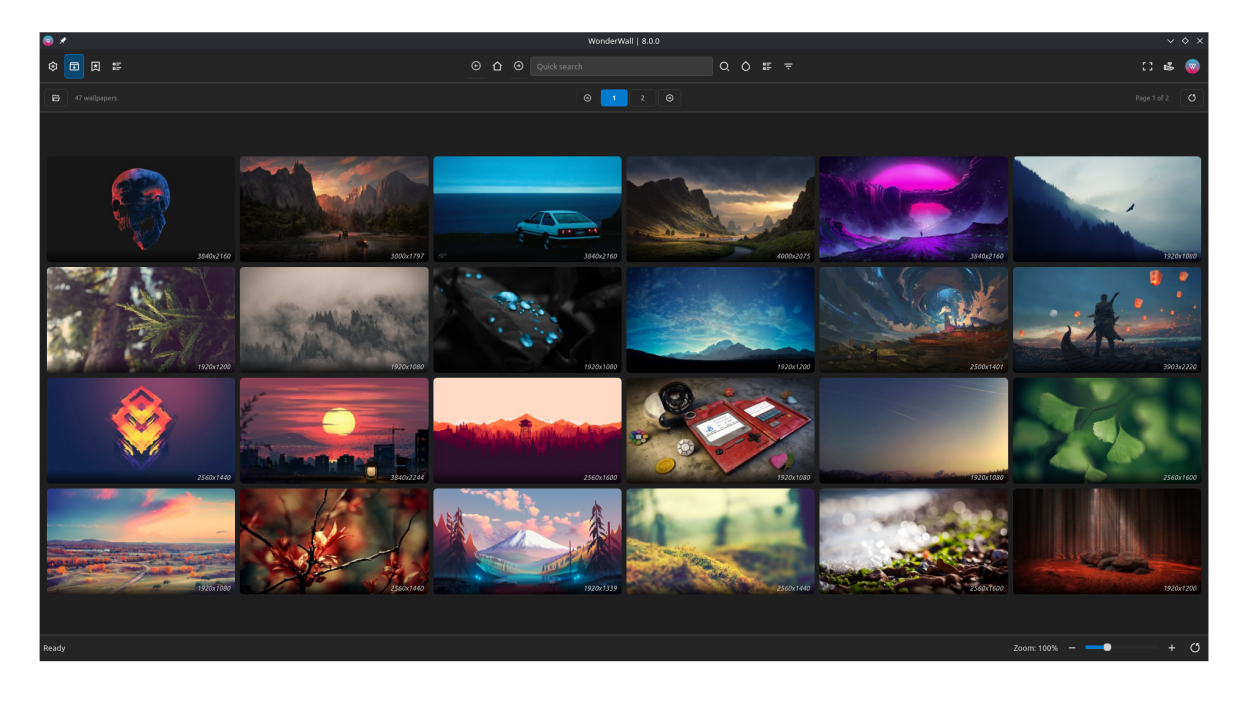
- Manage your offline library with pagination and view preferences
- Crop wallpapers before applying them to better fit your screen
- Set wallpapers directly from the app
- Use keyboard shortcuts and status bar controls for fullscreen and zoom
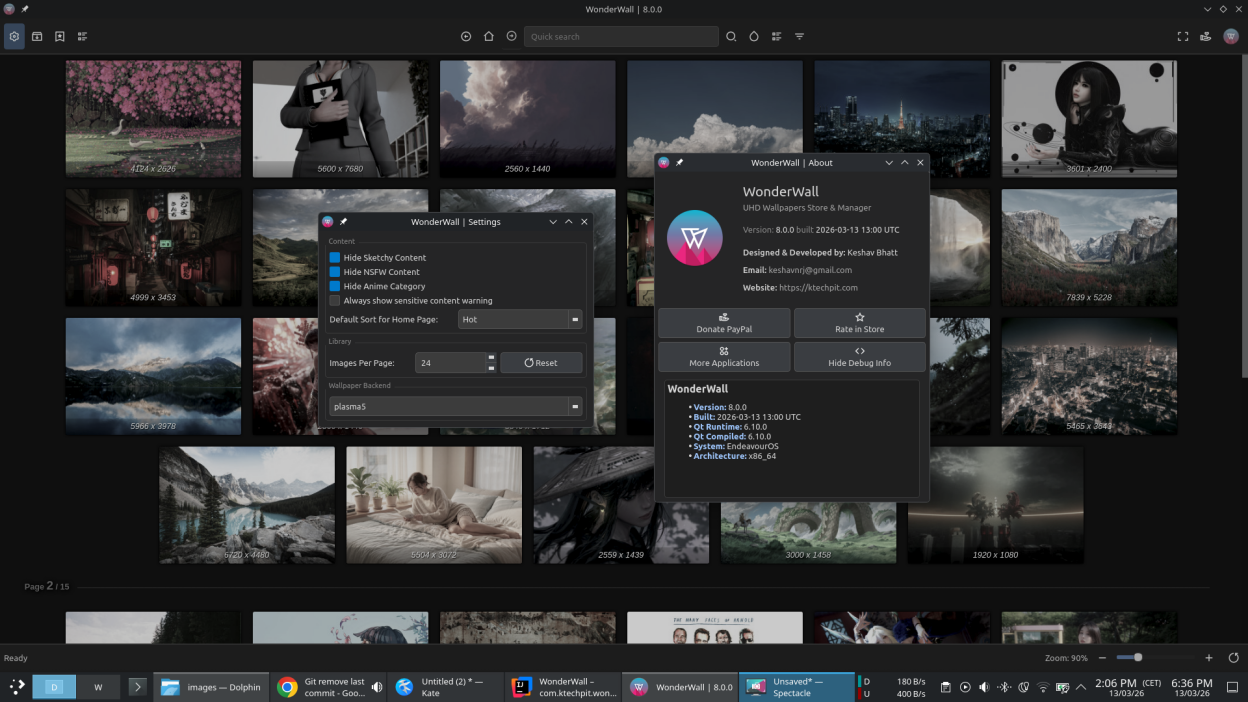
- Get optional warnings before opening sketchy or NSFW content
- Manage account and license information from a dedicated account dialog
Screenshots
Observed history
| App | Change | Version | When ↓ |
|---|
No observed changes yet.
The initial import establishes a baseline. Future version changes will appear here.
Browse the app catalogue →Upstream releases
Release notes supplied by the developer. These dates are not Flathub package publication times.
8.1.014 Mar 2026
Enhanced multi Download functionality.
- Enhanced: Handle failed tasks and correctly report the error.
8.0.013 Mar 2026
Qt6 update with improved browsing, library management, and UI polish.
- NEW: Search result bookmarking system
- NEW: Multi Download Feature
- NEW: Ability to download/batch-download to custom folder
- NEW: Enhanced Download progress and control
- NEW: Wallpaper preview Page, with Tags search capability
- NEW: New Context menu with more options like Browse similar images, Toggle Tags view
- NEW: Crop Dialog
- NEW: Library page redesign
- NEW: Sketchy content warning
- NEW: Various preferences for Library view in Settings
- NEW: New status bar with more controls
- NEW: Keyboard Shortcuts to toggle Fullscreen
- NEW: New About dialog with Debug info
- NEW: Screen picker integration in Gradient Maker and Contrast Checker
- Enhanced: Preferences
- Enhanced: Streamlined toolbar design without borders
- Enhanced: Quick access to source code from About dialog