
OneKeePass keeps your passwords and other sensitive information in a single encrypted KeePass-compatible database file (KDBX 4). The file stays yours: keep it on your computer, on a USB drive, or on cloud storage you already use.
Everything happens on your own machine. There is no account to create, no server to trust and no telemetry. Databases are encrypted with AES-256 or ChaCha20 and unlocked with a master password, a key file, or both.
Features:
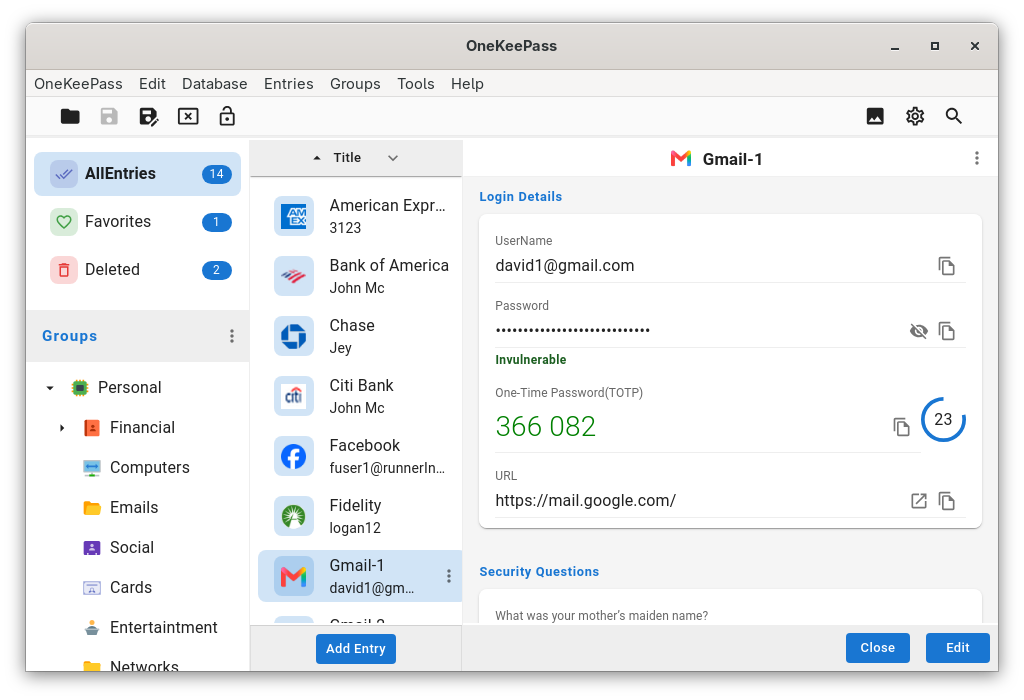
- Entries organised by type, category, tag or the standard group tree
- Custom entry types and any number of custom fields, grouped into sections
- Built-in entry types for SSH keys, identities, passports and driver licences
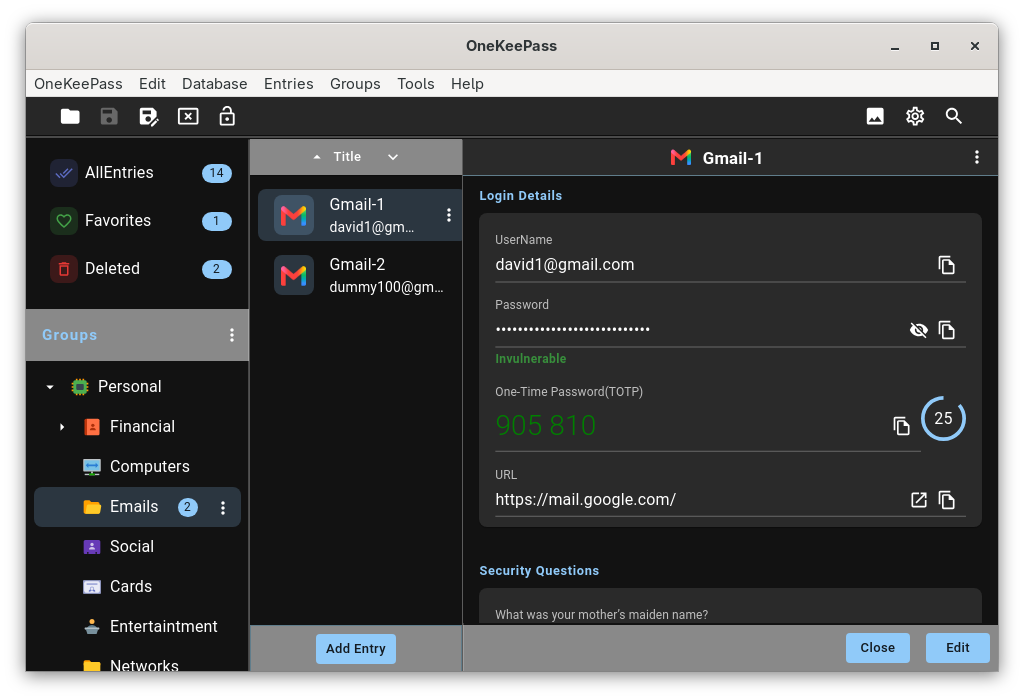
- Time-based one-time passwords (TOTP) with a live countdown
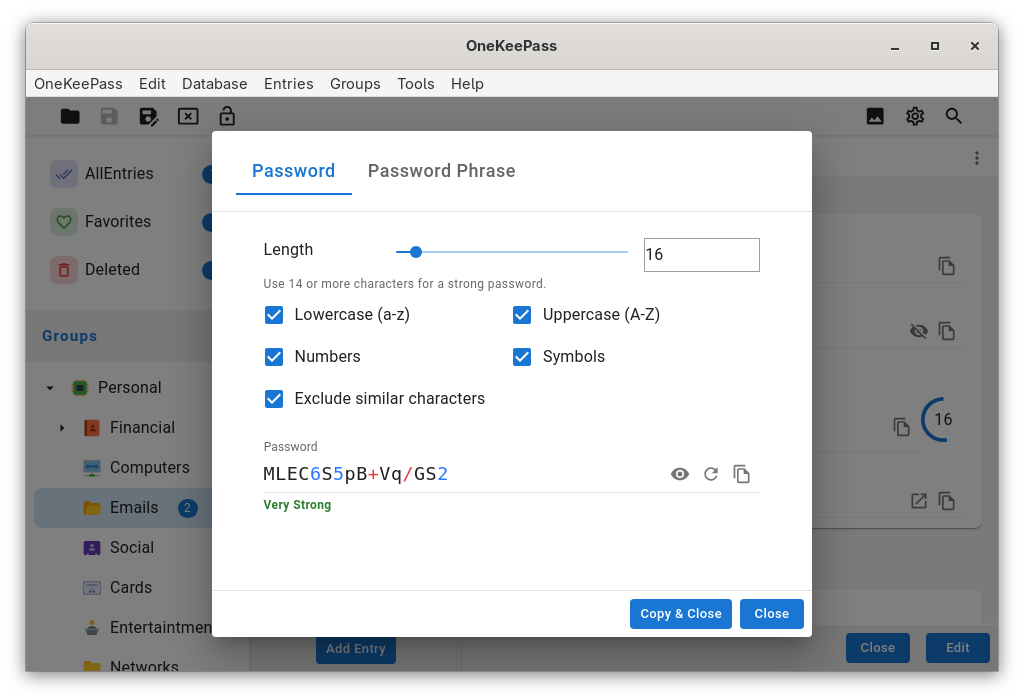
- Password and diceware passphrase generator
- File attachments, and custom icons for entries and groups
- Open databases directly over SFTP or WebDAV, without a third-party sync tool
- Import CSV exports from Bitwarden, 1Password, LastPass and others
- Merge databases, clone entries, and work with several databases at once
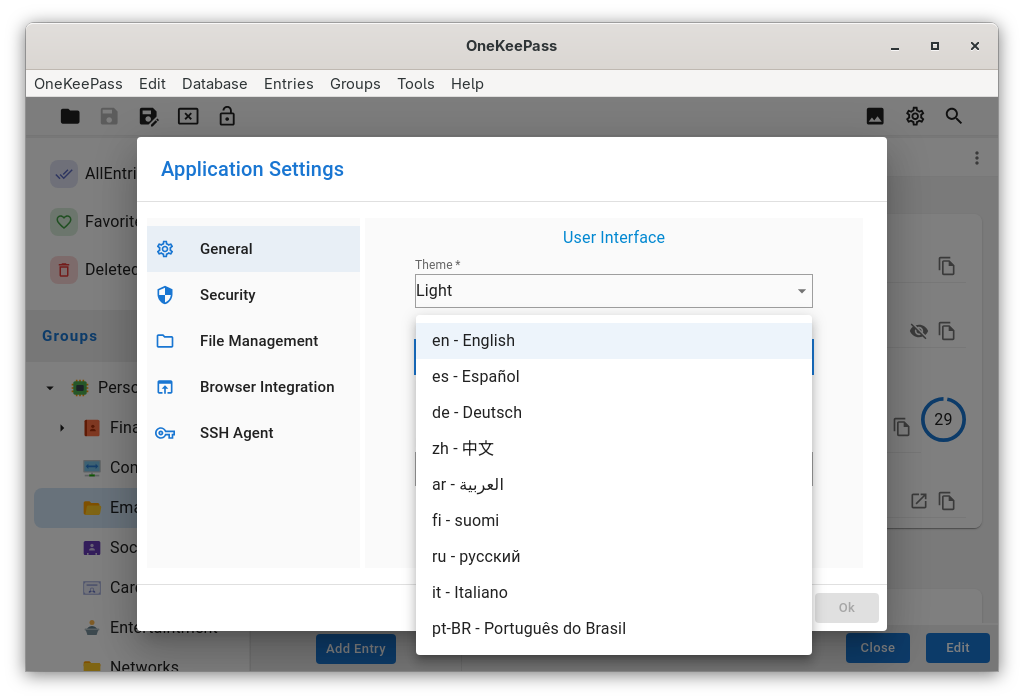
Screenshots
Observed history
| App | Change | Version | When ↓ |
|---|---|---|---|
| updated | 0.27.0 | 6 Oct 2026 | |
| new | 0.27.0 | 21 Sept 2026 |
Upstream releases
Release notes supplied by the developer. These dates are not Flathub package publication times.
0.27.05 Oct 2026
- Browser integration in the Flatpak build, with Firefox, Chrome and Brave installed on the system
- After copying a field, the window can now be left as it is, minimised, or sent to the background (not available on Wayland)
- Traditional Chinese translations for Taiwan and Hong Kong
- The Flatpak now uses the GNOME 51 runtime
- Fixed: the title bar buttons now work on GNOME with Wayland
- Fixed: the key file field in the Open Database dialog has enough space above it
0.26.016 Sept 2026
- The entry list shows a live one-time password with a countdown
- Picking an entry from the search results scrolls it into view
- The group, entry list and entry form panels can be resized by dragging the dividers
- Notes are shown in full in read mode, with a Show more / Show less toggle for long ones
- The window can be set to minimise after a field is copied to the clipboard
- Fixed: passkey fields in entries saved by an earlier version are now protected
- Fixed: a list's scrollbar no longer shows through a menu opened over it
0.25.21 Sept 2026
In the Flatpak build, application data follows the XDG layout, and the system keyring is no longer used: an open database's encryption key stays within the running application.
0.25.131 Aug 2026
OneKeePass can now be built and installed as a Flatpak, entirely from source, the user interface included.
In that build, checking for updates points to your package manager, and the recent databases list shows plain file names for databases opened through the desktop file chooser.