
Black Box is a native terminal emulator for GNOME that offers superb theming options.
With Black Box you can:
- Set colors schemes and integrate them with the rest of the window
- Customize font and size
- Customize keyboard shortcuts
- Render Sixel escape sequences
- Fully hide the window headerbar
- Quickly open links and files by ctrl+clicking file paths and URLs
- Easily paste file paths by dragging them into the window
This app is written in Vala and uses GTK 4, libadwaita, and VTE.
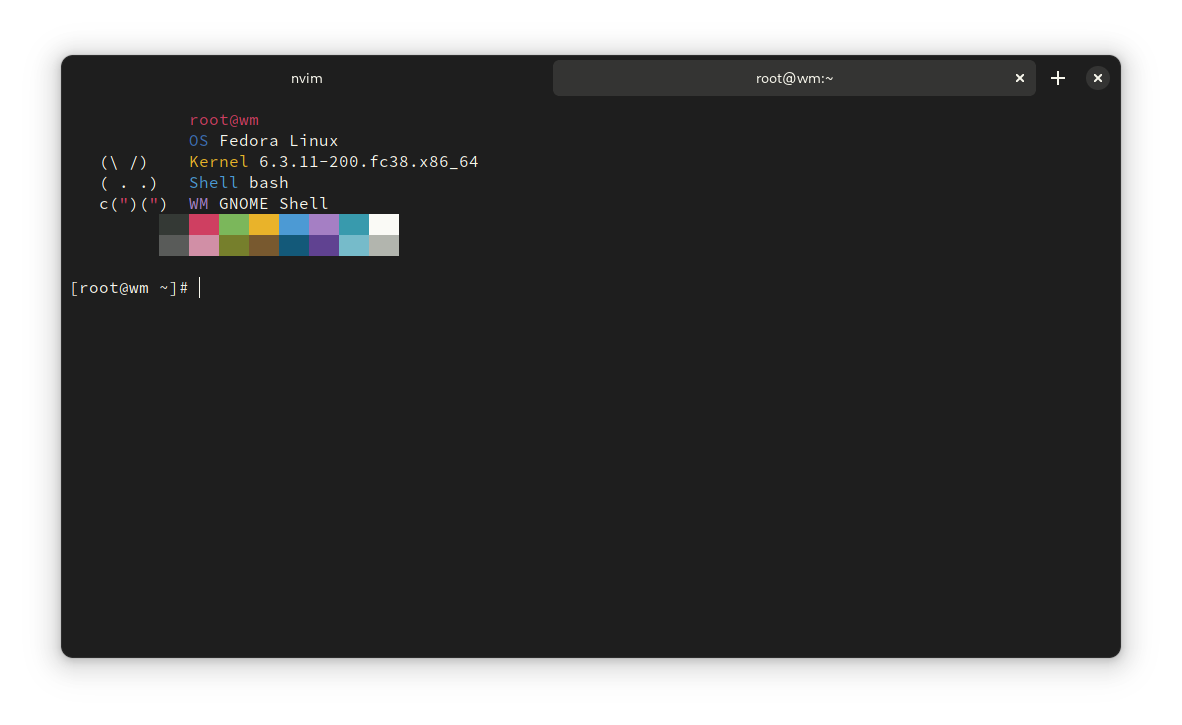
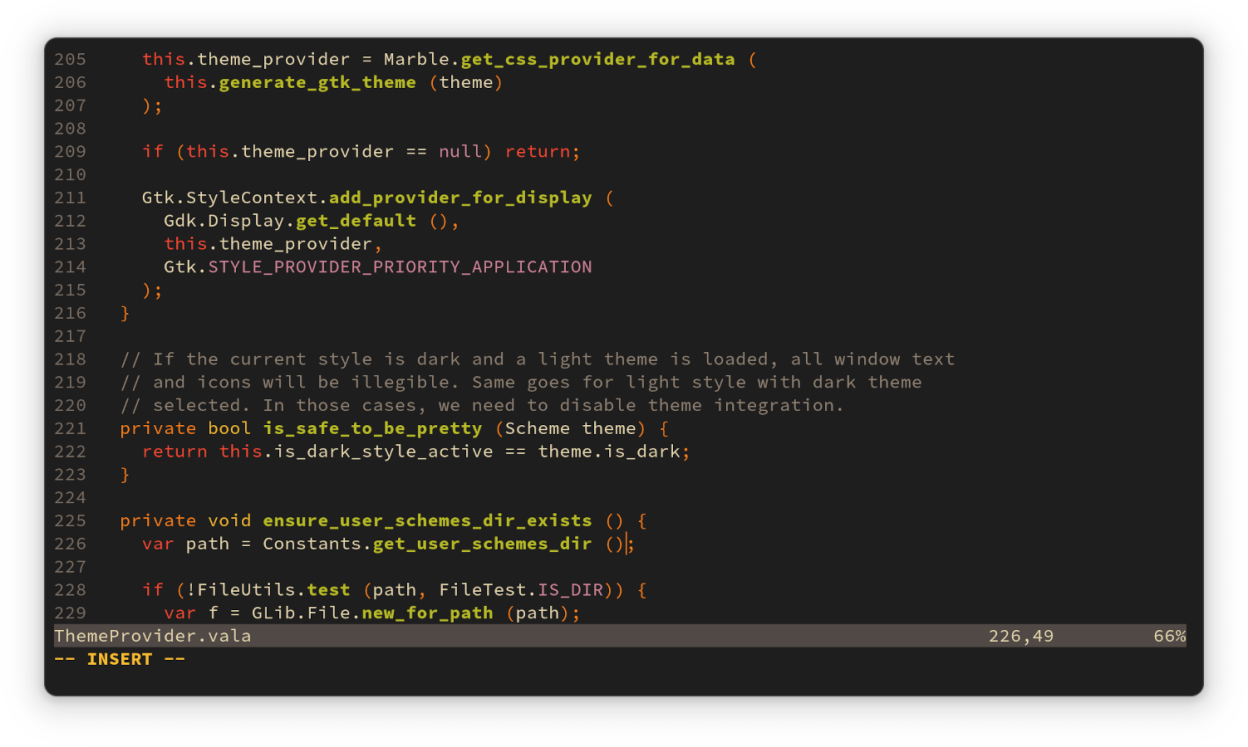
Screenshots
Observed history
| App | Change | Version | When ↓ |
|---|
No observed changes yet.
The initial import establishes a baseline. Future version changes will appear here.
Browse the app catalogue →Upstream releases
Release notes supplied by the developer. These dates are not Flathub package publication times.
0.14.017 Jul 2023
Features
- Added new default Adwaita and Adwaita Dark color schemes
- You can now customize the working directory for new tabs. It can be set to persist the last tab's directory, the user's home directory, or an arbitrary location
- Closing a tab or a window that still has a running process will now prompt you for confirmation
- Black Box now uses the default Adwaita tab style. As consequence, some header bar options, including "Show Borders" have been removed from the preferences window
- Added the option to disable terminal bell
- Added option to use bright colors for bold text
- You can now get a desktop notification when a process completes on an unfocussed tab
- Context-aware header bar: the header bar can now have special colors when the active tab is running sudo or ssh
- Added open and copy link options to the right-click menu
- You can now rename tabs with the new tab right-click menu, or with a new shortcut Shift + Control + R
- Added a quick application style switcher to the window menu
Improvements
- Some configuration options have been grouped together in the preferences window
- Application title is now bold when there's a single tab open
- Performance and bundle size optimizations
- Black Box now has more Flatpak permissions to overcome errors reported by users
Bug fixes
- Fixed an issue that caused terminals not to be destroyed when their tabs were closed
- Improved keybinding validation, allowing more valid key combinations to be used
- The window title is now centered when there's only one tab
- Sixel is now disabled for VTE builds that don't support it. This primarily affects non-Flatpak users, as all Flatpak builds ship VTE with Sixel support
- Fixed an issue that caused windows launched with custom commands to not have a title
- Black Box will now show an error banner if spawning a shell or custom command failed and will no longer close immediately
0.13.219 Jan 2023
Features
- Added support for setting multiple shortcuts for the same action
- You can now reset one, or all custom shortcuts back to default
- Added a warning if "Unlimited" scrollback mode is active
Bug fixes
- Added workaround for an error that would cause Black Box to crash
0.13.116 Jan 2023
Features
- New Scrollback Mode allows you to set scrollback to a fixed number of lines, unlimited lines, or disable scrollback altogether
- Allow setting font style (regular, light, bold, etc)
Improvements:
- Updated French, Italian, and Turkish translations
Bug fixes
- Added missing "Open Preferences" shortcut to help overlay
- Header bar and tabs are now properly colored when the app is unfocussed
- Fixed regression in window border color when "Show Borders" is enabled
- Window border is no longer displayed when Black Box is docked left, right, or maximized
- Improved keybinding validation, allowing more valid key combinations to be used
- Tab navigation shortcuts now work as expected
- Fixed default "Reset Zoom" keybinding
- Fixed issue that prevented development builds of Black Box from running when installed via Flatpak
0.13.013 Jan 2023
The latest version of Black Box brings much awaited new features and bug fixes.
Features
- Customizable keyboard shortcuts
- Background transparency
- Customizable cursor blinking mode
- Experimental sixel support
Bug fixes
- Manually set VTE_VERSION environment variable - fixes compatibility with a few terminal programs
- Copying text outside the current scroll view now works correctly
- Scrolling with a touchpad or touchscreen now works as intended