
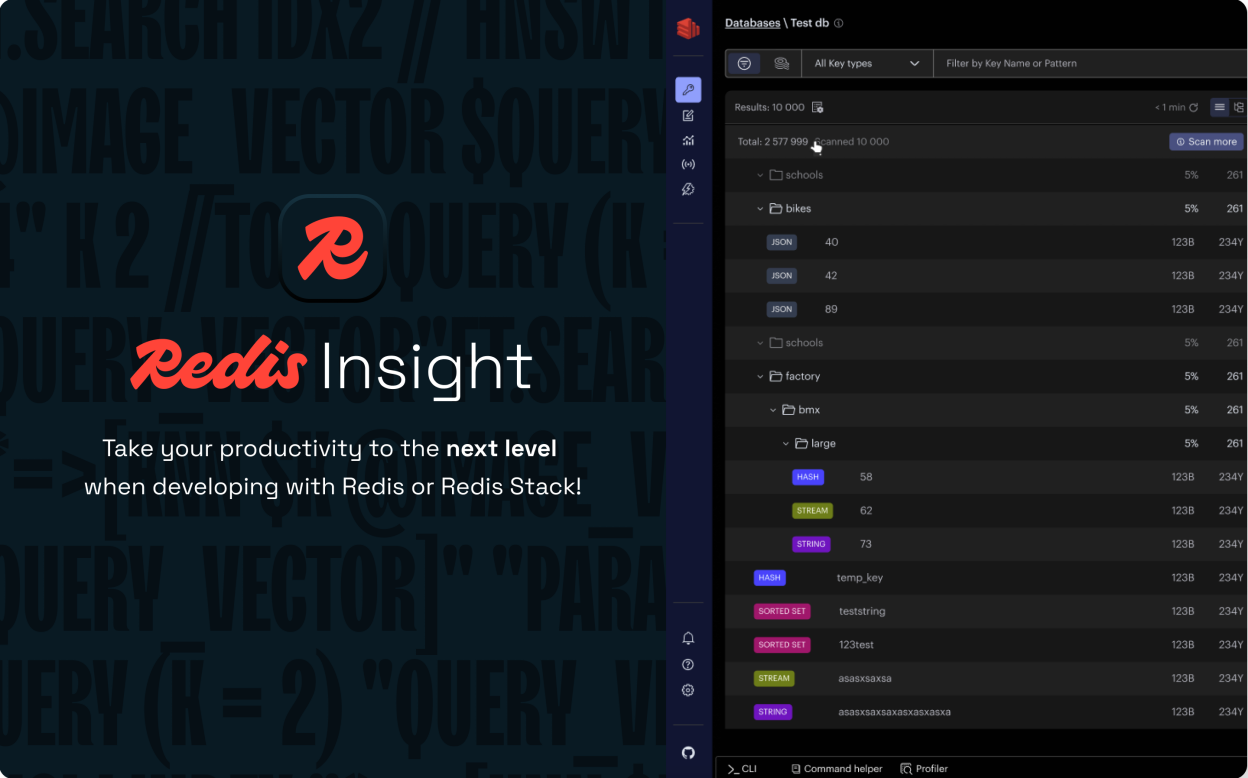
RedisInsight is an intuitive and efficient GUI for Redis, allowing you to interact with your databases and manage your data—with built-in support for Redis modules.
RedisInsight Highlights:
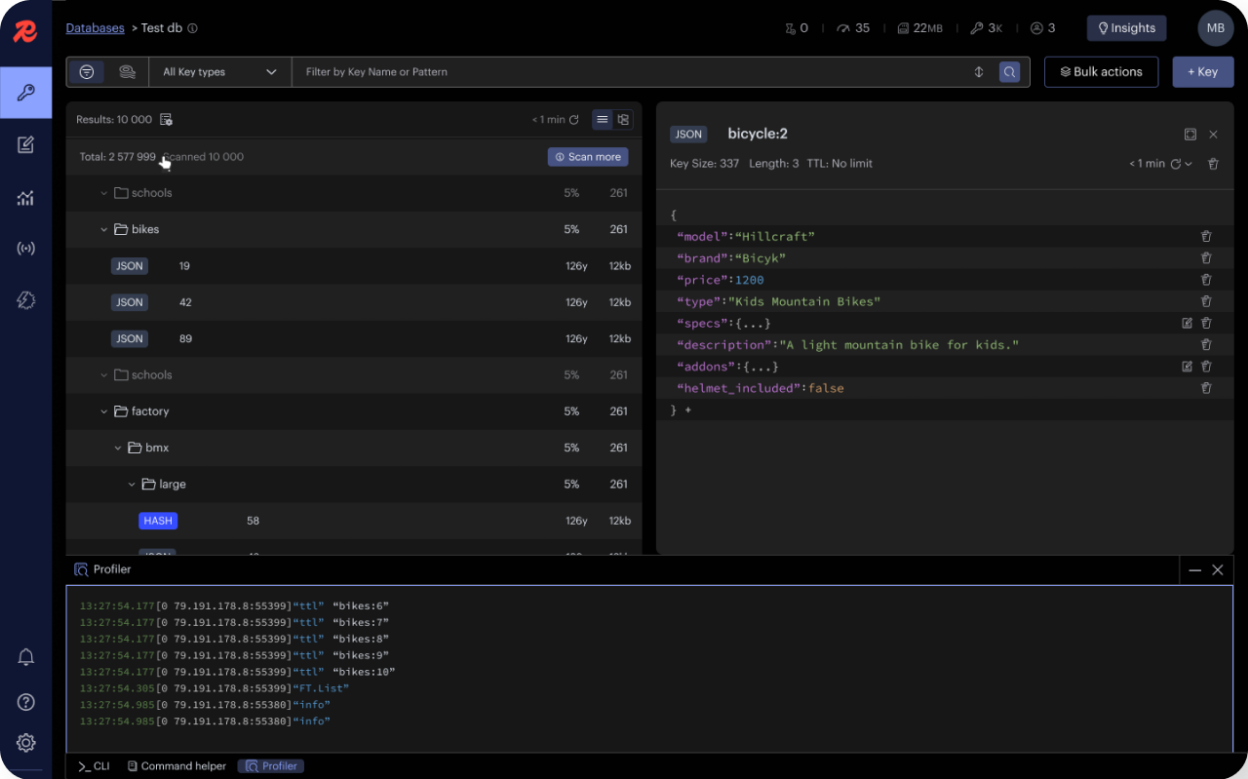
- Browse, filter, visualise your key-value Redis data structures and see key values in different formats (including JSON, Hex, ASCII, etc.)
- CRUD support for lists, hashes, strings, sets, sorted sets, and streams
- CRUD support for JSON data structure
- Interactive tutorials to learn easily, among other things, how to leverage the native JSON data structure supporting structured querying and full-text search, including vector similarity search for your AI use cases
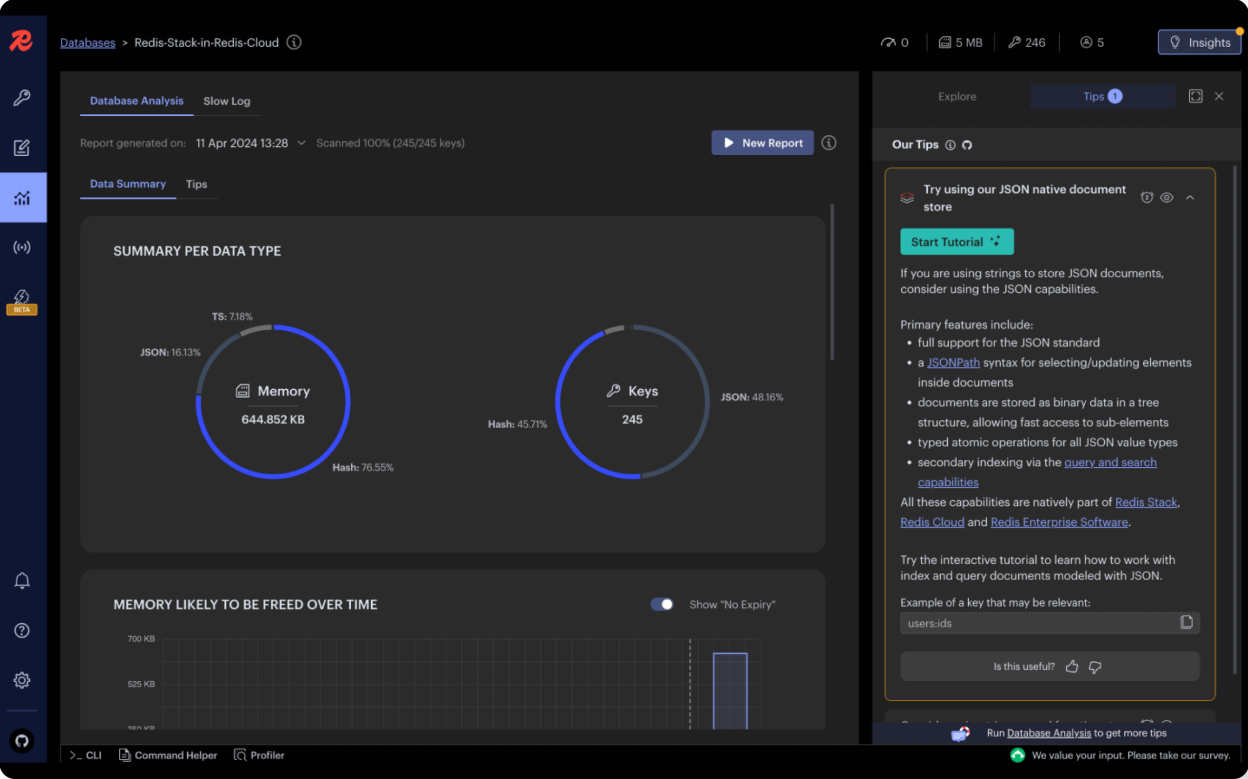
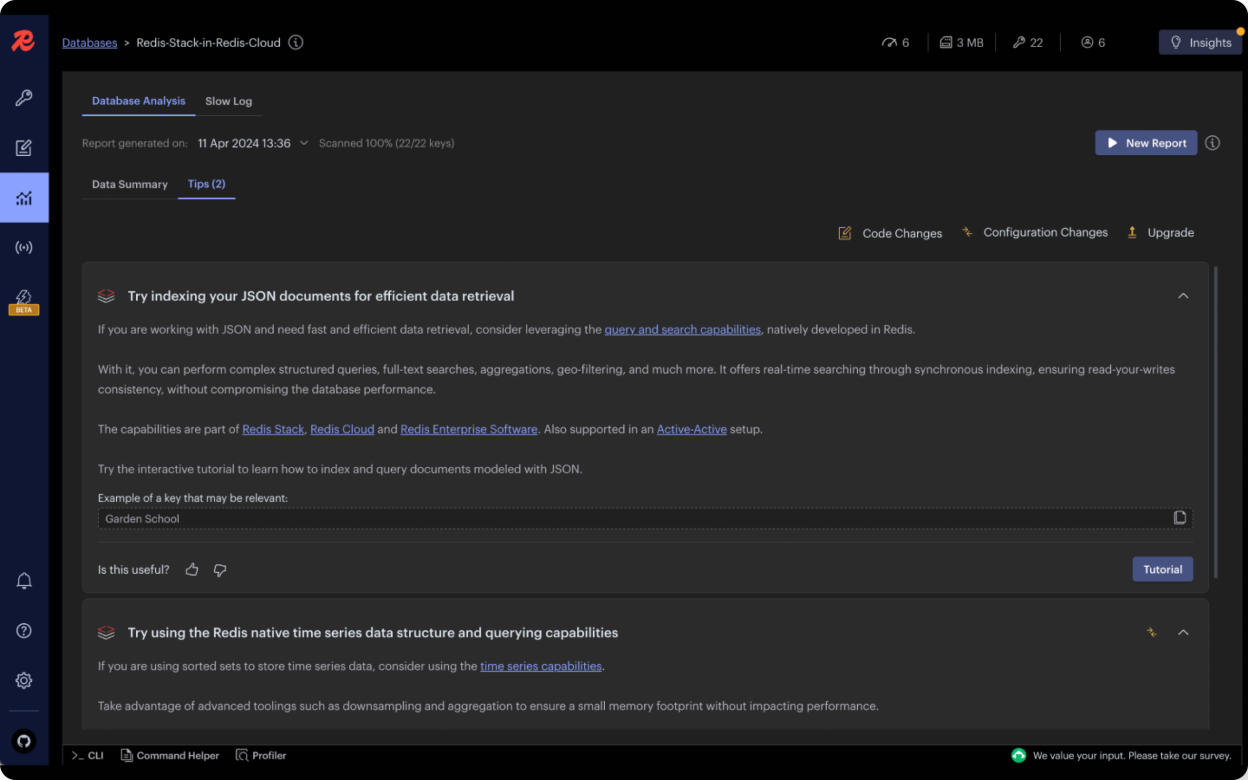
- Contextualised recommendations to optimize performance and memory usage. The list of recommendations gets updated as you interact with your database
- Profiler - analyze every command sent to Redis in real-time
- SlowLog - analyze slow operations in Redis instances based on the Slowlog command
- Pub/Sub - support for Redis pub/sub, enabling subscription to channels and posting messages to channels
- Bulk actions - Delete the keys in bulk based on the filters set in Browser or Tree view
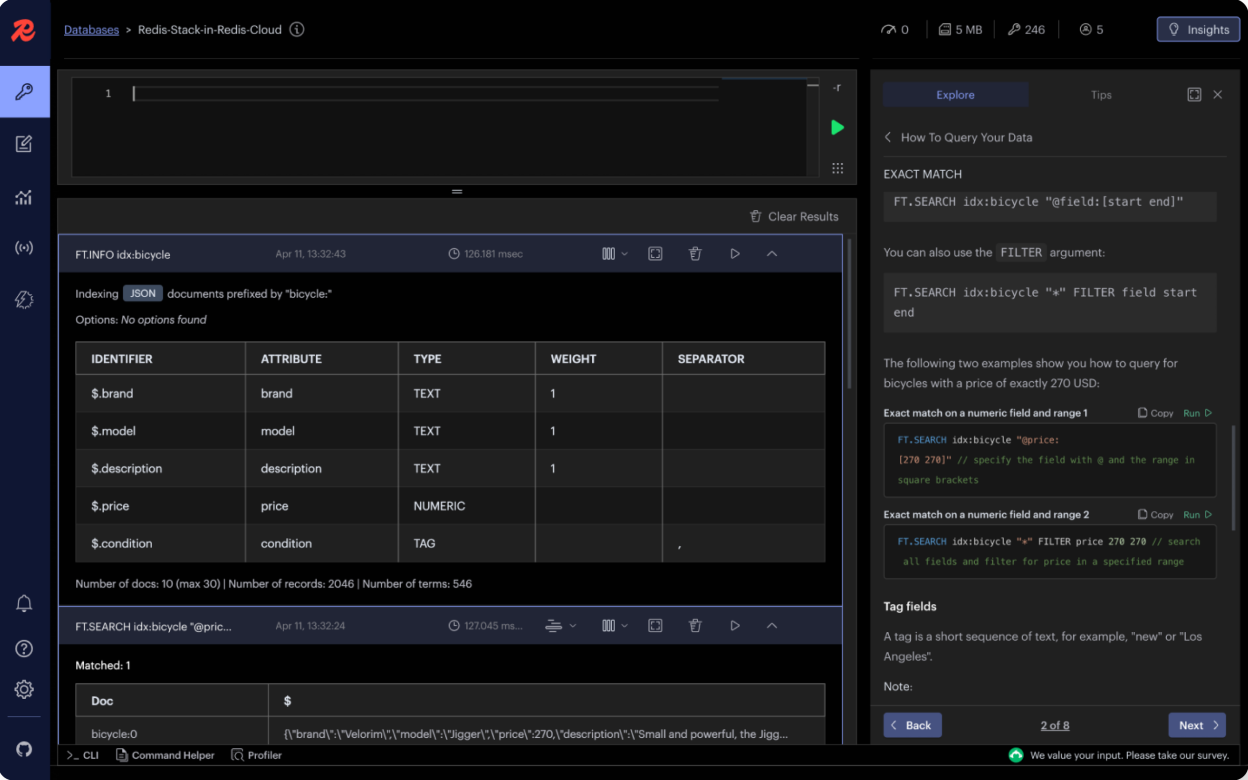
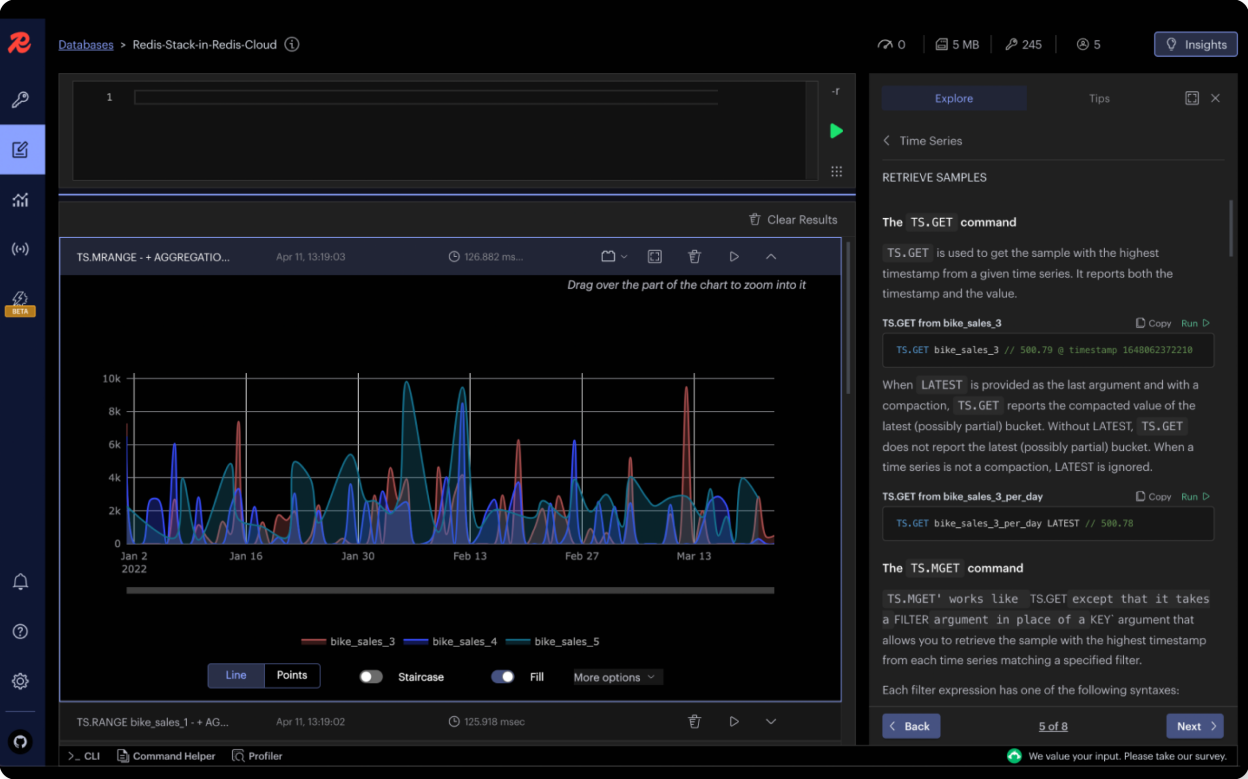
- Workbench - advanced command line interface with intelligent command auto-complete, complex data visualizations and support for the raw mode
- Command auto-complete support for search and query capability, JSON and time series data structures
- Visualizations of your search and query indexes and results
- Ability to build your own data visualization plugins
- Built-in click-through guides for Redis capabilities
- Officially supported for Redis OSS, Redis Cloud. Works with Microsoft Azure Cache for Redis
Screenshots
Observed history
| App | Change | Version | When ↑ |
|---|
No observed changes yet.
The initial import establishes a baseline. Future version changes will appear here.
Browse the app catalogue →Upstream releases
Release notes supplied by the developer. These dates are not Flathub package publication times.
3.8.021 Jul 2026
- Support for the new Array data type in Redis 8.8: create, browse, search, aggregate, and edit Arrays
- What's New popup showing feature highlights after each upgrade
- Option to choose between IPv4 and IPv6 when connecting to a database
- New Markdown value format for viewing values of any key type
- Editable host and port for existing database connections
- Copy diagnostics button in Settings for easier issue reporting
- Azure Entra ID sign-in support for multi-tenant setups
3.6.015 Jun 2026
- Full support for Vector Sets, the new Redis 8 vector-native data type: create them manually or from a bundled sample dataset, add elements, and run similarity search by raw vector or element name.
- New Dev vs Production database mode with safety guardrails: classify databases by environment, with PROD and Development labels and a type-to-confirm prompt before destructive actions on production.
- New Geodata Workbench plugin renders Redis GEO command results as an interactive map, density heatmap, or details card.
- Added Copy and Download value actions for JSON keys, plus a Copy value action for String keys.
- Settings now shows the build commit SHA next to the app version, and fixed missing scrollbars on the database list and other tables at constrained viewport heights.
3.4.222 Apr 2026
- Fixed issues with the Windows auto-update, so the new version is delivered automatically the next time the app is started.
3.4.120 Apr 2026
- New dedicated Search workspace with full index lifecycle support: create indexes from sample data or existing user data, query indexed data with an assisted editor, and save queries to a Query Library for reuse.
- Navigate between Browser and Search workspaces: review indexed data in the Browser, view indexed keys and their associated indexes, and create indexes directly from the Browser key list.
- Azure Entra ID authentication support for Docker deployments, Access Key authentication as an alternative to Entra ID, and a manual connection form for Azure Redis databases.
- Added Linux ARM64 release support with AppImage, deb, and rpm packages.
- Client-side column sorting for the Browser key list by Key, TTL, or Size directly from the Columns popover.
- Workbench output settings now persist between commands and no longer crash when external plugins are loaded.