
WireframeSketcher
Wireframing tool for professionals
Peter Severin ✓ Verified
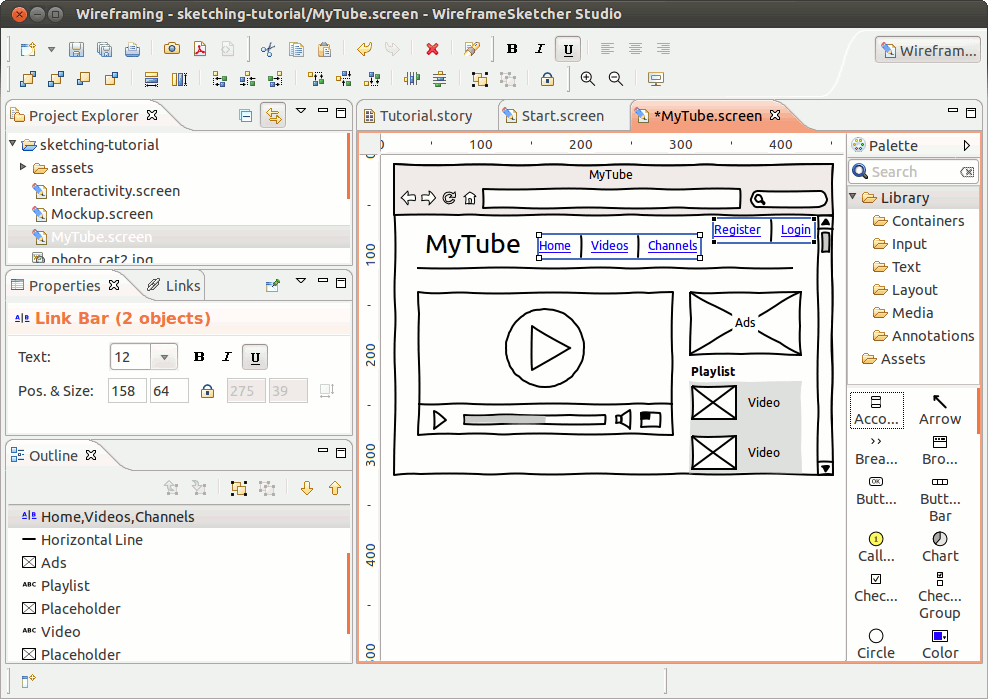
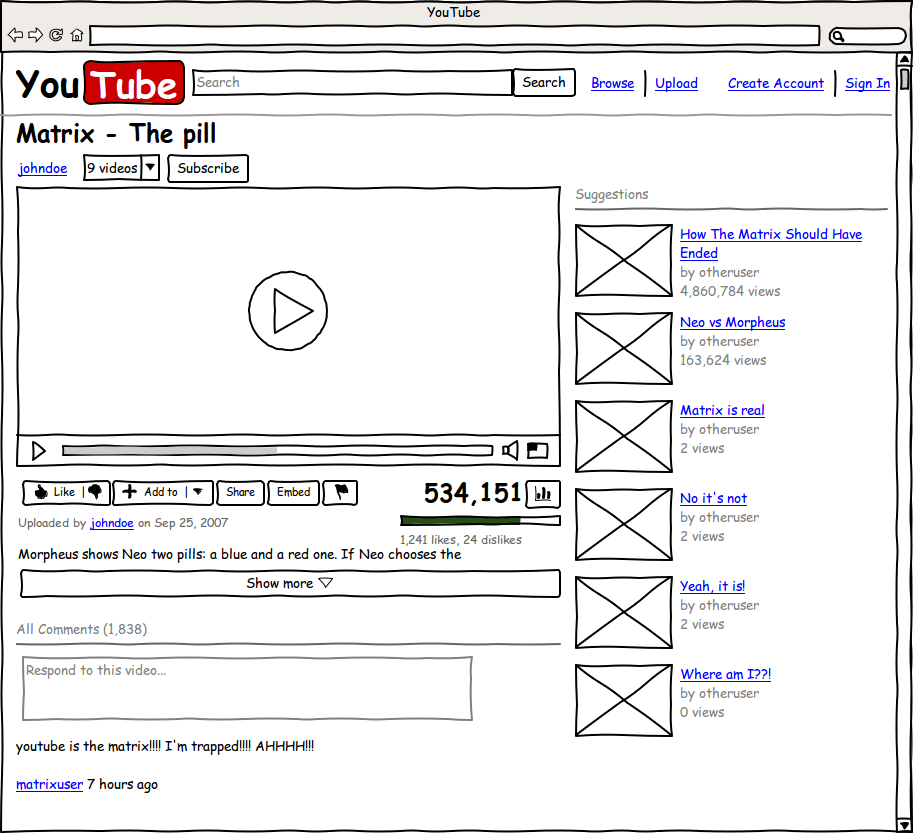
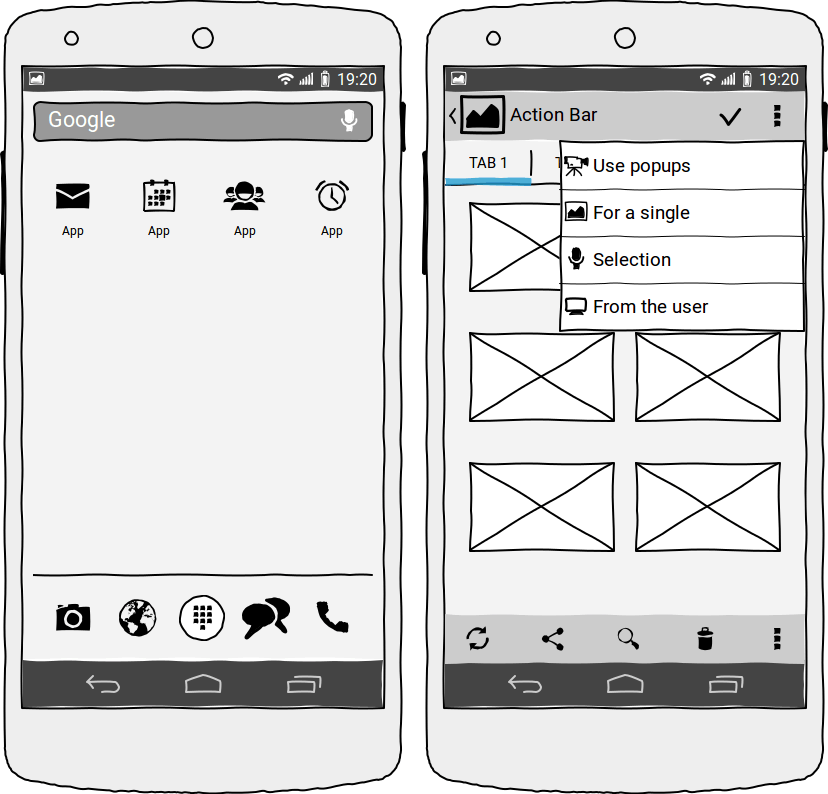
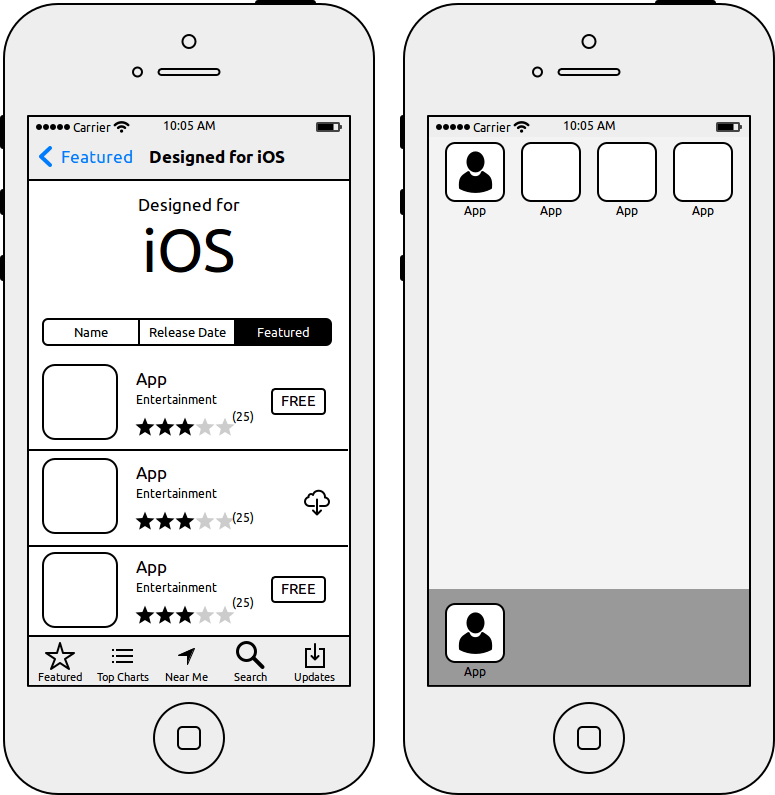
com.wireframesketcher.WireframeSketcherWireframeSketcher is a software tool that helps product managers, designers and developers quickly create wireframes, mockups and prototypes for desktop, web and mobile applications. It’s standalone software and a plug-in for any Eclipse IDE.
Mockup your website, desktop, Android and iPhone applications. Get useful stencils from Mockups Gallery. Create your own assets using standard SVG format.
Streamlined and professional interface lets you get results fast and with great effect. Sketchy look makes you focus on what’s important.
Use version control to work with your team. Manage large prototypes with projects. Present your work in full-screen viewer. Share click-through PDFs with your clients.
Try WireframeSketcher before you buy for free. The software is fully functional for 14 days. After the evaluation period is over, you’ll need a license key in order to save your work.
Screenshots
Observed history
| App | Change | Version | When ↓ |
|---|---|---|---|
| updated | 7.4.4 | 18 Sept 2026 |
Upstream releases
Release notes supplied by the developer. These dates are not Flathub package publication times.
7.4.417 Sept 2026
Support for Eclipse 4.40/4.41, minor bugfixes and improvements
- Updated the standalone version to Eclipse 4.41 platform
- Updated the plugin version to support Eclipse 4.40 and 4.41 platforms
- Updated Font Awesome icons stencil to version 7.3.1
- Improved screen file copy to update relative file references
- Fixed black ghost figure issue on object resize in some configurations
7.4.322 Mar 2026
Support for Eclipse 4.39, minor bugfixes and improvements
- Updated the standalone version to Eclipse 4.39 platform
- Updated Font Awesome icons stencil to version 7.2.0
- Improved memory management in standalone version
7.4.22 Feb 2026
Fix HiDPI issue on Windows with Eclipse 4.38
- Fixed the error occurring when launching presentation on Windows
- Fixed HiDPI scaling issues in standalone version on Windows introduced in previous version
- Added HiDPI workaround on Windows for the plugin when used with Eclipse 4.38 (2025-12)
7.4.115 Jan 2026
Support for Eclipse 4.38, minor bugfixes and improvements
- Updated the standalone version to Eclipse 4.38 platform
- Updated Font Awesome icons stencil to version 7.1.0
- Fixed tree add cursor icon scaling on HiDPI monitors