

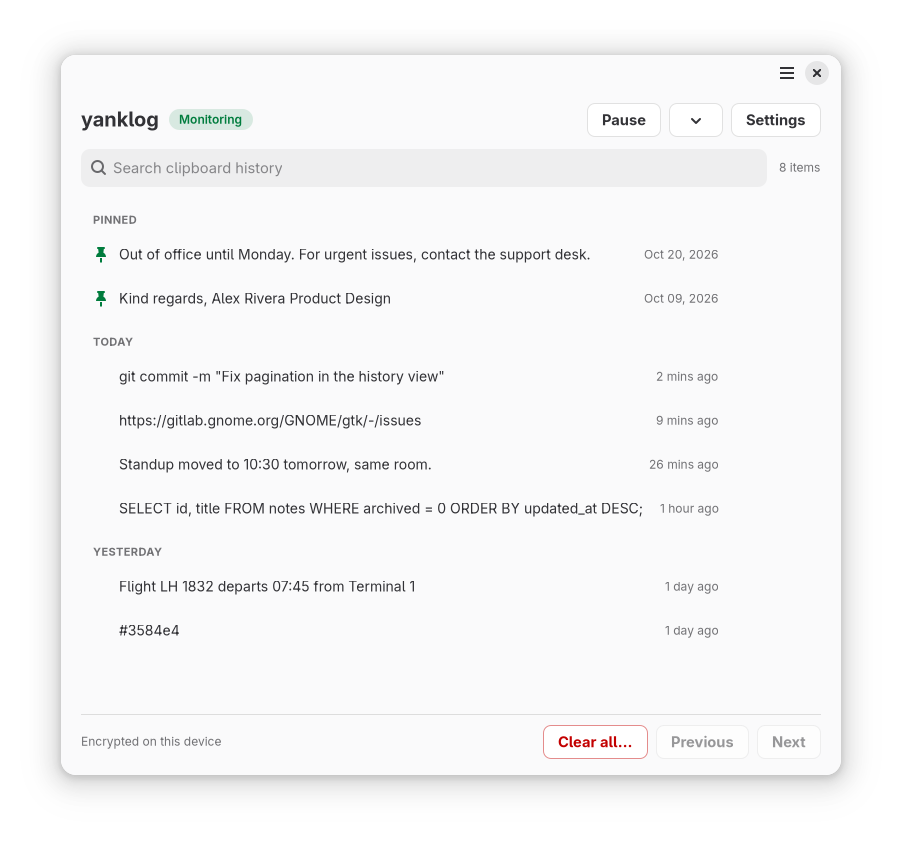
yanklog keeps copied text searchable without sending clipboard content off your device. Clipboard history is stored in a local encrypted database and can be paused or filtered whenever needed.
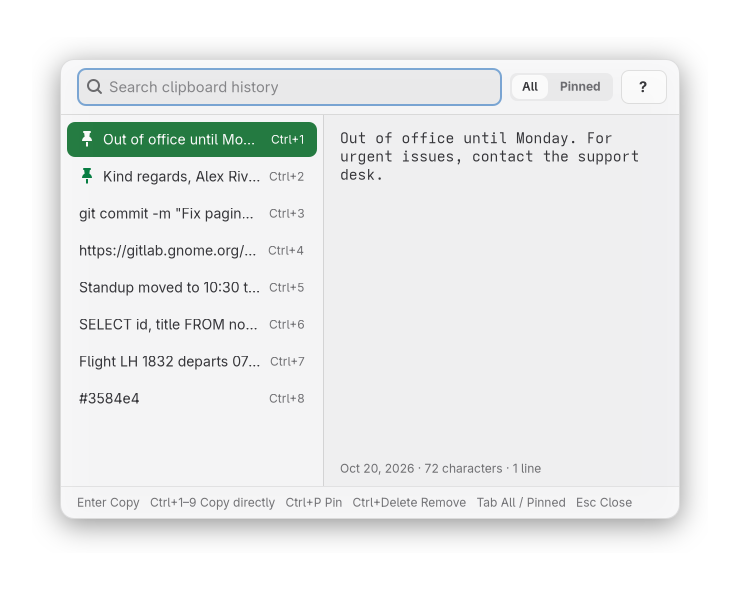
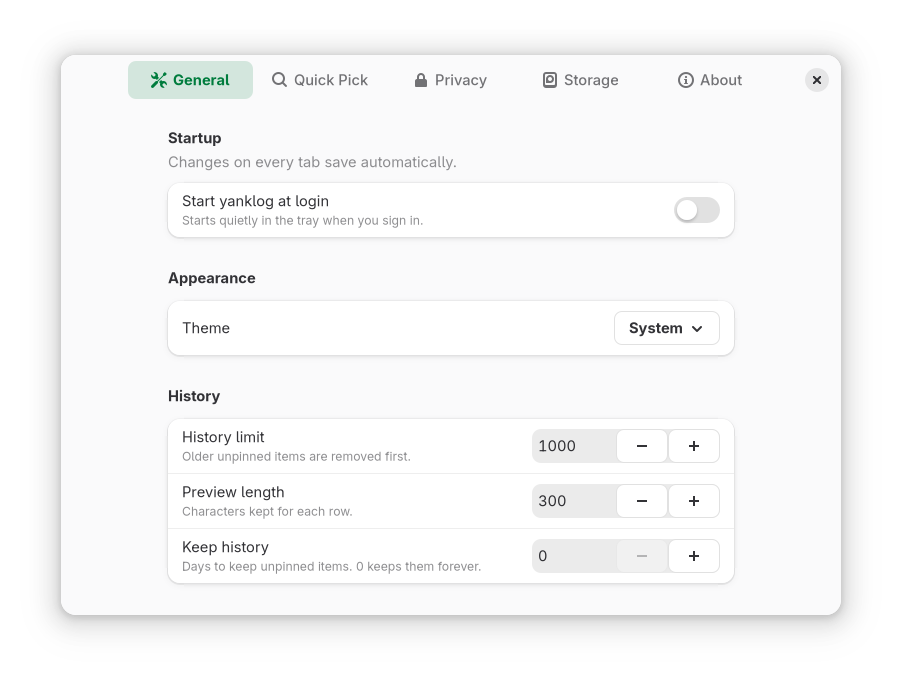
Search the complete history, pin useful clips, undo accidental deletions, and open the keyboard-focused Quick Pick window from a desktop shortcut. Retention limits and privacy filters control what is captured and how long it is kept.
Password-encrypted backups can move selected items or the complete history between yanklog installations.
Screenshots
Observed history
| App | Change | Version | When ↓ |
|---|---|---|---|
| updated | 2.5.1 → 2.5.2 | 31 Oct 2026 | |
| new | 2.5.1 | 26 Oct 2026 |
Upstream releases
Release notes supplied by the developer. These dates are not Flathub package publication times.
2.5.229 Oct 2026
Starting at login now works, and the app is called yanklog everywhere.
2.5.125 Oct 2026
Settings polish.
- The selected Settings tab is highlighted, and the tabs sit in the header bar.
- The About tab lists the license and links to the website, source code and issue tracker.
2.5.019 Oct 2026
yanklog no longer needs X11 or a tray icon.
- Clipboard history works on GNOME Wayland without X11.
- The database key is kept through the Secret portal, whatever password manager you use.
- The main window has a menu with Quit (Ctrl+Q), so yanklog can be closed without a tray icon.
History saved by earlier Flatpak builds cannot be opened by this version and is moved aside.
2.4.216 Oct 2026
The Flatpak build now reports its correct version, and the Flatpak release history is up to date.