
Just open the settings of your favorite game or media player and select real 7.1 or 5.1 audio output. Do not use any additional in-game virtualization setting (like a “headphone” or "3D audio" profile).
Features:
- Enable/Disable seemlessly, without changing your default device, writing config files or restarting the audio service
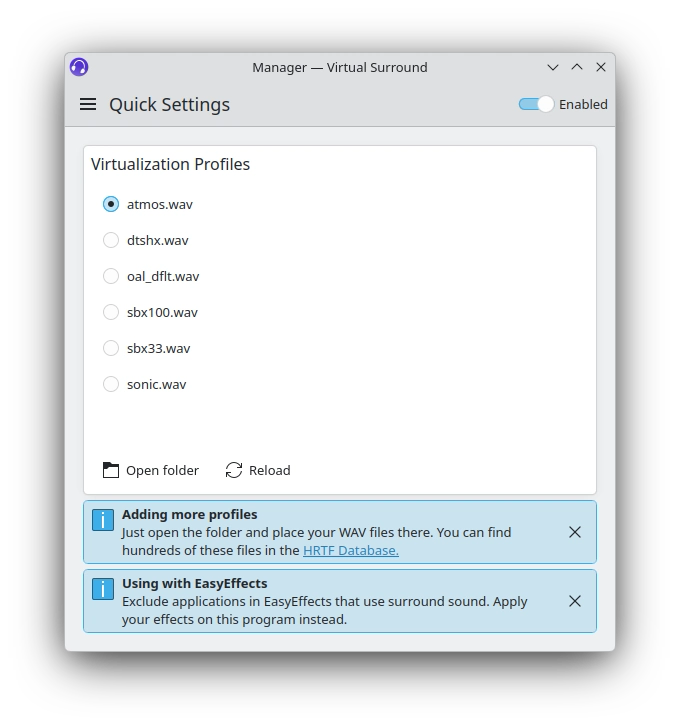
- Drop in your own HRIR WAV files as virtualization presets, same as HeSuVi on Windows
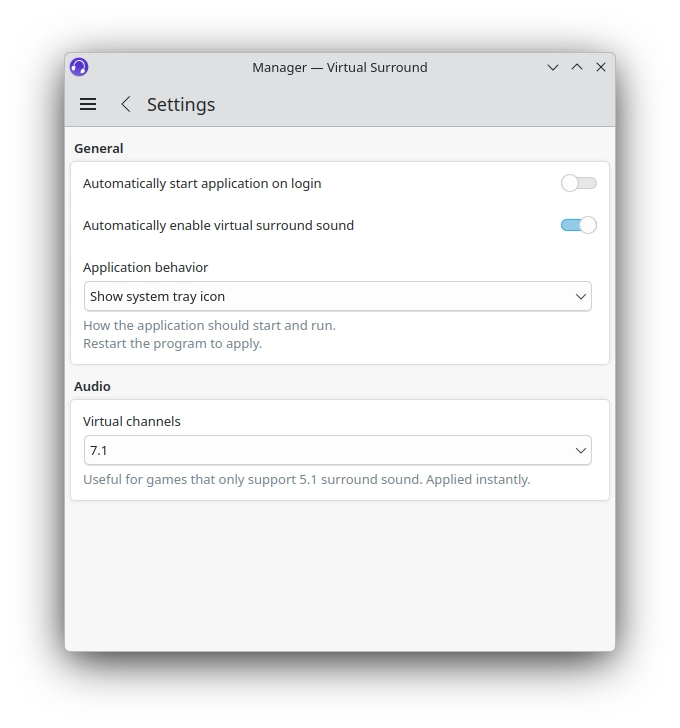
- Run it in the background with a system tray icon (enable it in the app's settings)
- Compatible with EasyEffects and most similar apps
Please note: This app requires the PipeWire audio system. Recent Linux distributions use this by default, so don't worry about it.
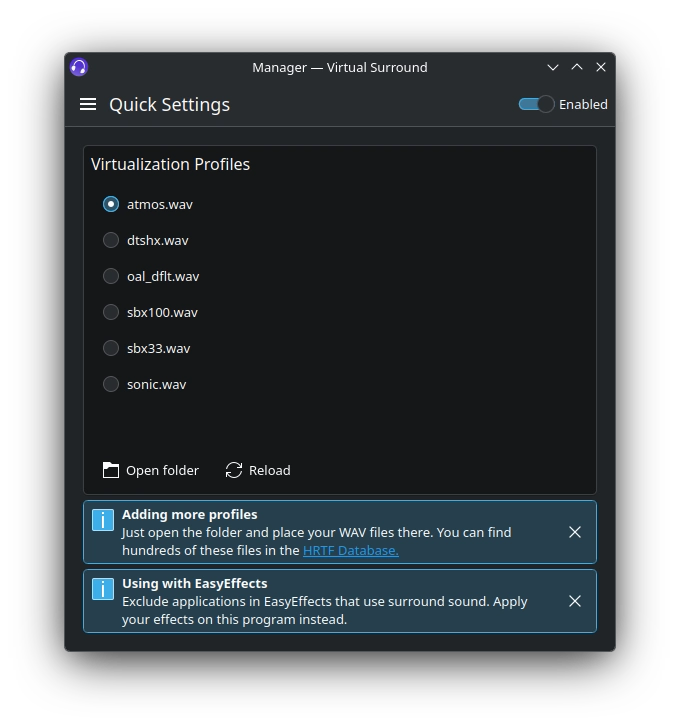
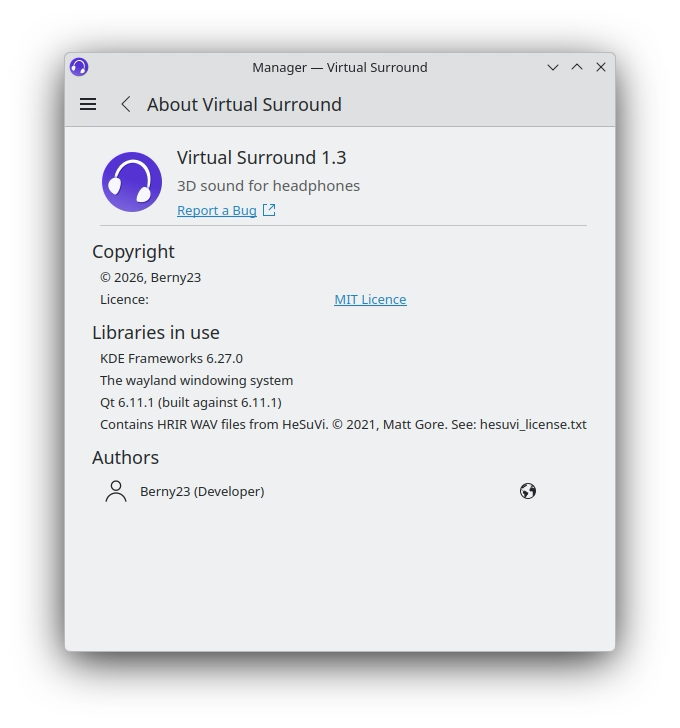
Screenshots
Observed history
| App | Change | Version | When ↓ |
|---|
No observed changes yet.
The initial import establishes a baseline. Future version changes will appear here.
Browse the app catalogue →Upstream releases
Release notes supplied by the developer. These dates are not Flathub package publication times.
1.3.113 Jul 2026
- Fixed enabling autostart for native packages
1.3.011 Jul 2026
- New setting to select the number of virtual channels (7.1 or 5.1), useful for games that only support 5.1 surround sound
- Changed app name and subtitle in the app itself and its metadata to match FlatHub
- Made the info boxes closable
- Added desktop file translations
1.2.29 Jul 2026
- Ignore notification sounds to prevent crackling and potential crashes
- Fixed an issue with the profile selection
- Use radio buttons instead of checkboxes in the system tray menu
1.2.17 Jul 2026
- Now re-routing only those streams intended for the default audio device. Leaving all other devices unaffected. This is useful if you use a separate one for Discord, game chats etc.
- Added French translation
- Fixed problems with selecting WAV files after scrolling the list