
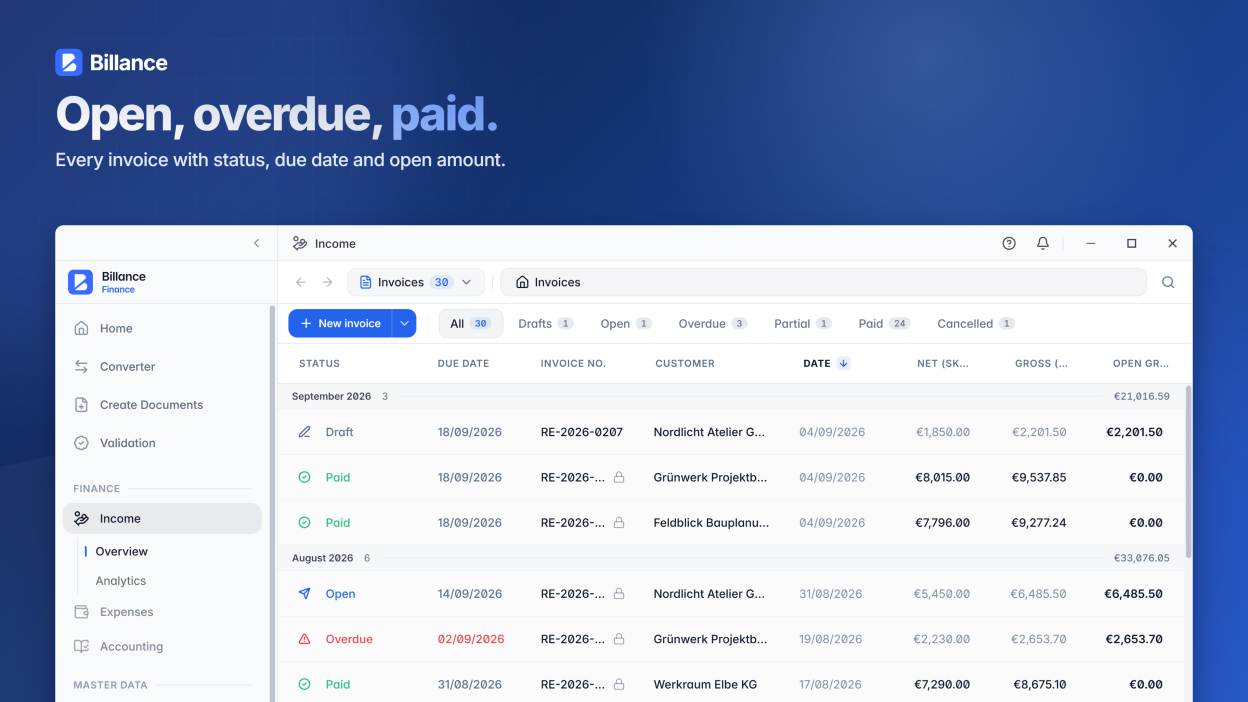
Billance is the professional B2B e-invoicing software for creating, converting, validating, and managing electronic invoices with ease. Designed for businesses, entrepreneurs, freelancers, self-employed professionals, and SMEs, Billance helps you comply with mandatory e-invoicing regulations while streamlining your invoicing workflow.
Creating compliant e-invoices has never been easier. Generate invoices in the ZUGFeRD format (hybrid PDF with embedded XML) or as pure XRechnung XML files in just a few clicks, without the complexity or cost of traditional ERP systems.
Key features:
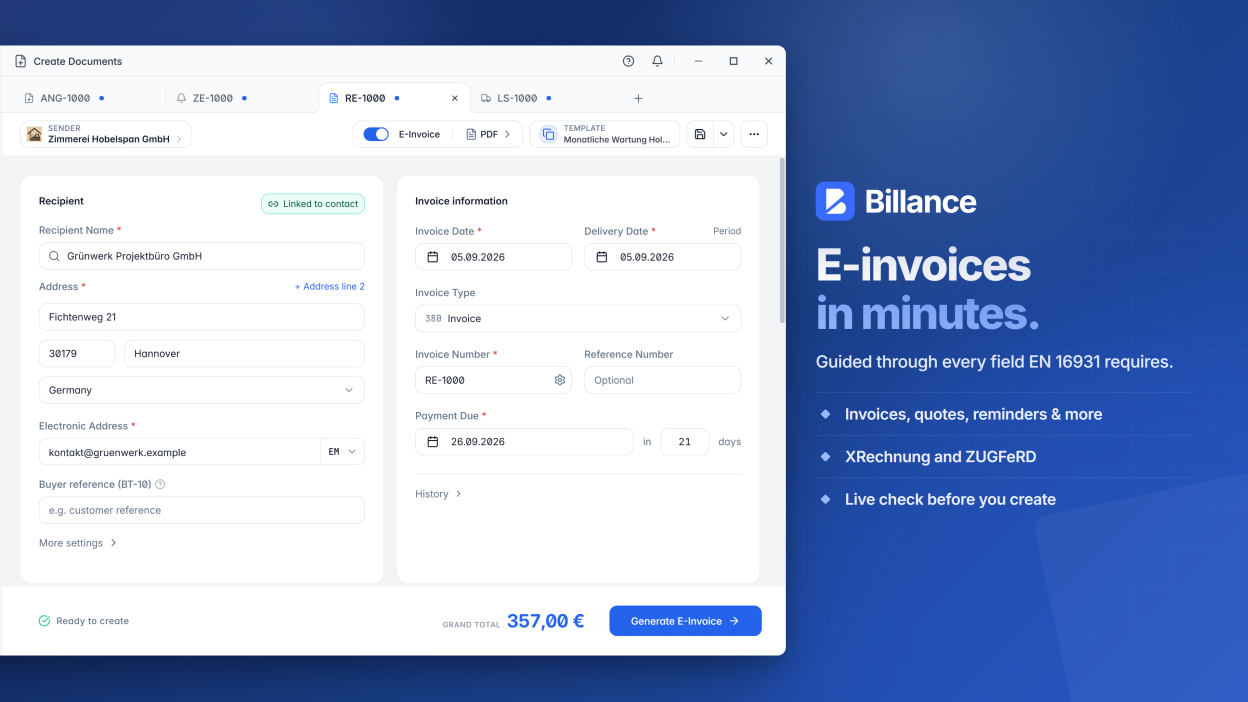
- Compliant e-invoice creation: Create electronic invoices that meet the European EN 16931 standard, including ZUGFeRD and XRechnung formats.
- Offers, payment reminders, and more: Create offers, payment reminders (dunning notices), credit notes, cancellation invoices, and recurring invoices alongside regular invoices — with guided workflows.
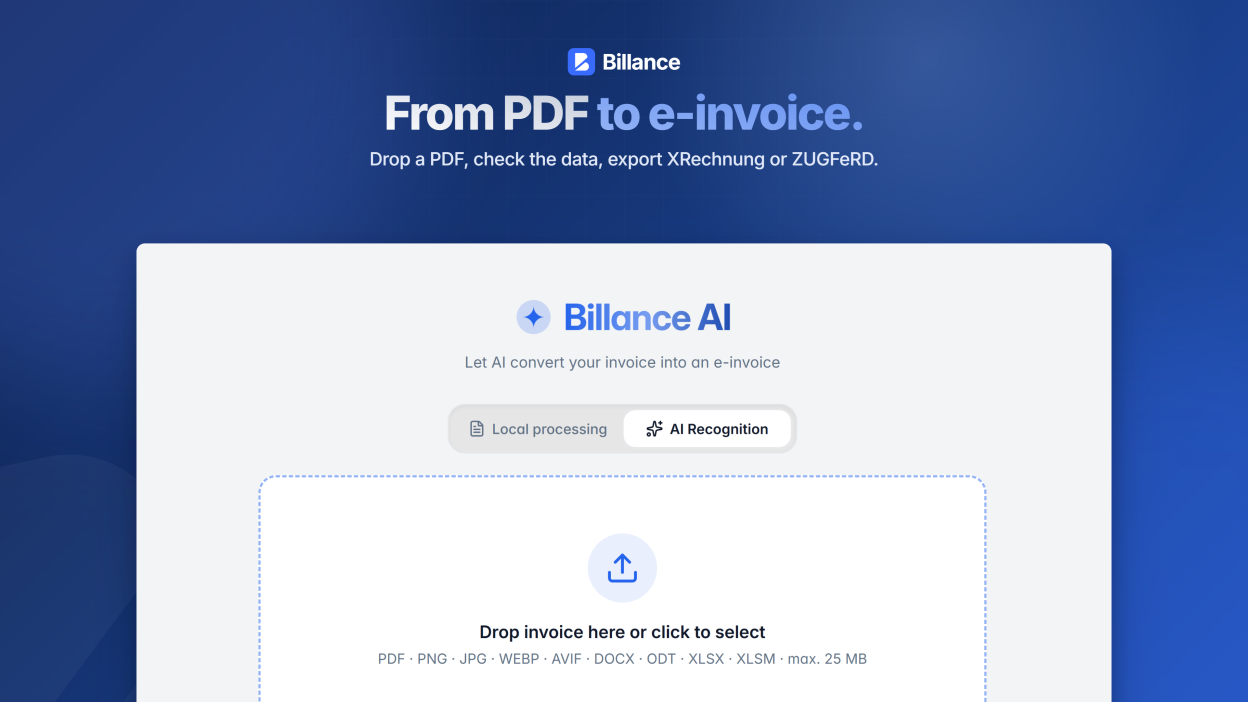
- AI-powered invoice converter (Billance AI): Automatically convert traditional PDF invoices and invoice images (PNG, JPG) into structured electronic invoices using advanced artificial intelligence. A local template-based converter is also available.
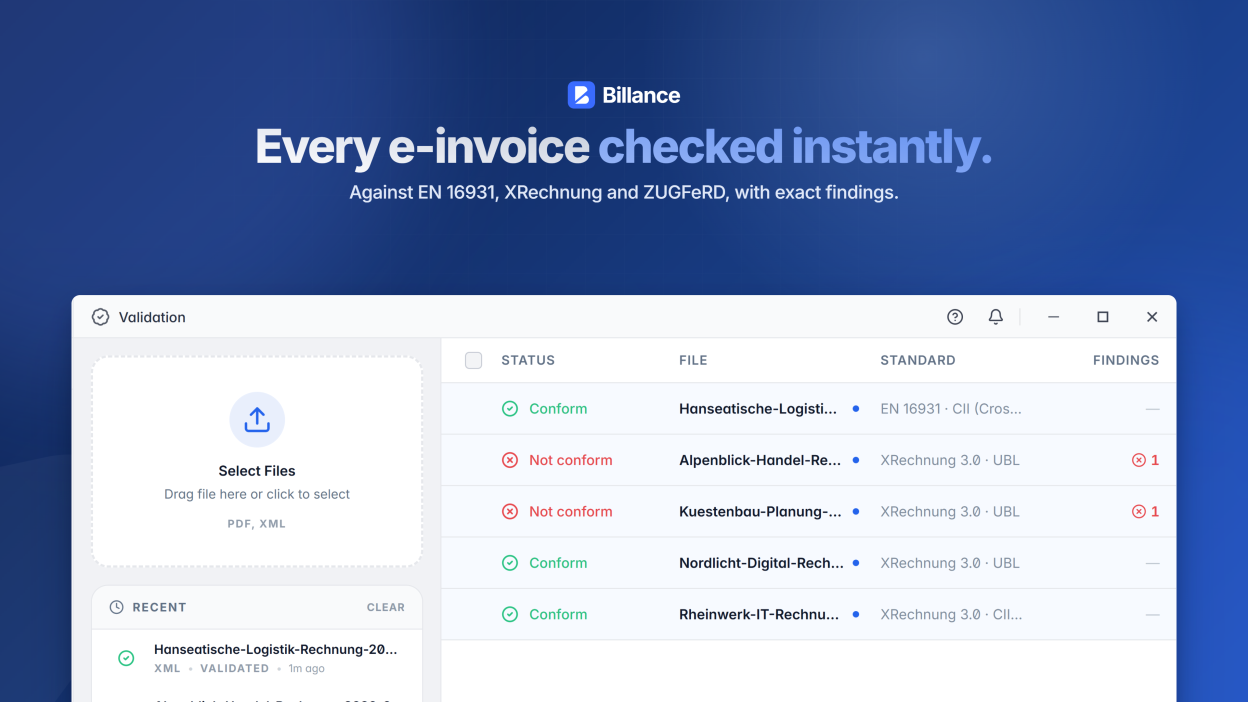
- Professional e-invoice validator: Validate incoming and outgoing XML and PDF invoices within seconds to ensure compliance with e-invoicing standards and legal requirements.
- DATEV export: Export individual or multiple documents as DATEV-compliant accounting data for your tax advisor or bookkeeping.
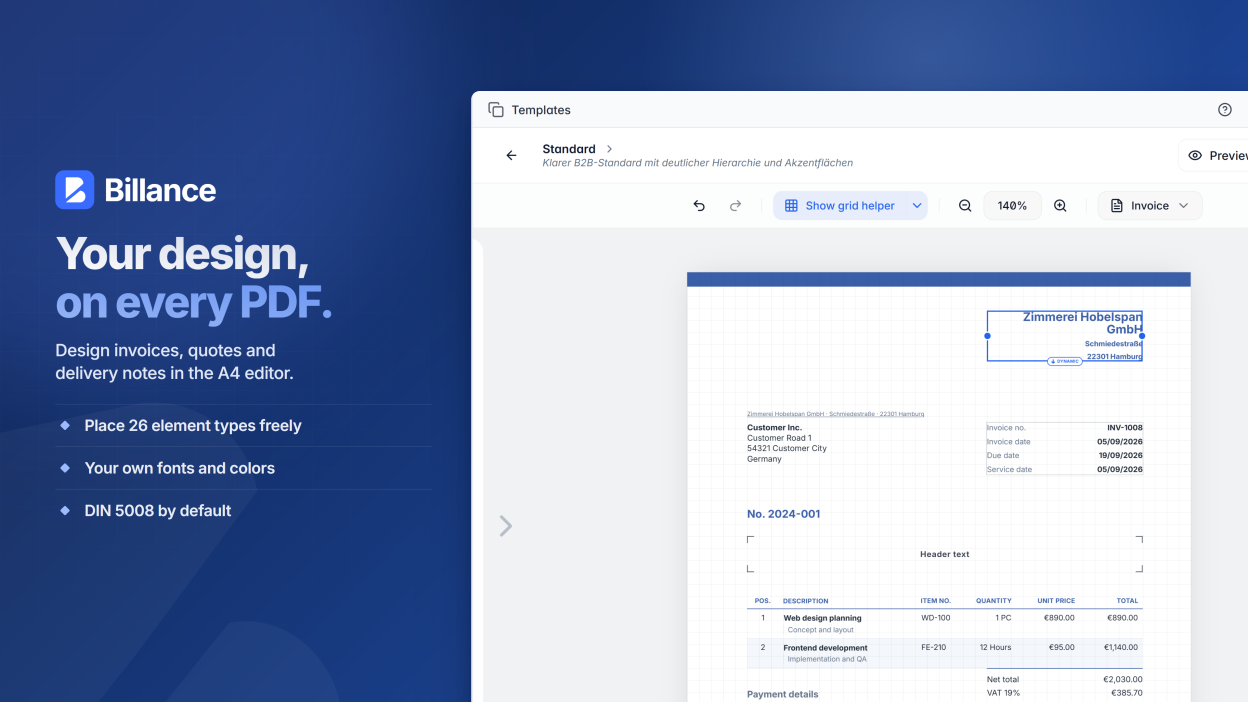
- Advanced invoice design editor: Customize your invoice layout with your company logo, signatures, QR codes, colors, and professional templates.
- Document management system (DMS): Organize invoices in custom folders and attach unlimited PDF files and images as supporting documents.
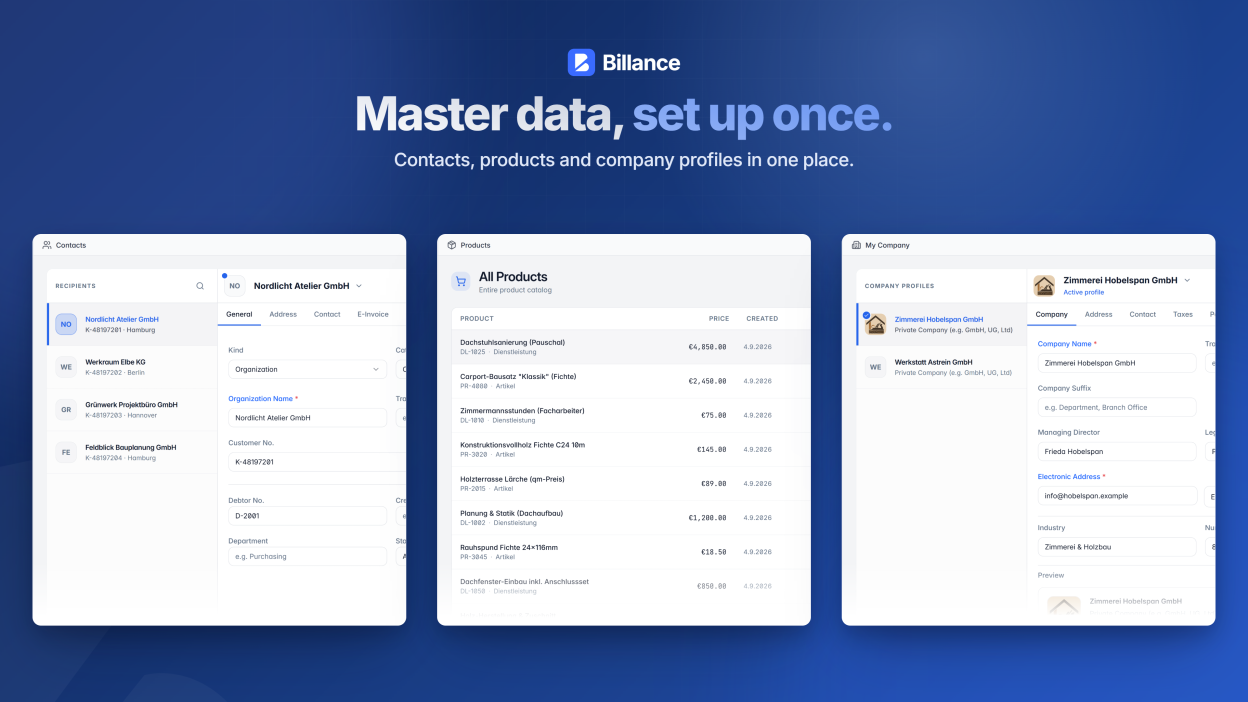
- Customer and product management: Maintain a centralized database of customers, contacts, products, categories, and units of measure.
- Secure cloud sync and backup: Synchronize your data securely across devices using your own cloud storage, including Google Drive, OneDrive, Dropbox, and WebDAV.
- Privacy-focused local storage: Your financial data remains under your control. Billance works locally by default and stores sensitive information securely and encrypted on your device.
Premium upgrade (in-app purchase): Use the free version for essential e-invoicing needs. Upgrade to Billance Premium to unlock unlimited company profiles, unlimited e-invoices, offers, payment reminders, credit notes, cancellations, recurring invoices, the DATEV export, customer and product management, the AI invoice converter, unlimited invoice validations, and automatic cloud synchronization.
Screenshots
Observed history
| App | Change | Version | When ↑ |
|---|---|---|---|
| updated | 2026.2.3 | 4 Oct 2026 | |
| updated | 2026.2.3 → 2026.2.4 | 15 Oct 2026 |
Upstream releases
Release notes supplied by the developer. These dates are not Flathub package publication times.
2026.2.414 Oct 2026
Highlights:
- Support for the mobile apps on iOS and Android
- Cloud backups
Further improvements:
- Hide amounts on the dashboard.
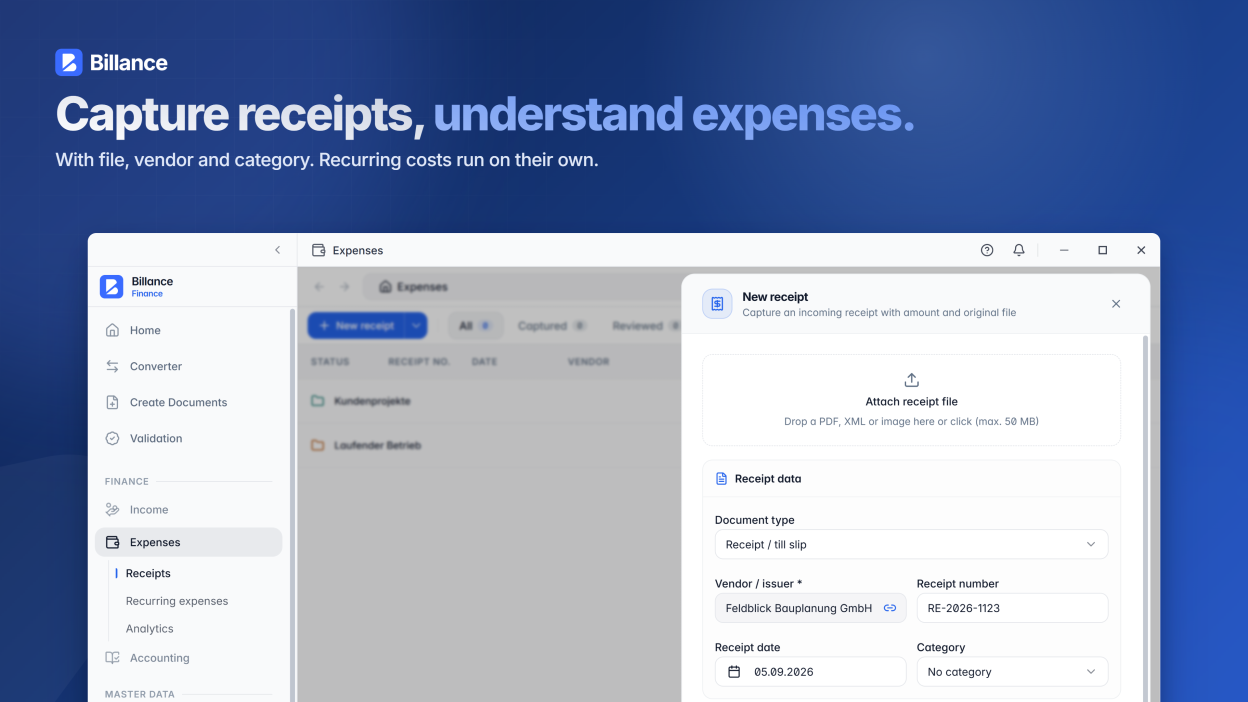
- Save receipts as drafts.
- Bug fixes.
2026.2.34 Oct 2026
Highlights:
- Apple Intelligence support on macOS
- Cloud Sync improvements
- Local Automation API enhancements
Further improvements:
- Tax category E is now checked right in the editor.
- Bug fixes.
2026.2.229 Sept 2026
Highlights:
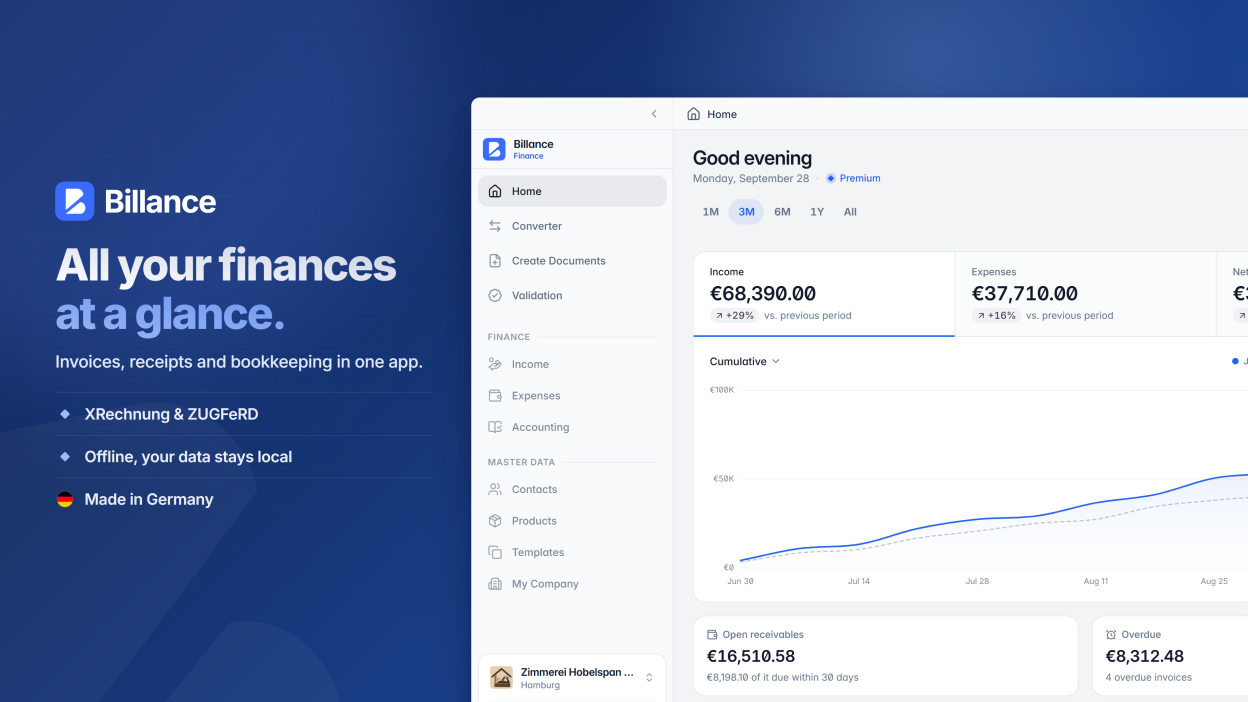
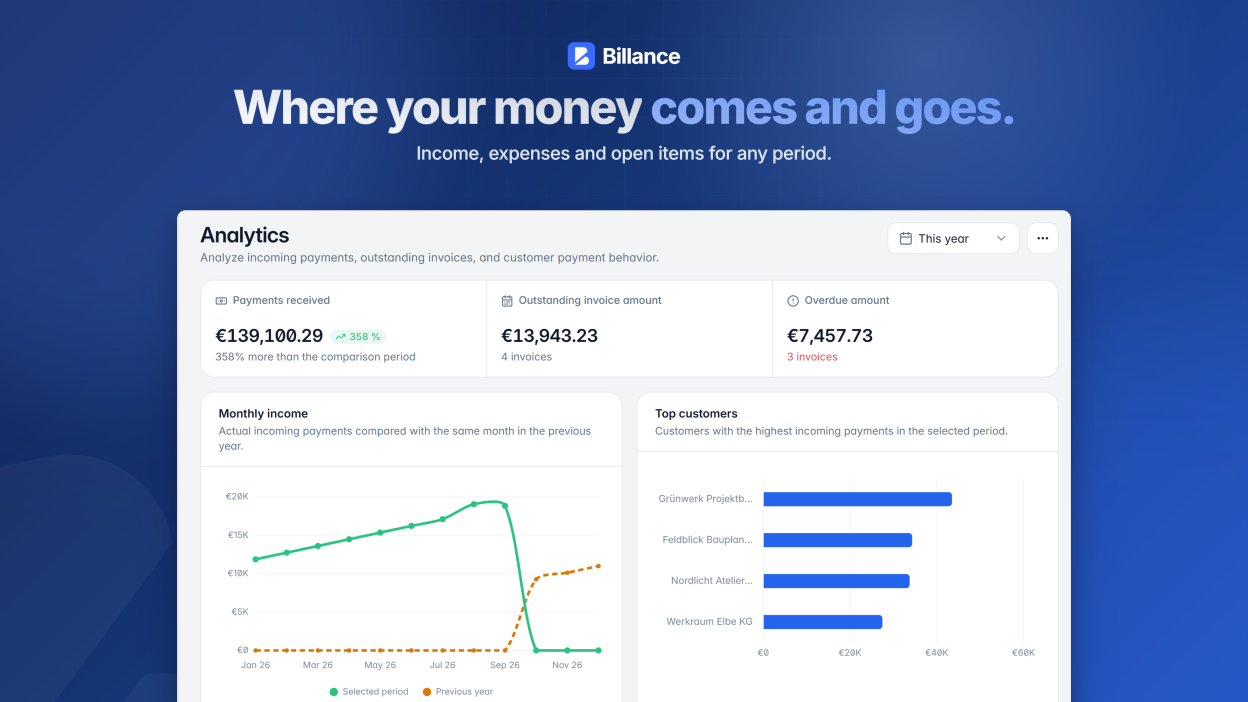
- New customizable dashboard with KPIs, cash flow, trends, and insights into customers, products and services, invoice status, and due dates.
- Invoices and templates now provide clearer line items and additional fields, down-payment deductions for final invoices, and more flexible tax rules.
- The invoice designer now includes DIN 5008 guidance, checks for important mandatory information, layout warnings, and additional design options.
- New change histories make activity involving documents, receipts, contacts, company profiles, and products easier to trace.
Further improvements:
- The Local Automation API can create simple invoice drafts, select PDF designs, read Cloud Sync status, and test requests directly in Billance.
- Bug fixes.
2026.2.112 Sept 2026
Bug fixes