Field Monitor is a remote-desktop client designed for the GNOME platform.
It is focused on connecting to virtual machines, but can connect to any server supporting the RDP, SPICE or VNC protocols.
It has support for directly connecting to VMs of the following hypervisors:
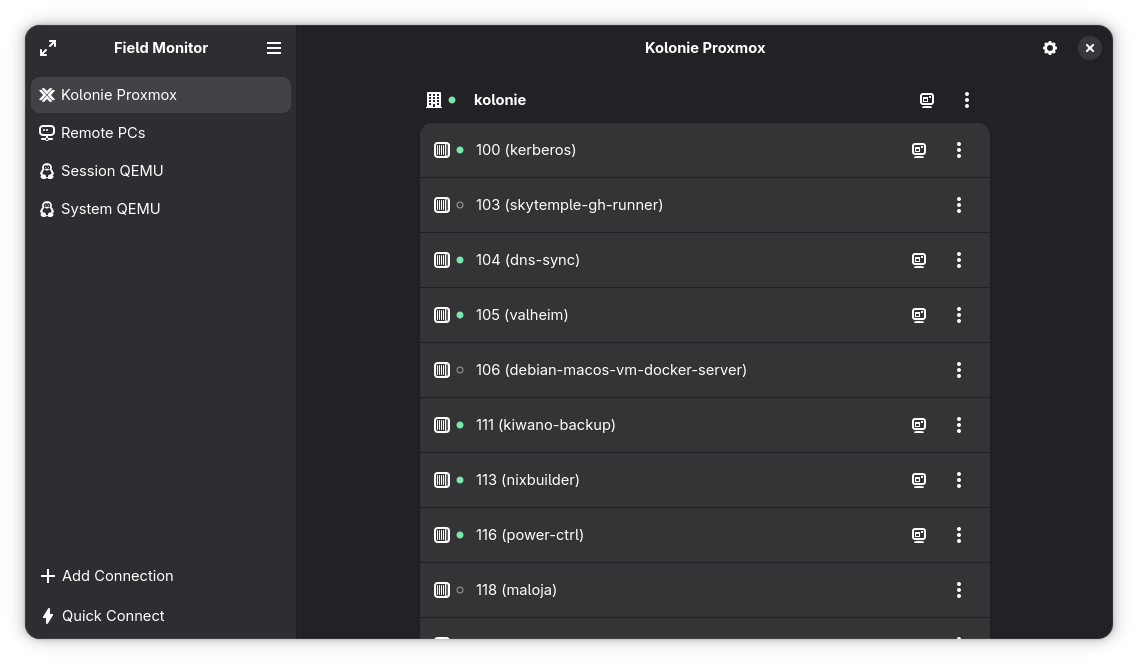
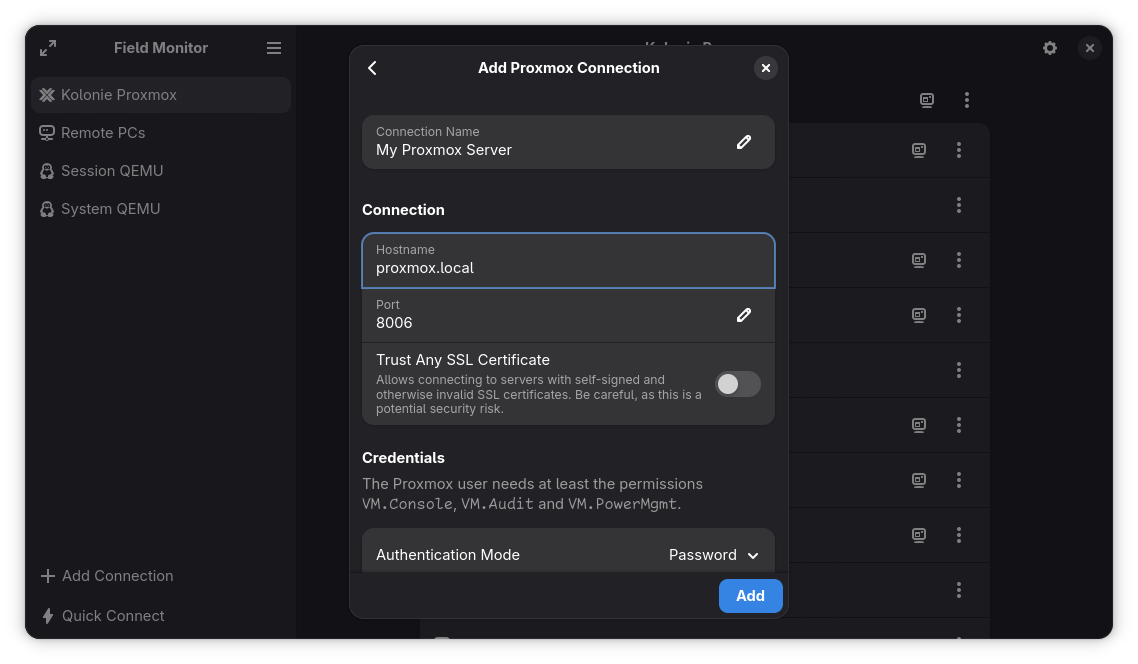
- Proxmox Virtual Environment
- QEMU/KVM via libvirt
For supported VM hypervisors, Field Monitor also offers options to manage the basic power state of VMs, such as starting, stopping, rebooting, etc.
Additionally, Field Monitor supports opening RDP and Virt-Viewer connection files and quickly connecting to RDP, SPICE or VNC servers via URI.
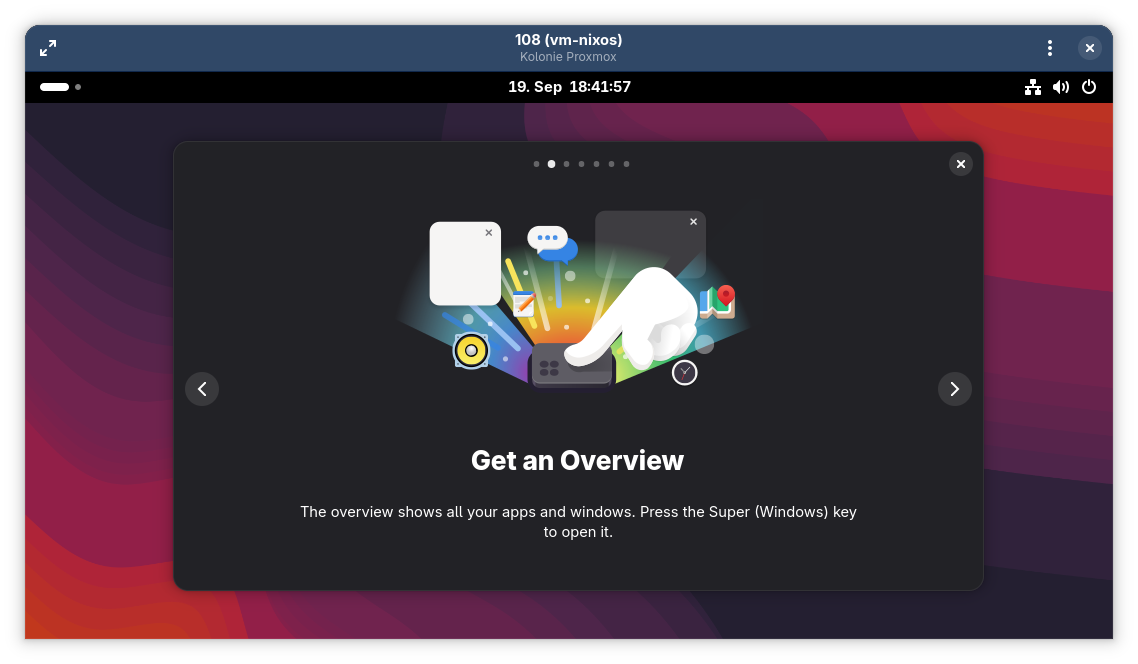
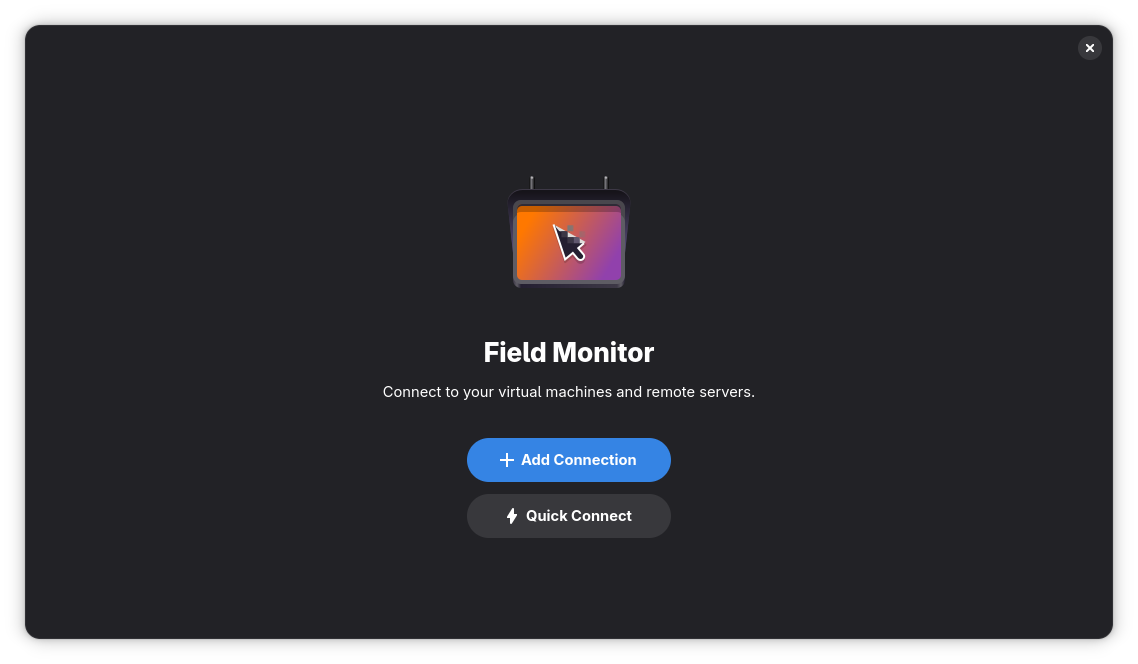
Screenshots
Observed history
| App | Change | Version | When ↑ |
|---|---|---|---|
| updated | 51.0 | 19 Sept 2026 |
Upstream releases
Release notes supplied by the developer. These dates are not Flathub package publication times.
51.019 Sept 2026
This release updates Field Monitor for GNOME 51 and adds several major changes and improvements.
- Added support for connecting to QEMU's D-Bus interface directly when using KVM/QEMU via libvirt and when such a display is configured.
- Each Field Monitor window can now contain exactly one open connection, there is no way to switch between connections in a single window anymore. This simplifies the UI/UX and also fixes some performance and stability issues. You can still open new windows to connect to multiple connections at the same time and configure Field Monitor to open new windows by default.
- Fixed major performance issues when having Field Monitor open for a prolonged period of time. The server rows in the connection list are now only updated when the list is actively visible.
- Field Monitor has been localized into Chinese (thanks to GitHub user lumingzh).
- Field Monitor is now fully navigable with the keyboard. Previously after ungrabbing the keyboard from a remote screen, you were not able to access any of the Field Monitor UI anymore; this has been fixed. Grabbing and ungrabbing input should now be more consistent in general.
- Removed compatibility claims about GNOME Boxes (now Boxes), since Field Monitor will not be able to connect to VMs of new Boxes versions.
- Fixed minor bugs.
- All libraries used by Field Monitor have been updated.
50.121 May 2026
This release brings some small improvements and bug fixes.
- Added support for more standard GNOME keyboard shortcuts: Ctrl+Q to quit, Ctrl+W to close the window, F9 to toggle the navigation sidebar, and F10 to open the main menu.
- Fixed an issue with SPICE connections where the count of free USB channels was not decreased when a device was detached (meaning you couldn't connect a device again until closing the connection).
- Fixed SPICE multi-monitor configurations not being applied correctly when the SPICE agent was not yet connected, and ensured the configuration is resent after the agent reconnects.
50.029 Apr 2026
This release updates Field Monitor for GNOME 50 and adds several major new features.
- Multiple monitors are now supported for SPICE connections.
- SPICE connections now support sharing USB devices. This is implemented via the XDG USB Portal and requires your desktop to support it and your user to have write permissions to devices.
- TLS certificates are now verified - if a certificate is unknown, you are asked to confirm your trust.
- libvirt SPICE connections can now use local sockets and file descriptors when available and support GPU accelerated rendering for those, if enabled on the VM.
- Proxmox connections automatically add the "@pam" realm for the username, when no realm is specified.
- Improved RDP performance, fixed RDP mouse scroll speed, and fixed pasting of Unicode text into RDP sessions.
- Fixed several SPICE cursor issues (hot-spot alignment, restoring after being hidden).
- Fixed a crash when repeatedly trying to move views into new windows.
- Added Spanish translations (thanks to Óscar Fernández Díaz).
- German translation has been updated.
- All libraries used by Field Monitor have been updated.
49.123 Nov 2025
This release brings some small improvements.
- RDP connections to Windows servers no longer have swapped color channels.
- Pasting text into RDP connections to Windows servers no longer cuts off the last character in some cases.
- The app now requires less permissions when installed via Flatpak.
- Dialogs can now be accepted using the ENTER key when inside of text input fields (thanks to f1ori).
- Added context menus in the sidebar.
- Servers in a generic connection group can now be edited individually right from the server list using a new edit button.
- Fixed one of the "Keyboard Shortcuts" menu items not working.
- Small wording changes.