
Snoop lets you search through file contents in a given folder. It also provides a Nautilus extension to quickly search from the context menu.
If you use the flatpak version, you can install the Nautilus extension directly from the preferences dialog.
Screenshots
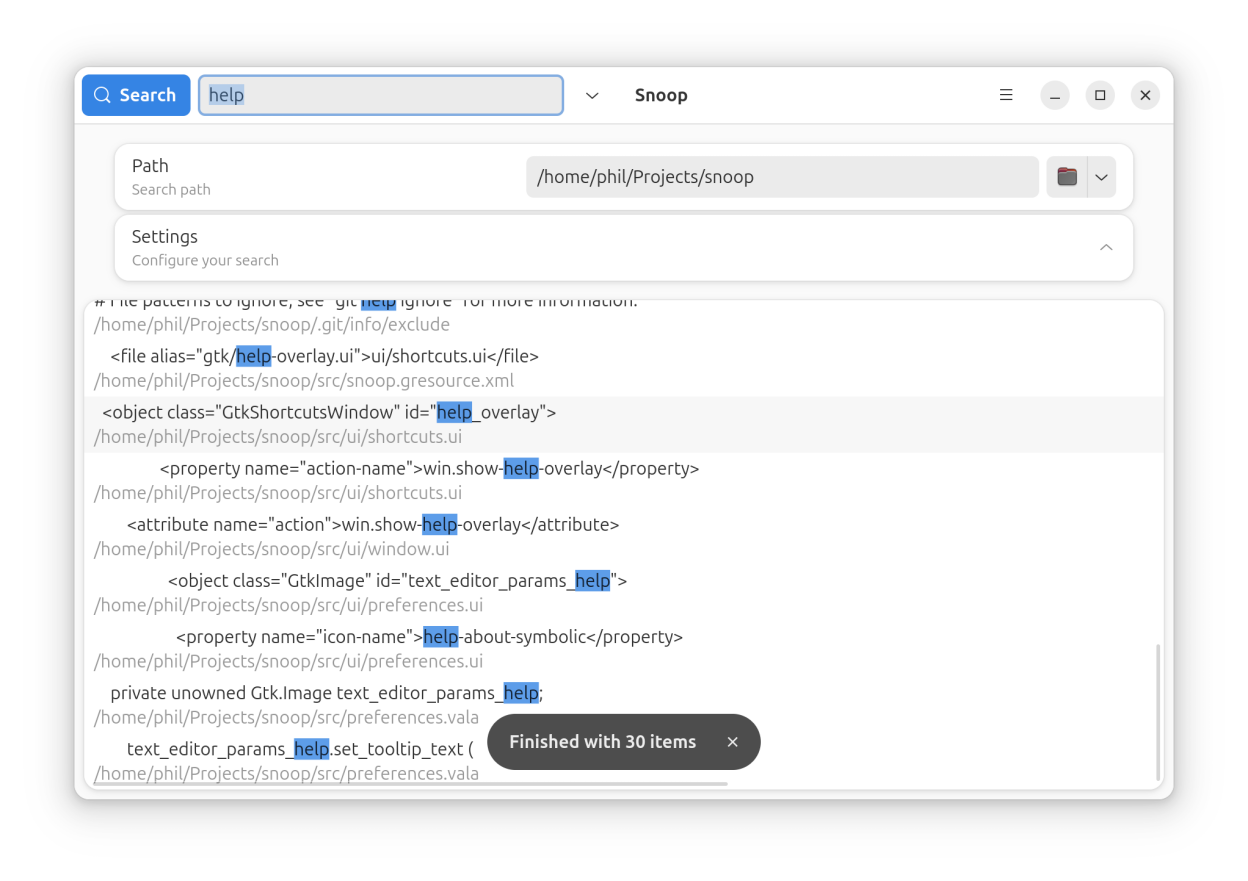
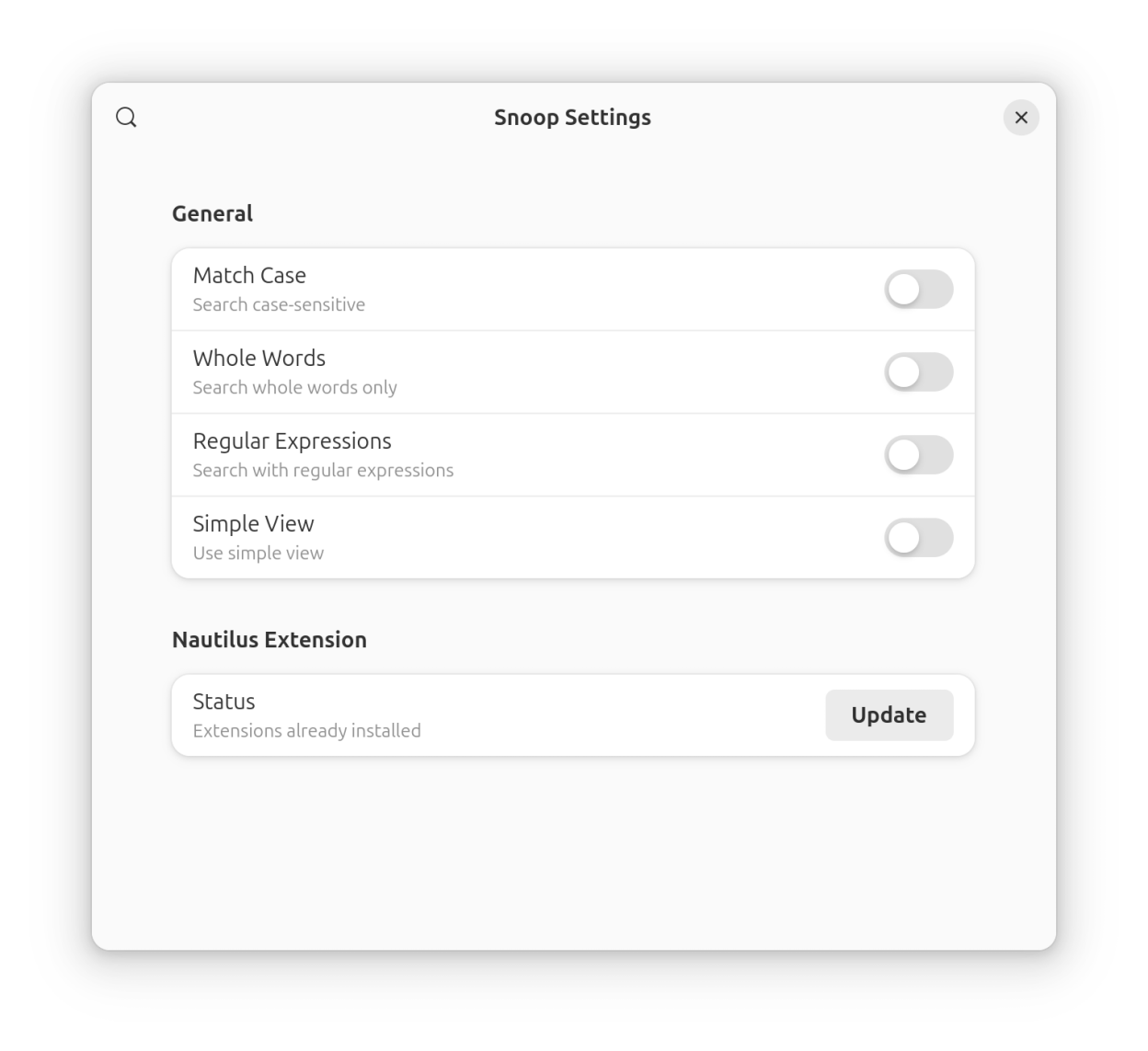
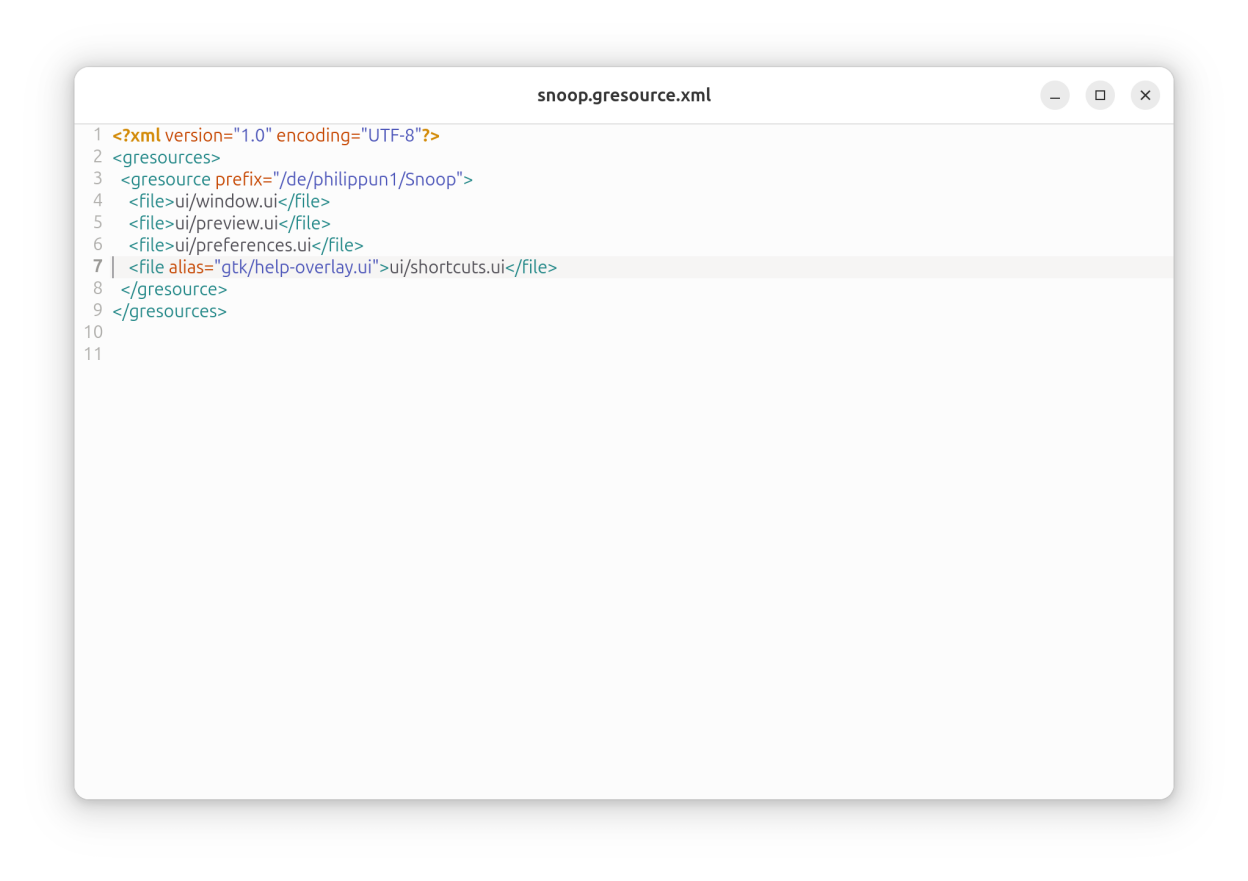
Observed history
| App | Change | Version | When ↑ |
|---|---|---|---|
| updated | 0.4.2 | 10 Oct 2026 |
Upstream releases
Release notes supplied by the developer. These dates are not Flathub package publication times.
0.4.226 Dec 2024
- Disable menu buttons instead of showing empty popovers
- Fallback to local snoop installation in nautilus extension if flatpak version is not available
- Also delete pyc file if nautilus extension is removed
0.4.122 Oct 2024
- Start/cancel search on enter press while entry has focus
- Add option to filter hidden files
0.410 Aug 2024
- Accept ~ as path
- Add validity check to search and path entry
- Add a button to remove the nautilus extension file
- Show website and issue-url in about dialog
- Snoop in paths containing a space now works properly
0.3.22 Aug 2024
- Add a button to remove the nautilus extension file
- Show website and issue-url in about dialog