
A simple task management app, reaching across the cosmos to help you get things done
- Exceptional performance and responsiveness.
- Effortless keyboard shortcut support.
- Expressive emoji integration.
Screenshots
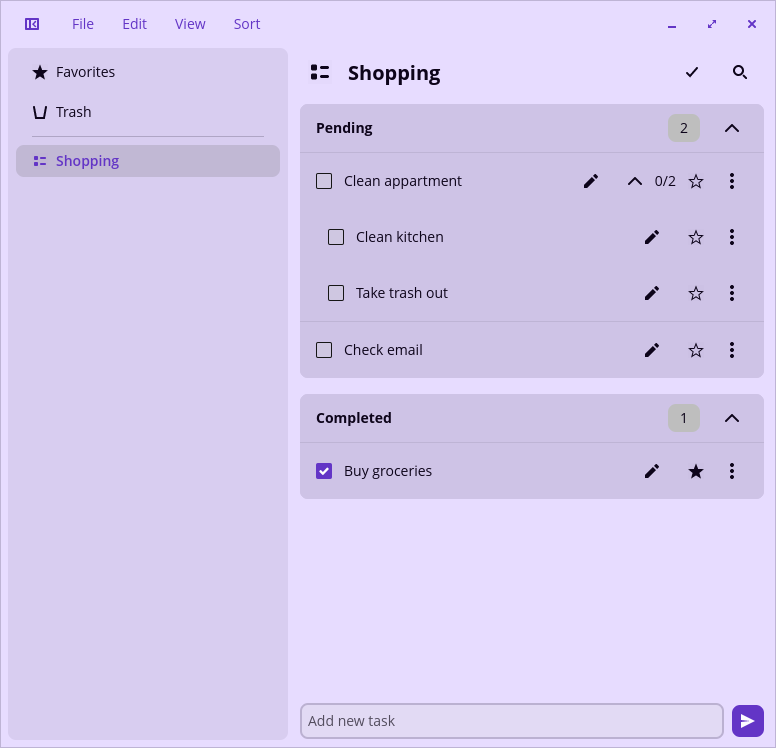
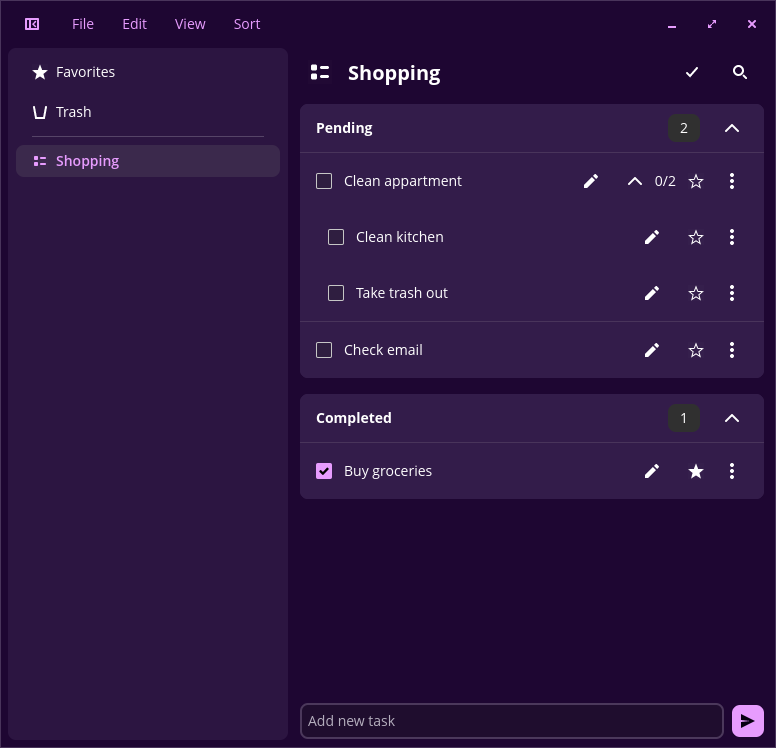
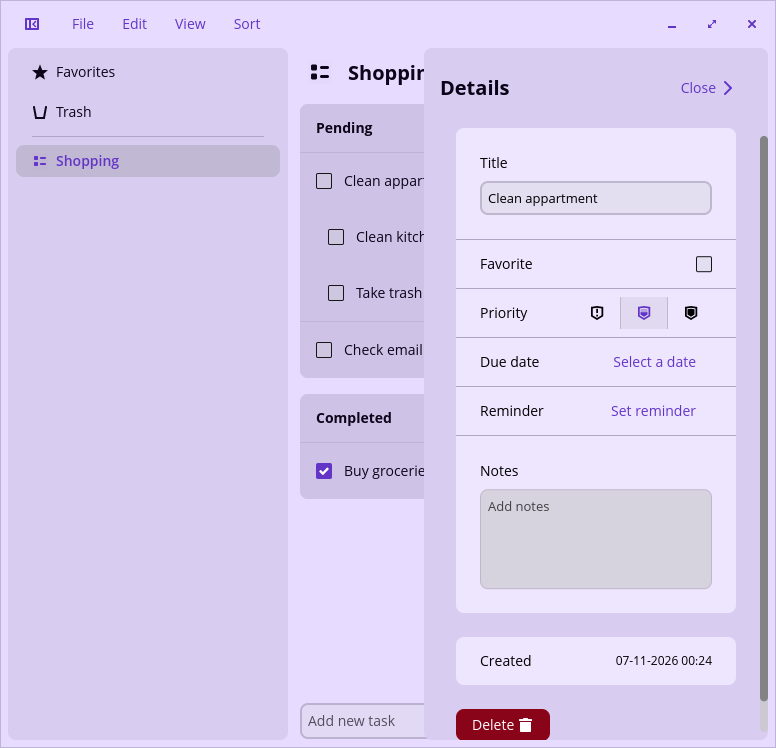
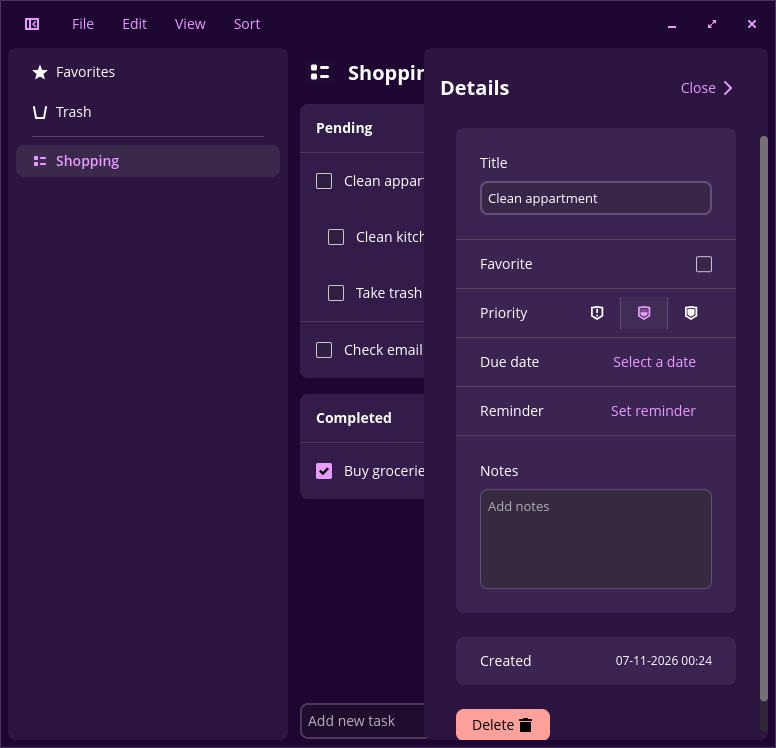
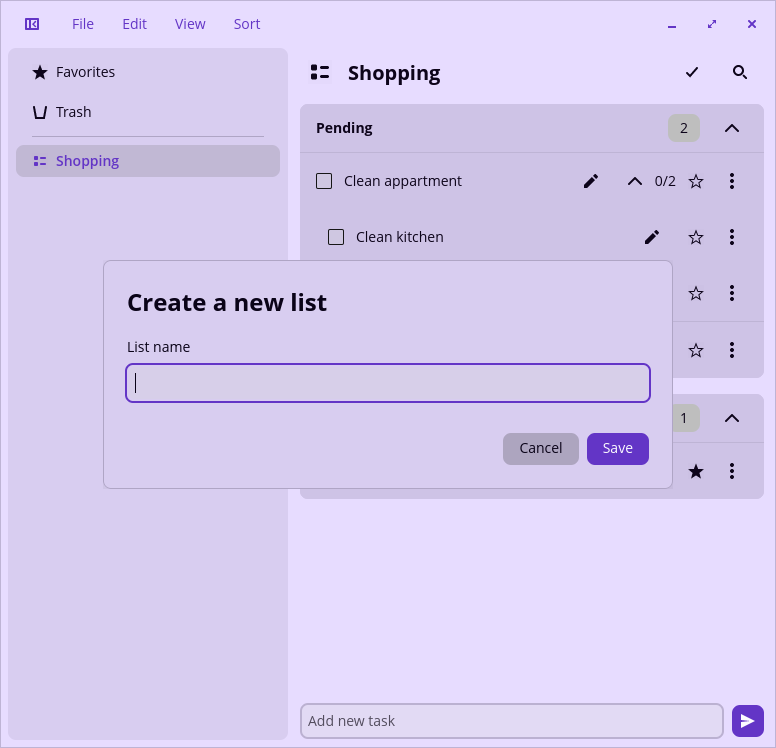
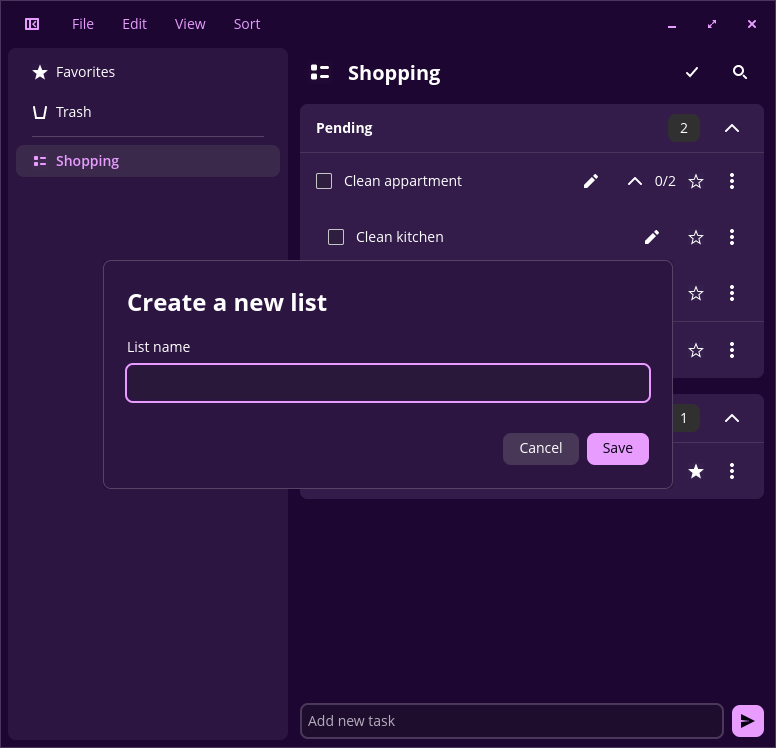
Observed history
| App | Change | Version | When ↓ |
|---|---|---|---|
| updated | 0.3.1 | 2 Oct 2026 |
Upstream releases
Release notes supplied by the developer. These dates are not Flathub package publication times.
0.3.116 Jul 2026
Cross-window sync, global search, and a Flatpak theme fix
- Lists and tasks created or edited in one window now sync automatically to every other open window
- Add a global search box, always visible in the header, that searches every list's tasks at once and groups results by list
- Search field placeholder is now context-aware ("Search <list>") instead of the generic "Search tasks"
- Search bar moves below the title instead of overlapping it when the window is condensed
- "Hide completed" is now a single toggle in the View menu instead of a per-list checkbox
- Add Ctrl+F (toggle search) and Ctrl+H (toggle hide-completed) shortcuts
- Fixed Ctrl+I: "Set icon" and "About" silently collided on the same shortcut, so "Set icon" never fired; rebound to Ctrl+Shift+I
- Delete button in the task edit pane is text-only, no redundant icon
- Notes editor border and background now match the rest of the app's text fields
- Toasts now close when dismissed instead of lingering
- Fixed a long-standing bug where the Flatpak build never picked up system dark/light theme changes; switches are now detected instantly, matching native builds
0.3.015 Jul 2026
Undo deletions and grouped views
Trash improvements
- Deleting a task now shows an "Undo" toast instead of removing it immediately
- Deleting a list now moves it, and all of its tasks, to Trash instead of deleting it permanently
- Restore an entire deleted list from Trash with a single click
- Restore just one task out of a deleted list — the list is reactivated with only that task, the rest stay in Trash
- Permanently deleting a single task, a task from a deleted list, or an entire list now asks for confirmation first
- Emptying Trash already warned this was irreversible; that warning is unchanged
- A deleted list's section header shows "Restore list" and "Delete permanently" actions, which disappear once any of its tasks have been individually restored
Grouped views
- The Trash view is now grouped into collapsible sections by originating list, just like the task list
- The Favorites view is now grouped into collapsible sections by list as well
- Collapsible sections across the app (task list, Trash, Favorites) now only expand or collapse via the chevron button, not by clicking anywhere on the header
Interface polish
- Trash and Favorites headings now use the same title style as the task list, instead of a heavier, larger font
- Fixed the search bar in the task list closing unexpectedly while interacting with a task, which could shift the layout and cause the overflow menu to fail to open
0.2.46 May 2026
Reminders and manual reordering
- You can now set a reminder and receive a notification
- Added support for manual task reodering via drag and drop
0.2.34 May 2026
Trash & Favorites
- Added Trash, a special list for managing deleted tasks
- Added support for restoring and permanently deleting tasks from Trash
- Added Favorites, a special list that collects your favorite tasks
- Added a favorite toggle button to tasks
- Added "Show Favorites" and "Hide Completed" toggles in Settings
- Sort menu items now display a checkmark when selected
- Fixed a bug with configuration persistence