
Mimick is a native Linux desktop client for self-hosted Immich servers. It monitors your folders in the background and automatically syncs photos and videos to your server.
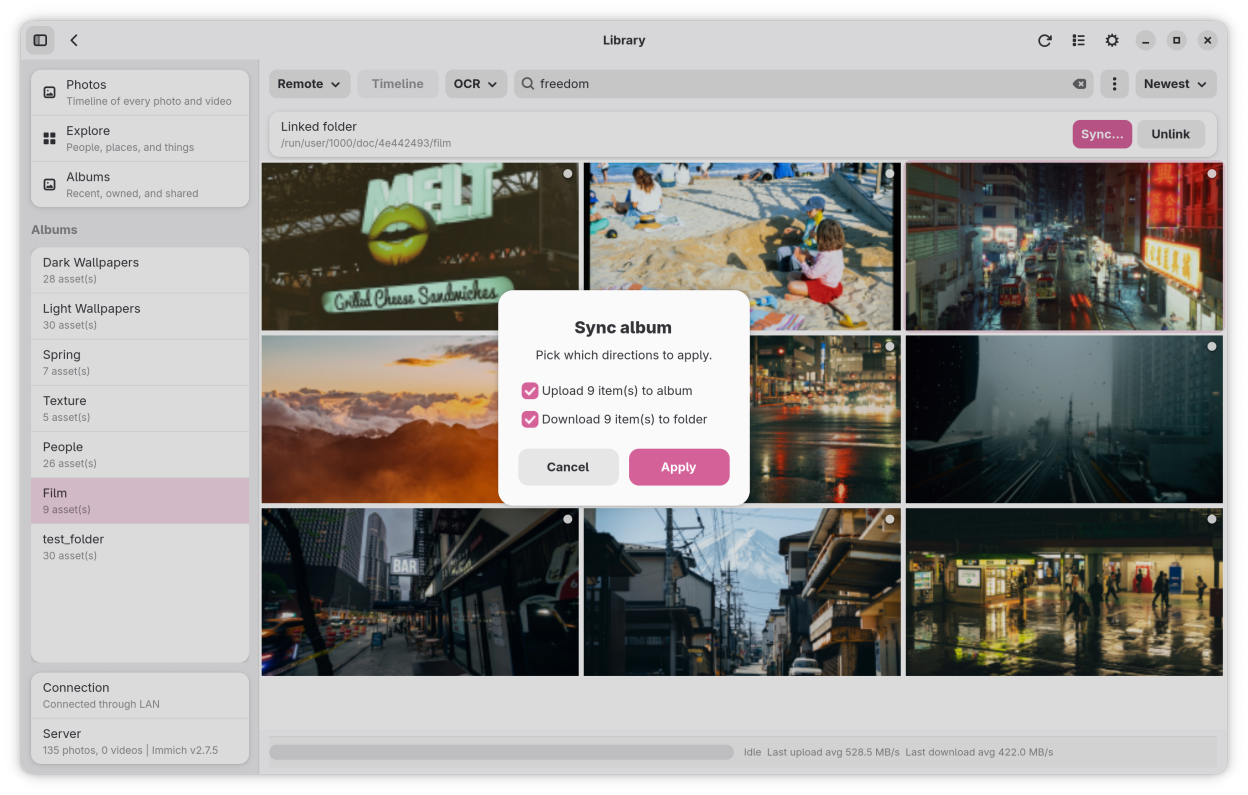
- Per-folder sync methods: upload only, download only, or full bidirectional sync with optional deletion mirroring.
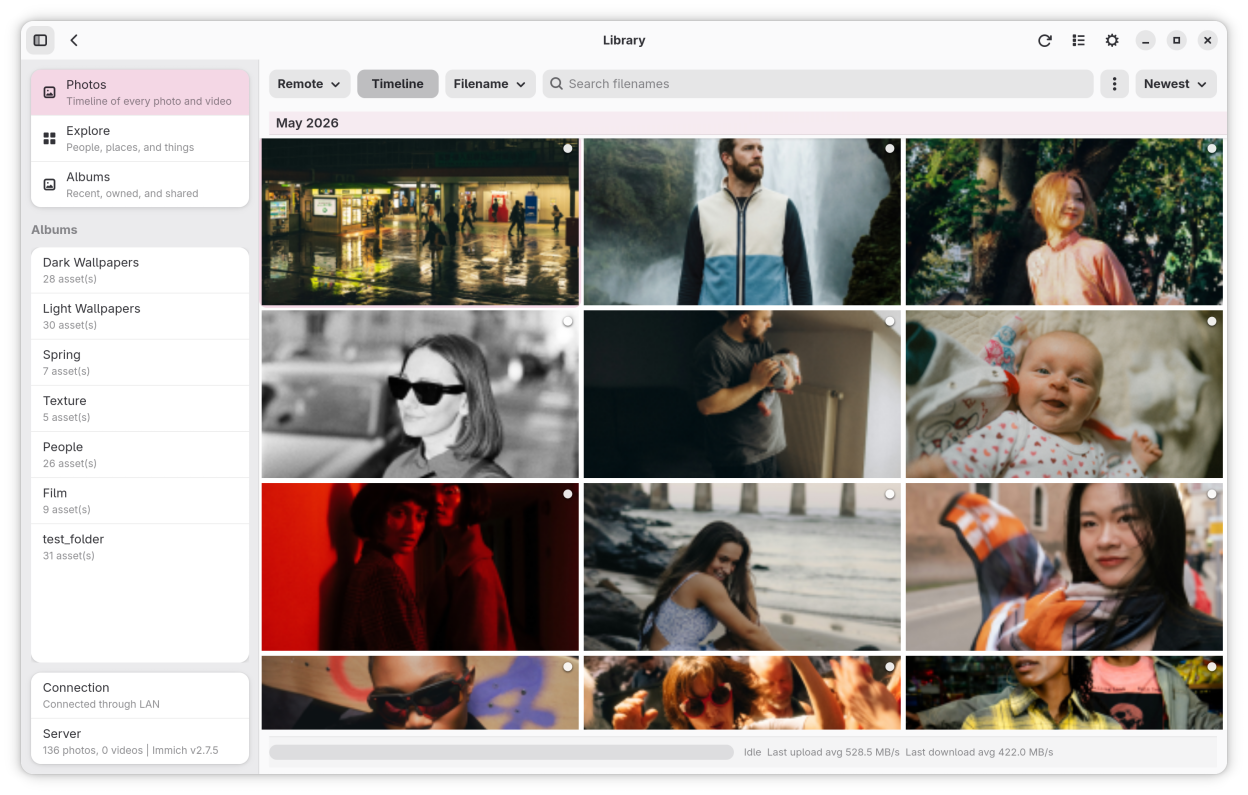
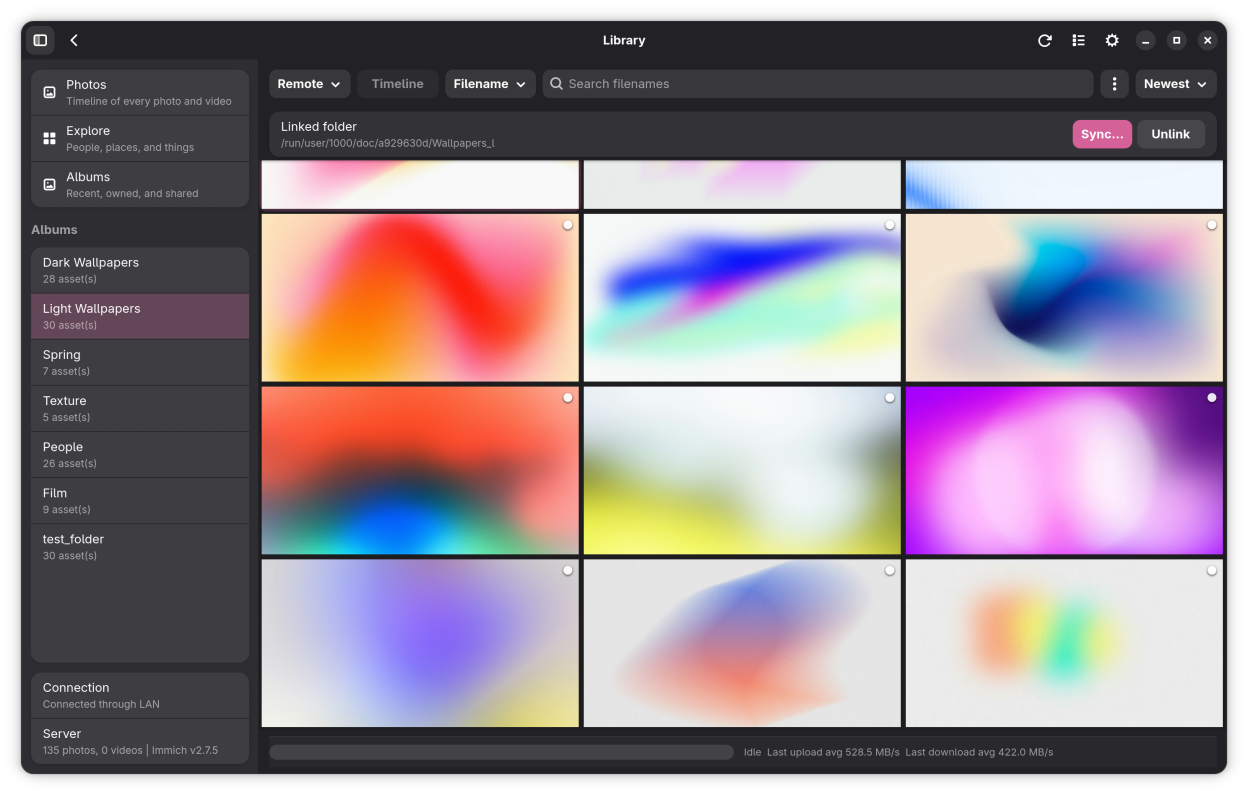
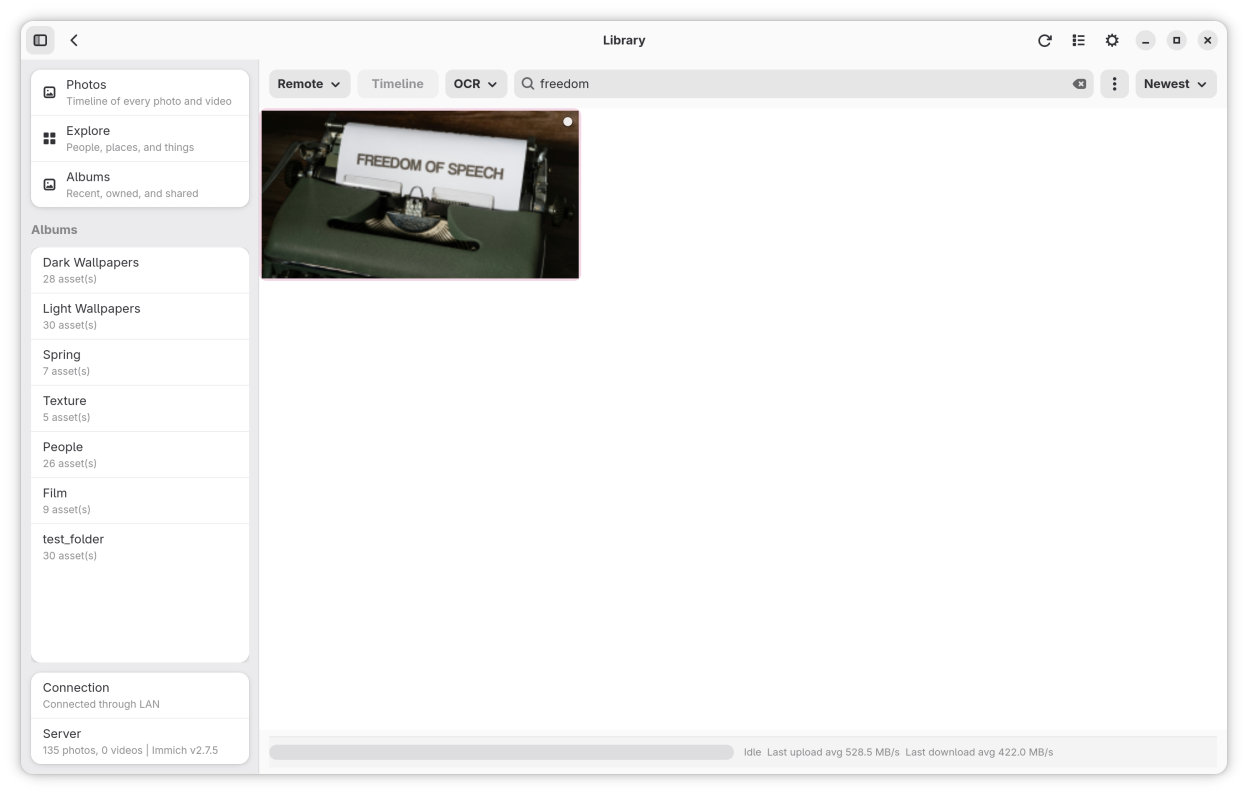
- Built-in Library View for browsing your timeline, managing albums, and searching with Smart Search, OCR, and metadata filters.
- SHA-1 deduplication, parallel upload workers, and offline retry queue for reliable transfers.
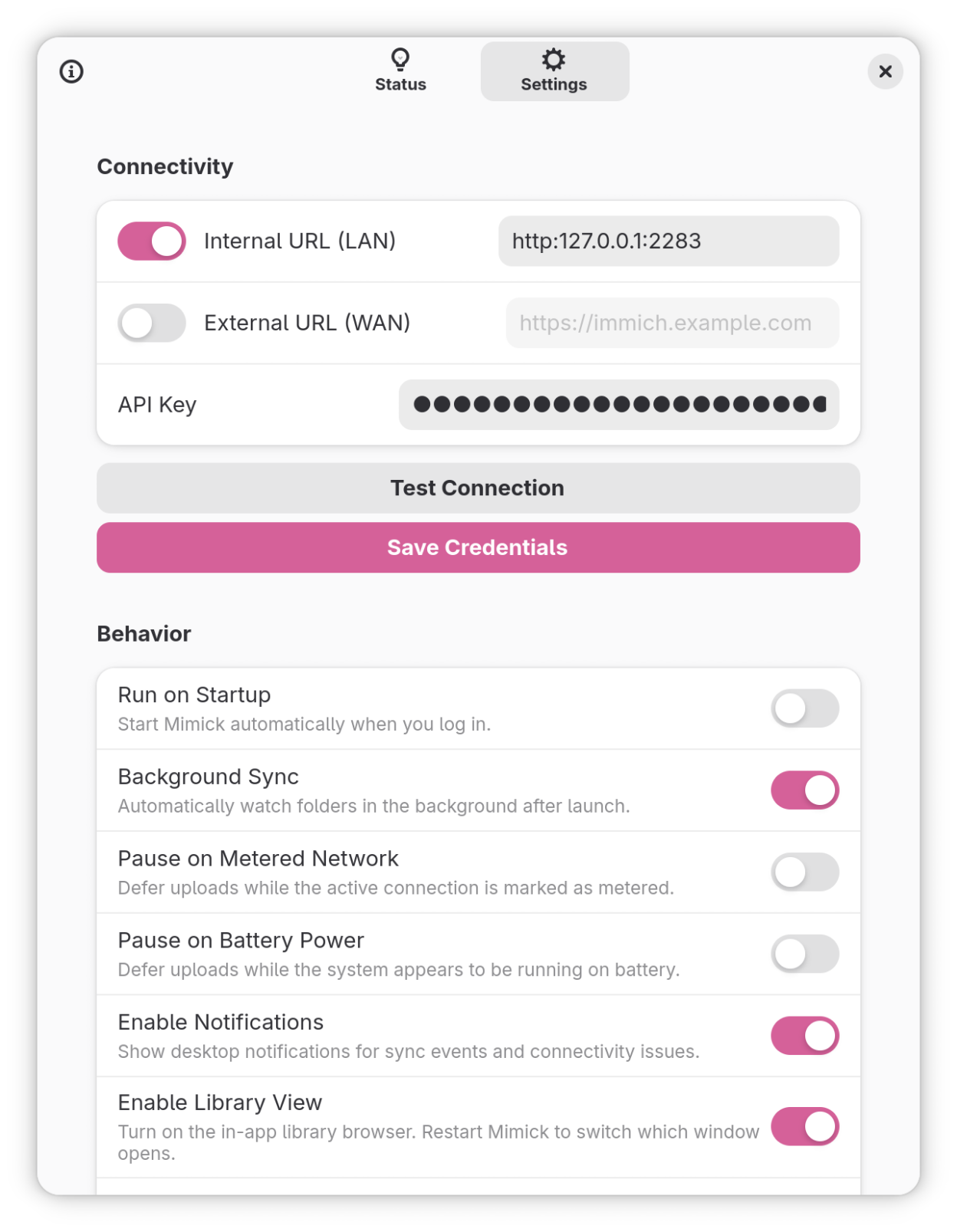
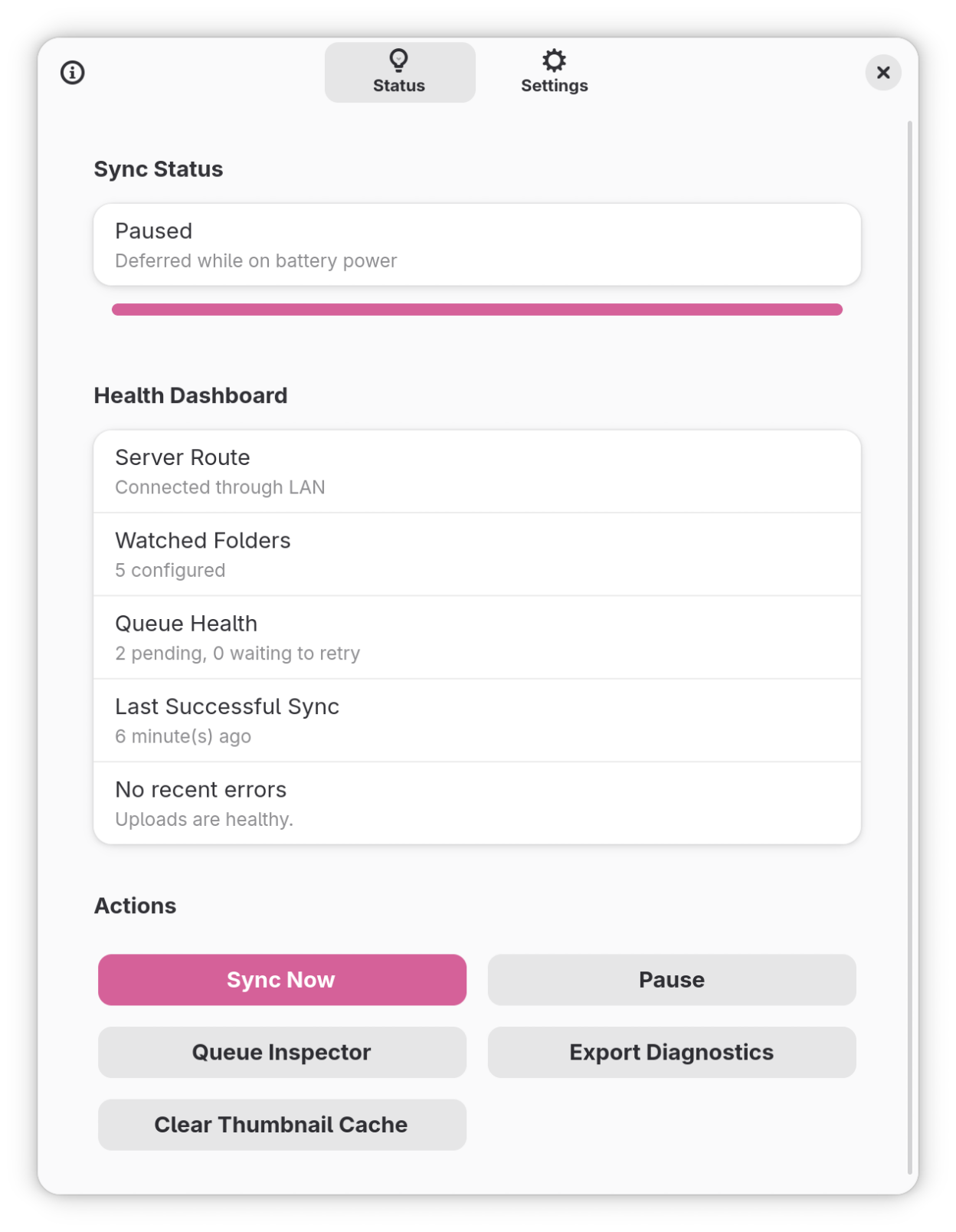
- Environment-aware: automatically pauses on battery or metered connections. Configurable quiet hours and per-folder rules.
- Built in Rust with GTK4 and Libadwaita. System tray integration and Flatpak sandbox support.
Mimick is a community-developed client and is not affiliated with or endorsed by the Immich project.
Screenshots
Observed history
| App | Change | Version | When ↑ |
|---|---|---|---|
| updated | 9.10.0 | 1 Oct 2026 |
Upstream releases
Release notes supplied by the developer. These dates are not Flathub package publication times.
9.10.01 Oct 2026
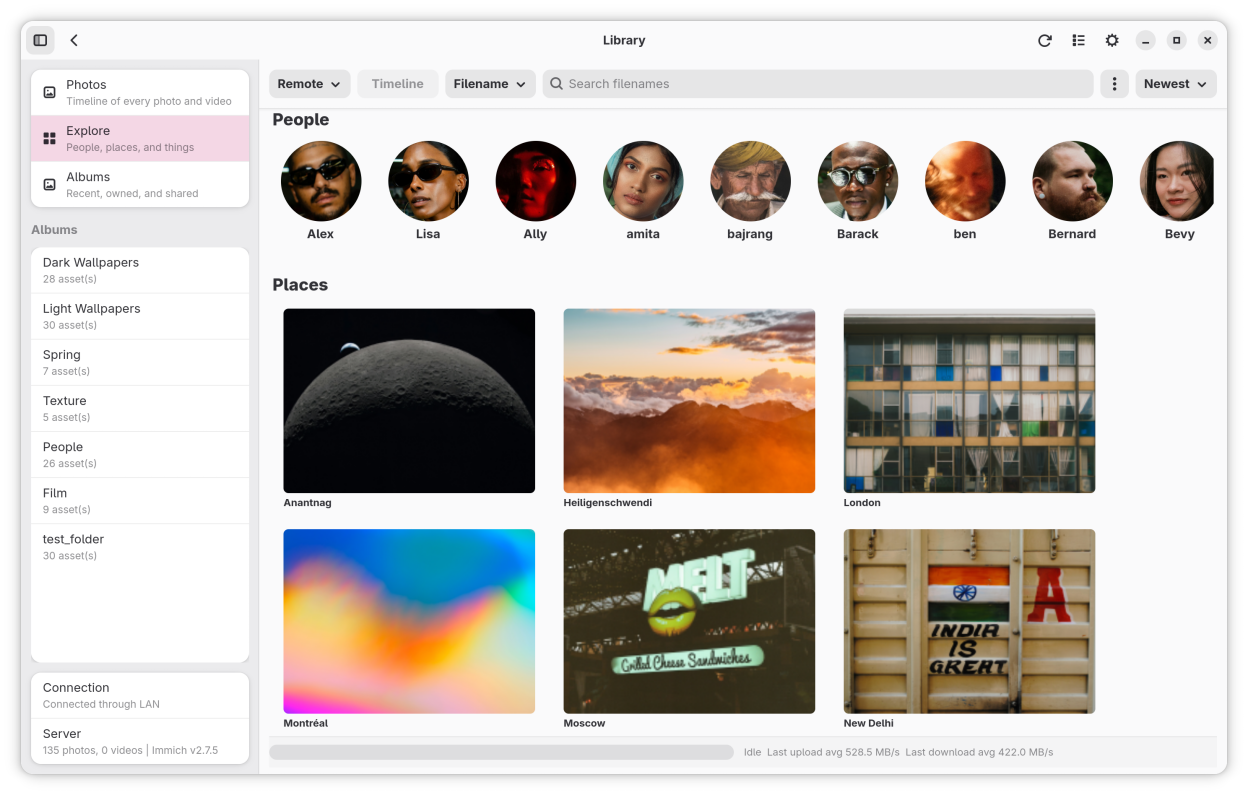
- Added a Places filter on the Explore page.
- Configurable thumbnail borders. set width (0-50px) and color, with uniform edges on all sides.
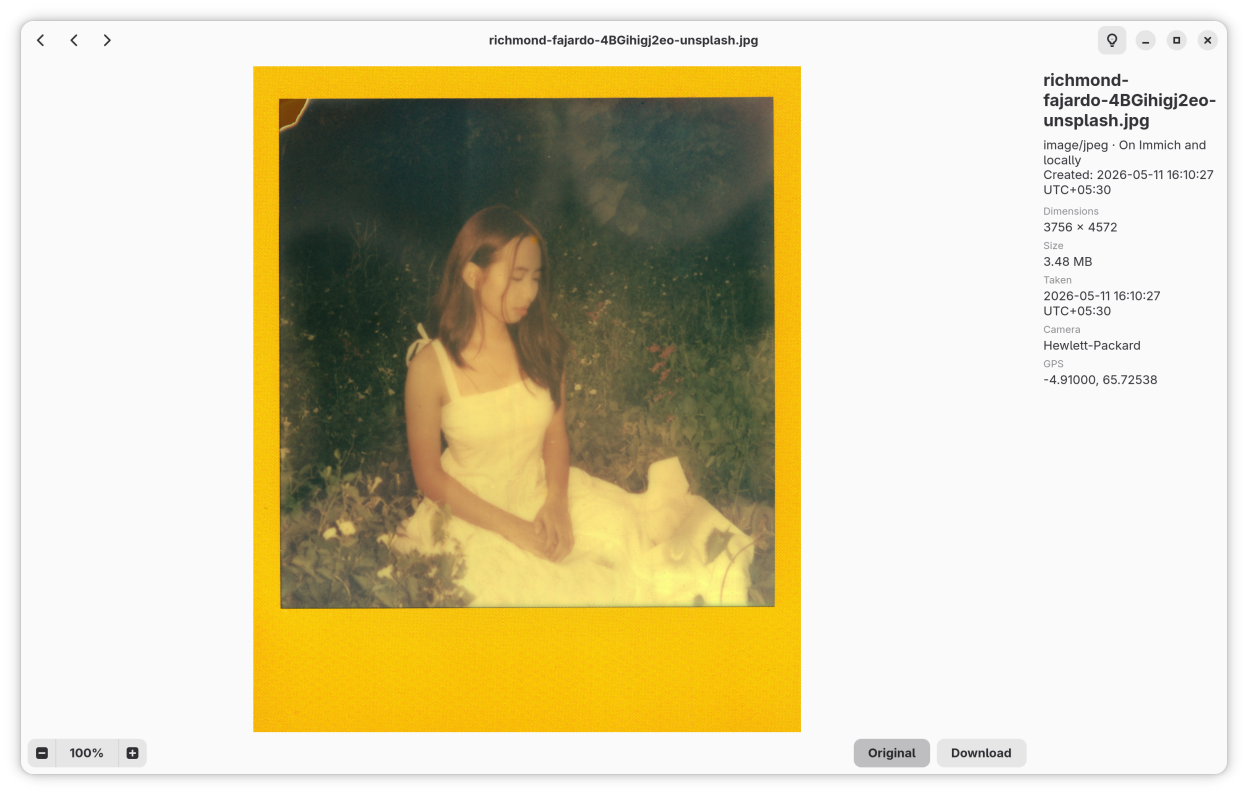
- Fixed duplicate back icon in the lightbox view.
- Fixed disabling autostart in Flatpak not removing the background portal entry.
9.9.08 Aug 2026
- Drag and drop files into the app to upload them.
- Drag files directly onto albums to upload them there.
- Drag photos out of the app to save them to your computer.
- New "Recently Added" section on the Explore page.
- Explore page now loads places instantly after the first visit.
9.8.08 Jul 2026
This release updates Mimick for the Immich v3 API. Immich v3.0.0 or later is now required.
- Updated upload flow for Immich v3 API compatibility.
- Context menu upload flow. Right-clicking supported media files in a file manager and choosing Mimick opens a staging window with a masonry preview grid and album picker.
9.7.016 Jun 2026
- New masonry layout for the Photos view — images now keep their natural aspect ratios instead of a fixed tile grid.
- Download folder prompt now appears each time until you choose to save a default. You can manage the saved folder from Settings.
- Batch downloads now show a summary dialog with counts of downloaded, skipped, and failed assets.
- File conflicts during batch download are handled in a single dialog with Skip, Rename, or Overwrite options and an "Apply to all" checkbox.
- New Library Thumbnail Quality setting with Auto, Thumbnail, Preview, and Full Size options.
- Thumbnail memory cache now sizes itself automatically from available system RAM. The manual cache size setting has been removed.
- Missing API permission errors (401/403) now show clear dialogs explaining which scopes are needed instead of a generic network error.
- Smoother button hover and press animations across the app.
- Fixed footer statistics staying blank if the initial network connection failed at startup.
- Fixed selection mode not exiting after a batch download.
- Queue Inspector filenames no longer truncate on narrow windows and the layout no longer duplicates the filename column.
- Settings Quit button now uses a standard Libadwaita row, fixing an oversized touch target.