
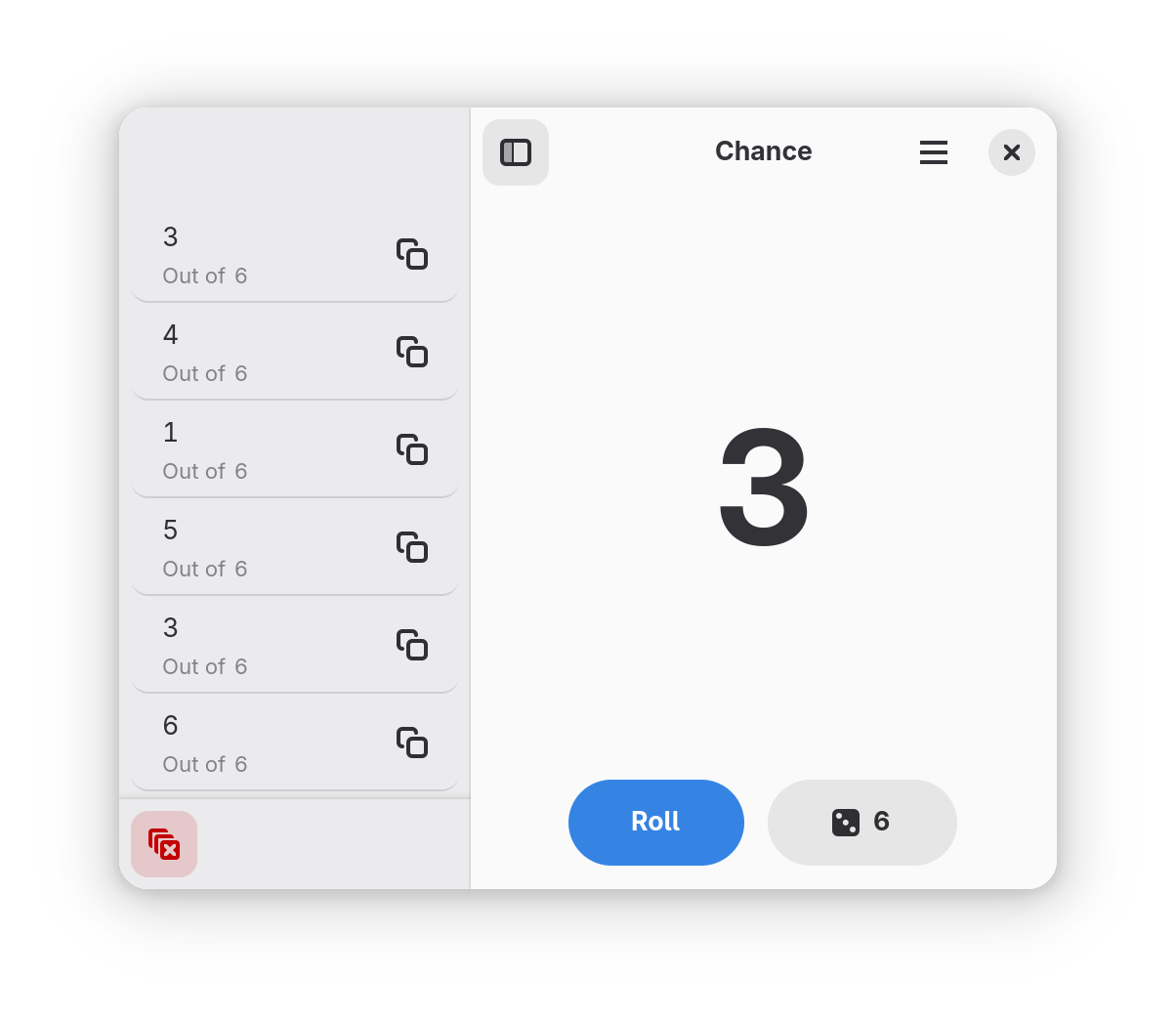
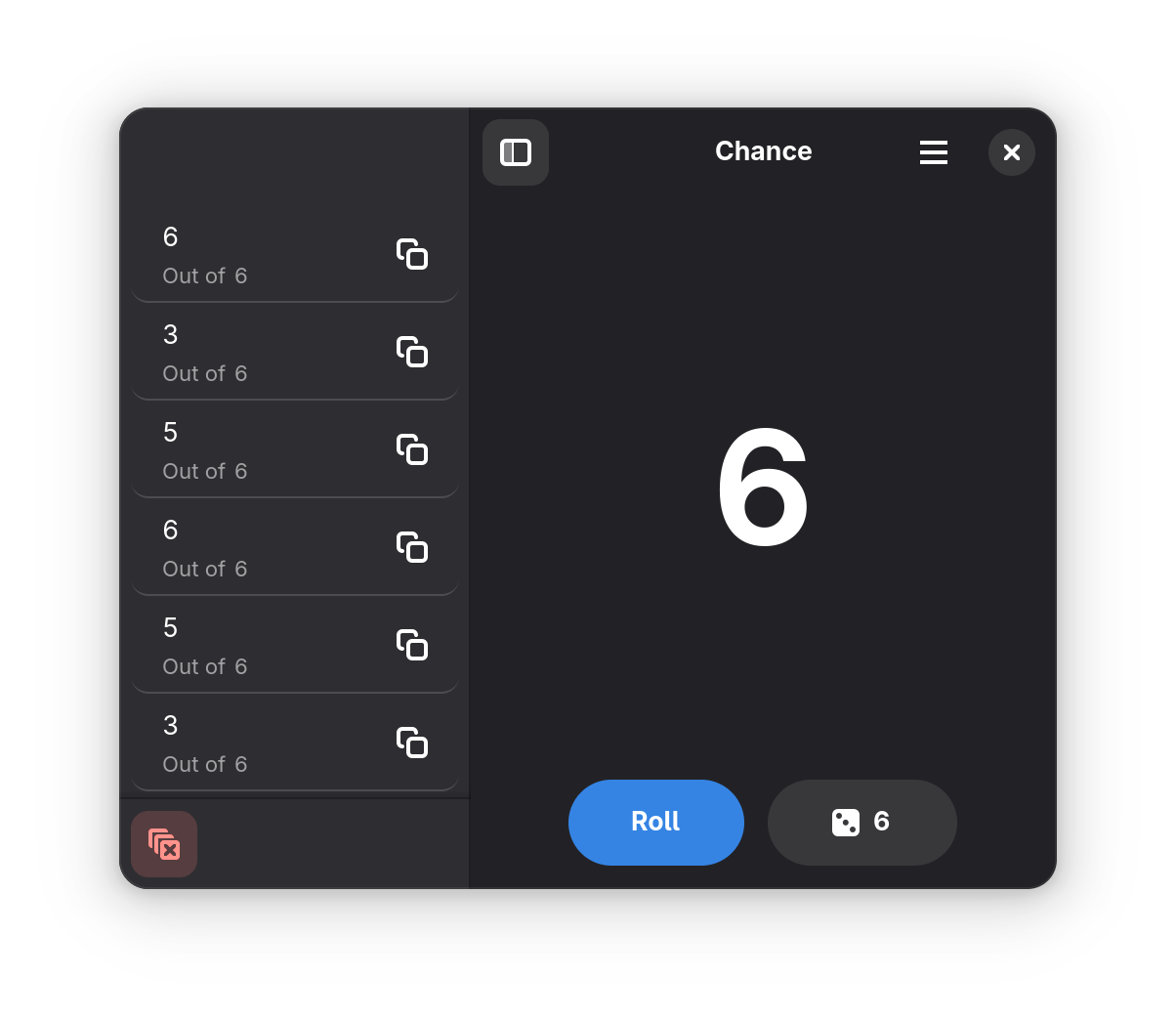
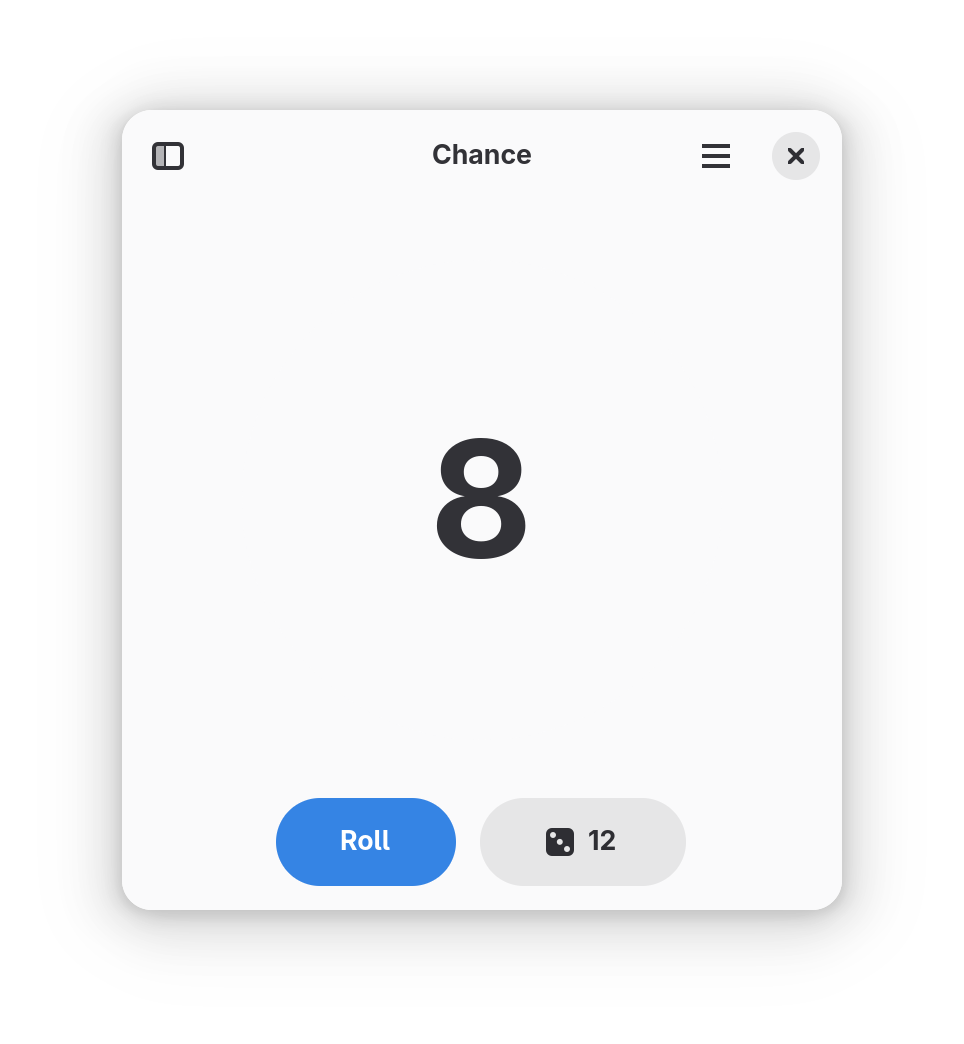
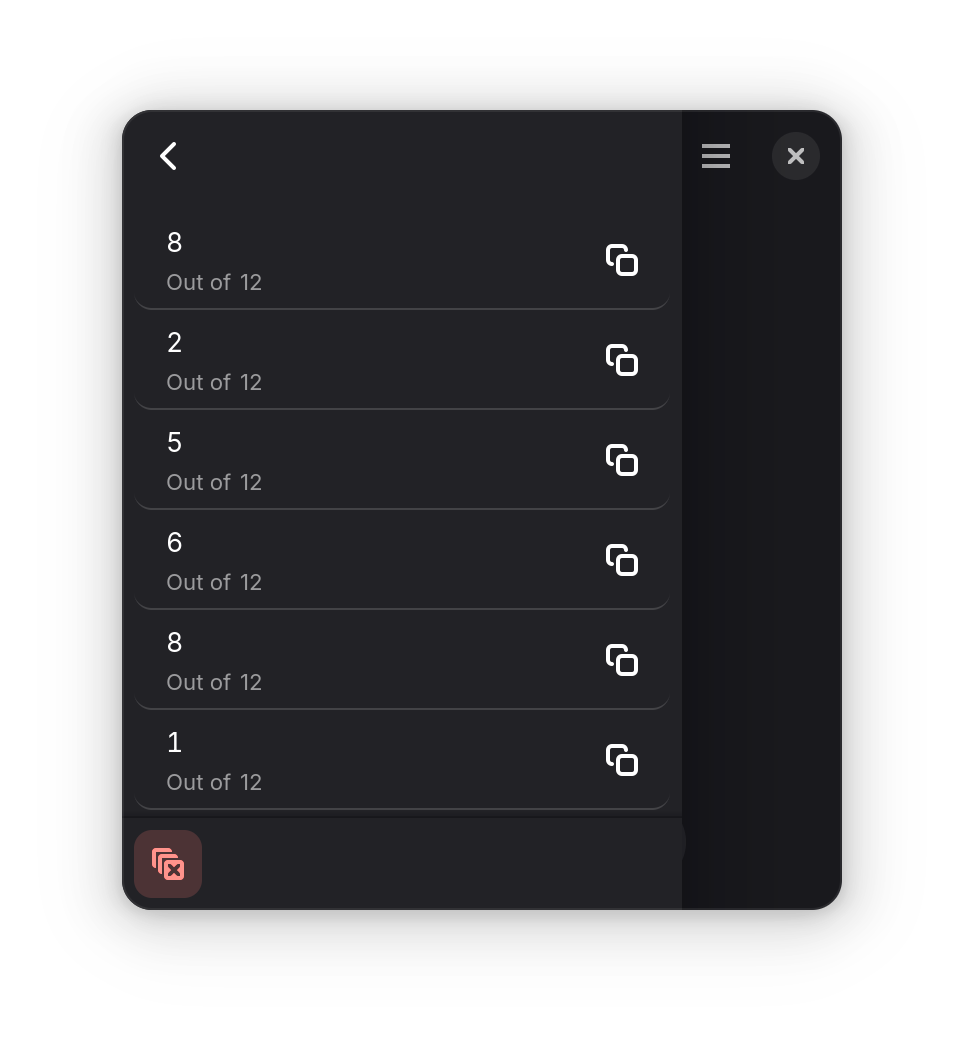
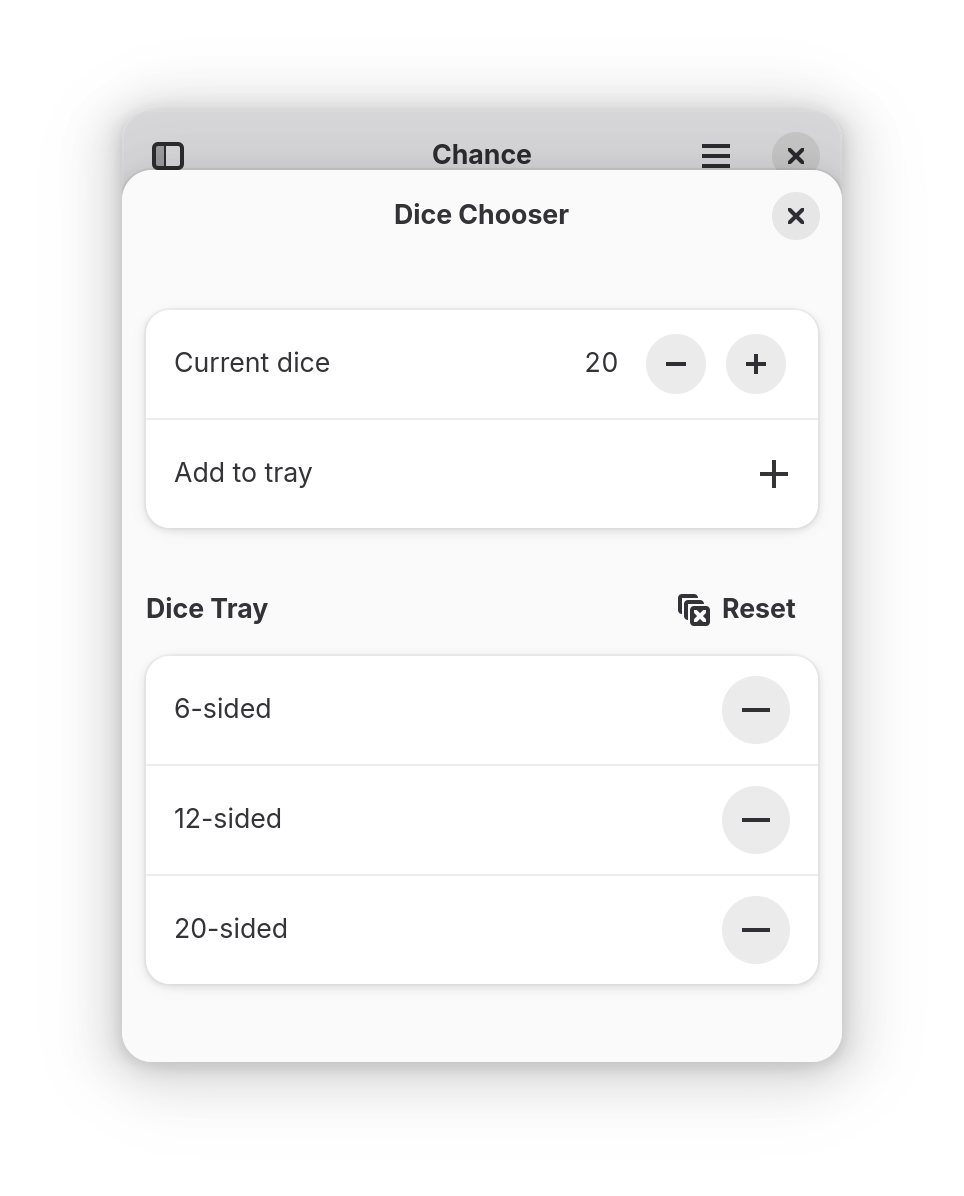
Roll six-sided dice by default, or roll custom dice of up to 999 sides. Save frequently-used dice to the tray. Copy roll results to the clipboard from the history pane. Results are remembered until the app is closed or they are manually cleared.
Keyboard shortcuts:
- Roll the dice with Ctrl+R
- Select dice with Ctrl+,
- Copy the last result with Ctrl+C
- Toggle the roll history pane with F9
- Clear roll history with Ctrl+L
- Undo the clear with Ctrl+Z
Screenshots
Observed history
| App | Change | Version | When ↓ |
|---|
No observed changes yet.
The initial import establishes a baseline. Future version changes will appear here.
Browse the app catalogue →Upstream releases
Release notes supplied by the developer. These dates are not Flathub package publication times.
4.0.315 Apr 2026
This release updates Chance to use the latest GNOME 50 platform, including a re-designed shortcuts dialog. Brazilian Portuguese translations have also been added, thanks to Renato Tavares!
4.0.220 Mar 2025
This release updates Chance to use the latest GNOME 48 platform.
4.0.118 Aug 2024
This release updates Chance to use the latest GNOME 47 platform. Development has also moved from GitLab back over to GitHub.
4.0.020 Mar 2024
Let Chance Decide
With this release, "Roll-It" has been renamed to "Chance." Thanks to Brage Fuglseth and Cassidy James for help with the new name!
Additionally, the "Dice presets" section of the dice chooser has been renamed to "dice tray," and dice can now be freely added and removed from the tray.
Chance has also been ported to the latest adaptive widgets from the GNOME platform, improving the experience on mobile devices.