
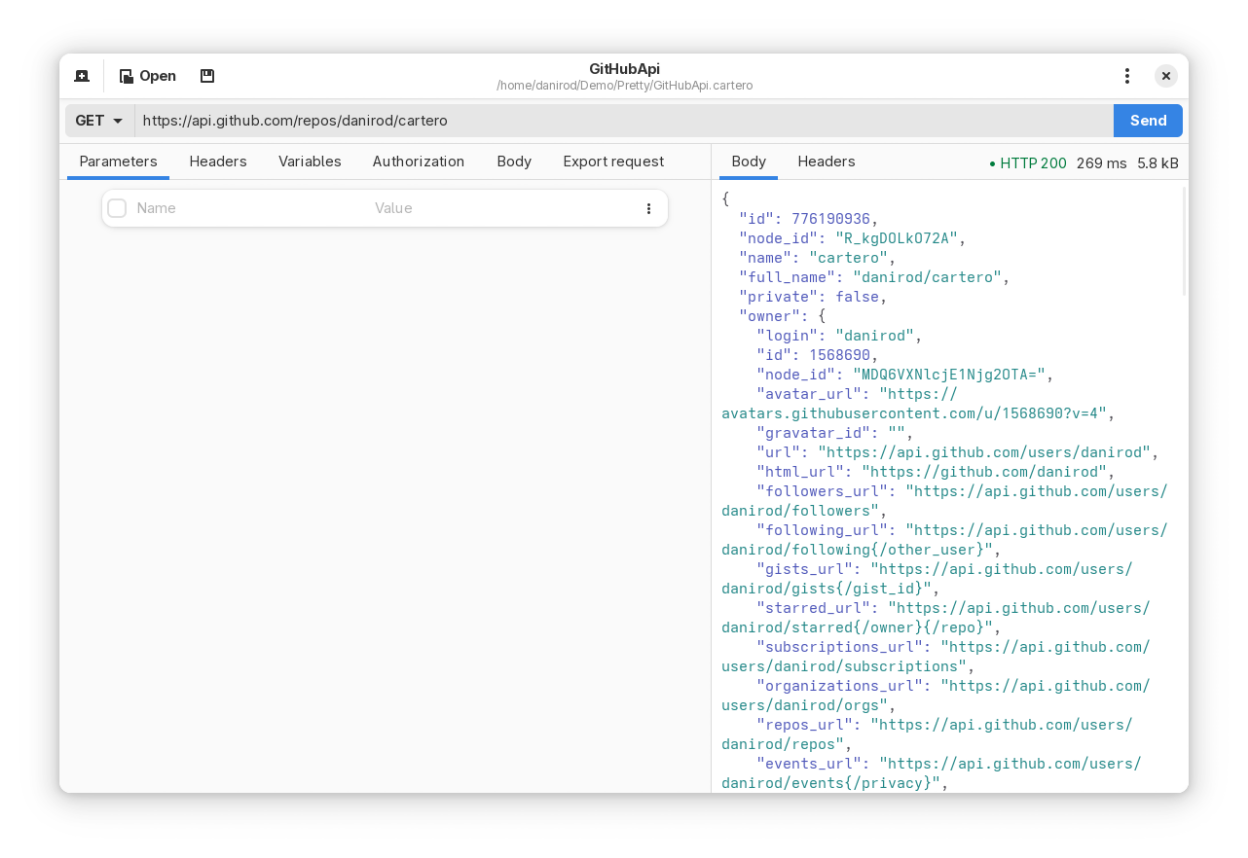
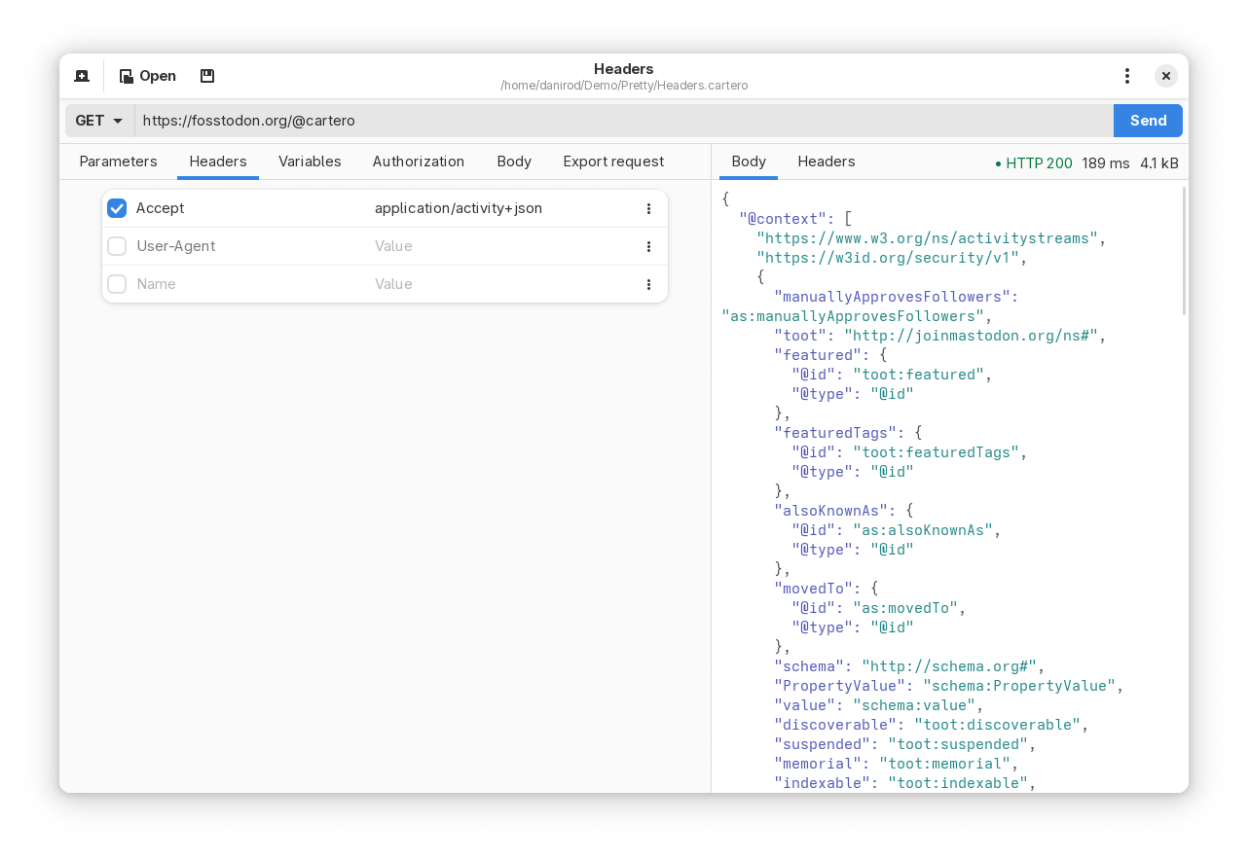
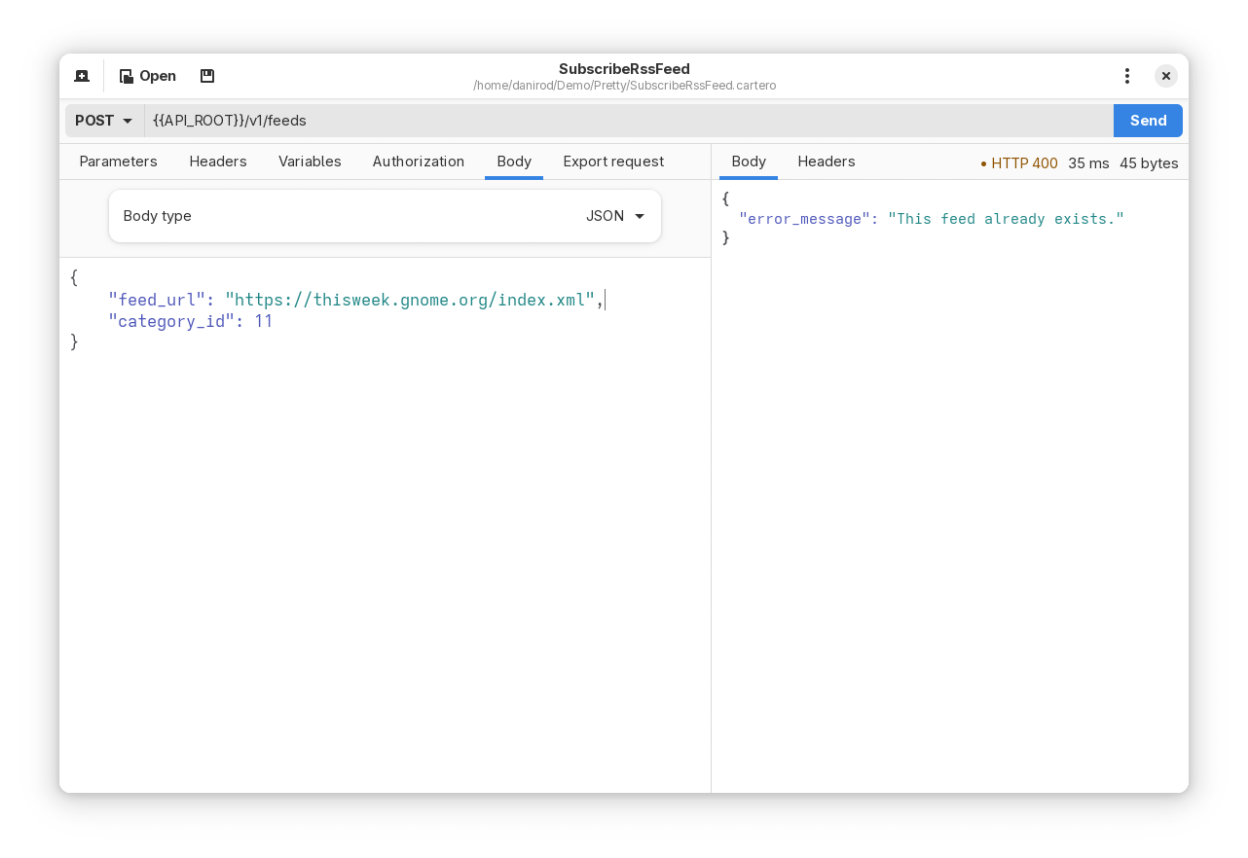
Cartero is a graphical HTTP client that can be used as a developer tool to test web APIs and perform all kind of HTTP requests to web servers. It is compatible with any REST, SOAP or XML-RPC API and it supports multiple request methods as well as attaching body payloads to compatible requests.
Features:
- Loads and saves to plain Git-friendly TOML files, so that you can own your data.
- Customization and modification of the request headers and body payloads.
- Variable binding for API keys and other secret information.
Screenshots
Observed history
| App | Change | Version | When ↓ |
|---|
No observed changes yet.
The initial import establishes a baseline. Future version changes will appear here.
Browse the app catalogue →Upstream releases
Release notes supplied by the developer. These dates are not Flathub package publication times.
26.025 Jan 2026
Added:
- Added a color scheme selector for the code views.
- Added application window theming and tinting.
- Added a menu option to duplicate requests.
Changed:
- The response pane will now render the effective URL of a response.
- It is now possible to reveal the values of .env variables in the endpoint pane.
Fixed:
- Responses were being treated as binary if they contained the CR (\r) character.
- Disabling TLS validation still failed a request if the certificate didn't have a matching SAN.
- MacOS: the main application window could sometimes stop receiving mouse clicks on macOS 26.
Translation Updates:
- Basque
- Indonesian
- Portuguese (Brazil)
- Chinese (Simplified)
25.014 Nov 2025
Added:
- Added support for proxies.
- Added support for dotenv files: values defined in an .env file can be loaded as variables.
- The Headers pane will now present pre-generated headers added by Cartero.
- Added a new request body type: "From file", loads the raw request body from the contents of a file.
- It is now possible to export requests in JetBrains HTTP format.
- It is now possible to export a request or a response directly into a file.
- It is now possible to export the contents of an HTTP response.
- The welcome pane now has an additional sheet with information and links.
Changed:
- The Export tab has moved to a dropdown menu in the window toolbar.
- Opening a new endpoint will automatically focus the URL entry field.
- Disabled variables, headers or parameters will now render slightly dimmed.
- When multiple variables or headers with the same key are present, those who will be ignored be marked.
- Showing or concealing passwords in basic auth or bearer token fields will now be remembered in the application state.
- The settings dialog has a new look and feel, using split windows.
- Responses with a binary body (like images or videos or octet-streams) will suggest saving the response into a file rather than rendering it in the code view.
- The default user agent used in HTTP request has changed to "Cartero/25.0 (isahc/1.7.2 curl/8.12.1-DEV)" (version numbers will bump as future releases flow).
- The responsiveness of the application will behave better on small windows and mobile devices.
- Dependencies bumped: Cartero now requires at least GNOME SDK 46 to build the app.
- Windows: the application look and feel on Windows 11 now uses the acrilyic look and feel.
Fixed:
- HTTP responses sometimes were not rendered if they had the Content-Type header set to JSON but they were not actually parseable as JSON.
- HTTP response headers sometimes did not render properly when they had angle brackets (such as the Link header).
- HTTP requests sometimes could not be exported when they had spaces in the URL.
- Windows: overriding the language in the settings dialog previously had no effect.
- MacOS: the URL bar did not focus when pressing Command-L.
- MacOS: the export dialog did not actually copy the code to the system clipboard.
Translation Updates:
- Catalan
- Czech
- German
- Esperanto
- Spanish
- Basque
- French
- Galician
- Indonesian
- Portuguese
- Portuguese (Brazil)
- Romanian
- Russian
- Tamil
0.2.410 Aug 2025
Changed:
- Pressing the Tab or the Shift-Tab keys in a request table (parameters, variables...) will now skip the row itself and focus instead an actual component like the checkbox or the dropdown menu.
- MacOS: on systems with a dual graphics card setup, Cartero will now run on the integrated rather than the discrete one. (This is good, it will save a lot of battery.)
Fixed:
- Fixed accessibility issues: missing labels and tooltips within some window widgets.
- Some keyboard shortcuts were not being described by thee Keyboard Shortcuts help dialog.
- The dropdown menu for the request method had the wrong appearance when the computer uses a right-to-left layout (such as Arabic or Hebrew).
- MacOS: Zoom in, zoom out, zoom reset and search keyboard shortcuts for code views were using the wrong keyboard modifiers.
Translation Updates:
- Catalan
- Czech
- German
- Esperanto
- Spanish
- Basque
- French
- Galician
- Portuguese
- Portuguese (Brazil)
- Romanian
- Russian
- Tamil
0.2.35 Jul 2025
Fixed:
- Exporting a request as cURL did not include the request payload when the type is XML.
Translation Updates:
- Catalan
- German
- Basque
- Portuguese (Brazil)
- Russian
- Tamil