
LogarithmPlotter is, as it's name suggests, a plotter made with logarithm scales in mind. With an object system similar to Geogebra's, it allows dynamic creation of both logarithmic-scaled and non logarithmic-scaled plots with very few limitations.
It's primary use is to quickly create asymptotic Bode plots, but it's extensible nature and ability to switch to non-logarithmic scales allow it to create other things with it, like sequences or statistical repartition functions.
Features:
- Graphical objects (points, fonctions, Bode magnitudes...) management system
- Complete object edition
- Advanced history system
- Diagram looks customisation
LogarithmPlotter is available in:
- 🇬🇧 English
- 🇫🇷 French
- 🇩🇪 German
- 🇭🇺 Hungarian
- 🇳🇴 Norwergian
Screenshots
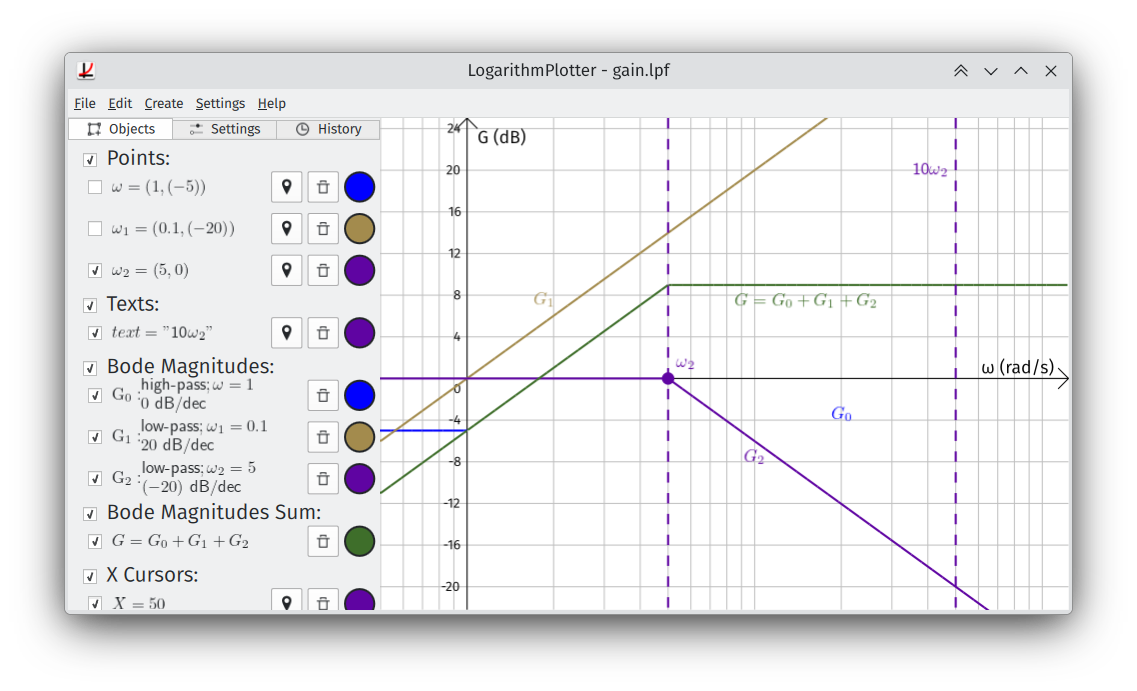
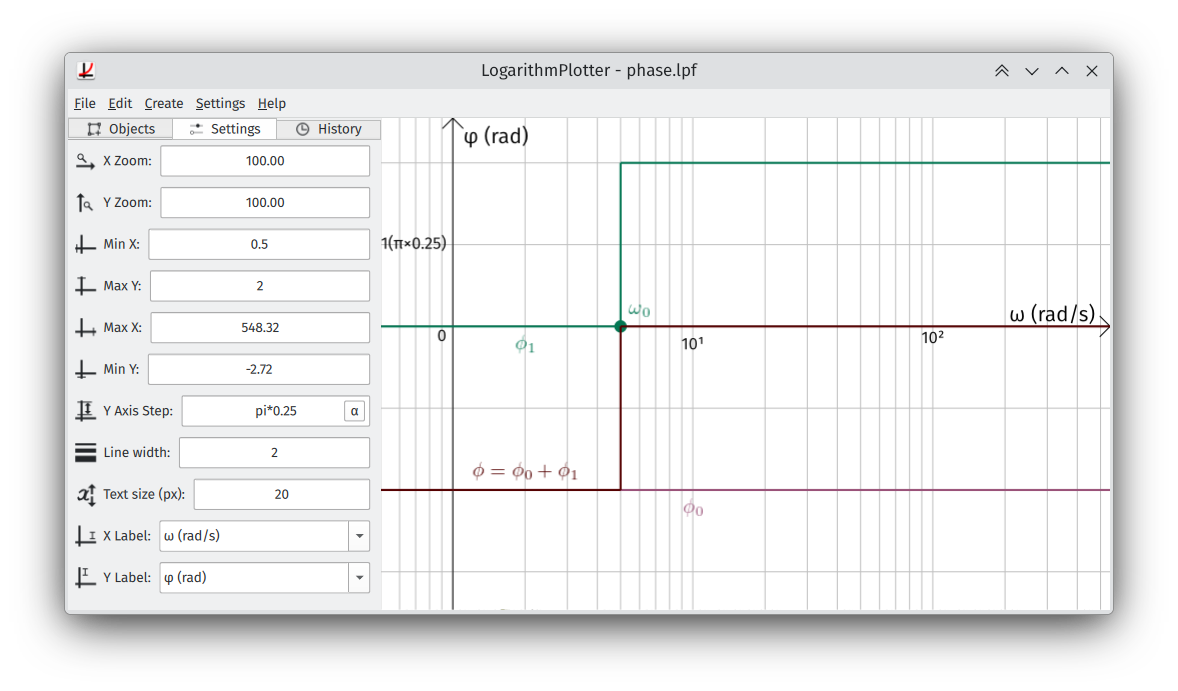
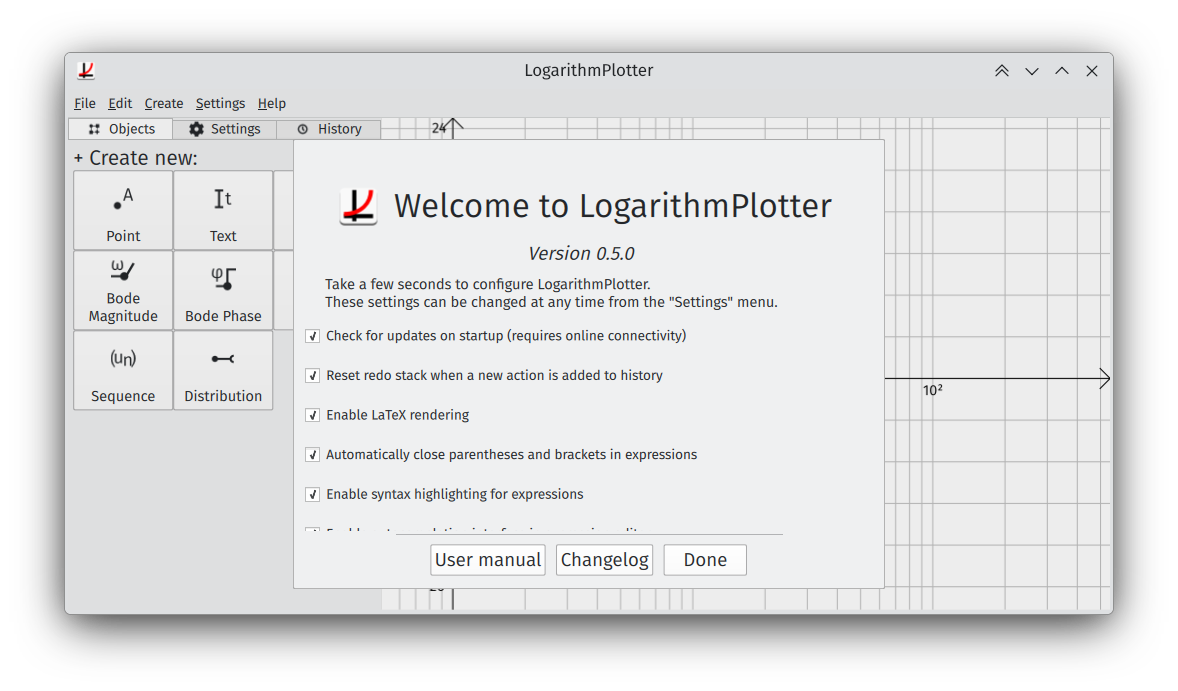
Observed history
| App | Change | Version | When ↑ |
|---|
No observed changes yet.
The initial import establishes a baseline. Future version changes will appear here.
Browse the app catalogue →Upstream releases
Release notes supplied by the developer. These dates are not Flathub package publication times.
0.5.011 Jan 2024
Changes for v0.5.0:
New
- New, reworked application icon.
- Graph is now mouse interactive:
- You can now drag to move and scroll to zoom!
- Builtin functions now provide usage when used in the autocomplete of the expression editor.
Changes
- When creating an object that can be positioned, new default behavior is to pick first instead of opening object settings.
- Icons with text now use the SVG's text element, allowing them to integrate better with the system's default font.
- Special characters popup is now context aware (e.g. no sub/supscript symbols in expressions).
- New symbols in special characters popup.
- Integrals and derivatives can now be provided with an executable object (e.g. Functions) instead of strings as function.
- New description on Linux.
Fixed bugs
- Fixing ∞ 'variable' in domains and expressions.
- Several other bugs related to constants in expresions were fixed as well.
- Builtin functions now send an error message when not provided with the proper arguments.
Internal changes
- Updated to PySide6 v6.6.1.
- Reworked continuous functions' rendering to make it faster.
- Removed old bits from an unfinished new parser that weren't used.
0.4.027 May 2023
Changes for v0.4.0:
Changes
- Fully ported to PySide6 (Qt6).
- Greet screen settings are now scrollable.
- Changelog is now freezed to current version.
New
- Customizable color schemes for expressions.
- New, rewamped and improved picked location overlay settings:
- It's now possible to disable picking x or y when setting a location.
- Properties which are related to positioning (X, Y, Label's X position) can now be set using the picker.
- Visual redesign that enhances readability of settings.
- There is now a button to hide picker settings.
Fixed bugs
- Cursors in expression are now easier to see.
- Symbols in LaTeX rendered Texts cause the LaTeX renderer to crash.
- Underscores in distribution names are automatically removed if the name is modified.
- Autocomplete categories now properly respect theme colors.
- Functions in expressions (like indexOf, map...) now properly send errors when the arguments are of the wrong type or count.
- Executable Objects called (like functions, bode magnitures, phases...) now send an error if provided with no arguments.
- Function calls with no argument no longer make LogarithmPlotter crash under certain circumstances.
- Thank you dialog's lists are no longer draggable.
Internal changes
- A lot of inner changes led by porting to Qt6, fixing a lot of bugs at the same time.
- Disabled auto detect of visual theme if the `QT_QUICK_CONTROLS_STYLE` environment variable is set.
- (macOS, Windows, Flatpak) Drastically reducing installer sizes (more than halved).
- (Launchpad/Ubuntu) Using custom built packages of PySide6, meaning smaller installation and distro dependency.
0.3.028 Oct 2022
Changes for v0.3.0:
New
- New completely revamped expression editor:
- Automatic closing of parentheses and brackets (can be disabled in settings).
- Syntax highlighting (can be disabled in the settings).
- Autocompletion is now available (for function names, variables and constants, object names and properties) (can be disabled in the settings).
- Object properties can now be used in expressions (e.g. if you have a point named A, you can use A.x to access its x value).
- Similarly executable objects (Functions, bode magnitudes and phases, distributions, and sequences) can be now be used in expressions (e.g. if you have a function named 'f', you can access its value using `f(value)`).
- LaTeX-rendered formulas are now used in the Objects and History tabs when LaTeX rendering is enabled.
- Errors in formulas are now reported in message boxes.
Changes
- The Object Editor dialog has been completely reworked internally, resulting in notable performance improvements.
- Vast improvements to the objects system: names are now consistently reported and cannot be shared amongst different objects.
- Disabled access to custom variable and function definition in expressions (can cause issues and vulnerabilities)
- When using the set position cursor on Points and Texts, the position change is now saved a single history action: the position setting.
- Distribution are now prefixed with an 'F_' to prevent confusion with X Cursors.
Added translations
- Autocompletion categories (English, French, German, Hungarian).
- Expression editor settings (English, French, German, Hungarian).
- Expression syntax errors (English, French, German, Hungarian).
- On top of the above:
- Hungarian: v0.2.0 added text (thanks @ovari!)
- Spanish: Menu bars (thanks @Sergio Varela)
- You can contribute to translation on Weblate.
Fixed bugs
- Fixing Texts not being properly recognized as texts when saving.
- Text's 'Disable LaTeX' property is now properly saved.
- X Cursors LaTeX rendering made the app crash.
- Attempting to insert special character no longer automatically saves the expression you're editing.
- Proper HDPI support for icons and buttons (note: HDPI is not available for the rendered canvas yet).
- Support for non-latin characters in variables (e.g. greek letters, subtext, suptext)
- Silent error when misentering variable names in the expression editor causing internal issues preventing you from changing the expression ever again and causing issues and rendering.
- Fixing some utils function simplifying parentheses when they shouldn't have (note: you may see more parentheses than before in expressions).
- (flatpak and KDE SDK) Fixing the sometimes invisible buttons on the objects tab on startup.
- (macos) Application string version does not match LogarithmPlotter's version.
- (debian) (Normally) Fixing deb building.
Internal changes
- Object dependencies are now registered on both the dependant object, and the object it's depending on.
- Objects now have a proper per-name registry.
- Object Editor Dialog has been reworked to use loaders instead of loading and hiding every property editor for each property.
- Reworked the file loading system to be able to load dependencies properly.
0.2.022 Apr 2022
Changes for v0.2.0:
New
- (EXPERIMENTAL) LogarithmPlotter now has an optional LaTeX integration.
- It requires a LaTeX installation, including `latexmk` and `dvipng` available in the PATH.
- NOTE: LaTeX support is disabled by default and is only for working for the rendering on the graph.
- NOTE: The objects and history tab still use the legacy text based expression rendering.
- Thanks and contributions dialog, showing included libraries and translations, their license and author(s).
- LaTeX rendering can be disabled for texts, even if LaTeX is enabled.
Changes
- History re/undos only redraw the graph every 4 change at most in order to speed up the process when re/undoing a lot of changes.
- Gradients are no longer hidden when filtered out in the history tab.
Added translations
- LaTeX options and error messages
- Thanks and contribution dialog
- New option for text.
- Fixed translation of "repartition" which should be "distribution" in certain remaining strings.
Fixed bugs
- (macos) #1 - Opening files don't work on compiled versions of LogarithmPlotter on MacOS
- (snapcraft) Fixed bug preventing from launching LogarithmPlotter. This fix has been backported to v0.1.8.
- (snapcraft) Files are now properly opened.
- (snapcraft) Added changelog support.
Internal changes
- Moved python modules to "util" directory for more clarity.
- Moved flatpak metainfo to eu.ad5001.LogarithmPlotter repository.
- Componented the Mathlib library in order to have a more readable source.
- Added documentation for most internal JavaScript modules.
- Merge label drawing methods due to it's complexity.
- (flatpak) Updated SDK version to v5.15-21.08.