
Launcher Studio is a modern, native GTK4 application designed to simplify the creation and management of .desktop files on Linux. Whether you need to fix a broken icon or create a shortcut for a standalone AppImage, Launcher Studio provides a powerful yet simple interface.
Key features:
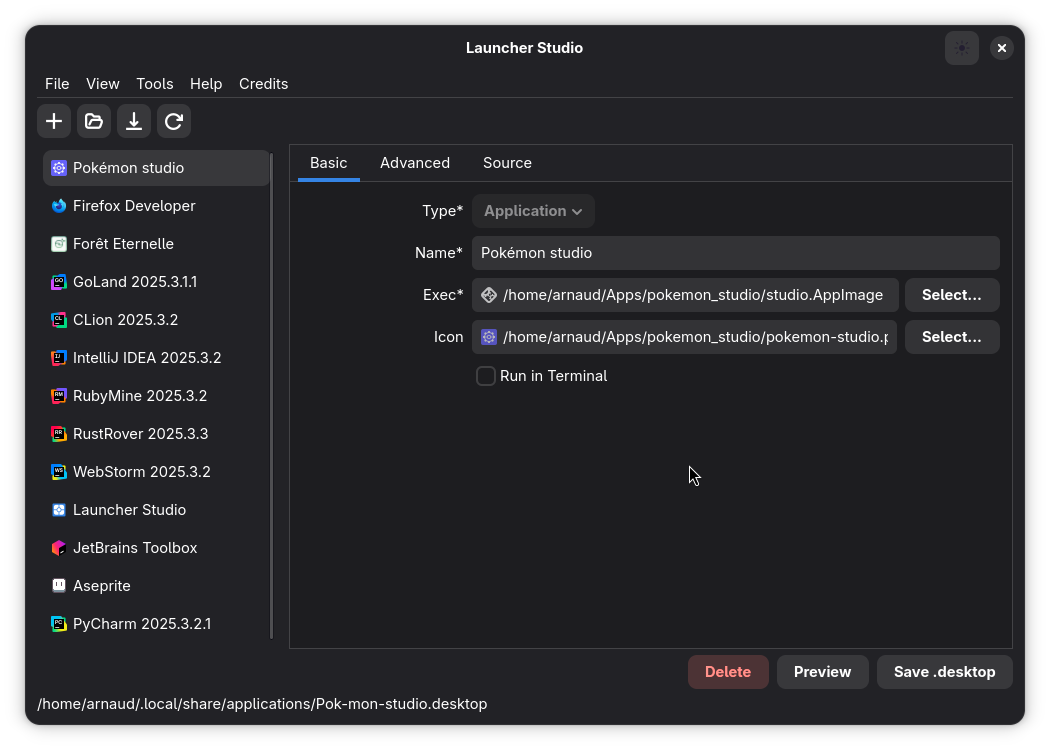
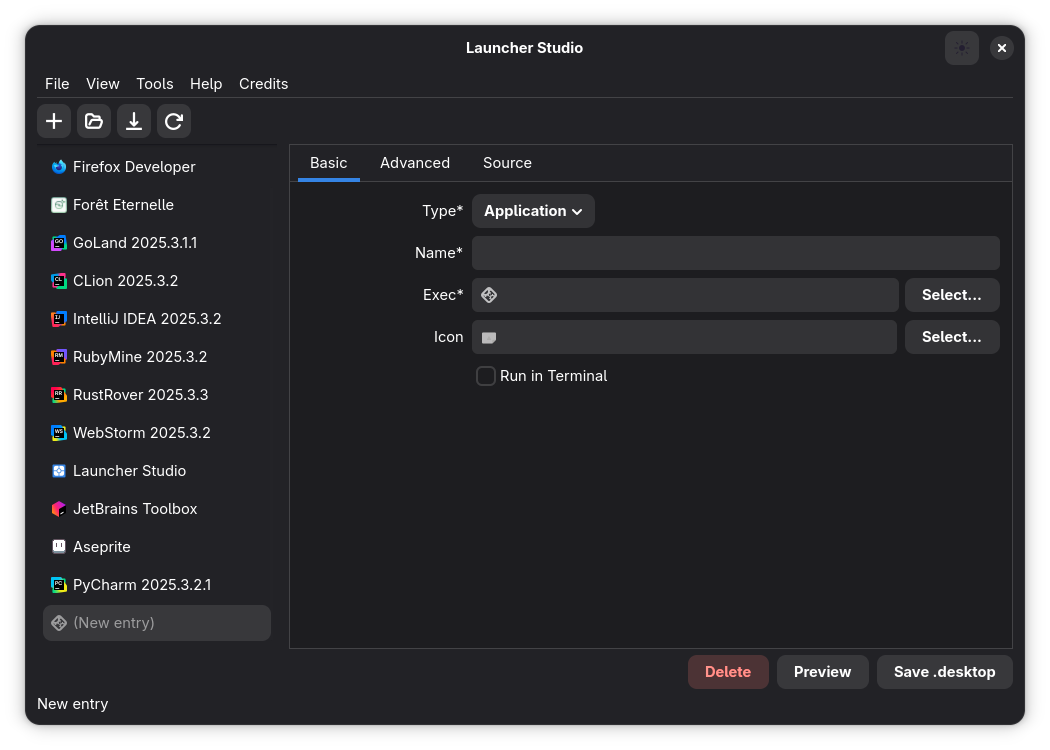
- Basic editor for name, executable path, and icon selection.
- Comprehensive launcher management: Browse, search, and filter user, system (/usr), and Flatpak applications.
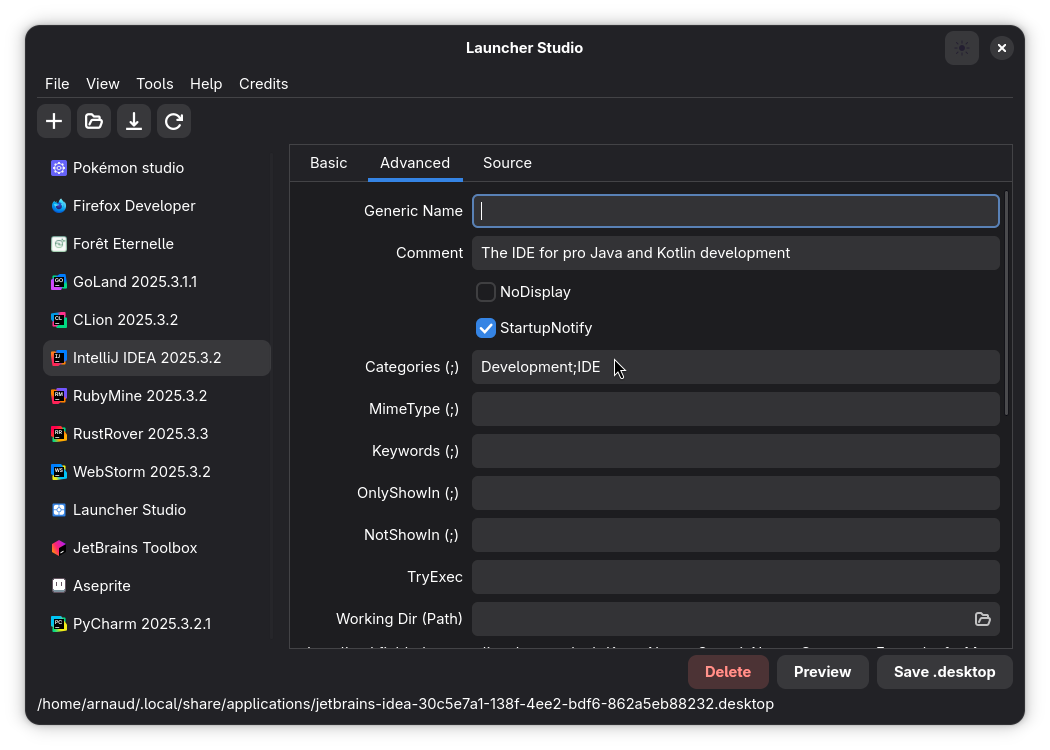
- Advanced settings: Categories, Keywords, MimeTypes, and Startup notifications.
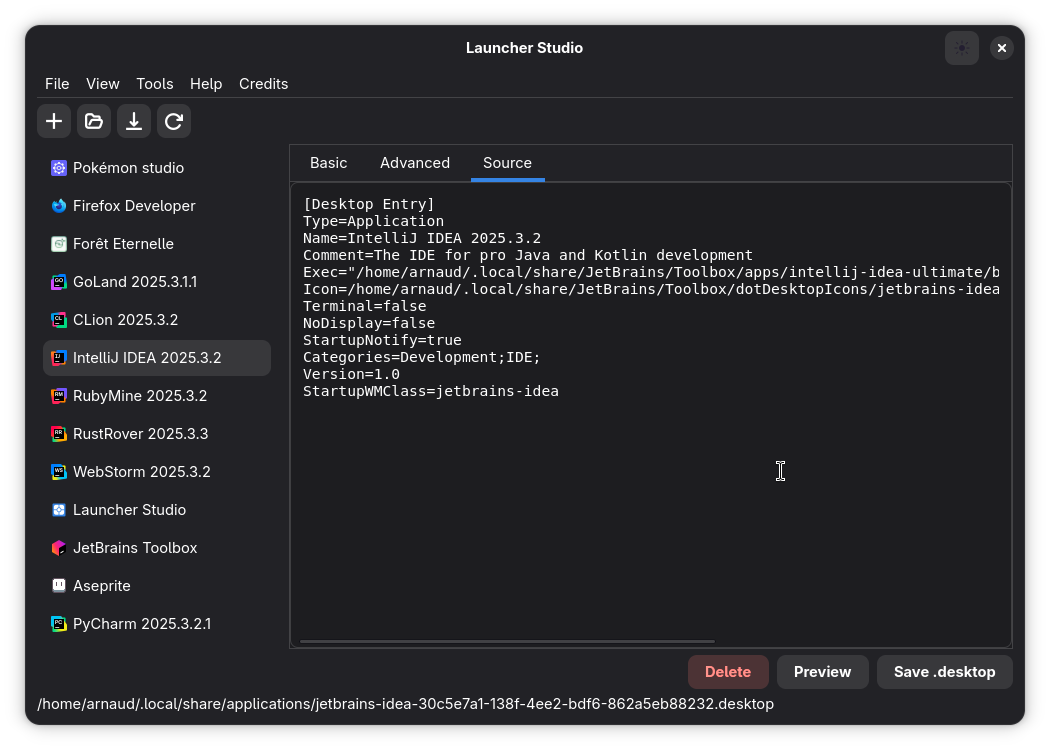
- Raw Source View: Inspect and edit the .desktop file content directly.
- Native integration with GNOME and Libadwaita (Dark/Light mode support).
Screenshots
Observed history
| App | Change | Version | When ↑ |
|---|---|---|---|
| updated | 0.1.5 | 13 Oct 2026 |
Upstream releases
Release notes supplied by the developer. These dates are not Flathub package publication times.
0.1.510 Sept 2026
Major release introducing full system and Flatpak desktop launcher management, real-time search, sidebar location filtering, and an overhauled UI/UX.
- Added support for discovering and inspecting system-wide launchers in /usr/share/applications, XDG data directories, and Flatpak application paths.
- Safe editing of system launchers with automatic user override saving to ~/.local/share/applications without requiring root permissions.
- Added new "Import System Launcher" dialog and keyboard shortcuts (Ctrl+Alt+O / Ctrl+I) to easily duplicate and customize system applications.
- Added instant real-time search bar (Ctrl+F) with multi-field matching across launcher name, executable command, comment, categories, and filenames.
- Added segmented location filters (All, Home, /usr, Flatpak) with reactive application count badges.
- Redesigned sidebar rows with launcher icons, location badges, filenames, and rich hover tooltips.
- Improved application layout with a resizable split pane and an intuitive empty state when no search results match.
0.1.410 Sept 2026
Add GitHub release workflow and update to version 0.1.4 with dependency upgrades and release notes integration
0.1.310 Apr 2026
Major release focused on a full icon workflow overhaul, improved desktop entry reliability, and a modernized UI experience.
- Introduced a brand-new Icon Picker dialog integrated directly into the editor form for faster launcher creation.
- Added Lucide icon search and download service with local SVG persistence, so selected icons remain stable over time.
- Added advanced rendering controls for icon generation (size, stroke width, color, fill, and theme-friendly defaults).
- Redesigned icon browsing with a denser grid, live preview, network status indicators, and better spacing based on Libadwaita widgets.
- Improved desktop entry parsing and writing logic to handle icon and field updates more safely across open, edit, and save flows.
- Refactored application modules (actions, main window, dialogs, list manager, editor state) for cleaner behavior and easier maintenance.
- Updated dependencies to recent crate versions and refreshed application assets, including the main app icon.
0.1.216 Feb 2026
Update open file system dialog to set the initial directory to the user's home folder for better user experience.