
Free multi-platform database tool for developers, SQL programmers, database administrators and analysts. Supports all popular databases: MySQL, PostgreSQL, MariaDB, SQLite, Oracle, DB2, SQL Server, Sybase, MS Access, Teradata, Firebird, Derby, etc.
Screenshots
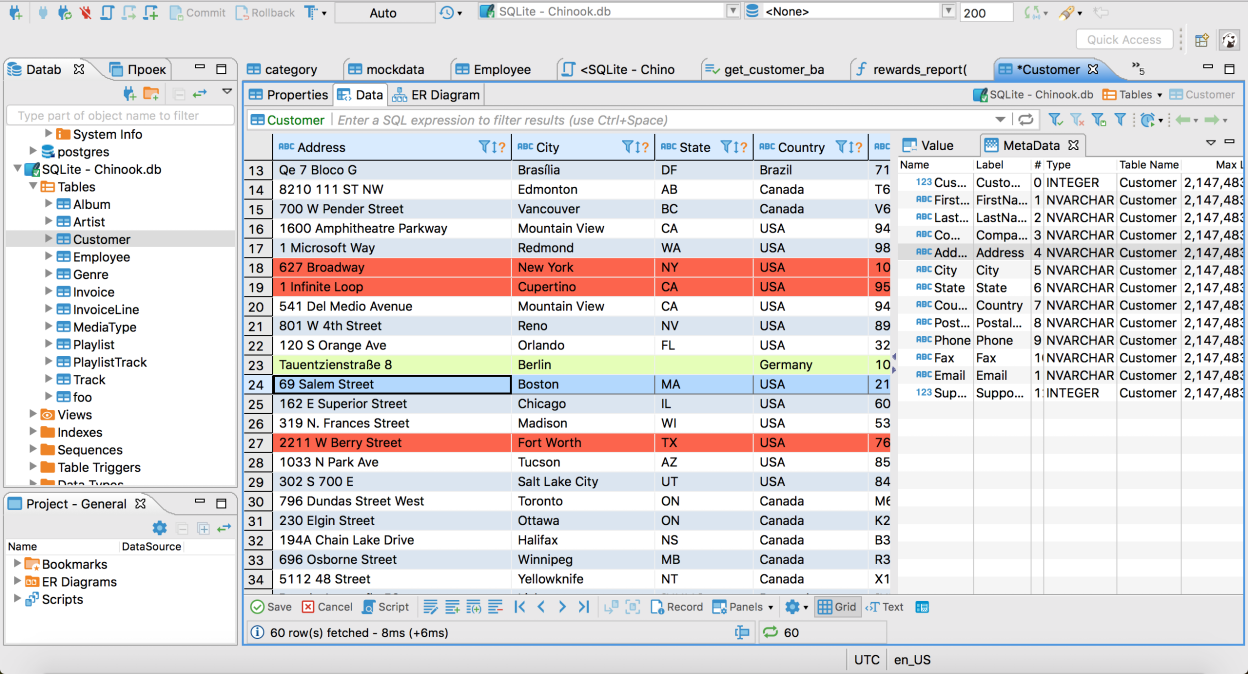
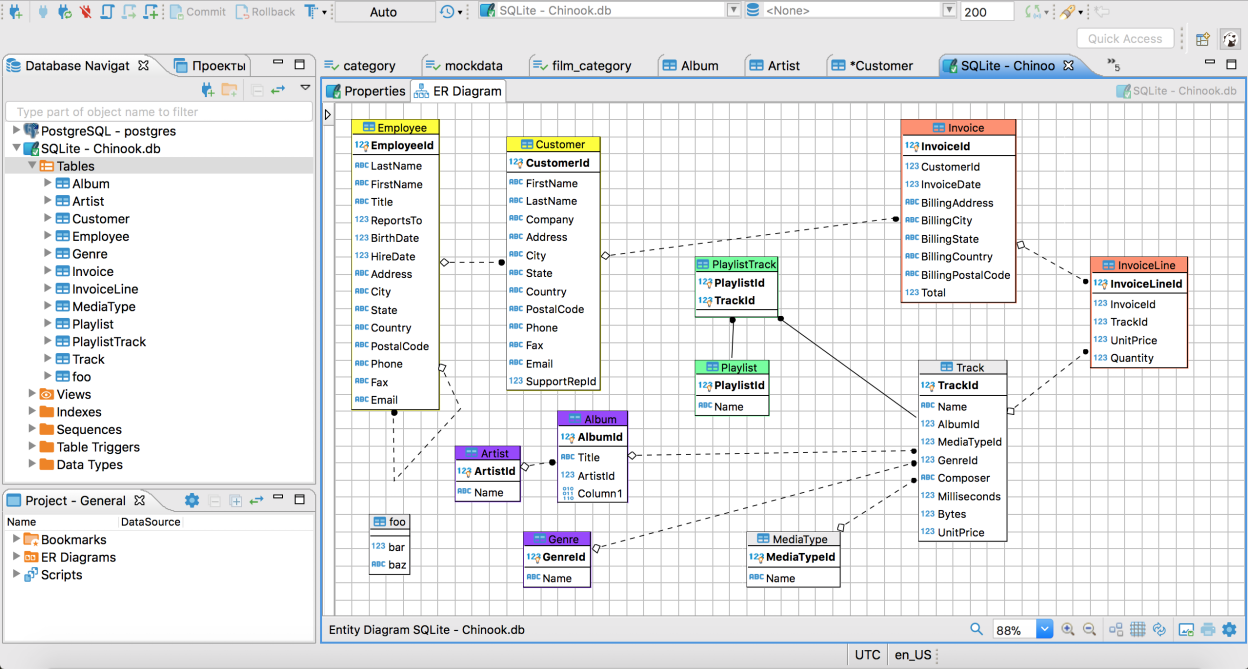
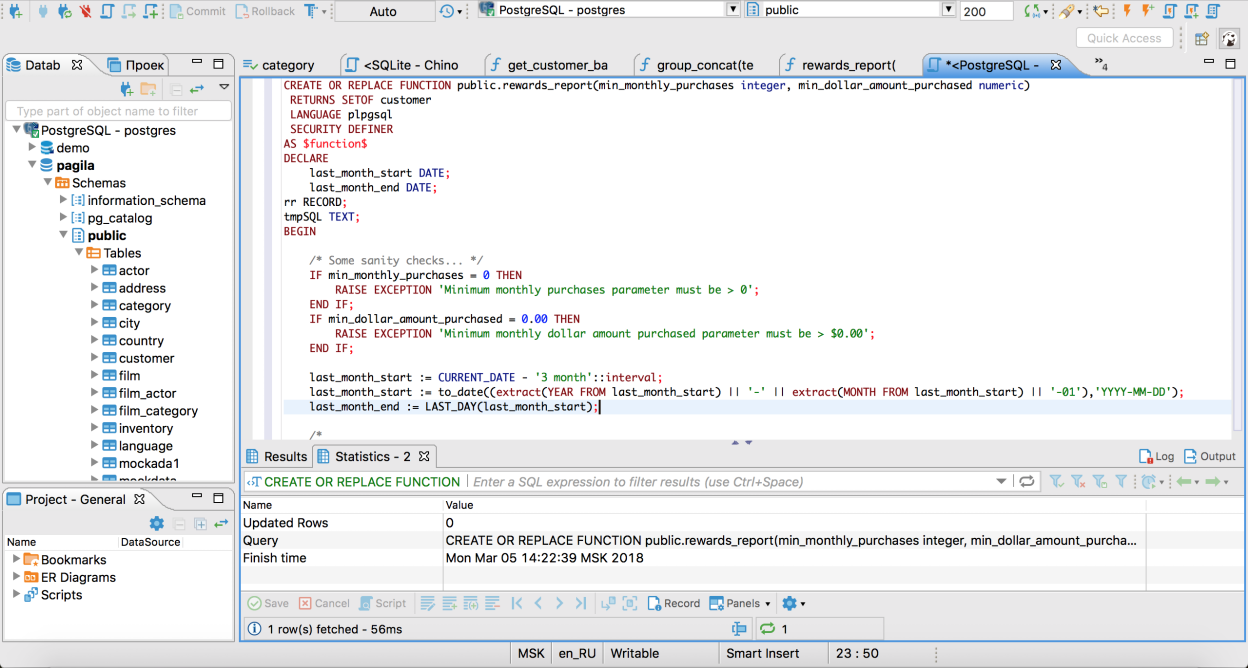
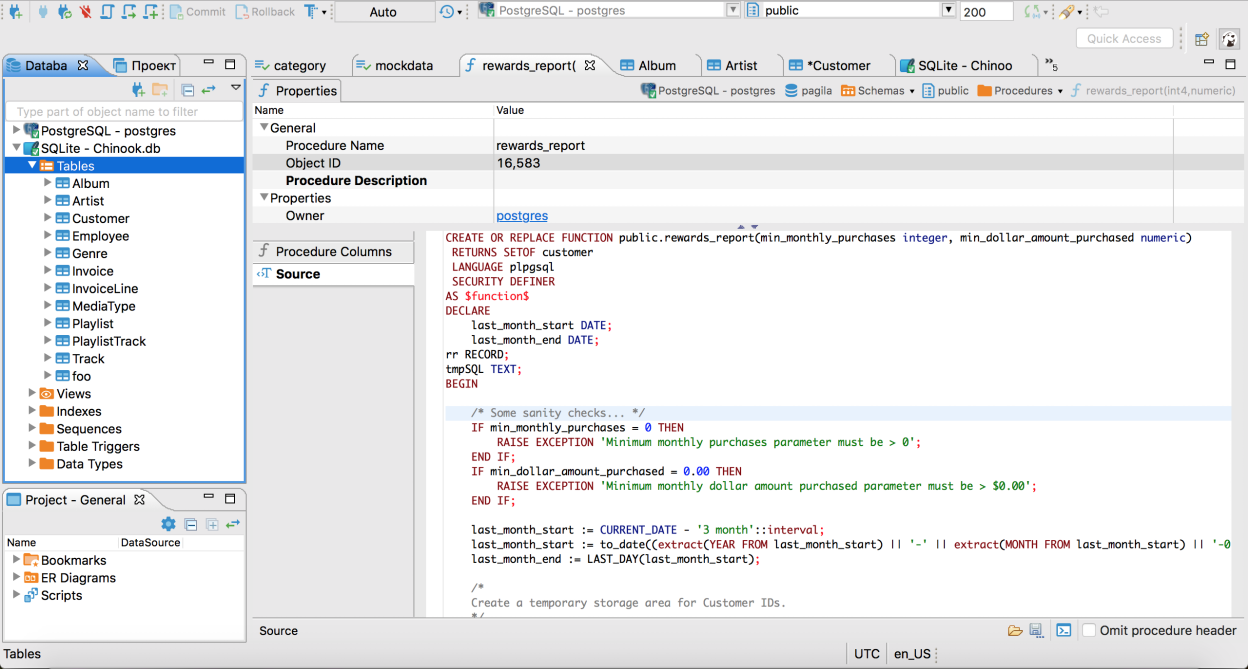
Observed history
| App | Change | Version | When ↓ |
|---|---|---|---|
| updated | 26.2.2 | 5 Oct 2026 |
Upstream releases
Release notes supplied by the developer. These dates are not Flathub package publication times.
26.2.24 Oct 2026
AI Assistant:
- Redesigned the AI engine selector with a native drop-down, engine icons, and improved keyboard accessibility
- Fixed model discovery for self-hosted OpenAI-compatible endpoints with non-OpenAI model names
- Improved error messages for HTTP redirects from custom OpenAI-compatible endpoints by showing the redirect target and configuration guidance
- Fixed model listing and chat requests for self-hosted OpenAI-compatible endpoints when the base URL has no trailing slash (thanks to @Ashfaqbs)
- Improved guidance and validation when the custom AI scope contains no database objects
- Fixed an issue on macOS where opening the AI profile or model picker could immediately select an item
SQL Editor:
- Added a setting to choose whether Enter, Tab, both, or neither accepts autocomplete suggestions
- Added a preference to disable the large-script result-fetch warning (thanks to @akmalsyrf)
- Fixed SQL Editor toolbar background colors for color-coded connections in the dark theme
Metadata Editor:
- Fixed invalid table DDL generation when column comments contain double hyphens (thanks to @MicBun)
Data Editor:
- Made the issue-reporting link clickable when the calendar editor encounters an unsupported date/time value
- Fixed spacing and background inconsistencies in the virtual structure editor
Connectivity:
- The connection wizard now prompts users to choose a connector when the selected database has multiple options
- Improved navigation between project and global network profile settings
- Improved the confirmation dialog for removing a network handler
Navigator:
- Restored context menus for breadcrumbs in object editors and the status bar
- Fixed a startup freeze when Database Navigator was in a detached window
Miscellaneous:
- Fixed a Linux startup crash when the Product Configuration wizard opened
- Redesigned and reorganized the General preferences page
- Improved Preferences search by adding keywords to preference pages
- Fixed inaccurate progress reporting during native tool file transformations (thanks to @cuishuang)
- Fixed overly bright hover highlighting for view minimize and maximize buttons on Windows in the dark theme
- Improved editor tab visibility by adding separators between unselected tabs
- Fixed excessive accumulation of temporary files and improved cleanup of abandoned files
- Fixed diagnostic archive collection to include all rotated log files
- Fixed version-update controls to prevent duplicate downloads and keep the update button correctly positioned
- Improved drop-down list sizing, scrolling, and theme colors
- Improved UI color updates after changing the application theme without restarting DBeaver
- Improved the contrast of inactive editor tabs for color-coded connections in the dark theme
- Added theme selection with live preview to the User Interface preferences
Databases
Apache Doris:
- Fixed CSV import into schemas and post-import table refresh
GBase 8s:
- Fixed JSON value handling in the "Copy As SQL" command (thanks to @Downstream1998)
- Fixed the Columns tab failing to load when the read_defaultstr routine is unavailable (thanks to @sakshichitnis27)
PostgreSQL:
- Added support for viewing and managing the PUBLIC pseudo-role in Permissions tabs (thanks to @NikRom5531)
TiDB Cloud Lake:
- Added the TiDB logo to the connection page (thanks to @akshar27)
Timeplus:
- Fixed incorrect numeric values and intermittent hangs during CSV import (thanks to @EastLord)
26.2.121 Sept 2026
Product configuration:
- Fixed an issue where toolbars for disabled tools remained visible
AI Assistant:
- Added profile and model selectors to AI Chat
- Fixed a white flash when opening AI Chat in the dark theme
- Improved AI Chat prompt caching, reducing repeated input-token processing in multi-turn conversations
SQL Editor:
- Detached query result tabs now preserve the original result tab name and tooltip
- Disconnecting a data source no longer prompts to save or automatically saves an open SQL script (thanks to @gsastraw)
- User-defined Escape key bindings now work when no inline suggestion is visible (thanks to @danielpallettfr)
- Fixed default formatting of column lists in CREATE TABLE constraints
- Fixed intermittent errors in the Error Log when editing INSERT statements
- Fixed an error that could occur when editing or moving the caret quickly while code completion was open
Metadata Editor:
- Added a tooltip explaining that object names are transformed according to database naming conventions
Data Editor:
- Added an option to display very small numbers in scientific notation instead of rounding them to zero
- Fixed dictionary lookups for columns with composite foreign keys (thanks to @gsastraw)
- Fixed an issue where hiding a column reset manually adjusted widths for other columns (thanks to @gsastraw)
- Fixed incorrect row filtering when navigating composite foreign-key references
- Improved performance when pasting a large number of cells
- Improved Value panel performance when navigating between text columns
- Fixed an issue where Advanced Paste could make the application unresponsive when inserting a large number of rows
Data transfer:
- Fixed invalid exported DDL when apostrophes in inline column comments caused separator commas to be misplaced (thanks to @MicBun)
Connectivity:
- Connection URLs can now be selected and copied while using host-based connection settings
- Added support for specifying a custom SSH agent socket for SSH tunnel authentication on macOS (thanks to @LystranG)
- Fixed importing connections from custom CSV files when optional URL parameters were missing
- Network profiles are now sorted alphabetically
Navigator:
- Fixed object filtering in Database Navigator folders when the "Connected only" filter was enabled
- Connection type color changes are now applied immediately in Database Navigator (thanks to @sernopay)
- Fixed an issue where the active project disappeared from the Projects view after being renamed (thanks to @anton-erofeev)
- Fixed an issue where changing connection view settings without reconnecting could leave the connection tree empty
- Fixed an issue where connections were not displayed in Database Navigator after switching workspaces in the Eclipse plugin
Miscellaneous:
- Version updates are now shown in the toolbar instead of a pop-up dialog, and update download progress was improved
- Added a "Run DBeaver" option to the Windows installer
- Improved editor tab highlighting for colored connections: active tabs now use the connection color, while inactive tabs use a lighter shade
- Fixed UNC path handling for DBeaver data directories on Windows (thanks to @gsastraw)
- Fixed low-contrast text in read-only dropdown menus when using the dark theme on macOS
- Improved dark theme colors for progress bars and embedded SQL editors
- Fixed an issue where log rotation failures could interrupt tasks and data transfers
- Windows ARM: Fixed a startup crash
- Fixed excessive CPU usage when the update notification appeared over the master password prompt
- Reorganized standard preference pages for easier navigation
- Windows: Restored the splash screen when DBeaver is installed in Program Files
New drivers:
- Added the Manticore Search driver (thanks to @akmalsyrf)
- Added the TiDB Cloud Lake driver (thanks to @hantmac)
Databases
Apache Doris:
- Fixed SQL query execution in the default schema without requiring the database and schema to be reselected
Apache IoTDB:
- Fixed changing the active database in the SQL Editor (thanks to @LJW21-02)
DuckDB:
- Added SQL LIMIT clauses to Data Editor queries to prevent excessive memory use with large tables
- Added support for connections on Windows ARM64
Firebird:
- Fixed function DDL generation to preserve parameter and return types, nullability, and SQL security mode (thanks to @sakshichitnis27)
GBase 8s:
- Fixed loading large CLOB and TEXT values when DBeaver is installed for all users on Windows (thanks to @Downstream1998)
MariaDB:
- Fixed an issue where the Constraints tab could show a CHECK expression from another table (thanks to @zanlucathiago)
- Named CHECK constraints are now shown in the Constraints tab for users with SELECT-only access (thanks to @zanlucathiago)
MySQL:
- Fixed execution of the SOURCE command in SQL scripts (thanks to @gsastraw)
Oracle:
- Standalone indexes used by constraints are now preserved in generated DDL
PostgreSQL:
- Fixed active schema changes in manual commit mode by prompting users to commit the current transaction and updating the schema indicator
- Fixed errors when displaying curved PostGIS geometries in the Spatial data viewer
- Fixed the ability to backup selected tables
SQL Server:
- Added support for selecting target column collations during data transfer
Timeplus:
- Fixed data transfer and CSV import by generating STREAM DDL for target objects (thanks to @EastLord)
VeloDB:
- Fixed an issue where Describe object failed for VeloDB
Localization:
- Windows installer: Restored the language selector
26.2.030 Aug 2026
Changes since 26.1.5:
AI Assistant:
- Added support for AI subscriptions for OpenAI
- Added a warning about possible AI mistakes in AI Chat
- Reorganized AI preferences
- AI-generated SQL scripts are executed like regular scripts, with a results tab, progress tracking, and the ability to fix errors
SQL Editor:
- fixed toolbar background in the dark theme on Windows
Data Editor:
- Updated the reset icon in Result set Order/Filter settings
- Fixed an event loop exception when opening the context menu in the Calc panel
Diagram:
- fixed an issue where relationship lines were not handled correctly when manually rearranging entities
Data transfer:
- fixed keyboard navigation in the Transform settings dropdown
Connectivity:
- Fixed an exception when opening connection settings for a generic driver with URL configuration
- Fixed database logo rendering on macOS
- Improved automatic connection name generation
- Fixed repeated driver download prompts during connection attempts
Navigator:
- fixed Navigator background in the dark theme
Miscellaneous:
- Fixed multiple issues in the dark theme: native tool presentation, Tip of the Day dialog display, toolbar background display, and others
- Fixed profile slider scrolling on Linux
- Updated the driver selector to show all drivers when opening the dialog
- Fixed a widget disposed error after changing the application language
- Removed project selector from the global Eclipse status bar
Databases
Apache Doris:
- Fixed the ability to transfer data from SQLite
Athena:
- Fixed Apache Calcite Avatica driver installation
BigQuery:
- Updated the driver to version 1.2.0
ClickHouse:
- Fixed date filtering
Exasol:
- Fixed an exception when opening users
Flight SQL:
- Fixed connection errors with Flight SQL JDBC driver 19.0.0
MariaDB:
- Fixed ENUM dropdown opening in Record view and the Value panel
MySQL:
- Fixed an AI response handling error
- Fixed data export to clipboard (thanks to @EastLord)
Oracle:
- Fixed endless refresh when the References panel was open
PostgreSQL:
- Fixed CSV import with bulk load enabled
- Fixed schema switching after changing the active schema
- Fixed incorrect search path update after changing the active schema
Snowflake:
- Fixed column ordering in Result Set Order/Filter settings
26.1.516 Aug 2026
Product configuration:
- Added Product configuration, a new setup flow that opens on first start
AI Assistant:
- Fixed alignment of fields in the OpenAI configuration dialog (thanks to @HellAmbro)
- Added the ability to duplicate AI profiles
- Improved model refresh and test connection behavior for AI engine settings
Data Editor:
- Added read-only HTML preview for text/html values in the Value panel (thanks to @michaaels)
- Fixed array and complex column visualization when "Show complex column structure" was disabled
- Fixed sorting in the Metadata panel (thanks to @gsastraw)
- Restored support for CSS color names in spatial data colorization
- Fixed spatial data display with map backgrounds and locales that use decimal commas
Data Transfer:
- Fixed an issue on Linux when export error dialogs could be hidden behind the export window (thanks to @JackyLin0123)
- Fixed column enablement in table mapping when using the Space key (thanks to @EastLord)
- Fixed an issue where saved import tasks could lose target table and column mapping settings after an update
Connectivity:
- Added support for custom authentication models in Custom CSV/XML connection import (thanks to @weih-kahoot)
- Fixed browser-based authentication on Linux systems where the default browse action is not supported
- Fixed connection color updates when changing the connection type in connection settings
- Added database and driver version information to diagnostic log archives
Navigator:
- Hid the Delete context menu item when metadata changes are disabled in Simple view mode (thanks to @MilosM348)
- Fixed an issue where the database Navigator did not open correctly
New Drivers:
- GreptimeDB: Added a dedicated driver entry using the MySQL-compatible protocol (thanks to @EastLord)
Databases
ClickHouse:
- Added support for displaying Map values in the Data Editor
- Fixed DDL generation for views that do not contain a table-style column declaration block (thanks to @SEPURI-SAI-KRISHNA)
Databricks:
- Improved display of ARRAY and STRUCT values by showing complex arrays as JSON
Firebird:
- Fixed SSH tunnel testing when required database connection parameters were not set
MonetDB:
- Updated the default JDBC driver class name to restore driver loading (thanks to @scorpion3399)
MySQL:
- Fixed native database dumps when passwords contain # or other special characters (thanks to @sakshichitnis27)
Netezza:
- Fixed NCHAR length generation in DDL and improved recognition of NCHAR and NVARCHAR data types (thanks to @KrzysztofDusko)
PostgreSQL:
- Fixed an issue where the selected schema could be lost after a query error in manual commit mode
- Fixed backup and restore behavior that could omit tables during restore
- Fixed generated calls for functions that return composite types (thanks to @HellAmbro)
StarRocks and Apache Doris:
- Preserved raw SHOW CREATE DDL output without applying additional formatting (thanks to @dupen01)
TDengine:
- Fixed unresolved Maven dependency warnings in the built-in driver configuration (thanks to @EastLord)
LibSQL:
- Added support for database views