
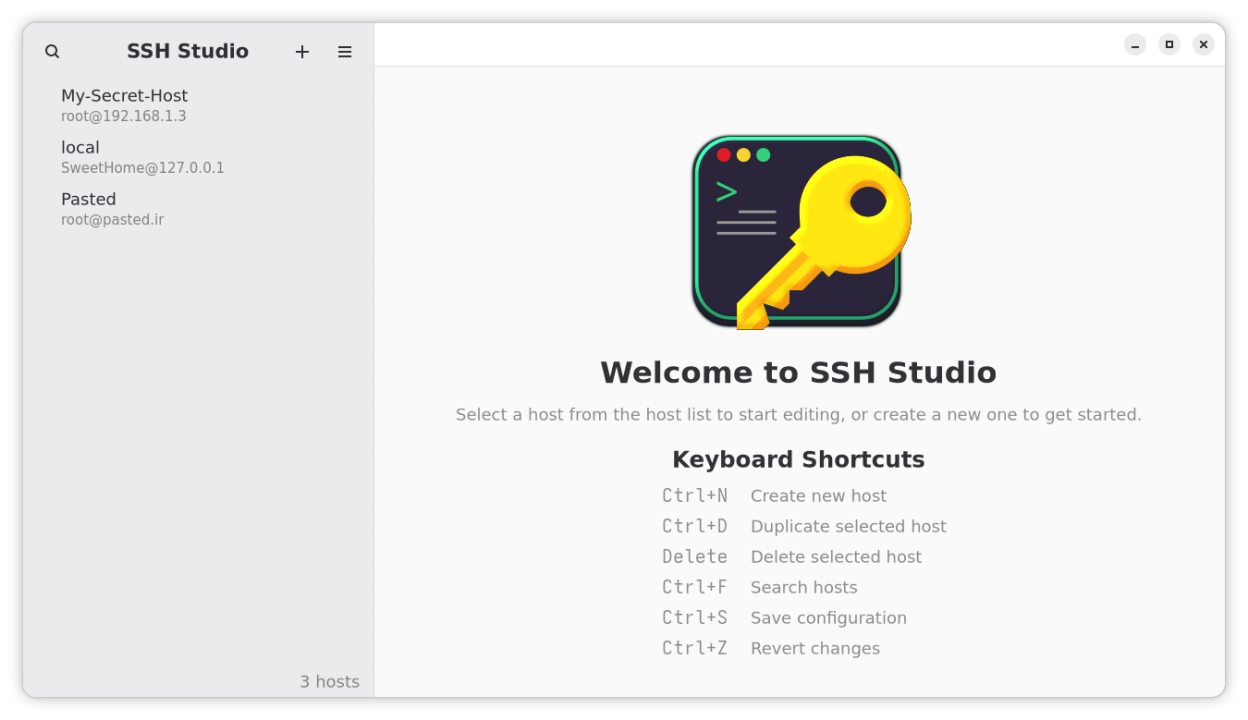
SSH Studio is a native desktop application for managing SSH configuration files. It provides a user-friendly interface to create, edit, and validate SSH hosts without needing to use terminal editors.
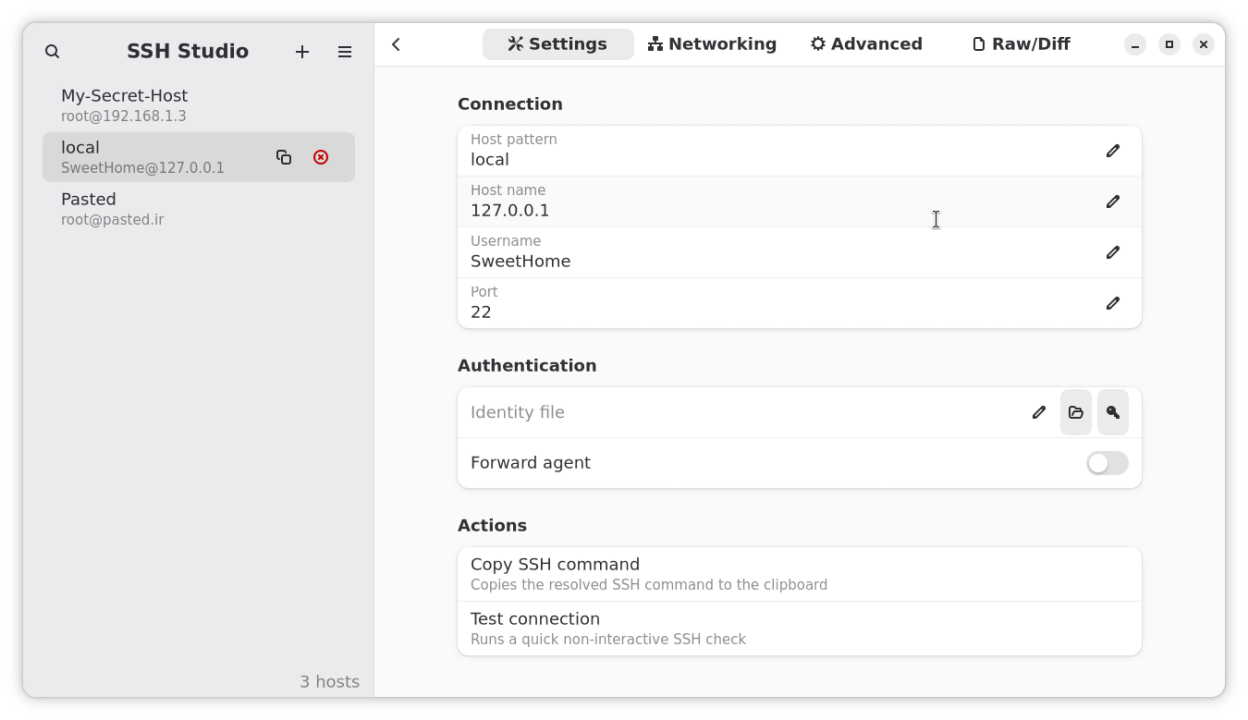
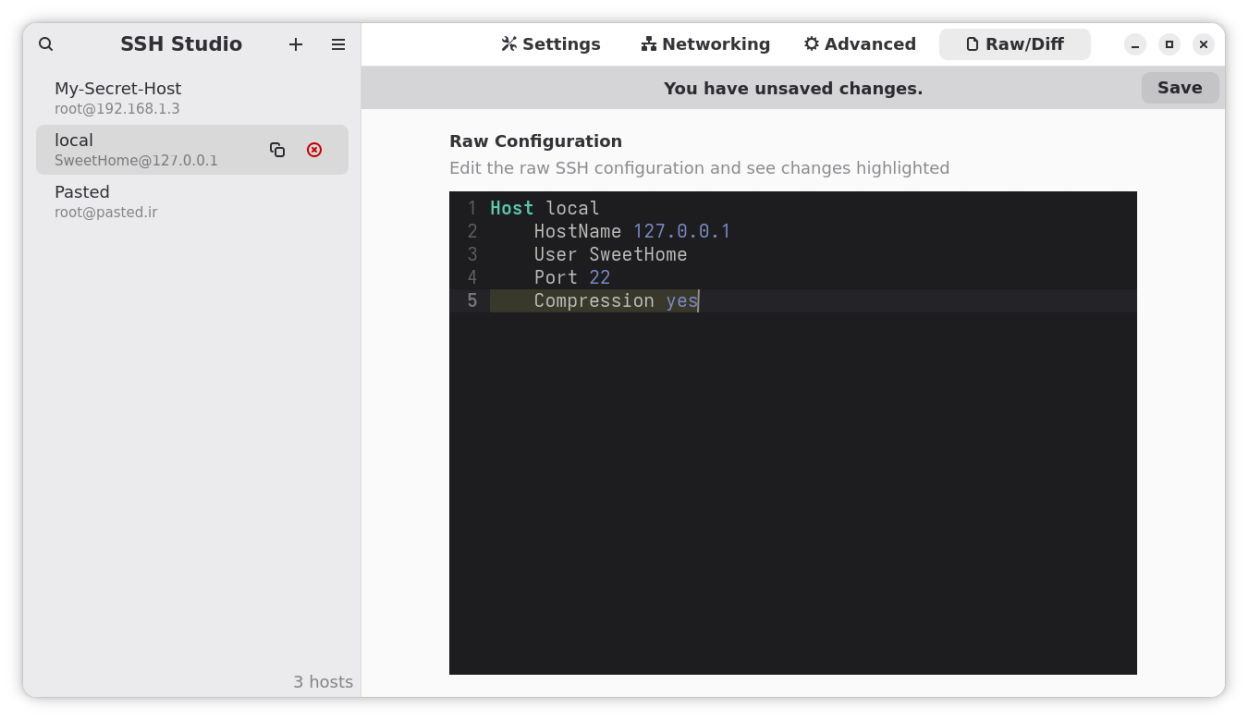
The application offers both visual and text-based editing modes. The visual editor lets you fill in common SSH fields like Host, HostName, User, Port, and IdentityFile with form-based inputs. For advanced users, the raw text editor provides direct access to the configuration with live syntax validation and diff highlighting.
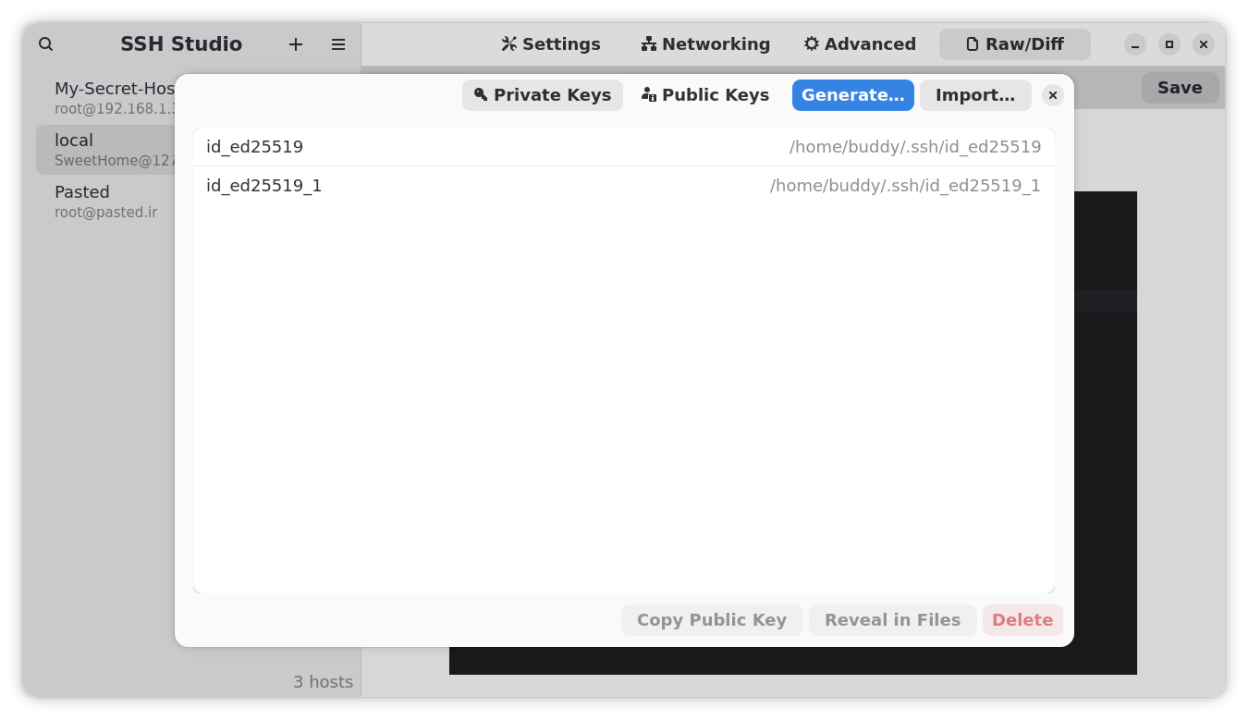
Key features include inline validation to catch duplicate aliases and syntax errors, search and filtering capabilities, SSH key management tools, and safe saving with automatic backups. The interface is designed for GNOME with support for both light and dark themes.
Screenshots
Observed history
| App | Change | Version | When ↓ |
|---|
No observed changes yet.
The initial import establishes a baseline. Future version changes will appear here.
Browse the app catalogue →Upstream releases
Release notes supplied by the developer. These dates are not Flathub package publication times.
1.3.126 Sept 2025
Fixed many major UI bugs.
Added Undo button to the header.
Added Fresh new drag and drop reordering system for hosts.
Added Keyboard Shortcuts to the host list.
1.3.022 Sept 2025
Support for GNOME 49.
Added Keyboard Shortcuts! Access the full list of shortcuts in the menu.
Massive UI updates!
Fixed Clipboard issues.
Improved performance by async parsing.
1.2.317 Sept 2025
Host Editor searchbar fixed.
Unusual behavior of host list fixed.
1.2.214 Sept 2025
This release introduces improved icon design and enhanced visual consistency.