
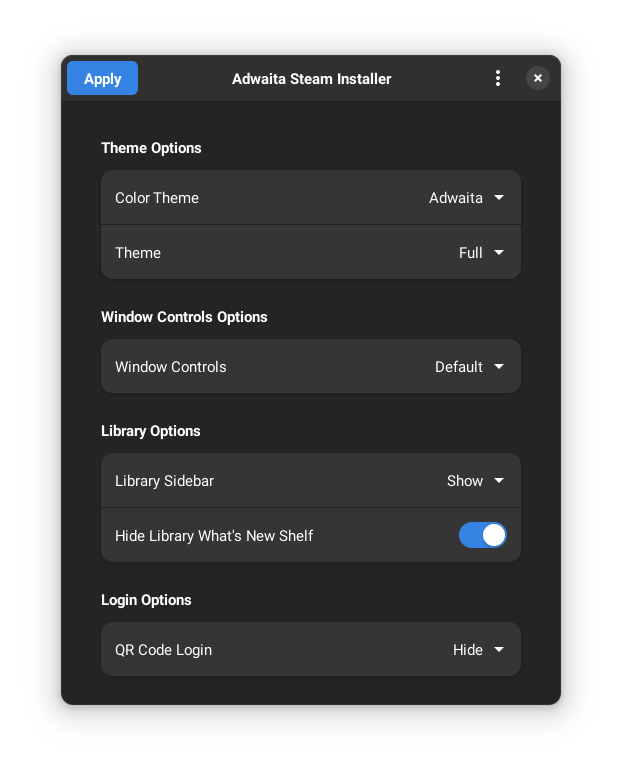
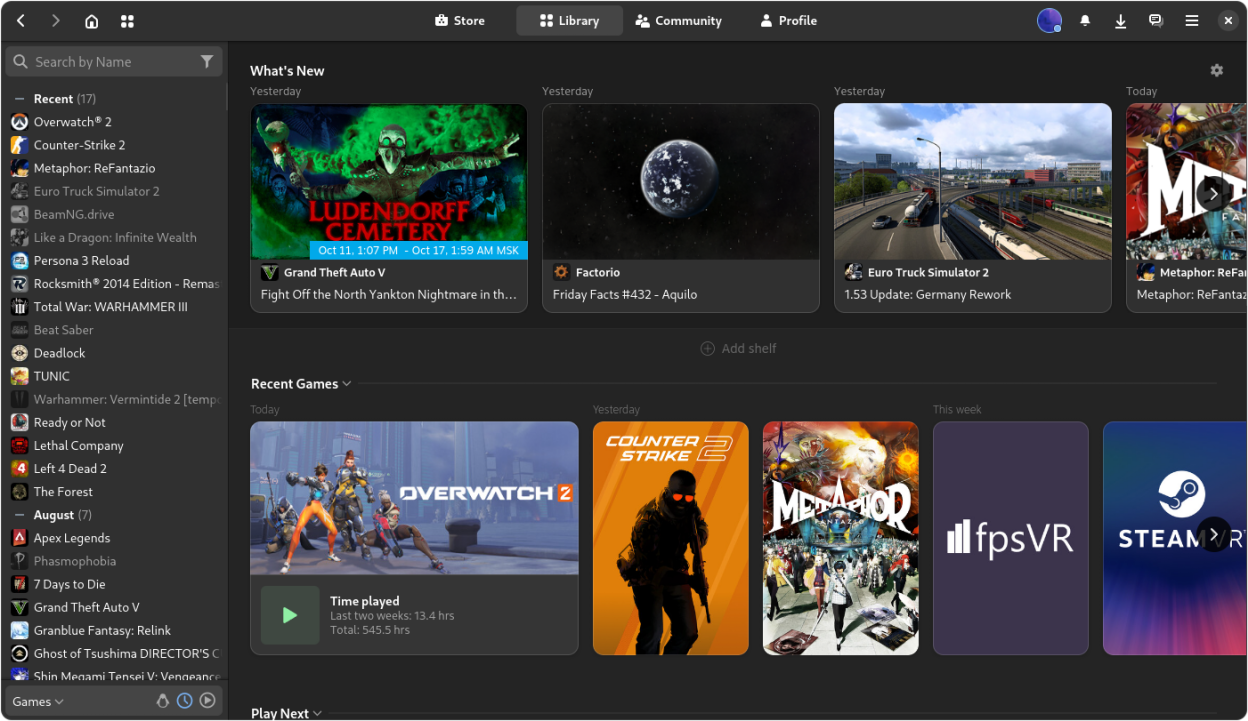
Make Steam look like it belongs on your computer. This app installs and updates the Adwaita-for-Steam skin for you. It's as simple as this:
- Configure the skin to your liking
- Click the “Apply” button
- Restart Steam
On startup, the app will automatically download any updates to the skin and display a notification. Apply the skin again and restart Steam to take the changes into use.
In order to get rounded corners on Steam, you will need to use the “Rounded Window Corners” GNOME extension.
Screenshots
Observed history
| App | Change | Version | When ↓ |
|---|
No observed changes yet.
The initial import establishes a baseline. Future version changes will appear here.
Browse the app catalogue →Upstream releases
Release notes supplied by the developer. These dates are not Flathub package publication times.
0.8.01 Mar 2025
- Fixed theme previews
- Allow previewing themes that are partial
- Window Controls can now be disabled entirely
- Updated Translations
0.7.223 Nov 2024
- Improved error handling when retrieving window control settings through portal
0.7.114 Nov 2024
- Fixed an issue when installing colorthemes through the CLI
0.7.010 Nov 2024
- Updated to use new window control options