
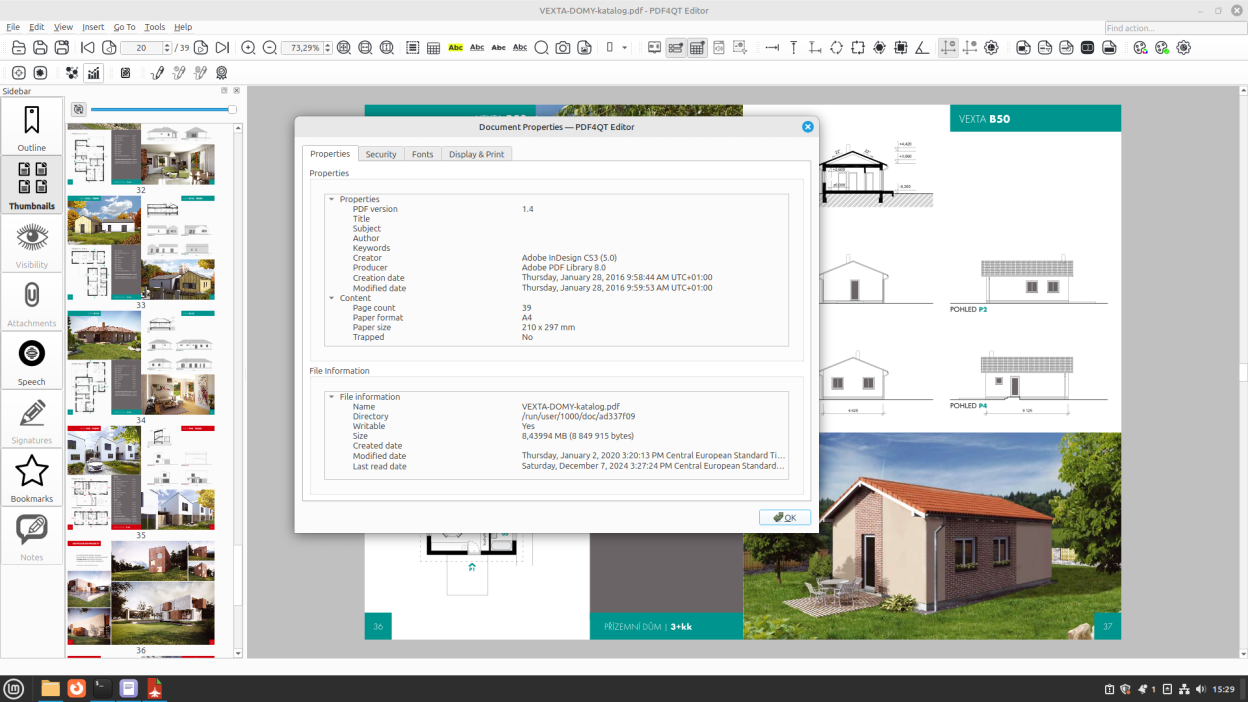
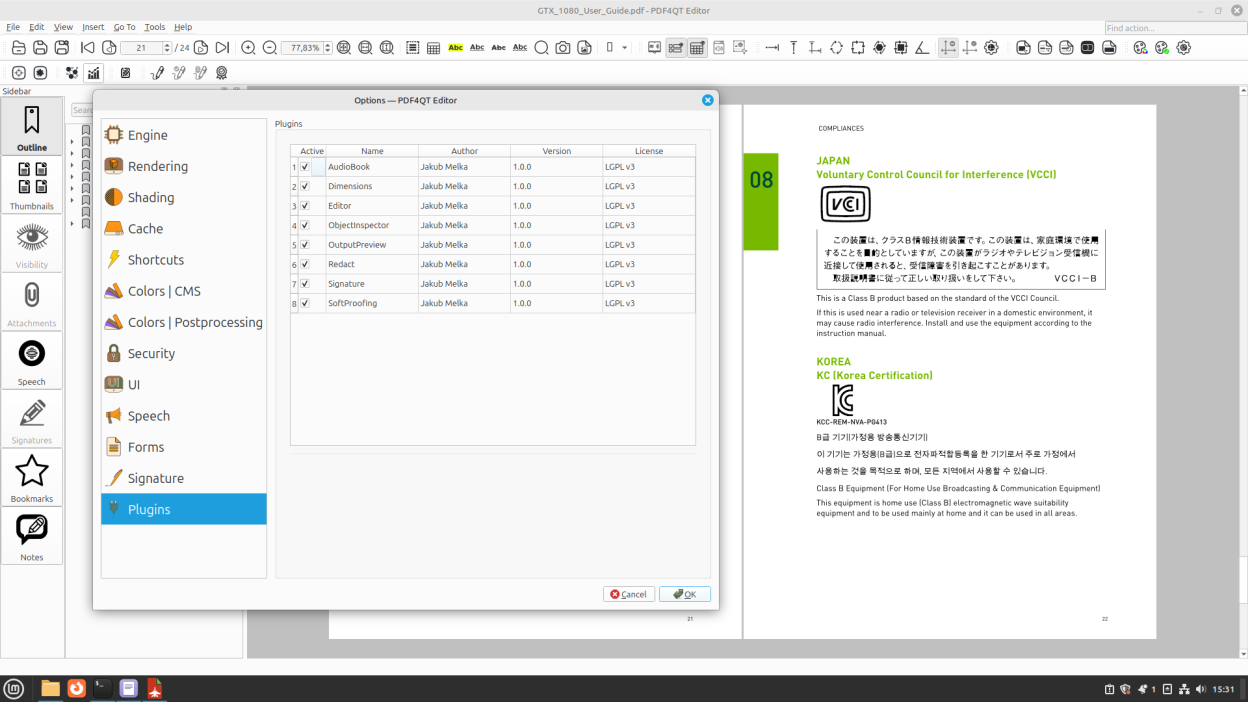
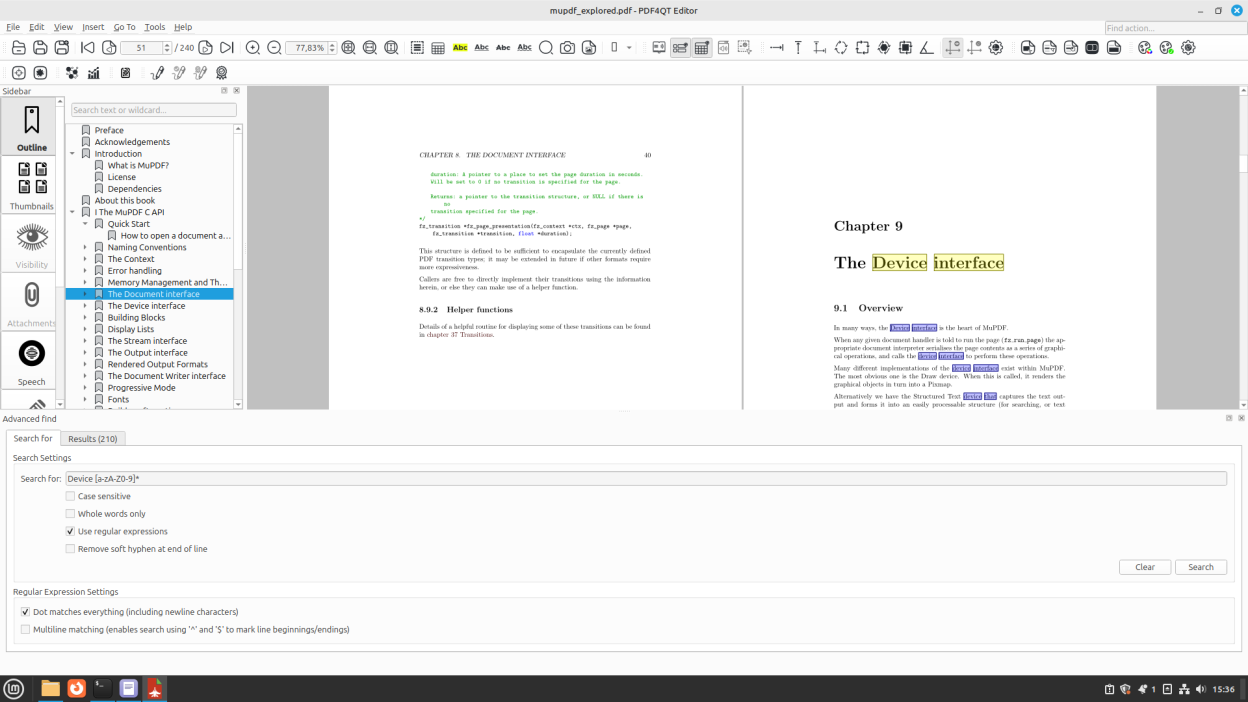
Unleash the power of PDF4QT: Your go-to open source PDF editor. Beyond its capabilities in encryption, optimization, advanced annotations, editing, and signing, PDF4QT offers an extensive range of features to enhance your PDF experience. With intuitive PDF viewing/editing applications and a handy command-line tool, PDF4QT streamlines your PDF interactions. Discover its vast potential today.
Screenshots
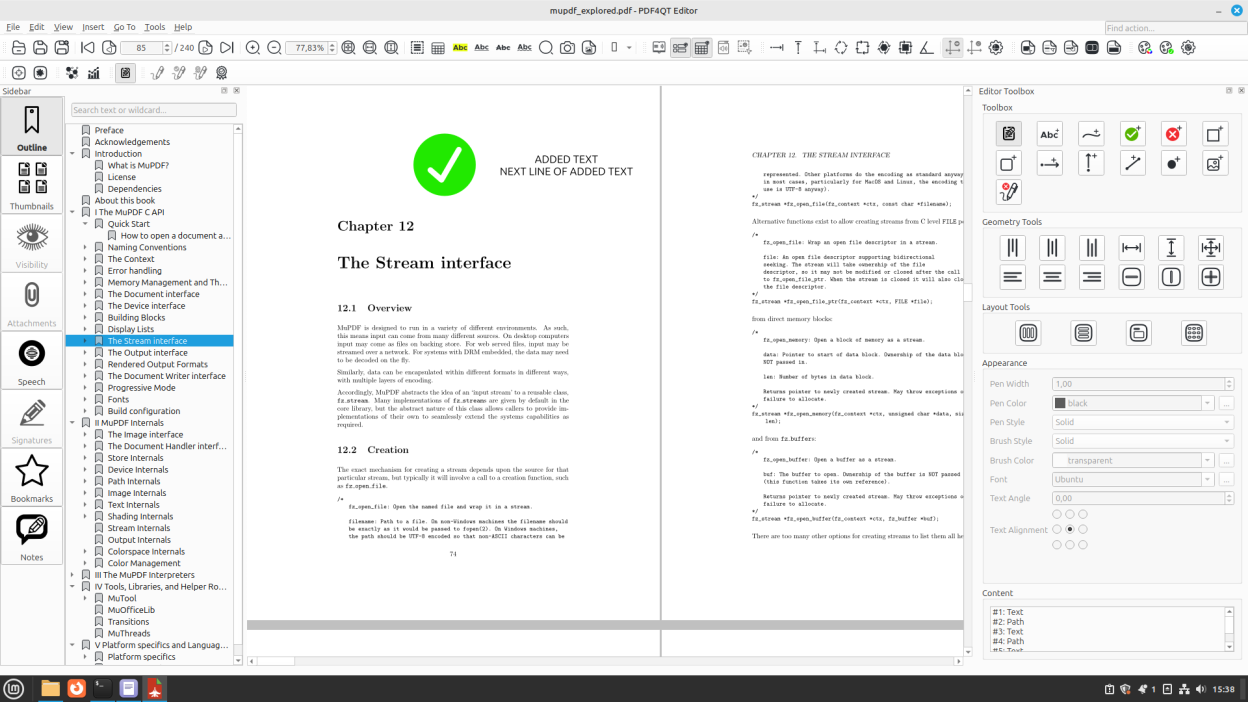
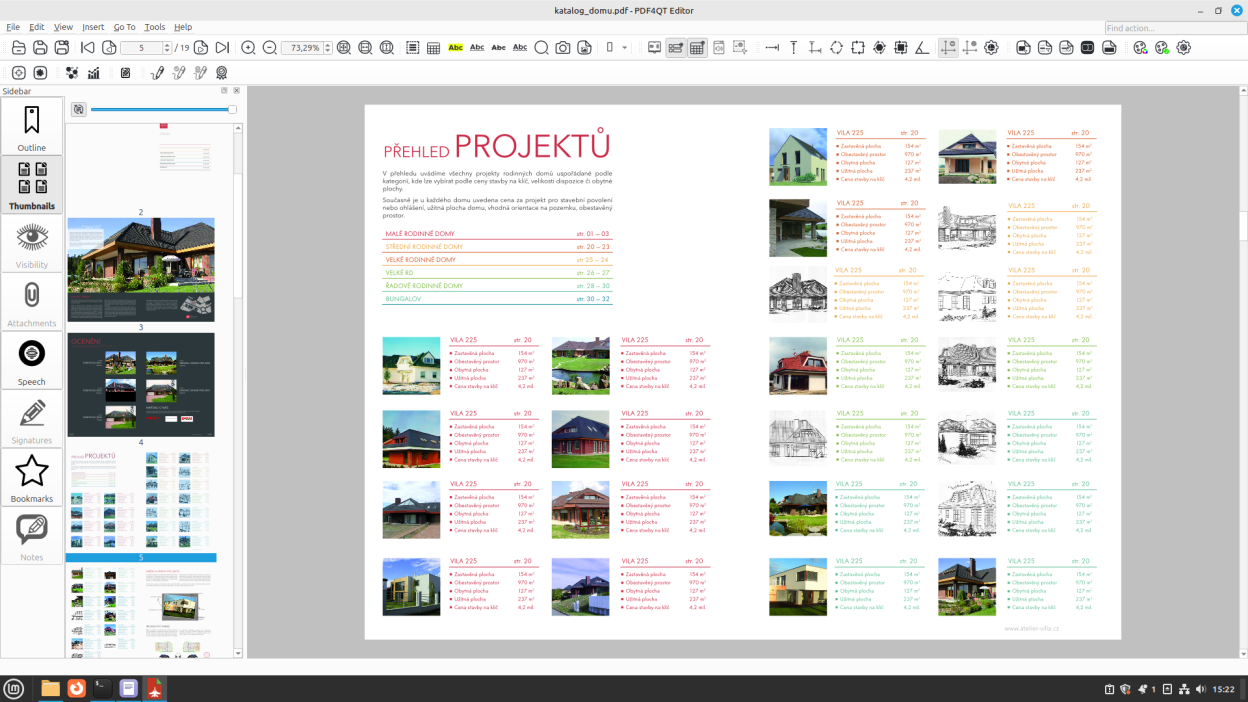
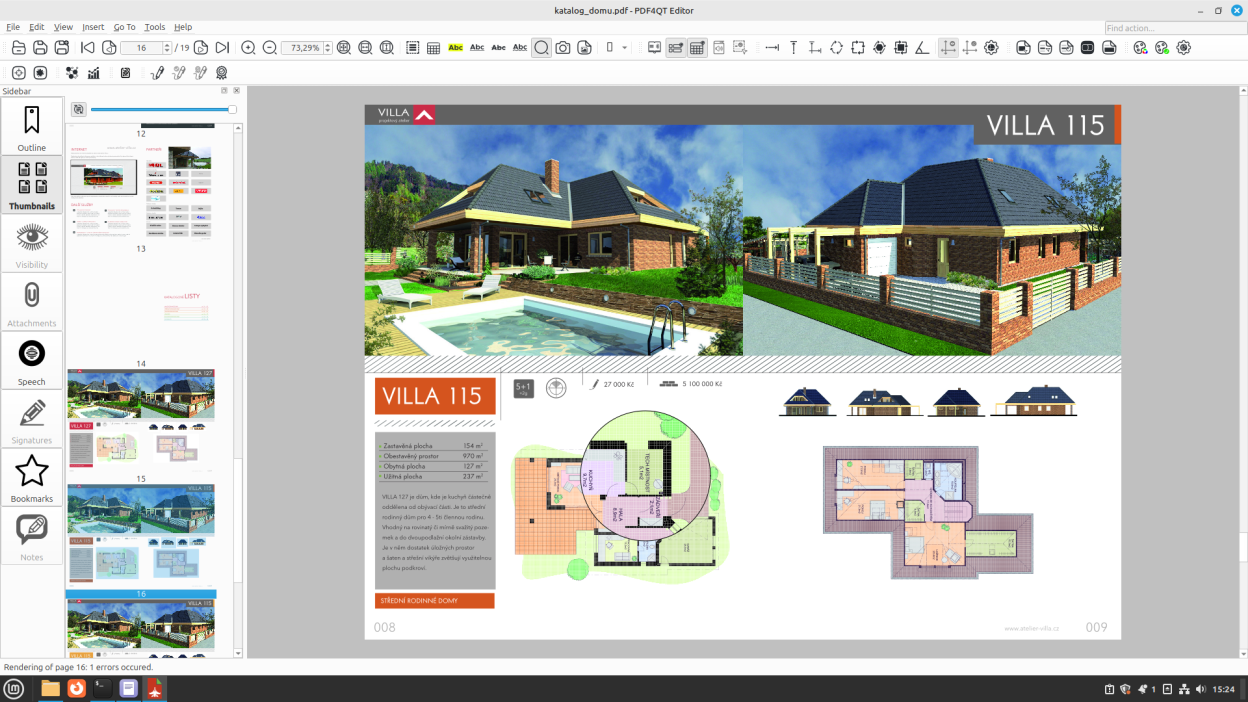
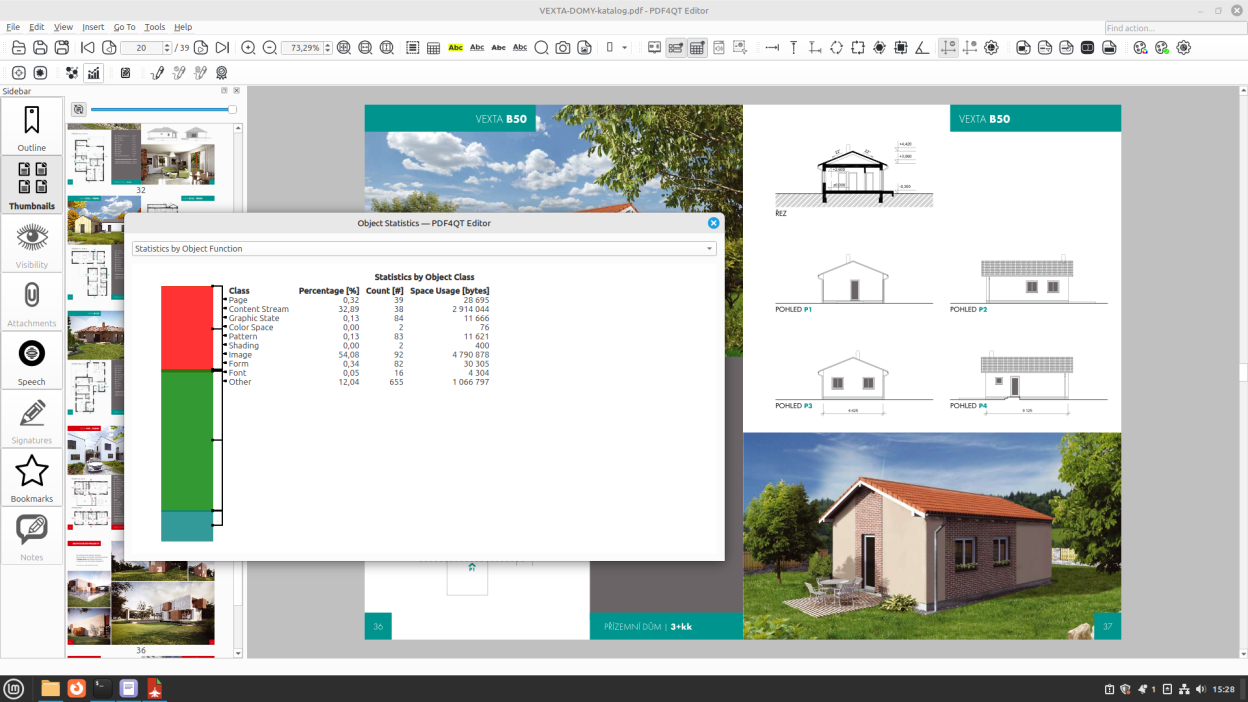
Observed history
| App | Change | Version | When ↓ |
|---|
No observed changes yet.
The initial import establishes a baseline. Future version changes will appear here.
Browse the app catalogue →Upstream releases
Release notes supplied by the developer. These dates are not Flathub package publication times.
1.6.0.014 Jun 2026
- Issue #389: Adding hyperlink to _internal_ object in PDF
- Issue #388: Update Windows color management system
- Issue #385: PDFTextLayoutGenerator::isContentKindSuppressed(ContentKind kind) is missing ContentKind::Form
- Issue #384: In the "Optimize Images" dialog, the info on the final image resolution and final DPI does not update
- Issue #383: UX improvements for PDF4QT PageMaster tool (v1.5.3.1) (ex. DocPage Organizer)
- Issue #382: Startup Settings
- Issue #381: Separated apps for double-click viewer in Linux
- Issue #380: Ability to run app with custom settings directory - executable parameter with path
- Issue #379: Advanced Find - Wildcard Mode
- Issue #378: Advanced Find - Should start searching if Enter key is pressed
- Issue #376: Deleting a note jumps to Outline
- Issue #375: Not enough maximum compiled page cache
- Issue #373: Ctrl/Shift keyboard selection for Outline
- Issue #372: Option to not color images
- Issue #370: Extracting pages within a range
- Issue #369: Keeping redact box on
- Issue #368: Side-to-side scrolling
- Issue #357: Bulk delete/add/edit of page labels
- Issue #356: Compatibility issues - font problems
- Issue #354: Color blend mode for highlights
- Issue #352: Icon size of the sidebar
- Issue #349: Add inherit zoom to bookmark zoom options
- Issue #338: Editor toolbox higher than editor window
- Issue #334: Impossible to set French language
- Issue #326: Checkboxes don't render in PDF4QT
- Issue #324: Menu text not rendered with correct color
- Issue #321: Select text in Viewer
- Issue #291: Support for editing XMP metadata or exporting to PDF/UA format
- Issue #282: Editor outline view always zooms to around 50%
- Issue #256: PDF4QT cannot show some specific fonts correctly
- Issue #253: Undo/redo doesn't work in "edit page content" mode
- Issue #250: Snapping
- Issue #242: Full screen
- Issue #234: Setting font, font size and area of text annotations
- Issue #230: Garbled characters when opening PDF files with PDF4QT
- Issue #225: PDF4QT cannot open PDF files with embedded files
- Issue #224: Option to remove invisible text
- Issue #194: Change page size
- Issue #160: Color | Custom (green/black) does not work
- Issue #136: Smooth scrolling of document with mouse middle wheel - flywheel
- Issue #92: Add image compression to PDF DocPage Organizer
- Issue #18: Performance optimization - OutputPreview Renderer
1.5.3.122 Jan 2026
Windows installer fix
1.5.3.018 Jan 2026
This release was withdrawn.
- Issue #341: Embed AppImage update information
- Issue #339: Traditional Chinese translation file
- Issue #333: ijg-libjpeg obsoleted in vcpkg
- Issue #329: How to remove "External links"
- Issue #269: Nested bookmarks lose children when moving
- Issue #179: Adding a JPG or PNG signature image crashes PDF4QT
- Issue #146: Incorrect fonts displayed on Linux
- Issue #144: Drag and drop text note annotations
1.5.2.020 Sept 2025
- Issue #313: Remove history UX improvement
- Issue #310: Docpage organiser uses PDF title rather than filename
- Issue #306: Unable to delete the recent files history.
- Issue #303: Add Dockerfile for Simplified PDF4QT Setup with Qt 6.9.1 and All Dependencies
- Issue #301: Russian Language file
- Issue #296: Redaction annotation support in PdfTool
- Issue #295: Request: Make page layout choice persist between files
- Issue #279: qt_add_translations uses options only in qt 6.9
- Issue #284: Scaling dimensions [Enhancements, Features]
- Issue #281: install API headers for reuse by other applications ?
- Issue #251: Let user lock direction of lines/polylines when pressing keybinding (e.g. shift)