
Klia Kompress
Image, video, and audio compression and conversion tool
N3koSempai ✓ Verified
io.github.N3kosempai.klia-kompressKlia Kompress is a fast, privacy-focused compression and conversion tool. Convert and compress your images to modern formats like AVIF, WebP, JPEG, and PNG, your videos to AV1, and your audio to Opus or AAC — all locally on your device, no cloud services required, and without tracking.
Screenshots
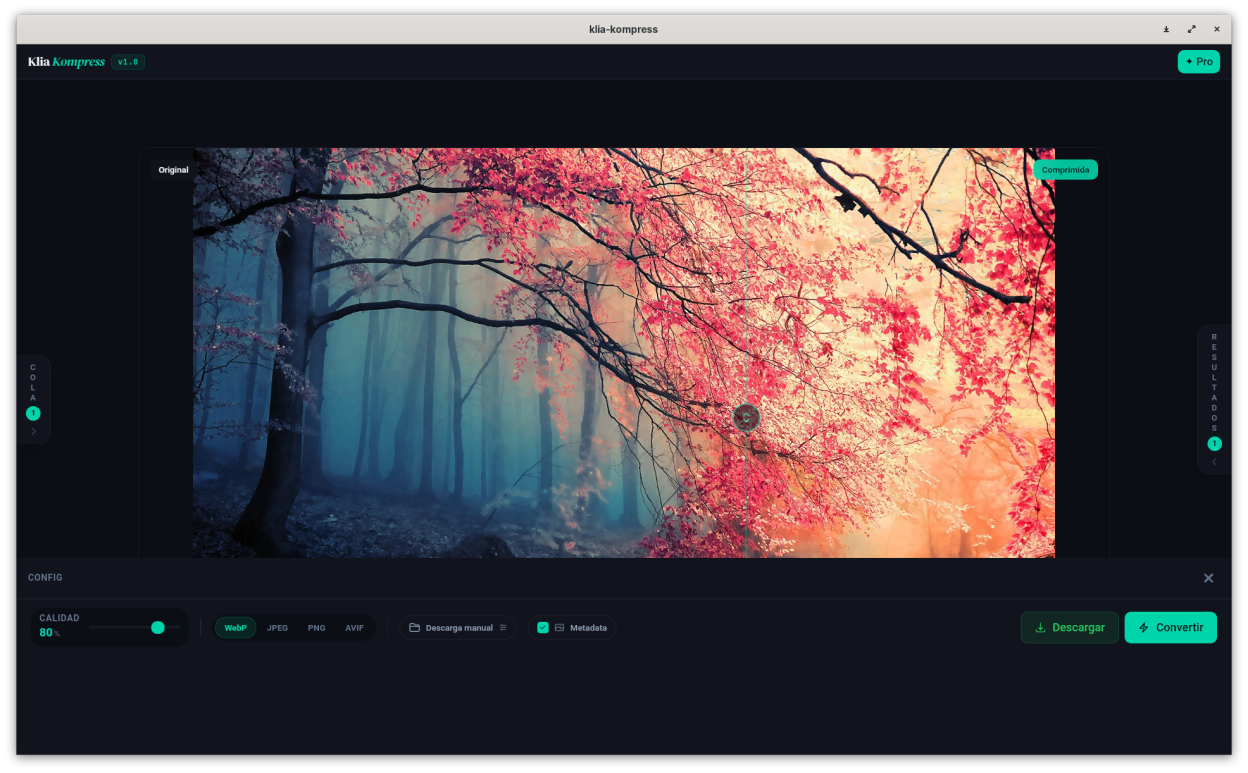
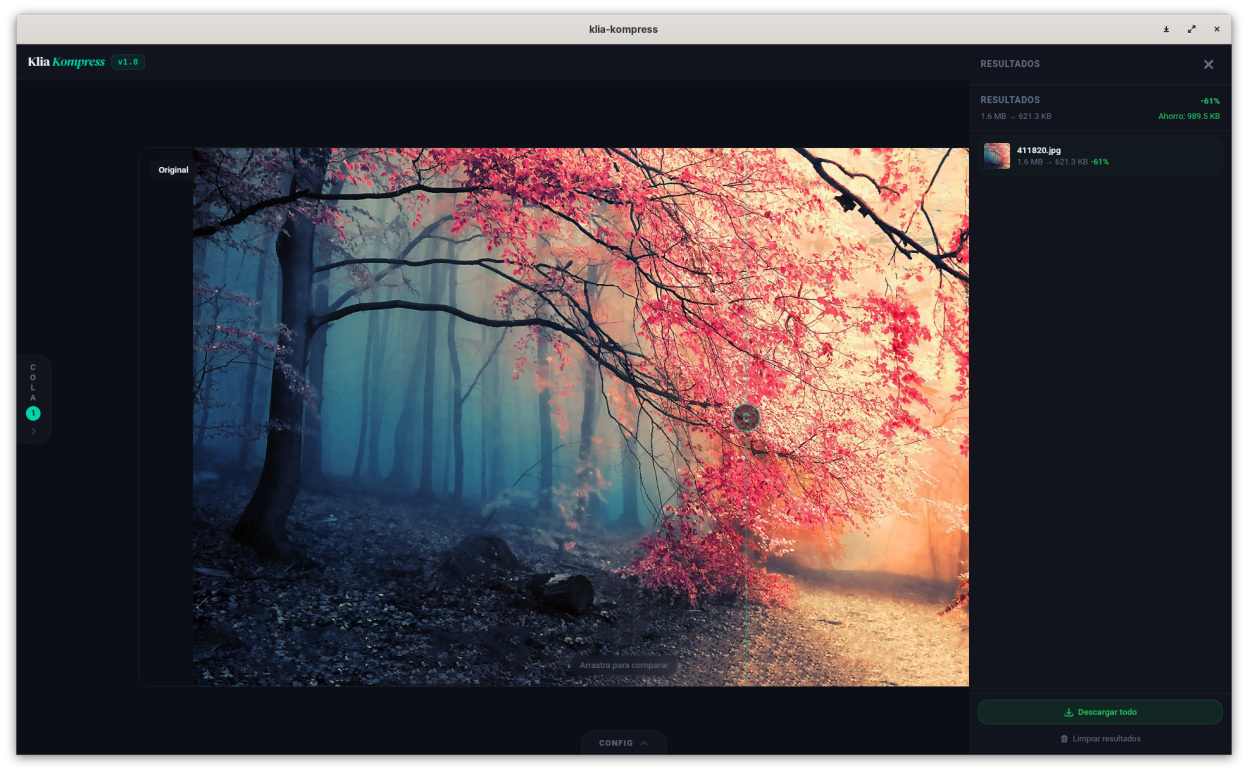
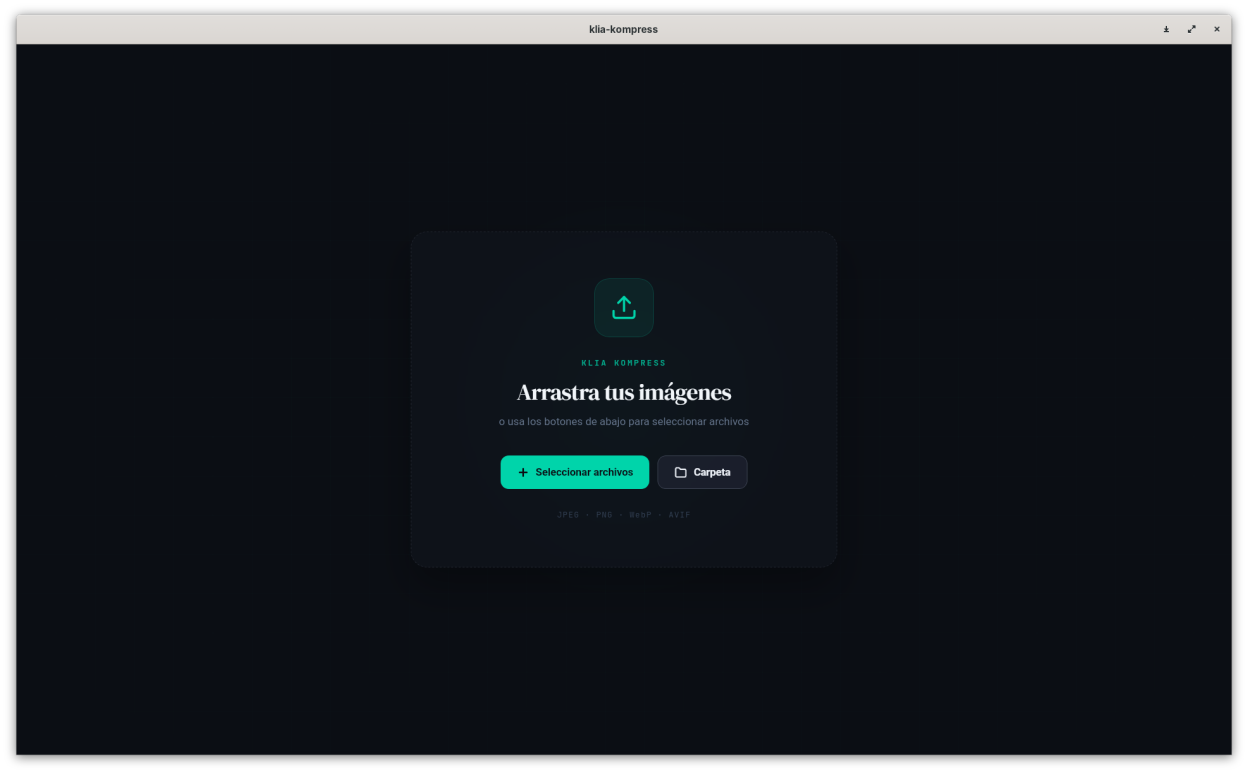
Observed history
| App | Change | Version | When ↑ |
|---|---|---|---|
| updated | 2.4.0 | 19 Sept 2026 |
Upstream releases
Release notes supplied by the developer. These dates are not Flathub package publication times.
2.4.019 Sept 2026
Audio conversion now available in batch mode with presets, plus interface fixes.
- New: batch conversion now supports audio files, with the same saved presets used in single-file audio conversion
- The settings panel now opens automatically when entering the photo, video, or audio views, and reopens whenever you drop or select a new file — even if you had closed it
- Fixed the licensing purchase page URL
- Unified the licensing interface into a single window
- Fixed a bug where files added via drag & drop could show 0B in the original files queue
2.3.012 Sept 2026
New: audio conversion, with your choice of output format and a batch queue like photos.
- New: convert audio files (MP3, WAV, FLAC, OGG, M4A, AAC, WMA) to Opus or AAC — you choose the output codec instead of a single forced format
- Adjustable bitrate, channel layout (mono/stereo/original), sample rate, and optional volume normalization
- Batch queue with side panels for queue and results, just like photo conversion — select several files and convert them together
- Same save destination options as photos: manual save dialog, save alongside the original, or replace the original
- Live per-file progress and a before/after audio player for the active item
- Free version allows converting up to 3 audio files at a time; Klia Kompress Pro removes that limit
- Fully local processing — no audio data ever leaves your machine
- Fixed a few dropdown menus that looked out of place with the rest of the app's dark theme
2.2.07 Sept 2026
Selective EXIF privacy controls, custom rename templates for batch conversion, more supported video formats, and support for iPhone photos (HEIC/HEIF).
- New: choose exactly which metadata categories to exclude when converting a single image — location (GPS), date and time, camera and lens, and more technical categories — while keeping the rest
- New: batch conversion now supports custom rename templates — combine tokens like original name, date, camera, and a numbered counter, in any order, to rename files automatically as they're converted
- Live preview shows exactly how your files will be renamed before you convert, using the real files already in your queue
- Your last-used rename template is remembered for next time
- New: video conversion now also accepts AVI, WMV, and MTS/M2TS as input formats, in addition to MP4 and MOV
- New: you can now import HEIC/HEIF photos (the format iPhones and many modern cameras use) and convert them like any other image
- Original date, location, and camera info from HEIC photos now carries over to the converted file, just like with other formats
- Fixed a performance issue that could make the app feel sluggish when working with large photos
2.1.06 Sept 2026
Support for iPhone photos (HEIC/HEIF), plus performance improvements.
- New: you can now import HEIC/HEIF photos (the format iPhones and many modern cameras use) and convert them like any other image
- Original date, location, and camera info from HEIC photos now carries over to the converted file, just like with other formats
- Fixed a performance issue that could make the app feel sluggish when working with large photos