

Klia Scaler Player
Video player with real-time upscaling
N3koSempai ✓ Verified
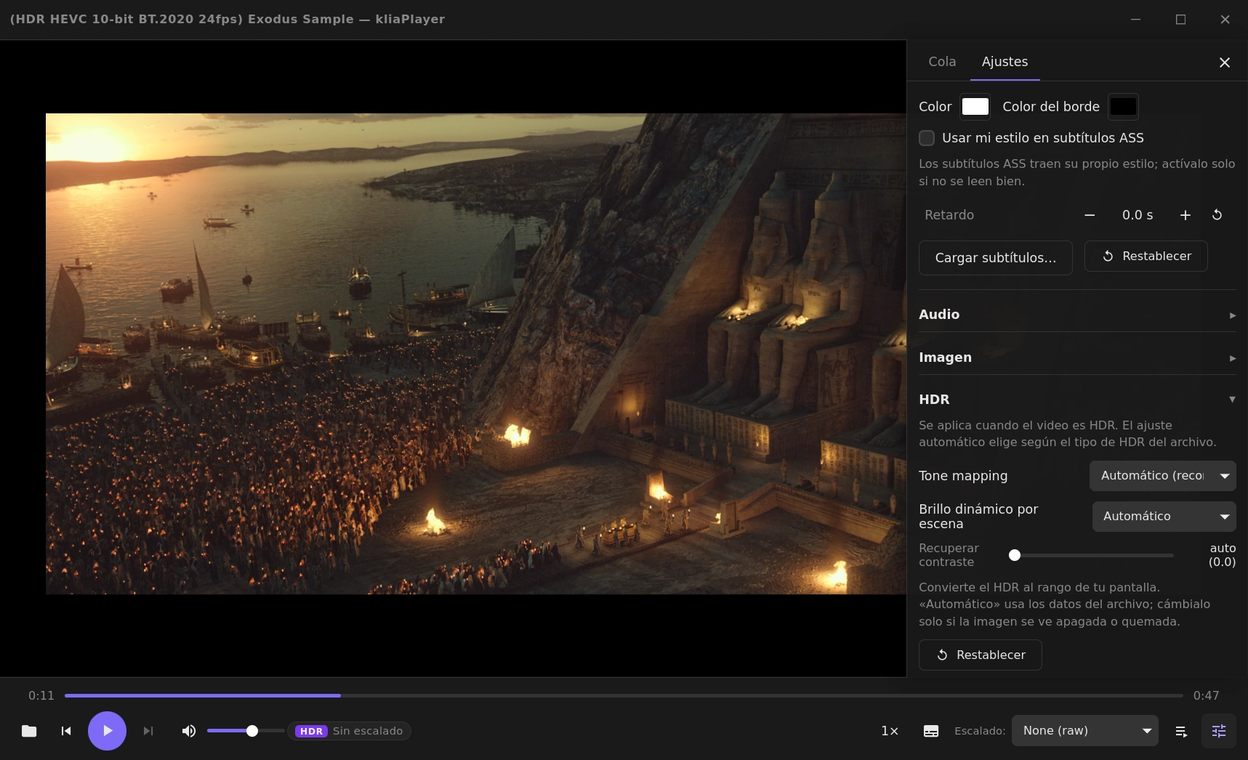
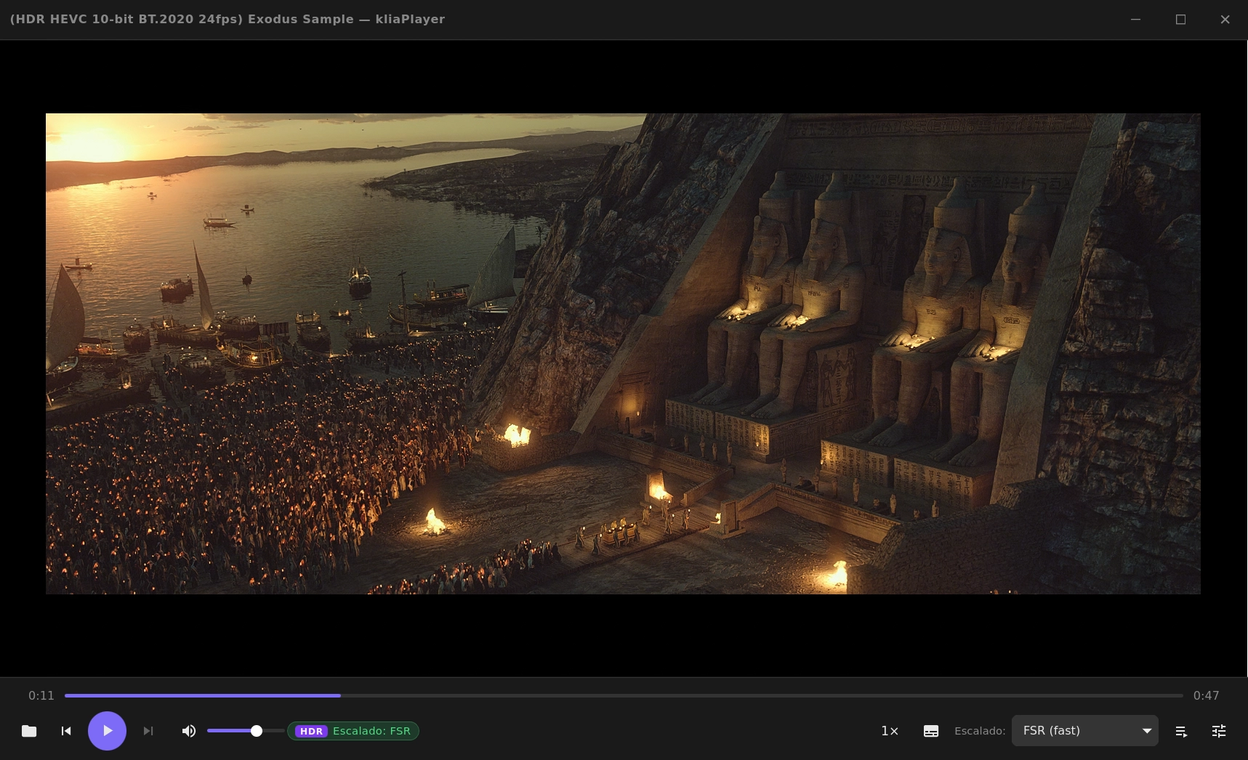
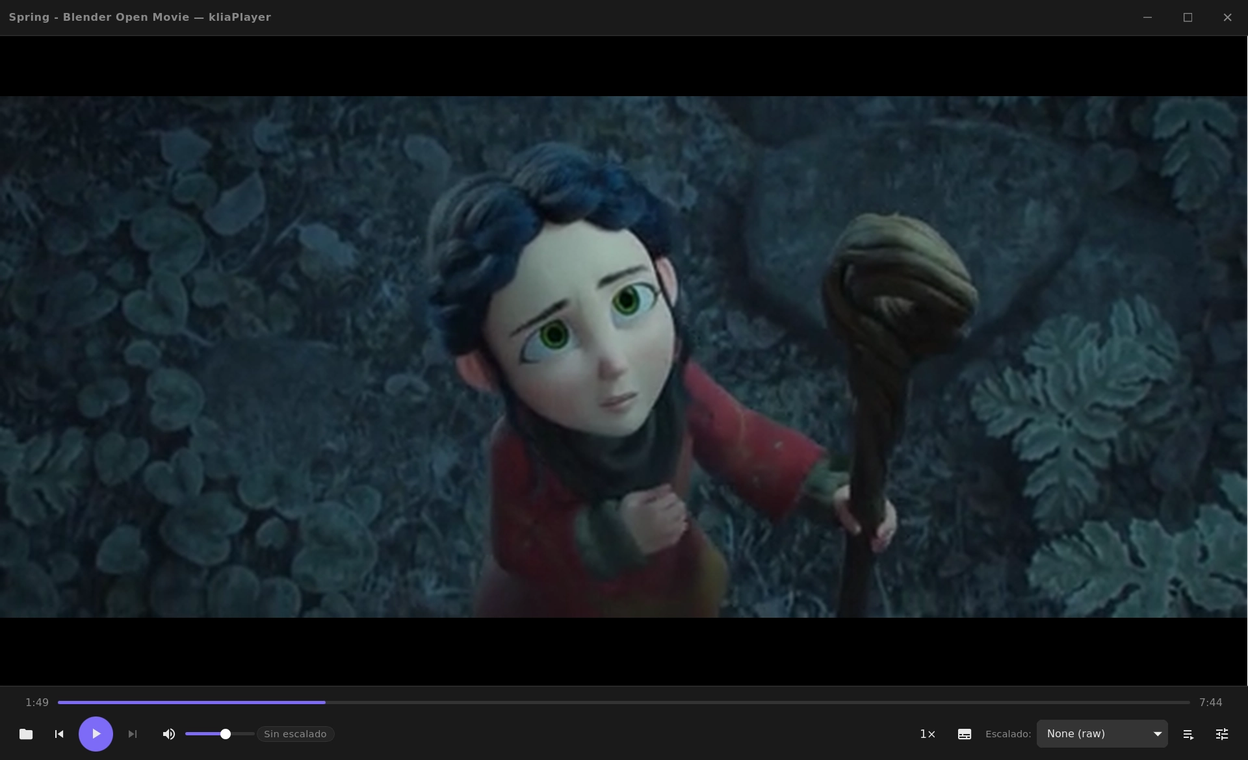
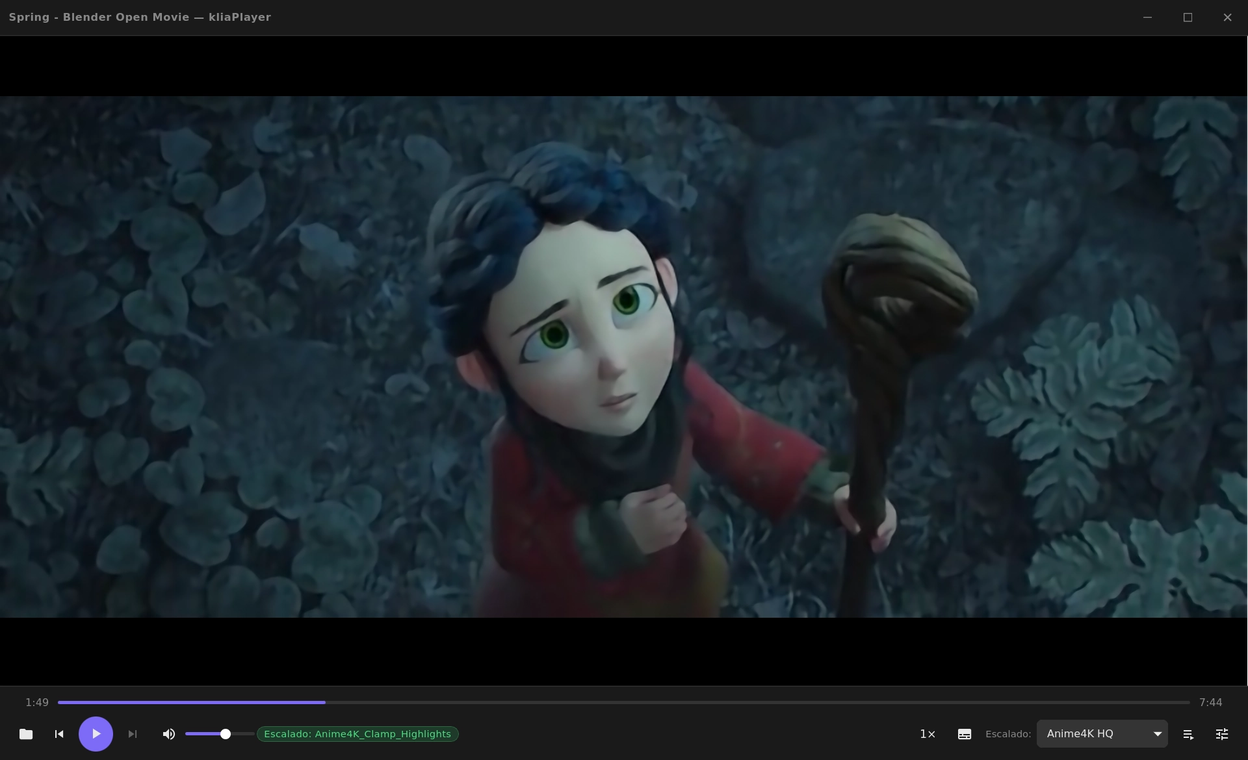
io.github.N3kosempai.klia-scaler-playerKlia Scaler Player is a video player that upscales video in real time on your GPU. Choose FSR, ArtCNN or Anime4K profiles from the player and watch lower-resolution video sharper on a larger screen, or build your own profile step by step: noise reduction, debanding, restoration, scaling, sharpening and smoother motion, with a live preview. SDR and HDR video are supported.
It also covers everyday playback:
- Play queue, recent files and seek bar thumbnails
- Automatic HDR tone mapping (HDR10, HLG, Dolby Vision)
- Subtitle and audio controls, equalizer and image adjustments
- Remappable keyboard shortcuts and media keys through MPRIS
Screenshots
Observed history
| App | Change | Version | When ↑ |
|---|---|---|---|
| new | 1.3.6 | 7 Nov 2026 | |
| updated | 1.3.6 → 1.4.0 | 7 Nov 2026 | |
| updated | 1.4.0 → 1.5.0 | 10 Nov 2026 | |
| updated | 1.5.0 → 1.5.1 | 11 Nov 2026 | |
| updated | 1.5.1 → 1.6.0 | 17 Nov 2026 |
Upstream releases
Release notes supplied by the developer. These dates are not Flathub package publication times.
1.6.015 Nov 2026
Changes:
- One license for the whole Klia suite: buy once and use the same key in every Klia app
- Licenses you already have keep working
- Activation works on the first try after paying
- Clearer message when a key has expired or belongs to another computer
1.5.110 Nov 2026
Changes:
- The screen no longer needs extra permissions to stay awake while a video plays: it now uses the standard desktop portal
1.5.09 Nov 2026
New:
- Profile builder: four new kinds of step to combine with the existing ones: noise reduction, debanding (color banding), downscaling and sharpening, plus smoother motion, each with Light, Medium or Strong strength where it applies
- Each step can be skipped in the live preview with a switch, and "Original" shows the video without any step, so you can compare before and after without losing your setup
- Steps are added with one click from the stages you do not use yet, are always run in the right order, and can be removed at any time
- Short explanations and an estimated weight for every step, to help you choose what your computer can run in real time
- The whole live preview works for everyone; every step can be tried freely; a Klia Pro license is only asked for when you save a profile, and your profile is saved and applied as soon as you activate it
- ArtCNN light is now free, along with FSR; ArtCNN HQ and Anime4K remain part of Klia Pro
- Your saved profiles from earlier versions keep working
Interface:
- New visual design across the whole player: cleaner spacing, consistent buttons, menus and dialogs, clearer focus and hover states, and thinner scrollbars
- The profile builder keeps the preview video fixed while you scroll through your steps
Fixes:
- The profile builder is now fully independent from the player: it no longer shows the upscaling badge, and the profile selected in the player is not applied to the test video
1.4.06 Nov 2026
New:
- Profile builder: create your own upscaling profiles by chaining steps (highlights, restoration, scaling), save them and pick them from the upscale selector under "My profiles"
- Live preview inside the builder: a 10 second loop from the second you choose, with a switch to see the result after each step
- Every step and profile shows whether it works with HDR, SDR or both; profiles that do not fit the open video are disabled