
Asteria is a comprehensive astrological chart application that combines traditional astrology with modern AI technology.
Features:
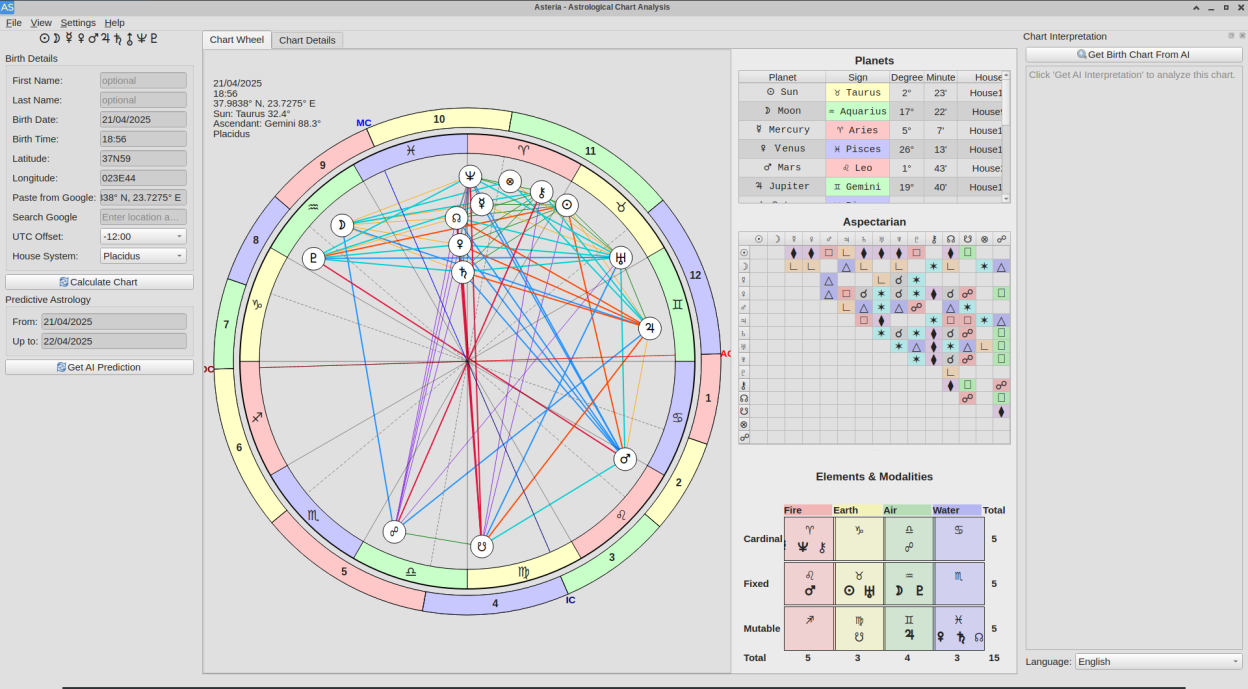
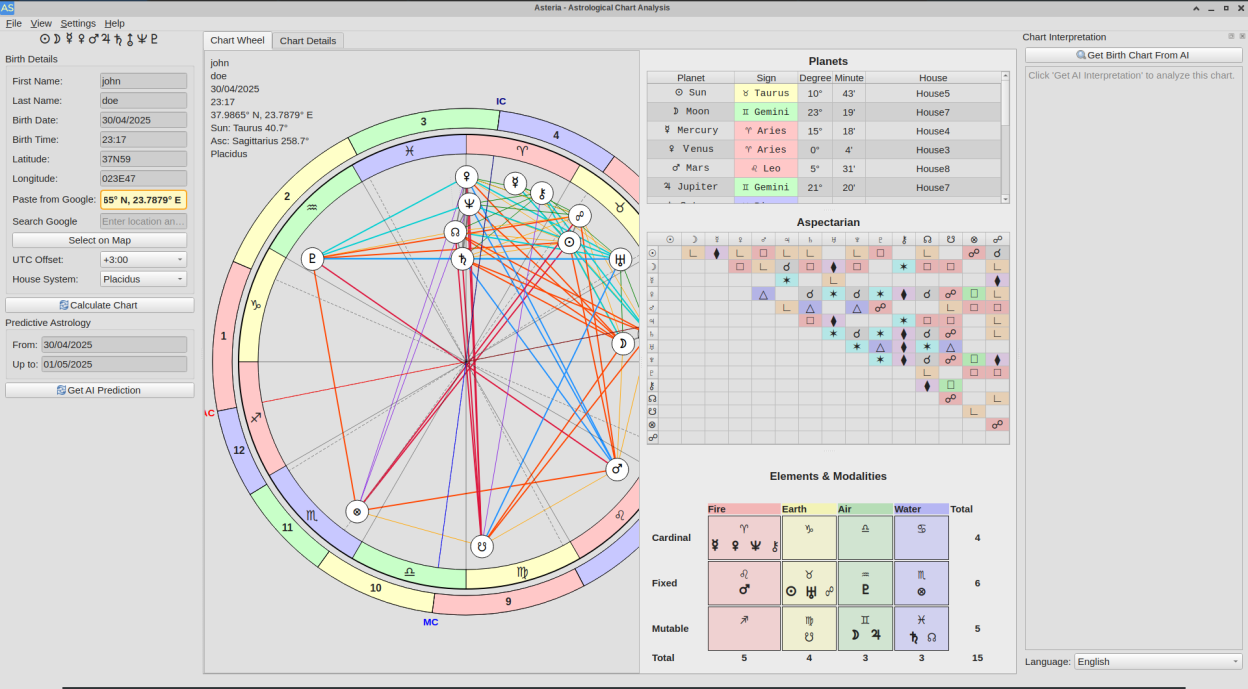
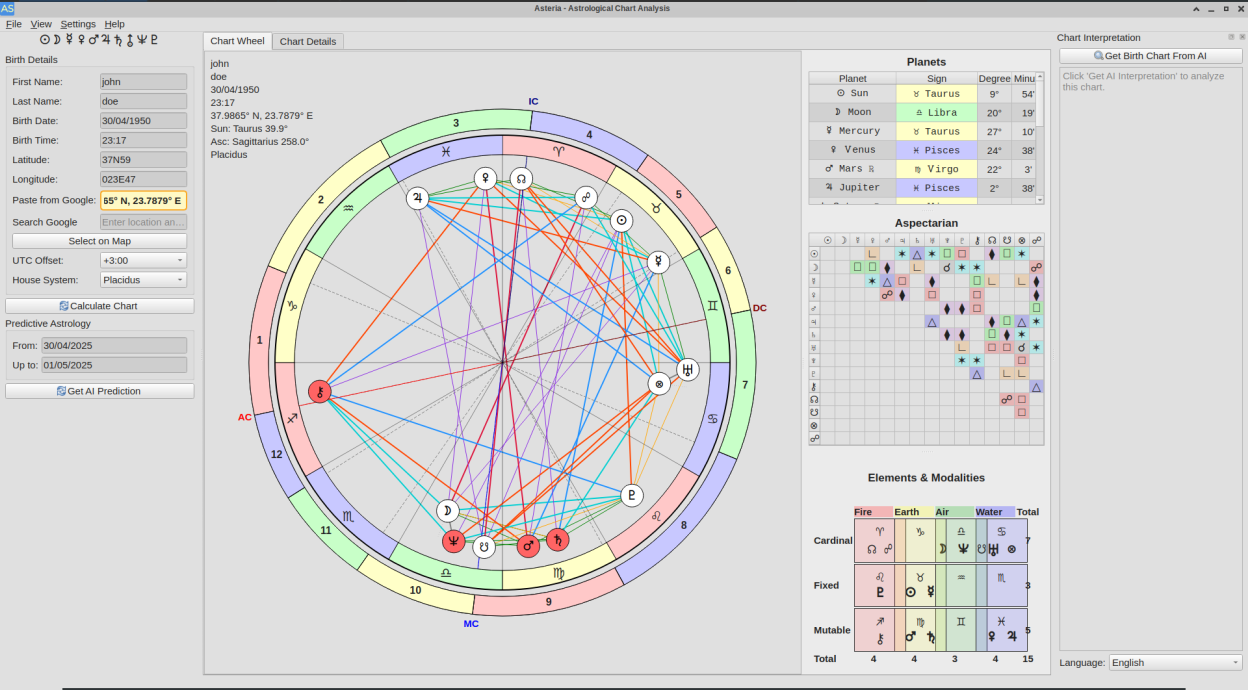
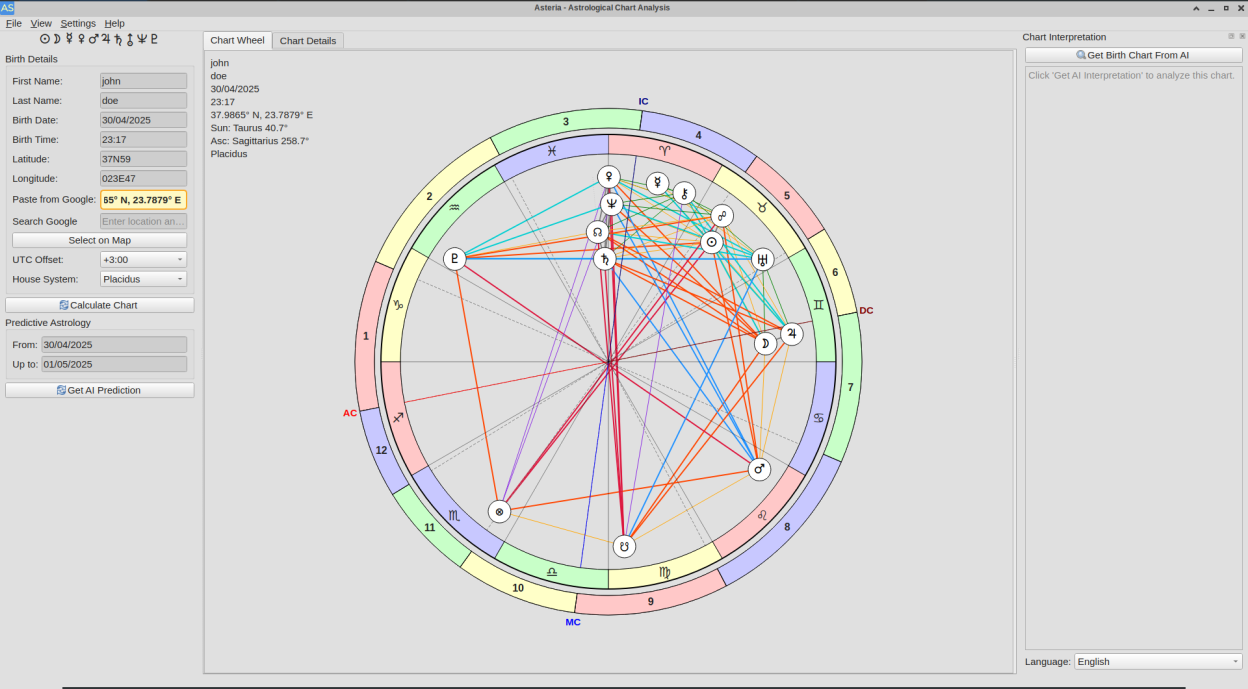
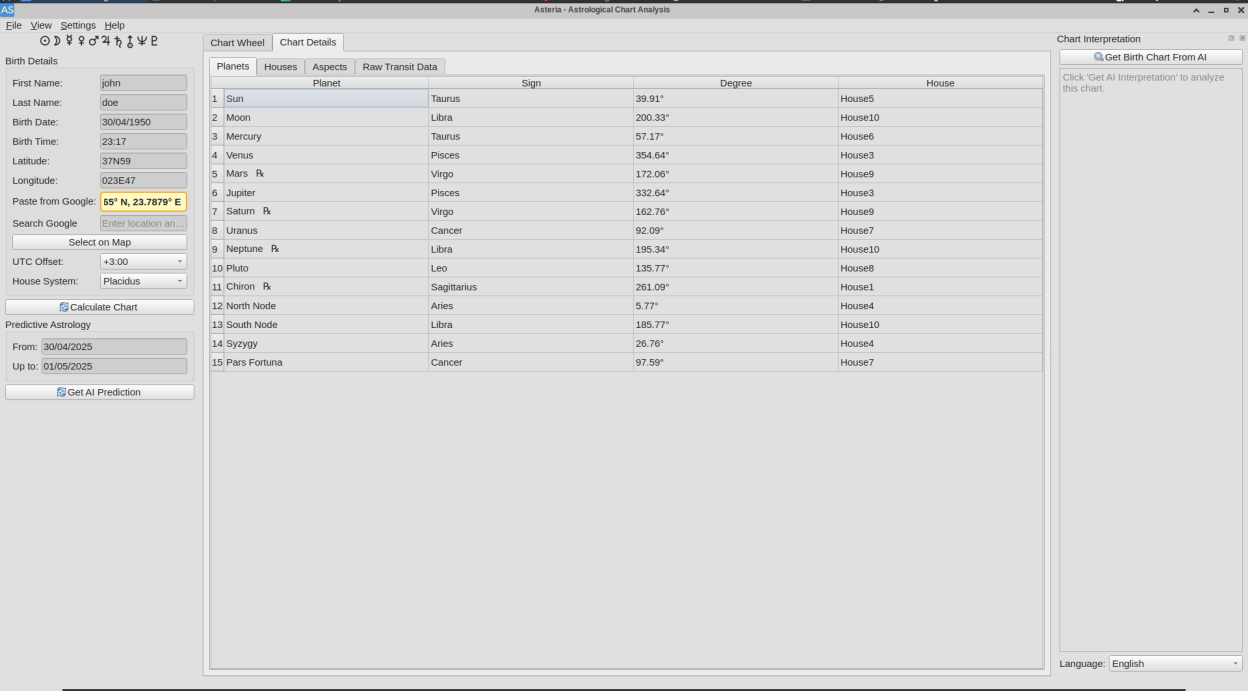
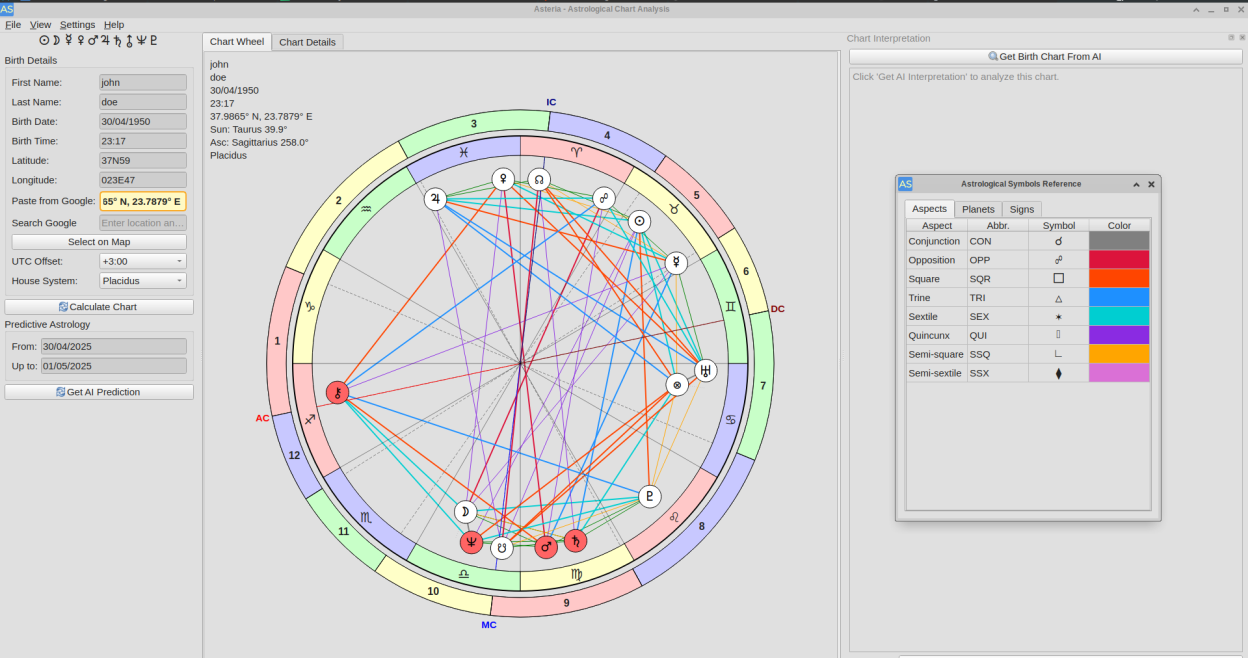
- Calculate and display natal charts with precise planetary positions
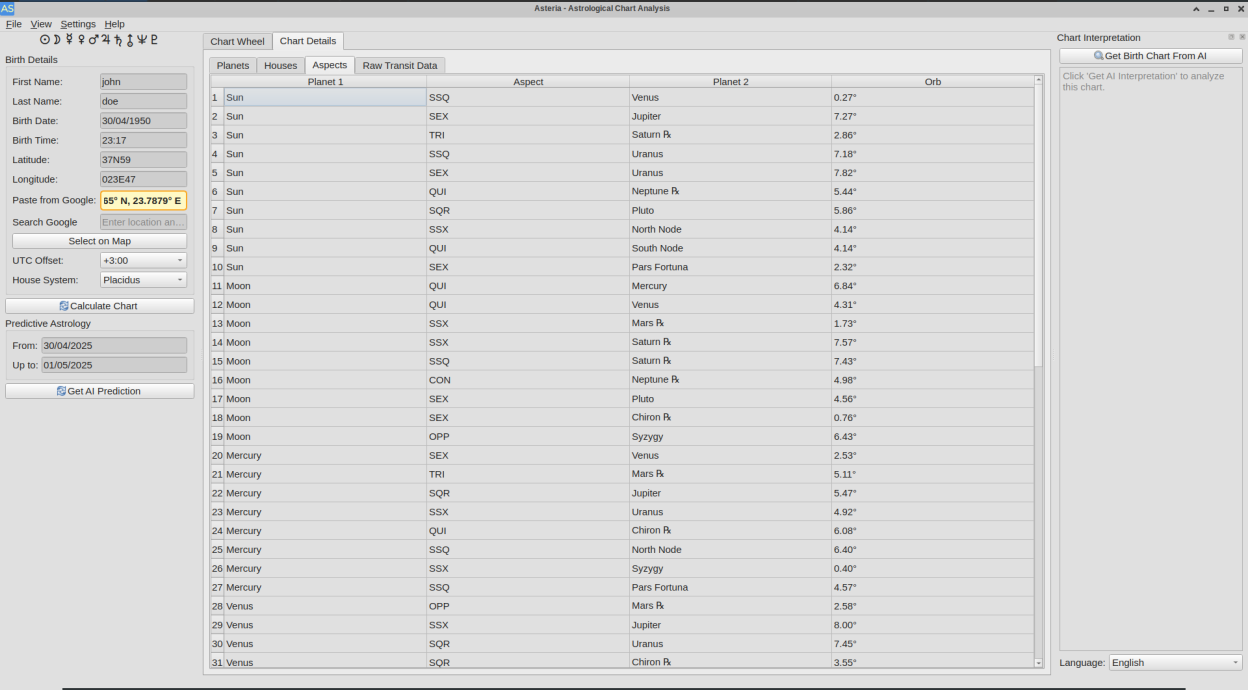
- Analyze aspects between planets with detailed interpretations
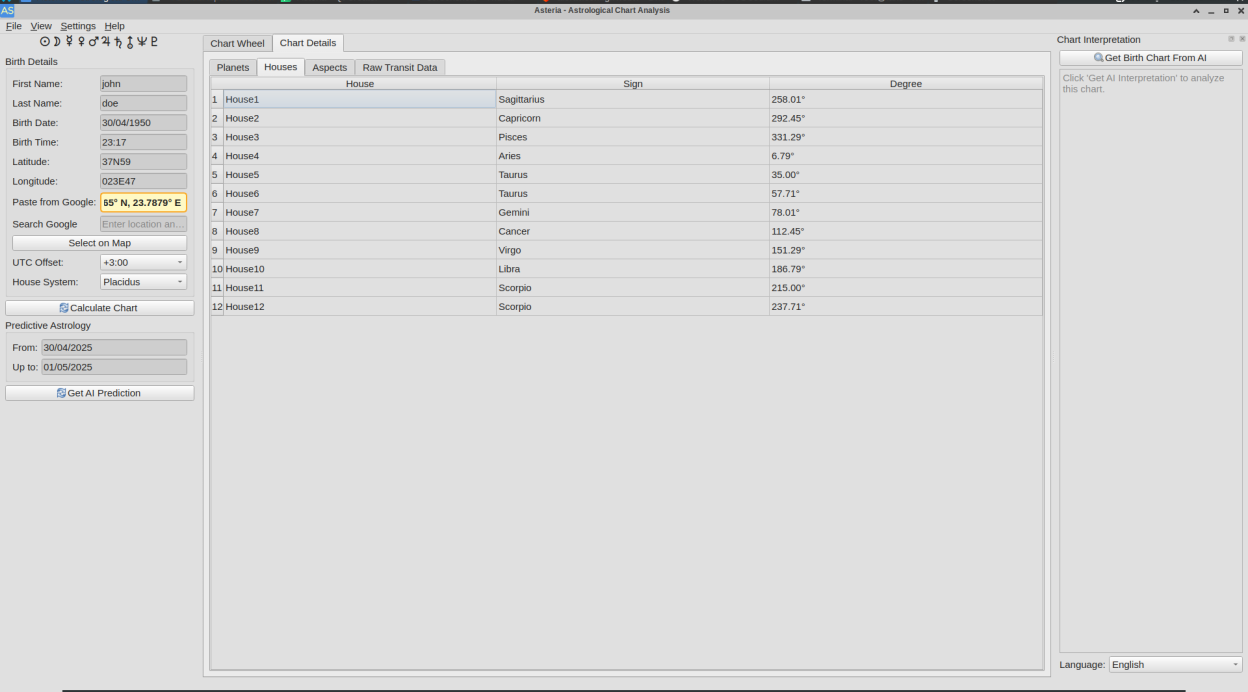
- View planetary positions by house and sign
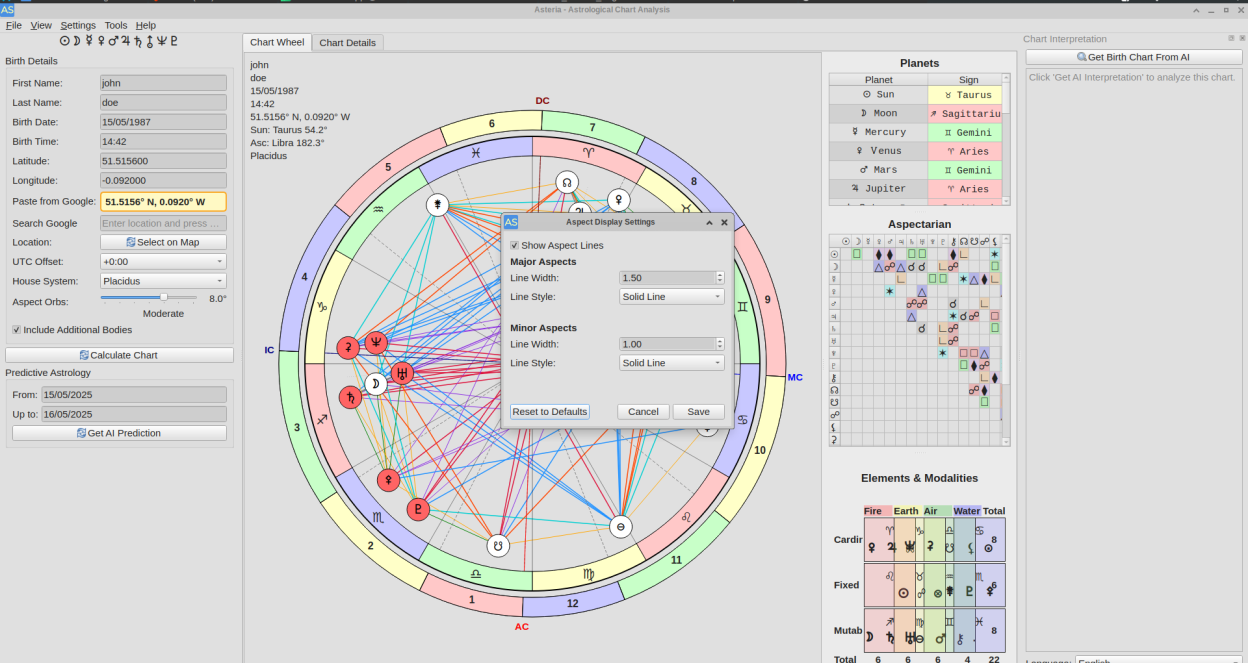
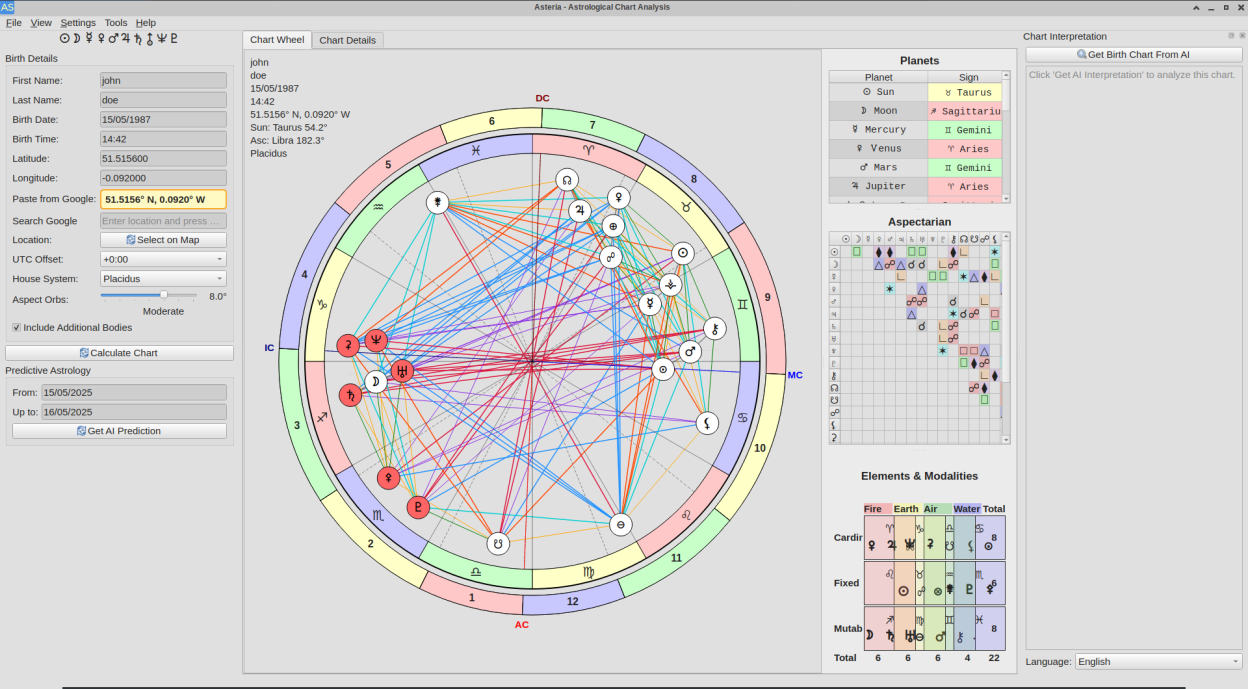
- Examine element and modality distributions
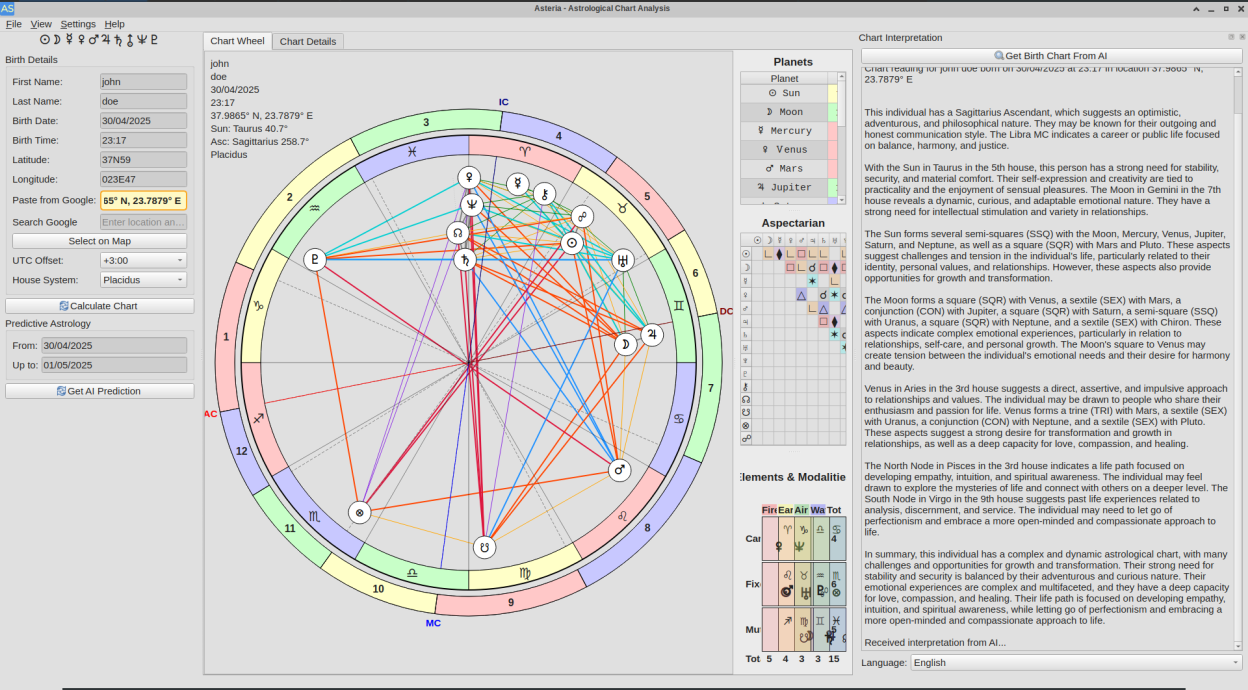
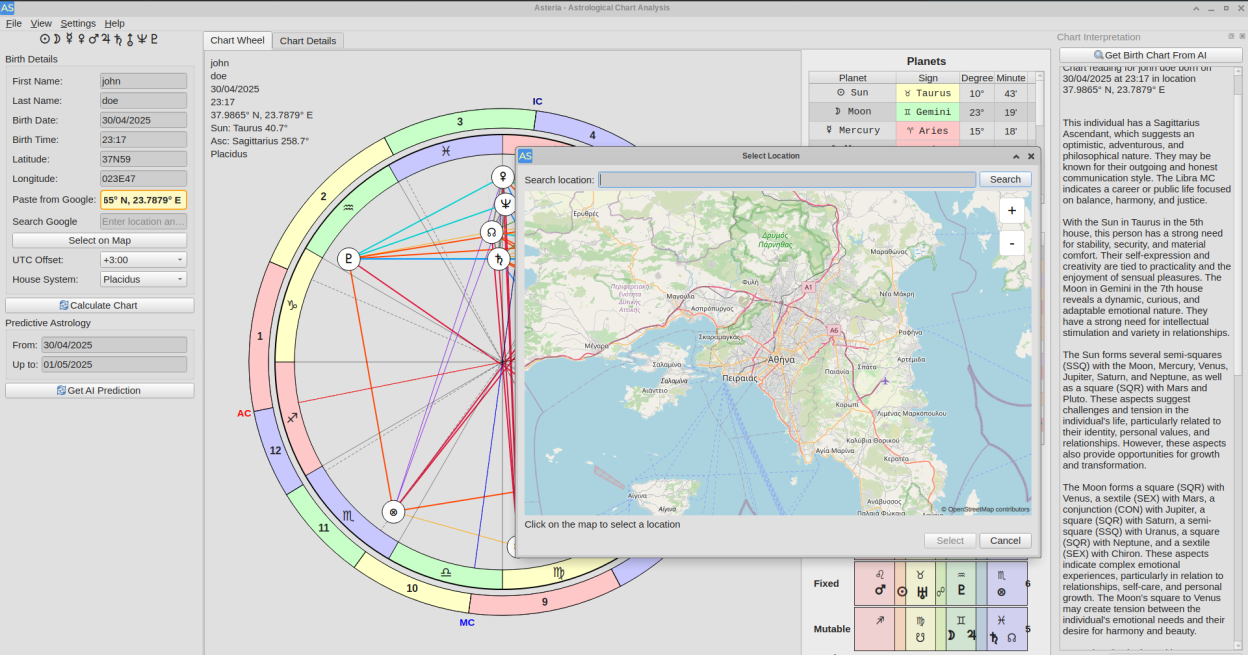
- Generate AI-powered chart interpretations for deeper insights
- Calculate transit charts to see how current planetary positions affect your natal chart
- Clean, intuitive interface for both beginners and experienced astrologers
- Composite, Davison, and Synastry relationship charts
- Return charts for Sun, Moon, Mercury, Venus, Mars, Jupiter, Saturn, Uranus, Neptune, and Pluto
- Secondary progression charts
- Solar and lunar eclipse calculations
- Zodiac Signs chart with magazine-style horoscopes
- Customizable aspect orb slider and additional celestial bodies (Lilith, Ceres, Pallas, Juno, Vesta, Vertex, East Point, Part of Spirit)
- Aspect Display Settings for customizing aspect line thickness and style
- Display Settings for chart size, wheel thickness, planet size, glyph size, and UI font size
- Multi-provider AI support including Mistral, OpenAI, Groq, Ollama, and Gemini
- Transit, Aspect, and Synastry filters for detailed data exploration
- Julian/Gregorian calendar toggle for dates before 1582
- Export charts as PNG, SVG, PDF, or text
- Share charts with watermark via social dialog
- Multi-window support with drag-and-drop between windows
- OpenStreetMap-based location picker
- AI response language selection including English, Spanish, French, German, Italian, Russian, Greek, Portuguese, Hindi, Chinese, and Arabic
- Available for Linux, Windows, macOS, and Flatpak
Screenshots
Observed history
| App | Change | Version | When ↓ |
|---|---|---|---|
| updated | 2.5.1 | 7 Oct 2026 |
Upstream releases
Release notes supplied by the developer. These dates are not Flathub package publication times.
2.5.17 Oct 2026
Tarot Overlay:
- Tarot cards now display in a dedicated, always-on-top window instead of being overlaid on the input dock
- Added an Open Tarot button in the input dock to bring the tarot window forward manually
- The tarot window now hides on close rather than being destroyed, preserving its state
- Tarot card meanings added.They are displayed in the interpretation dock
2.5.020 Sept 2026
Tarot Overlay:
- Added Golden Dawn tarot correspondences integrated throughout the chart
- Hovering a planet or zodiac decan shows the corresponding Minor Arcana card
- Added six buttons per planet row in Chart Details: P (planet's Major Arcana), S (sign's Major Arcana), D (decan's Minor Arcana), C (decan's court card), A (quadrant's Ace), G (quadrant's Page)
- Clicking a cell in the Elements and Modalities grid shows its court card
- Clicking a planet row in the Planets sidebar shows its Major Arcana
- Added a spinbox in the input dock to adjust the tarot card display height
- Added Show Tarot Overlay toggle in Settings menu, persisted across sessions
- Shipped the full Rider-Waite-Smith deck with the app
- Added CREDITS.md with full attribution for Swiss Ephemeris, OpenStreetMap, Astromoony font, and the RWS tarot deck
2.4.915 Sept 2026
Display Settings & Quick Guide:
- Added Display Settings dialog (Settings menu) for chart size, wheel thickness, planet size, planet glyph size, and UI font size
- Added Restore Defaults button to reset all display settings to platform defaults
- Display preferences are now saved to QSettings and restored on next launch
- Added platform-aware defaults with calibrated values for Linux and Windows (125% scaling)
- Added Quick Guide info button in the top-right corner of the main tab widget
- Fixed QLineEdit placeholder text not visible on Windows with the Fusion palette
- Consolidated UI font sizing through global settings and removed NoFontMerging on Windows
2.4.84 Sept 2026
Synastry & Relationship Analysis:
- Synastry Charts
- Added Synastry chart comparison with Person A and Person B planetary aspects table
- Added house overlays showing where each person's planets fall in the other's houses
- Added Save/Load Synastry data with auto-save on calculation
- Added Synastry, Aspects, and Transit filters available via Tools menu
- Added AI interpretation support for Synastry relationship analysis
- Added angles display (Asc, MC, Desc, IC) for both individuals