
Wombat
Unit aware scientific calculator
Archisman Panigrahi ✓ Verified
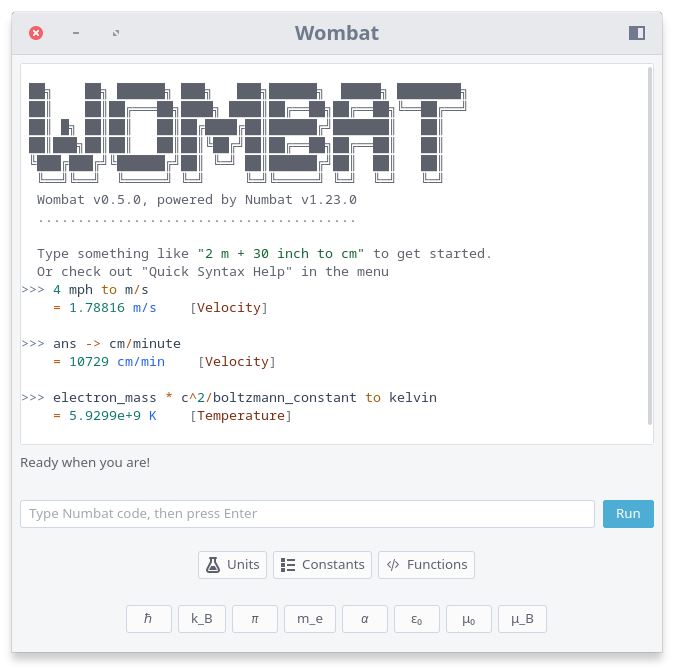
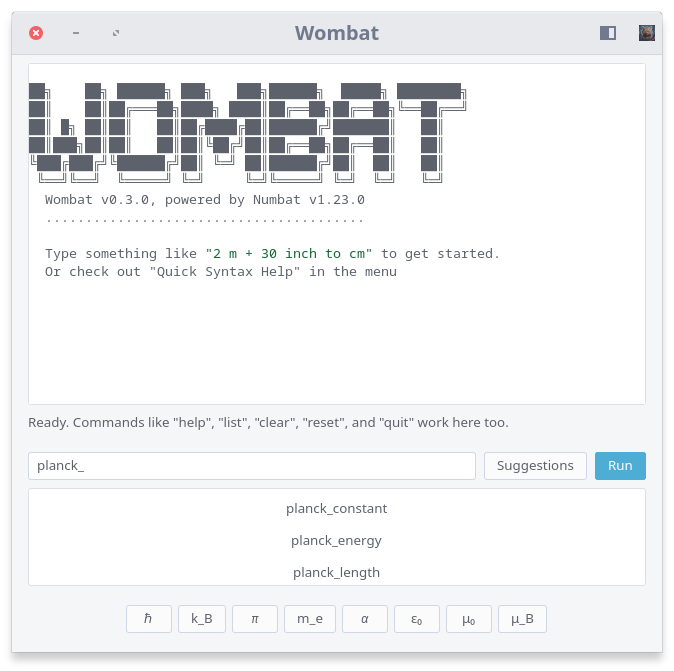
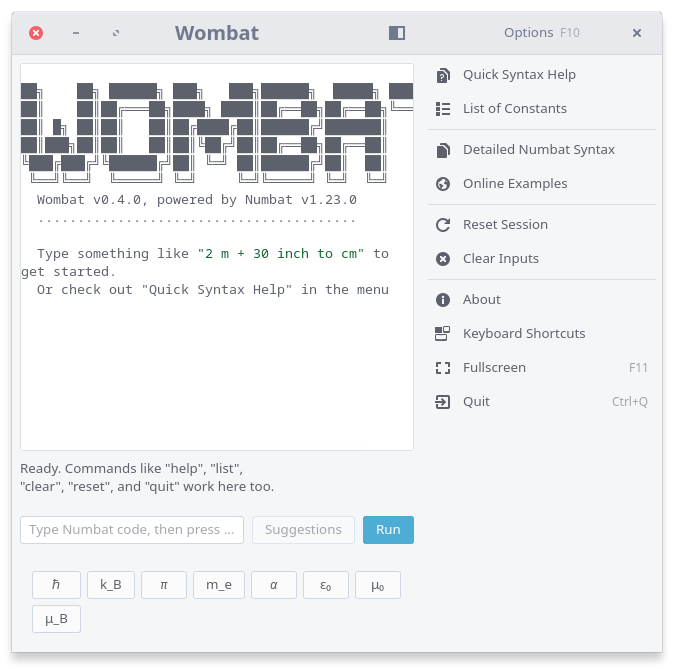
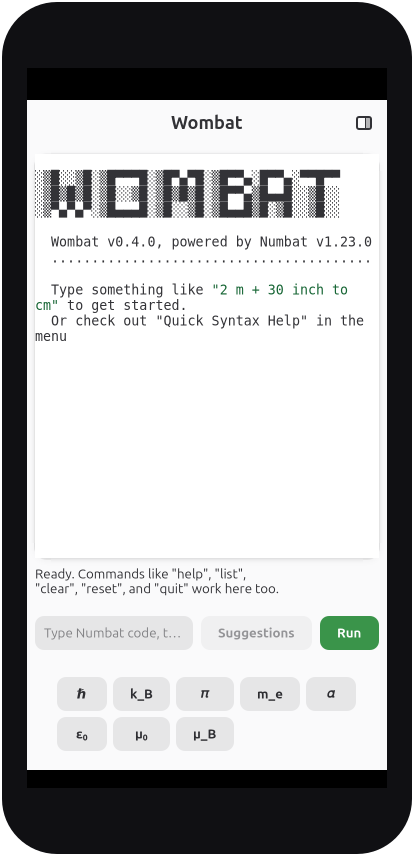
io.github.archisman_panigrahi.wombatWombat is a mobile-friendly and modern graphical interface for Numbat programming language, which is a high-precision scientific calculator with first-class support for physical units and dimensions. It lets you write expressions naturally, combine units safely, and convert results instantly. It knows about nearly all physical units and their dimensions, so you can work with real-world quantities without worrying about unit conversions. Wombat is built for scientists, engineers, students, and anyone who works with real-world quantities.
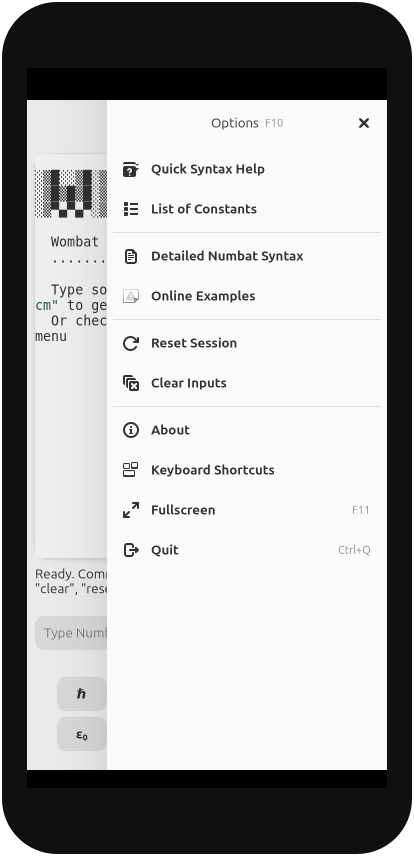
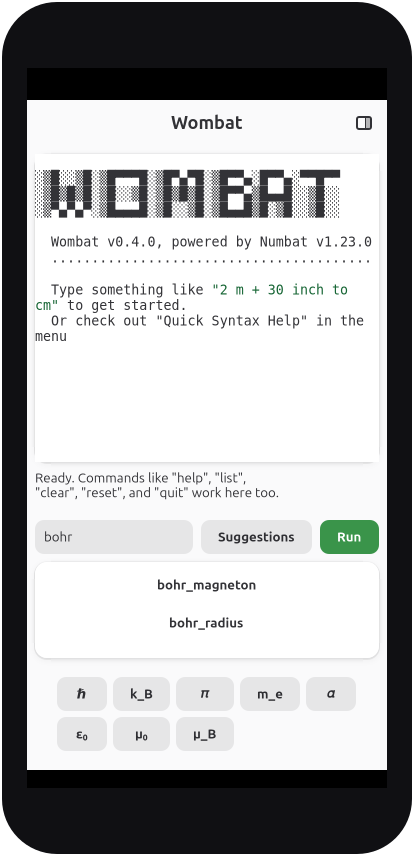
The app keeps a live Numbat session, displays previous calculations in a scrollable history, and provides quick access to examples, syntax help, constants, and completion suggestions. Calculations can mix ordinary mathematics with unit-aware conversions, so results stay dimensionally meaningful while the interface stays friendly.
Screenshots
Observed history
| App | Change | Version | When ↓ |
|---|
No observed changes yet.
The initial import establishes a baseline. Future version changes will appear here.
Browse the app catalogue →Upstream releases
Release notes supplied by the developer. These dates are not Flathub package publication times.
0.7.029 Apr 2026
Bug fixes and improvements in this release:
- Improved keyboard navigation and focus handling in the suggestion bar.
- Reduced memory usage by switching to Cairo and disabling unnecessary Numbat features (currency and plots).
0.6.028 Apr 2026
Bug fixes and improvements in this release:
- Better behavior of suggestions completion.
- Operator buttons have a more consistent style across themes.
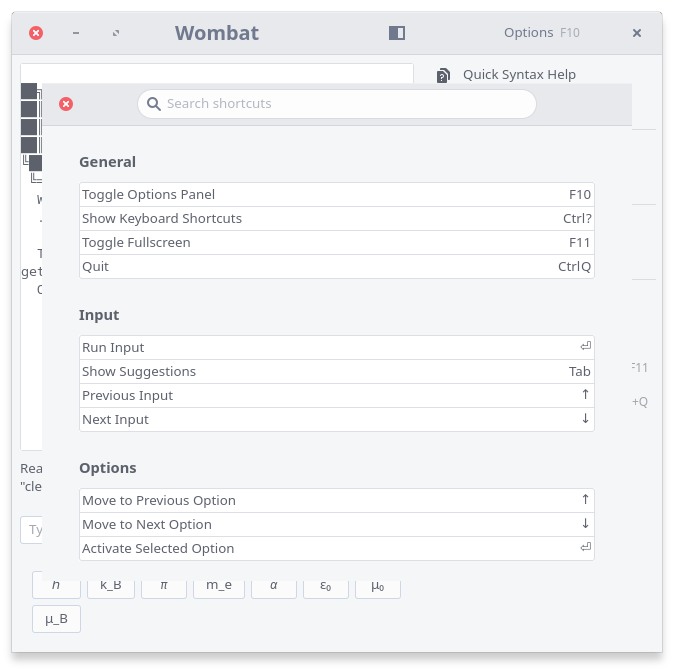
- Added the Ctrl+? shortcut hint to the Keyboard Shortcuts entry in the Options panel.
0.5.026 Apr 2026
New features and improvements in this release:
- Added automated suggestions to speed up expression entry and help discover valid syntax as you type.
- Added dedicated browsers for units, constants, and functions for faster in-app reference.
- Added support for custom definitions so frequently used expressions can be reused easily.
- Improved output behavior by automatically scrolling to the latest result after each calculation.
0.4.126 Apr 2026
Bug fixes and improvements in this release:
- Improved wide-window layout so the calculator output area uses the available space instead of leaving large empty margins.
- Added operator buttons for fast input of common operators like "+", "-", "*", "/", "^" in a mobile device.