
GeForce Infinity
Next-gen GeForce NOW application
AstralVixen ✓ Verified
io.github.astralvixen.geforce-infinityGeForce Infinity is a next-gen application designed to enhance the GeForce NOW experience. Originally created to address the lack of native GeForce NOW support on Linux, this app also provides functionality for Windows users. My goal is to refine the user interface and offer custom features for an improved experience.
Key features:
- 🚀 Native-like performance
- 💻 Up to 1440p support
- 🎞 Up to 120 FPS support
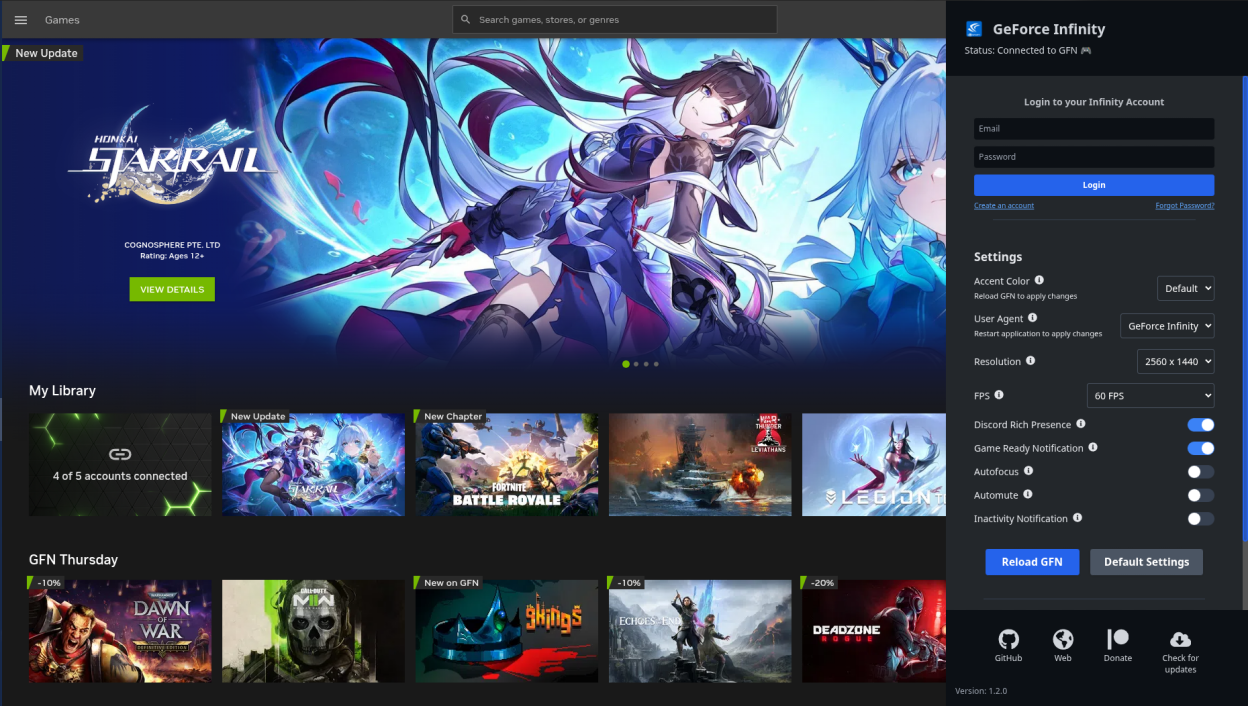
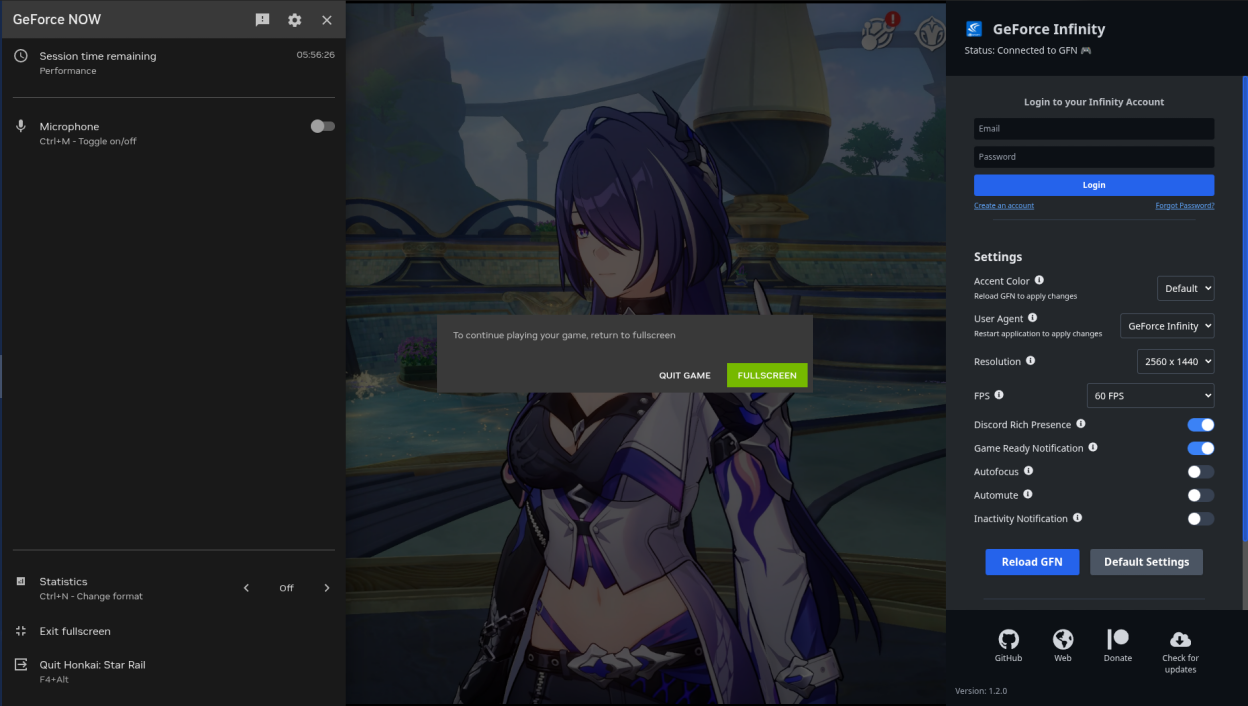
- 💎 Modern SteamOS-like sidebar for controlling GeForce Infinity (Ctrl+I)
- 🌐 Discord Rich Presence
- 🎯 Autofocus when gaming rig is ready
- 🔔 Notifications when gaming rig is ready
- 👨🏻💻 Ability to change UserAgent if having issues with defaults
- 🎨 Ability to change theme colors of GeForce NOW
- 🔄 Ability to reload GeForce NOW without restarting application
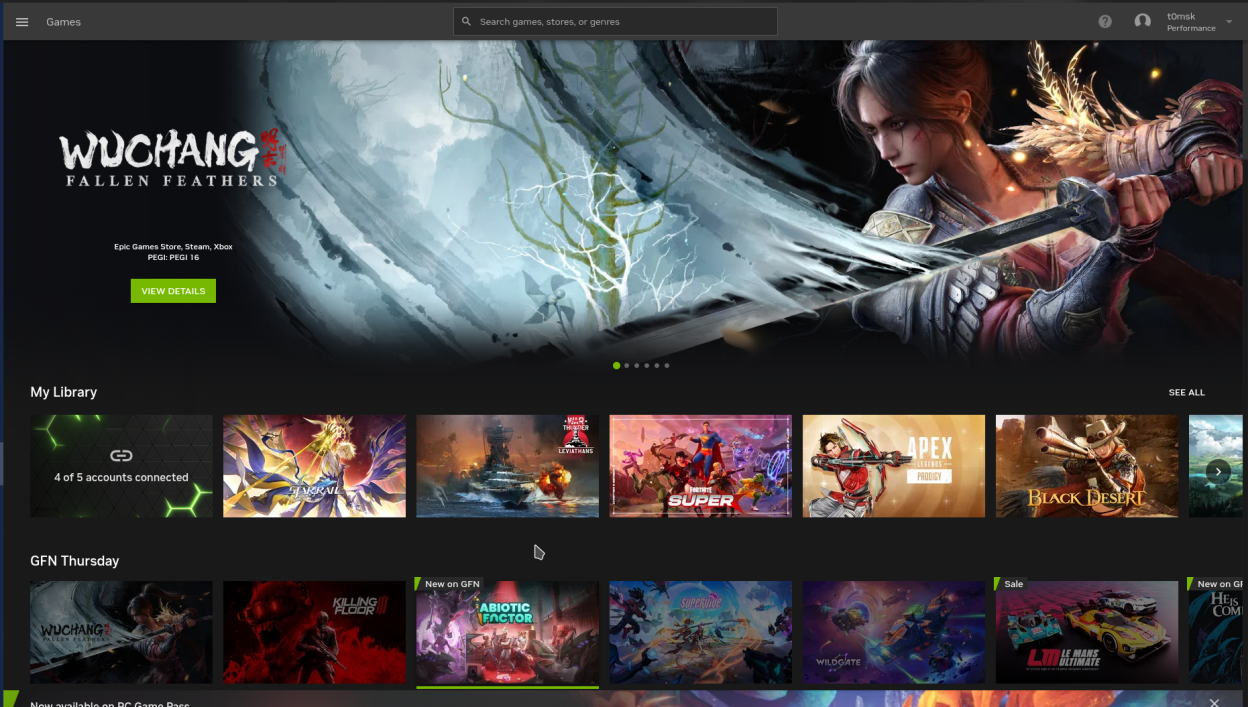
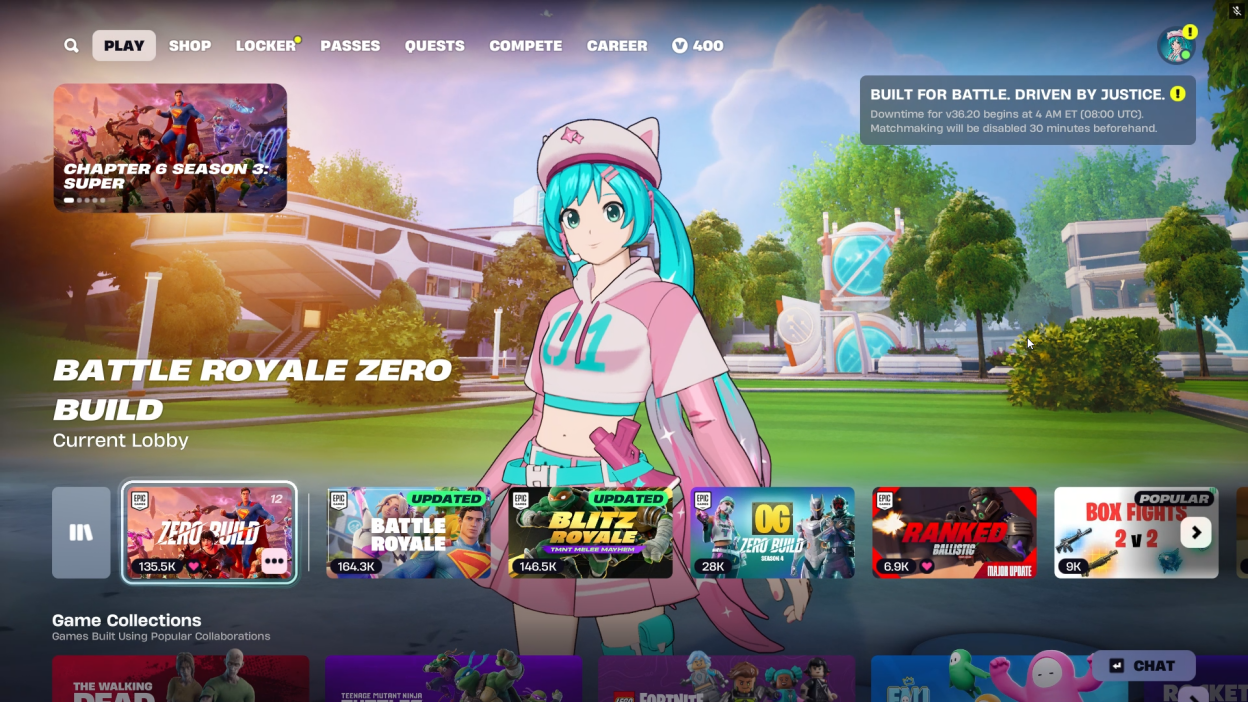
Screenshots
Observed history
| App | Change | Version | When ↓ |
|---|
No observed changes yet.
The initial import establishes a baseline. Future version changes will appear here.
Browse the app catalogue →Upstream releases
Release notes supplied by the developer. These dates are not Flathub package publication times.
v1.2.23 Mar 2026
What's Changed
- Flatpak fix.
v1.2.13 Feb 2026
What's Changed
- Add FPS and Resolution Settings.
- Added custom discord rpc client for flatpak support and bug fixes.
- Added section how to use 1440p and 120 fps streaming.
- Keyboard layout selection on the GeForce Infinity menu.
v1.2.015 Aug 2025
What's Changed
- Up to 1440p support.
- Up to 120 FPS support.
- Discord RPC bugfix in flatpak environment.
v1.1.328 Jul 2025
What's Changed
- Account system: users can now register and log in. After logging in, they are able to sync settings to the cloud.
- User dropdown menu in the header.
- Inactivity notification: alerts you when you're about to be kicked due to inactivity.
- Automute: mutes the game when the window is not in focus.
- Anti-kick feature. Disclaimer: This is not a real anti-kick. It does not prevent kicks and may violate NVIDIA's TOS. It simply alt-tabs you back into the game if you're unfocused. (both autofocus and inactivity notifications must be enabled)
- Button to reset all settings to their default values.
- Support for smaller screens: added scrollable areas.
- Info tooltips added in the settings section.