
A common frustration when reading is the need to manually scroll back and forth between distant locations and references. With jumpdf, one can instead mark locations and jump between them. Unlike marks in similar PDF viewers like sioyek and zathura, however, marks in jumpdf move with the viewer instead of being a static record of some location, thus avoiding the need to manually reset them. In addition, marks are organized into groups, which can be switched between. Besides serving as an organizational tool to help with differentiating sets of related marks, groups can also be opened in separate windows.
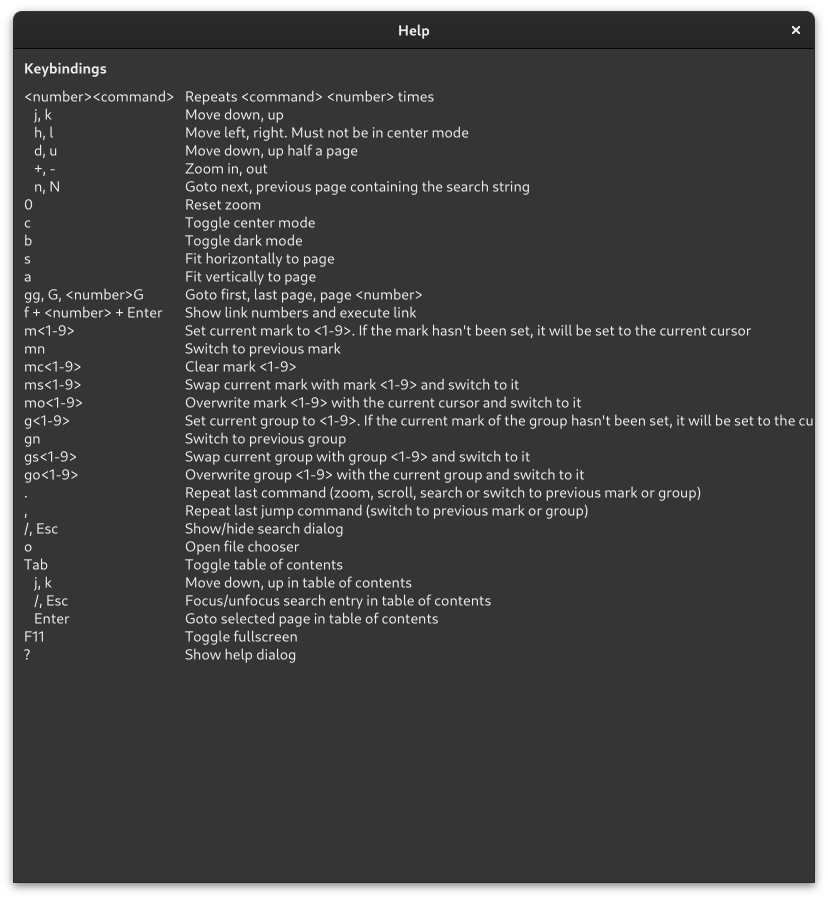
Please see the linked GitHub page for more information, including usage, keybindings and configuration.
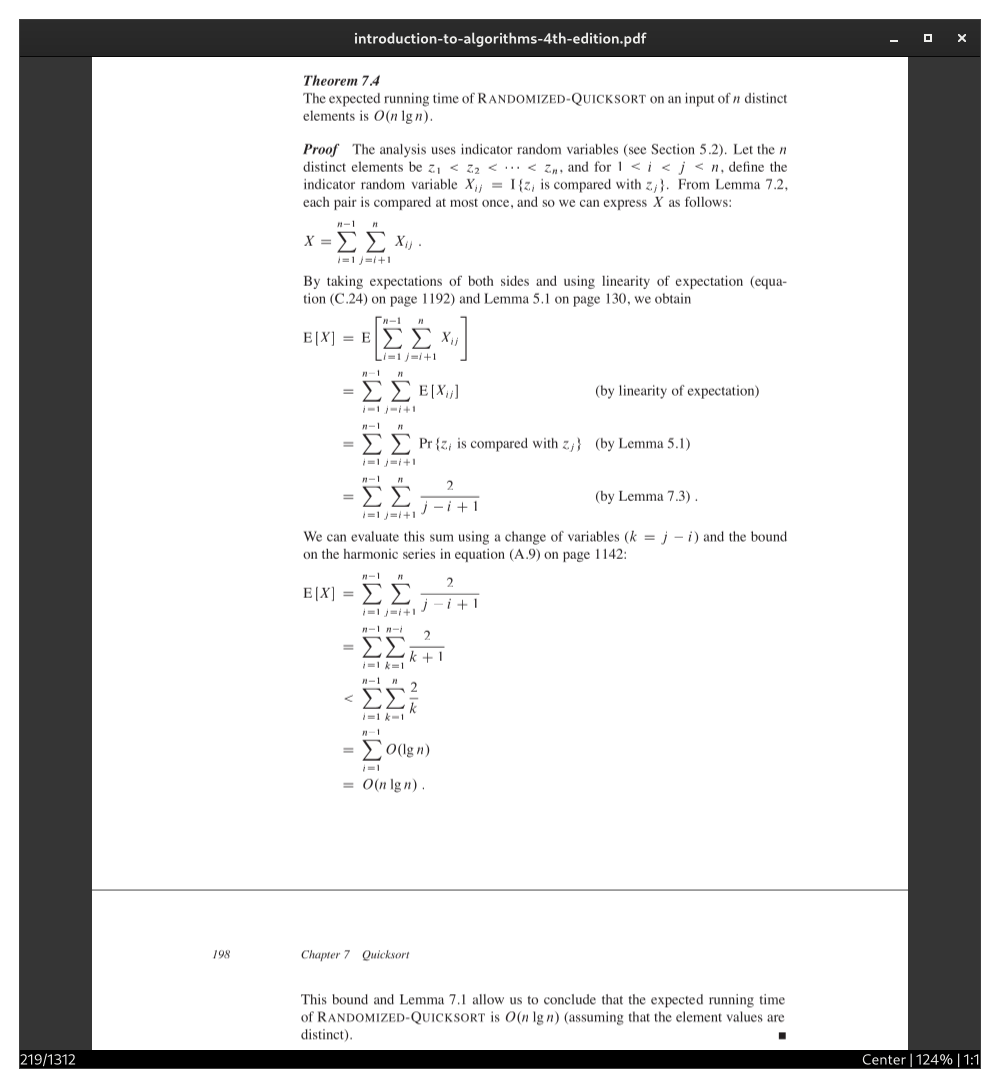
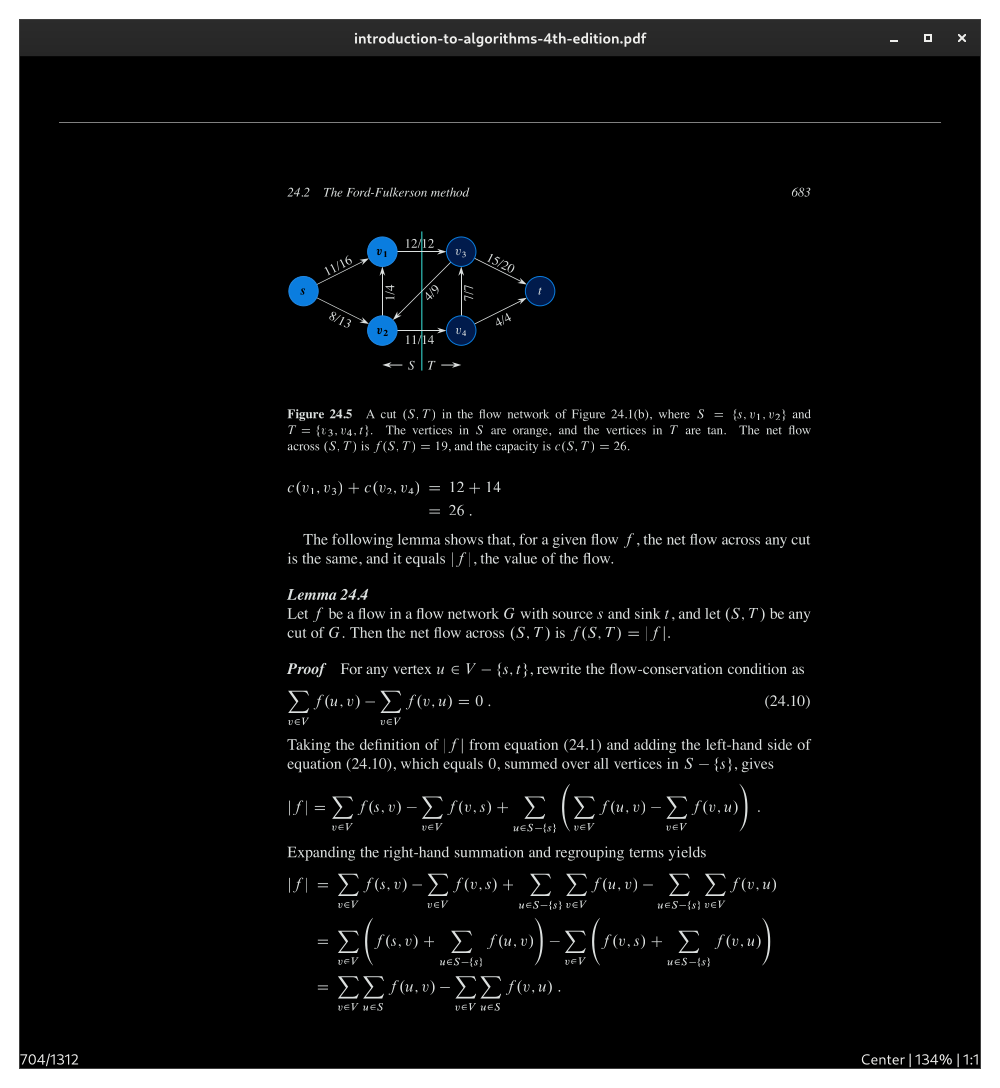
Screenshots
Observed history
| App | Change | Version | When ↑ |
|---|
No observed changes yet.
The initial import establishes a baseline. Future version changes will appear here.
Browse the app catalogue →Upstream releases
Release notes supplied by the developer. These dates are not Flathub package publication times.
1.2.122 Aug 2026
Fix database getting deleted on rare race condition.
1.2.013 Mar 2026
- Queue pages for rendering when visible.
- Avoid redundant rerenders.
- Handle pages of different sizes.
- Add arrow keys, page up/down keys, home key and end key as alternative keybinds.
- Add keybinds to switch to previous mark/group, swap mark/group, overwrite group and repeat last command.
- Add database versioning.
- Delete cleared cursors from database.
- Fix incorrect zooming calculations.
1.1.08 Nov 2024
Changes:
- Open help dialog with "?"
- Add keybind to clear mark
- Add man pages for jumpdf and its configuration file
Fixes:
- Fix the current mark being overwriteable
- Fix inability to scroll up to the top of the first page if zoomed in
- When going to a destination, avoid automatically scrolling to a point such that the destination is at the top of the view if the PDF is reporting invalid destination coordinates
1.0.22 Sept 2024
Fix crash when overwritng the same mark as the current mark