
ShimeLinux is a Linux port of Shimeji-ee desktop pet, an application that lets you have little characters (called Shimeji) walking around on your screen.
Features:
- It is compatible with any Shimeji made for the latest version of Shimeji-ee
- It works on many Linux desktop environments and tiling window managers
- It supports interactive windows on KDE Plasma
Screenshots
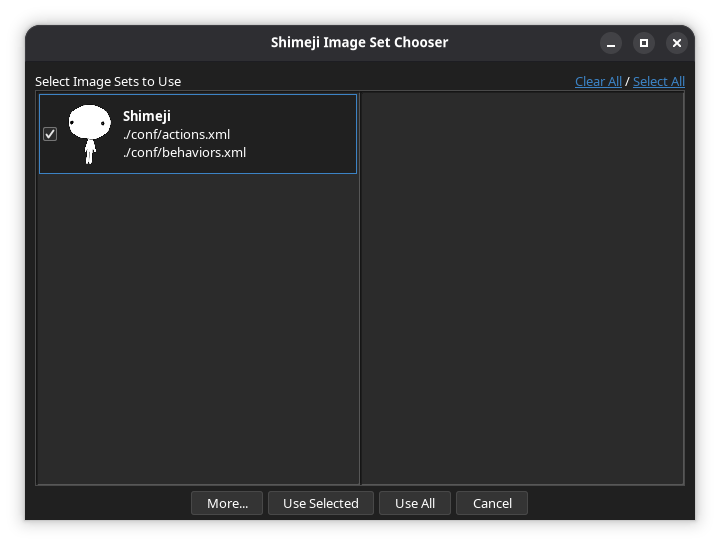
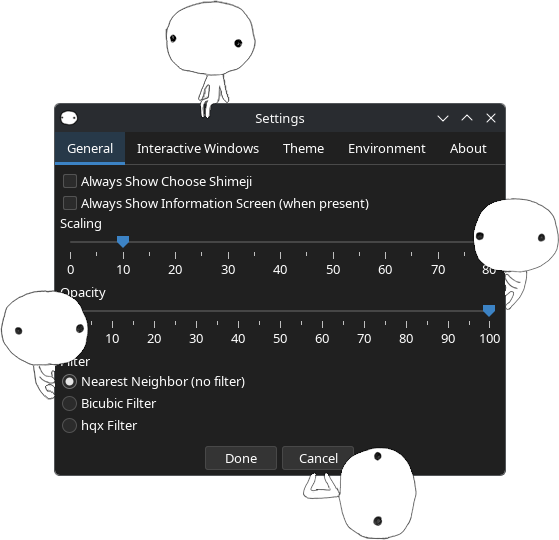
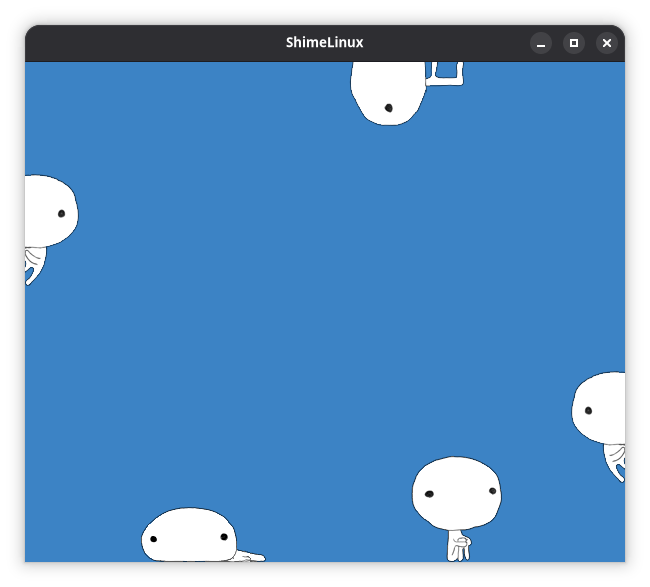
Observed history
| App | Change | Version | When ↑ |
|---|---|---|---|
| new | 1.4.0 | 12 Oct 2026 | |
| updated | 1.4.0 | 14 Oct 2026 |
Upstream releases
Release notes supplied by the developer. These dates are not Flathub package publication times.
1.4.013 Oct 2026
Changelog:
- Shimeji are now displayed on native Wayland surfaces on KDE Plasma. This can be disabled in the Environment tab in settings.
- You can now set which layer Shimeji will be displayed on in the Environment tab when using the Wayland or KDE environment.
- The Wayland environment now supports the Mango compositor.
- Fixed a bug where Shimeji would keep falling over while trying to move a window.
- Fixed a bug where the cursor position would be slightly off when using the windowed environment.
- Fixed several bugs with popup menus in the Wayland environment.
- Shimeji will now be paused when the settings menu and image set chooser are open.
- The Wayland environment can no longer be enabled on GNOME and Cinnamon.
- There will no longer be an error message every time the program starts if the system tray icon cannot be created.
1.3.46 Oct 2026
Changelog:
- Reduced memory usage by about 40%.
- Fixed a bug where custom behavior names in the "Set Behavior" popup and "Reveal Statistics" window would not have spaces between words.
- Fixed a bug where the path to the
actions.xmlandbehaviors.xmlfiles would be displayed incorrectly in the Shimeji chooser if a directory other than~/.config/shimelinuxwas used. - Added better error messages for common errors in the Wayland environment.
- Removed the "Menu Scaling" setting and the buttons in the "About" tab in settings as they did not work properly.